Remote Control for Roku TV
Advertisement
Screenshots
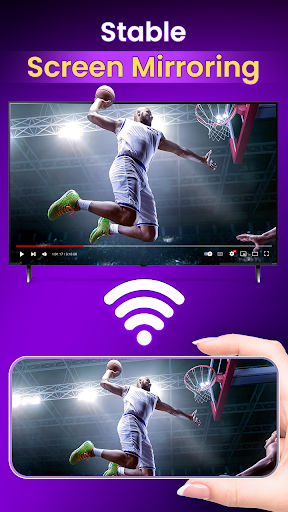
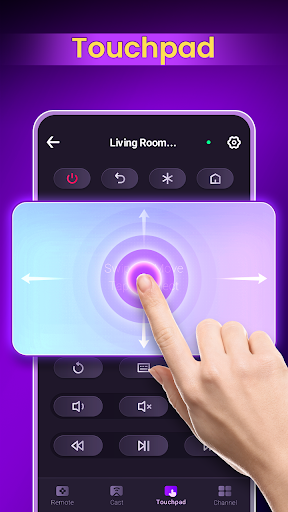
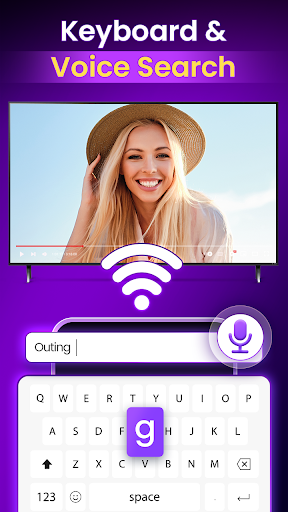
Advertisement
About Remote Control for Roku TV
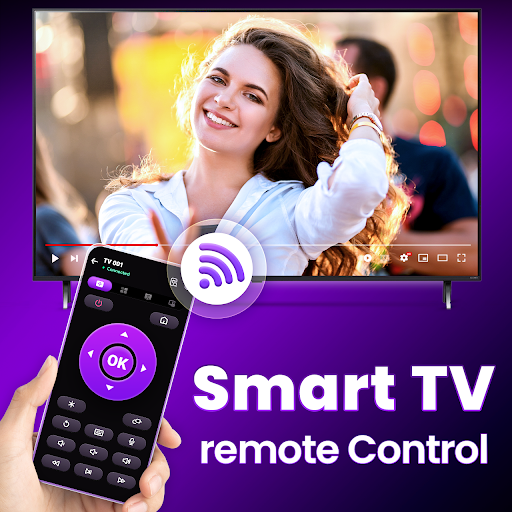
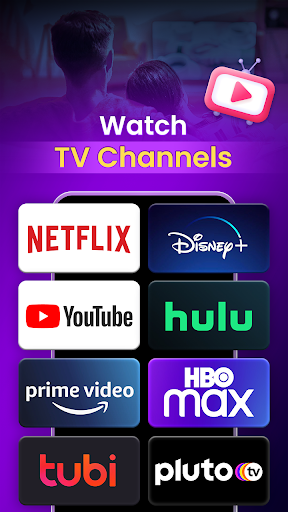
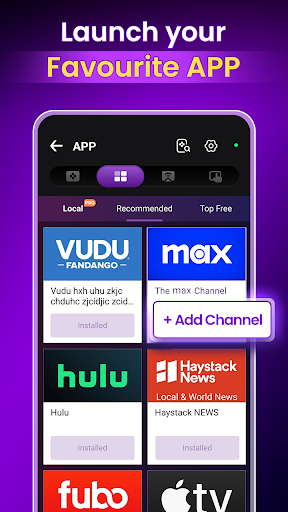
Remote Control for Roku TV is a very useful Android mobile phone app. It is like a thoughtful little assistant that helps you easily handle all Roku device operations. With it, you can navigate and control playback on your mobile phone anytime and anywhere, and you can adjust the TV to the state you want without having to bother with anything. The interface is designed quite intuitive, easy to operate, and can also improve the overall user experience. This remote control is actually quite convenient, simple and practical. It's a great choice to transform your home entertainment experience!
Overview
core functions
- That interface is really super intuitive. Use it to remotely control Roku TV, switching and navigation are easy. It feels as simple as playing a game.
- It can also sync your phone and TV in real time, making the operation super smooth, with almost no delay, and the experience is great.
- Remote control buttons can be customized, and commonly used functions can be obtained with one click, so you no longer have to search for buttons.
- It also contains many practical functions, such as adjusting volume, changing input sources, and playback control. It is so considerate and all-powerful.
- Support using your mobile phone without using a physical remote control. The desktop is much fresher, saving space and worrying.
- Small and easy to install, and very easy to use. Isn't this a starter tailored for entertainment systems?
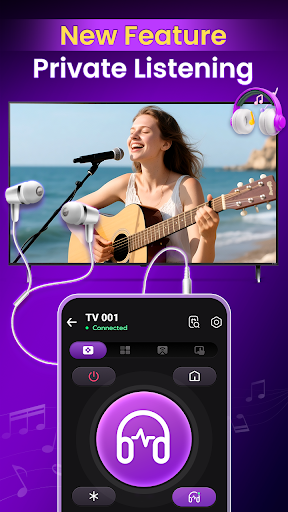
- It also supports voice control, and you can make the TV do as you need to move your mouth. It's so liberating your hands. It's amazing!
- Stable performance, specially optimized for Android devices, smooth operation, and reliable experience.
Who is suitable for?
This mobile App is particularly suitable for Roku users of all ages. Those who want to use their mobile phone to control their TV instead of using a physical remote control can try it. For friends who like to use Android phones as remote controls, it is simply a boon.
Whether it's watching a movie, adjusting settings, or changing input sources, this App can help you get things done quickly. For ordinary users who like smart home or just want it to be more convenient, it is definitely a good choice, with a full score of experience!
Why choose this App
This Android App is quite outstanding. Not only is it comprehensive, it can also use your mobile phone to do remote control. The interface is particularly friendly and easy to operate, and the real-time synchronization function makes people feel particularly reliable and convenient, which is really worth it.
As a dedicated launcher for Roku TV, it makes remote control simpler and more functional, helping you easily control the entire entertainment environment. Trustworthy, super easy-to-use, and if you want to improve the App experience, you must not miss it!
Top Recommended Alternative
Pros & Cons
Pros
- intuitive user interface
- Supports all Roku TVs
- Buttons can be customized
- stable connection
- extra functions
Cons
- Limited layout customization
- Occasionally there is a delay
- Power consumption faster
- Setting trouble points for the first time
- Not much support for old equipment
Advertisement
Download Remote Control for Roku TV

FAQ
Is the Remote Control for Roku TV app safe to use?+
Of course, this Roku TV remote control APP is quite reliable and specially designed for user safety considerations. It can be downloaded in a safe app store to ensure that downloads and upgrades are safe. I suggest that you must get it from official channels to use it with peace of mind.
Usingthis APP to control Roku TV feels quite safe, and you don't have to worry about any strange permissions issues. It is indeed a very reliable smart home control tool, very convenient!
How do I set up the Remote Control for Roku TV app on my device?+
It's actually quite simple to get a remote control app. Just install this Android version and make sure your phone or tablet is on the same Wi-Fi network as your Roku TV. The APP will then automatically scan nearby compatible devices.
Followthe prompts to bind the device. Once it is successful, the player in your hand can be directly controlled by the APP, replacing the old remote control. It is so convenient.
Does the app work with all Roku TV models?+
Most new Roku TVs can handle this remote control APP, which has quite a wide range of support. However, there are older models that may not be so complete with support. It is recommended to check the application introduction first to confirm whether your TV model is compatible.
Thissolution pursues a consistent experience on all supported devices. It is quite practical. If you want to find a partner with a reliable remote control, this is worth a try!
Can I use the remote app without an internet connection?+
Of course! This Roku remote control app is actually on your home local area network and controlled through a Wi-Fi connection. As long as your mobile phone and TV are on the same network, you can use it without having to connect to the Internet. It's no problem.
This is very thoughtful. Even if the network is unstable or temporarily disconnected, you can easily control your Roku TV with this app, saving you the need to rely on traditional remote controls all the time. It is quite practical.How do I ensure the app features are working properly?+
To use it smoothly, the first step is to keep the APP up to date. Updates can bring new features and stability improvements. It is important to confirm the compatibility of the device and ensure that your phone and TV are on the same Wi-Fi network.
Astable connection and the latest version of software are the key. If you encounter any problems, restarting the device or reinstalling the APP can usually solve a lot of troubles and make the remote control more comfortable!
Customer Reviews
Users generally appreciate Remote Control for Roku TV as a convenient and cost-effective backup when the original remote is lost. Key strengths include ease of use (simple Wi-Fi setup, suitable for children), free functionality, and smooth performance. However, opinions differ on reliability: many users report flawless operation and delight, while a few express extreme frustration, claiming the app does not function properly and calling it the worst app ever. Overall, the app is praised for its utility and simplicity, but potential buyers should be aware that occasional technical issues have been reported.
Write a Review
Share your experience with Remote Control for Roku TV. Submissions are reviewed before publishing.
You Might Also Like
More apps you may want to try next.