
Qustodio Parental Control App
Advertisement
Screenshots
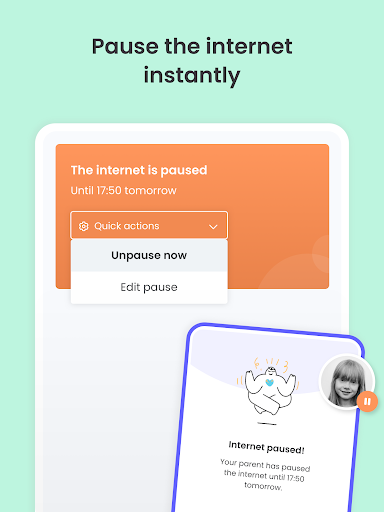
Advertisement
About Qustodio Parental Control App
Overview
core functions
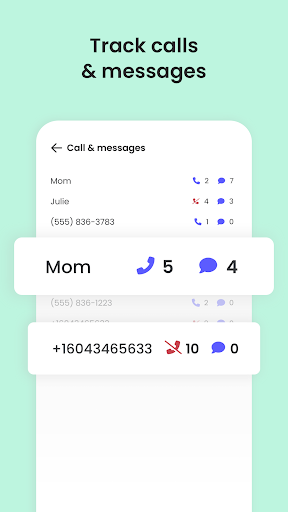
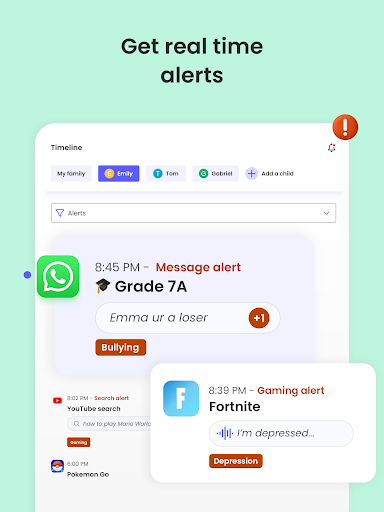
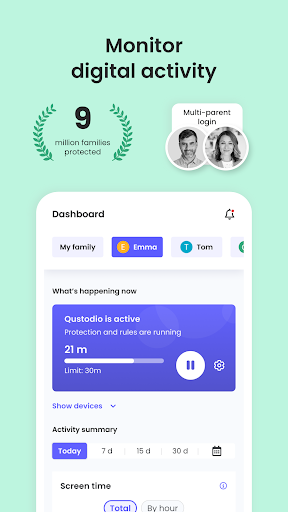
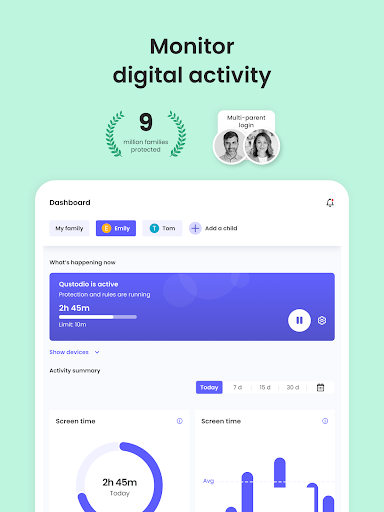
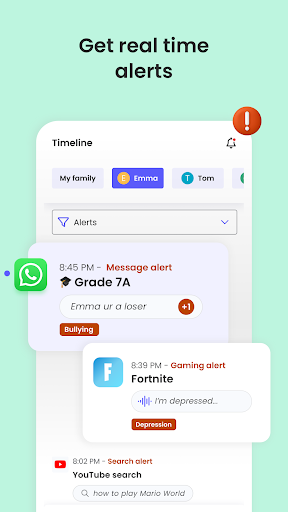
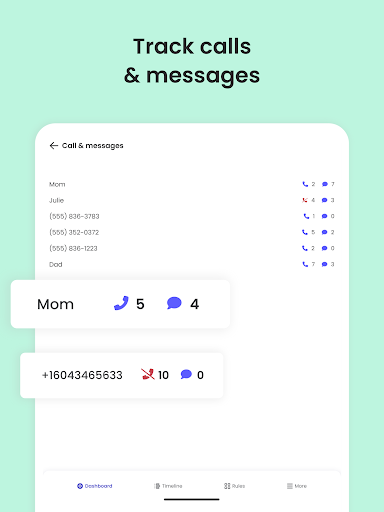
- This app has strong parental controls and can monitor your child's device activities in real time, which makes you feel a lot more reassured.
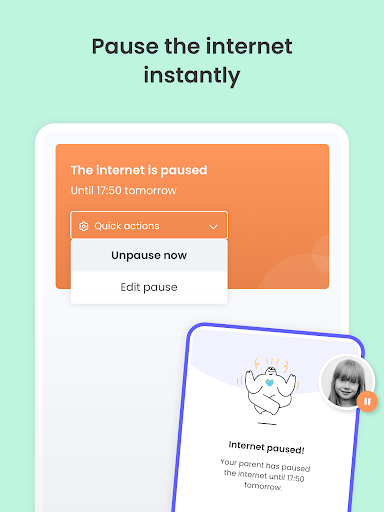
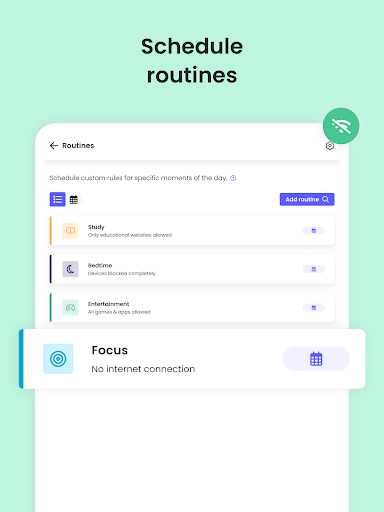
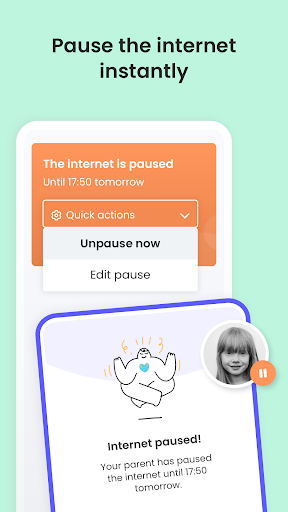
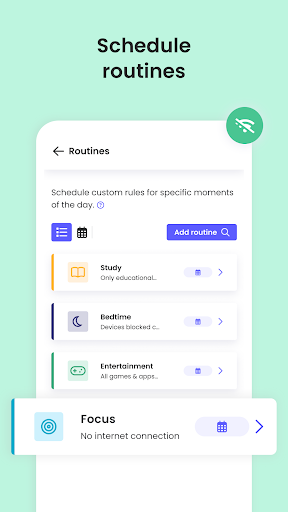
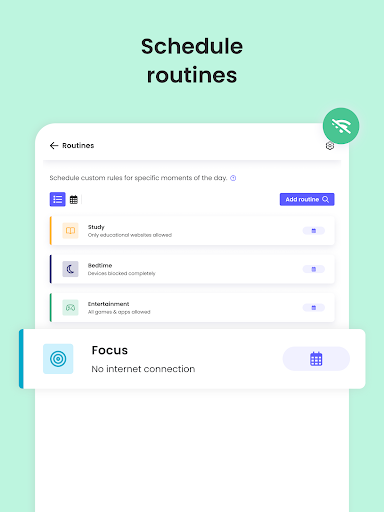
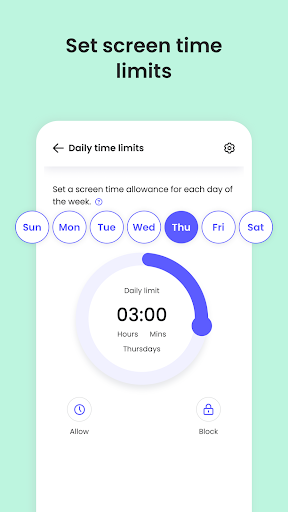
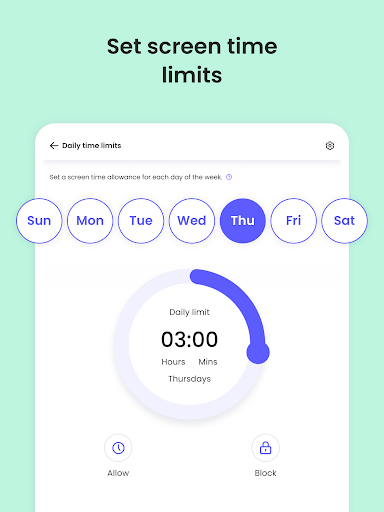
- With this Android app, parents can easily set their daily screen time and usage plans, no matter which device they use.
- There is also a content filtering function that blocks bad websites and applications and creates a safer network environment for children.
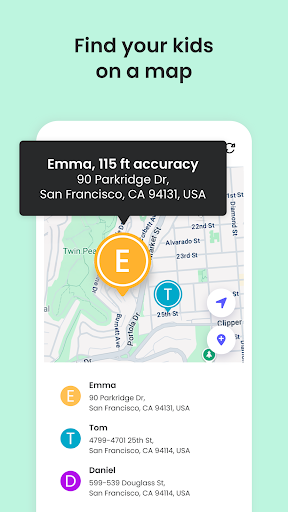
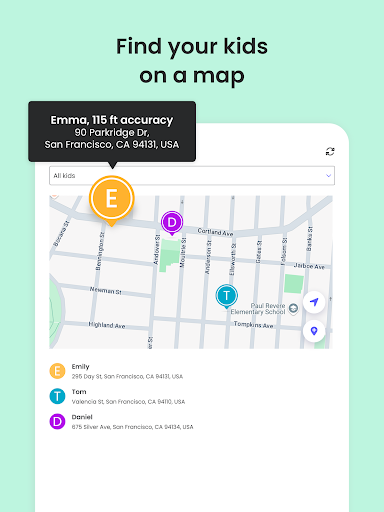
- Location tracking and geo-fencing are also highlights, allowing you to know your child's safety with peace of mind in real life.
- The super simple launcher allows parents to manage and customize their children's devices with only one interface, which is extremely convenient.
- Even if there is no network, you can use offline mode to continue to control and guard without blind spots.
- Activity reports can help you understand your device usage habits and encourage children to develop healthier digital usage habits.
applicable population
This mobile app is especially suitable for parents with children aged 5 to 16 who want a reliable tool to manage their children's digital lives. For parents who like to use apps to solve problems and pursue simplicity and effectiveness, it is simply perfect!
Whether you're worried about your child's screen time, content security or location tracking, this Android app can meet all family needs. Especially suitable for parents who manage multiple devices or want to feel at ease when their children surf the Internet.
Why choose this app
This app provides a trustworthy solution with proven features designed to improve digital security and behavioral management. Its interface is very friendly and can be easily used by anyone, ensuring continuous supervision from parents.
Choosing it means you have chosen a reliable application that combines rich features and real-time data. In helping you deal with common parenting problems in the digital age, it uses simple operations and powerful effects, which really helps you worry and save trouble!
Top Recommended Alternative
Pros & Cons
Pros
- Content filtering is very powerful
- Real-time monitoring is so convenient
- Function of reasonable time planning
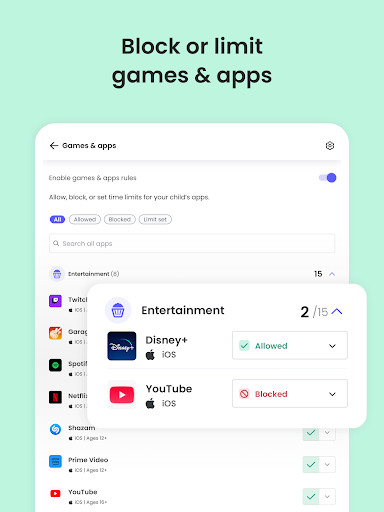
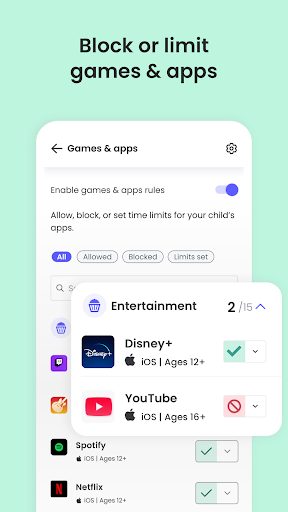
- Control APP usage
- multiple device support
Cons
- Custom settings are not rich enough
- Occasionally it will be mistakenly sealed
- The battery consumes a lot of power
- Setting up is a little complicated
- Premium features for fees
Advertisement
Download Qustodio Parental Control App


FAQ
How do I install and set up the Qustodio parental control app on my device?+
If you want to install Qustodio, a parent-controlled app, you can basically find it on Google Play (Android) or the Apple App Store. It's super easy to install, and you can get it done quickly by following the steps, helping you register an account, and then connecting to your precious device.
After it is installed, it is easy to use. You can adjust settings at will, set screen time, and monitor what he does. As a launcher-like application, Qustodio makes it easy and reliable for parents to manage their devices. The interface is refreshing, particularly friendly, and full of security.
Is it safe to monitor my child's devices with the Qustodio parental control app?+
Of course, Qustodio is a reliable parental control solution that places special emphasis on safety and privacy. It uses encryption technology to protect your data and keep your children's information confidential.
Many parents trust this Android app for stable monitoring without affecting the security of the device. Its safety settings help you create a controlled environment on your child's device and are a worthwhile choice.
What are the main features of Qustodio parental control apps?+
This app has rich functions, such as real-time monitoring of children's Internet access, web filtering, application blocking, and time management. It allows you to easily know what he is doing online, and you can directly restrict the content if it is inappropriate.
In addition to these, there are also location tracking and device usage reporting capabilities to improve the overall experience. Overall, these things combine to make Qustodio a comprehensive parental control tool that helps you control your child's digital world.
Does this app perform well on Android and iOS devices?+
Well, there's absolutely no problem. Qustodio provides a smooth experience on both Android and iOS platforms, including Apple's App Store. Different systems are compatible to ensure consistent control functions.
Whether you use Android or Apple, the APP's control function can help you manage your devices. It is super suitable for families with multiple devices and is very convenient and practical to use.
Can I manage it remotely, but can I set up multiple devices?+
Of course! There is a special parental control panel that allows you to remotely adjust settings and check your child's device status. You can master it at any time even when you are away from home, which is super convenient!
Moreover, Qustodio supports the control of multiple devices, and you can control all of them with a few movements, allowing you to easily manage your child's Android device experience, demonstrating the power of its home security solution.
Are Qustodio parental controls suitable for older children and teenagers?+
Absolutely no problem! Its control options are quite flexible and can be customized according to different age groups, helping you set reasonable restrictions, and respecting the growth needs of young people.
This solution gives parents more experience in managing screen time and cybersecurity, and helps you find a balance between supervision and privacy. It is especially suitable for children who are about to grow up.
How does this app ensure that my child's device is safe when used?+
Qustodio was designed with security first, using encryption and secure data processing methods to ensure the protection of user information. This is a trustworthy tool that parents and children can use with peace of mind.
Its security features are also constantly updated to keep pace with potential cyber threats, ensuring that your children have control and a sense of security when using the device.
Are there any limitations or issues that I need to pay attention to when using Qustodio?+
Yes, some functions may require a paying member to use the full set, which is quite common in parental control apps. Also, if the child is very cunning and occasionally finds a way to circumvent the restrictions, it is inevitable.
But overall, Qustodio's functional design is quite reliable and user-friendly. It is a good launcher app, especially suitable for parents who need family security.
You Might Also Like
More apps you may want to try next.