
Advertisement
Screenshots
Advertisement
About FlashGet Kids:parental control
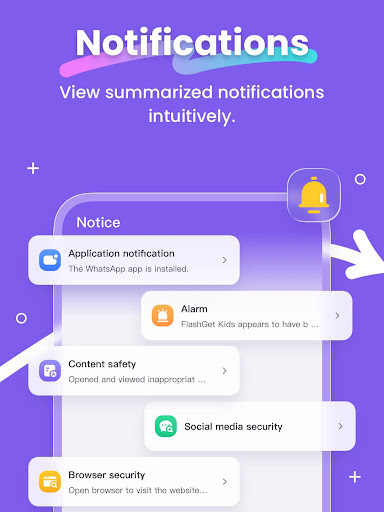
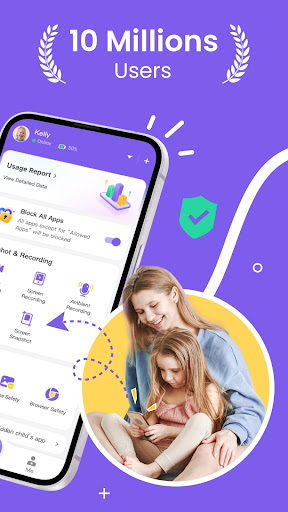
FlashGet Kids: This parent-controlled Android app is quite reliable. It mainly helps parents control their children's online behavior. It is very easy to operate and has quite comprehensive functions. It can monitor and restrict content to prevent children from encountering bad things. The interface design is quite intuitive and easy to use. It feels like a thoughtful tool that allows parents to discipline their children more safely in the digital age.
Overview
Core Features
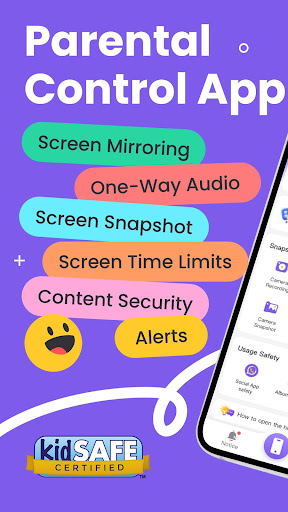
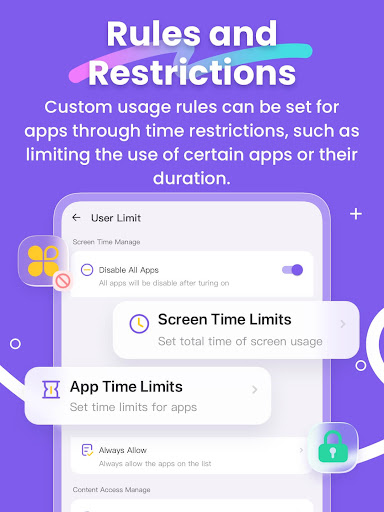
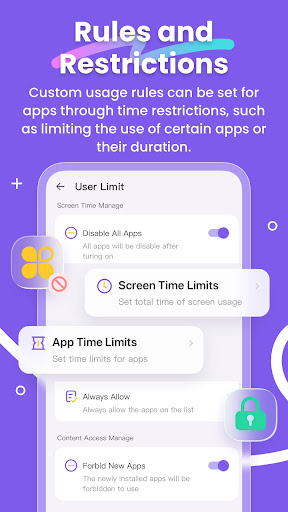
- This app has super comprehensive parental control functions, so parents can easily set screen time limits, which is really convenient.
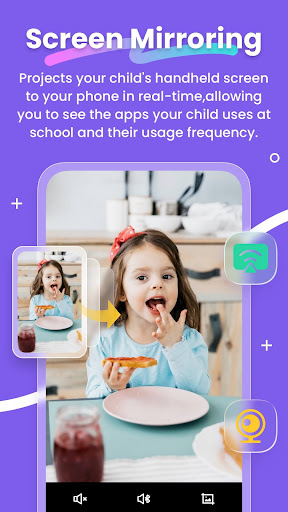
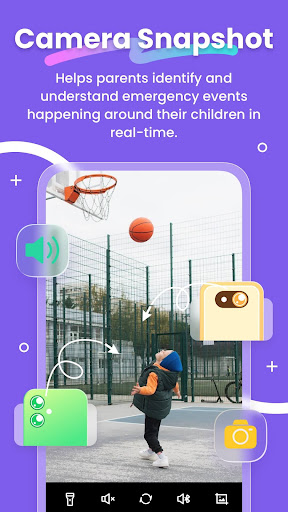
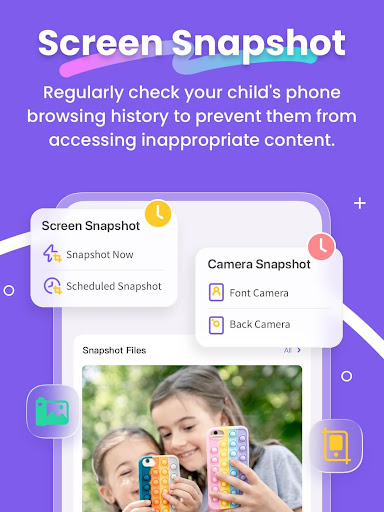
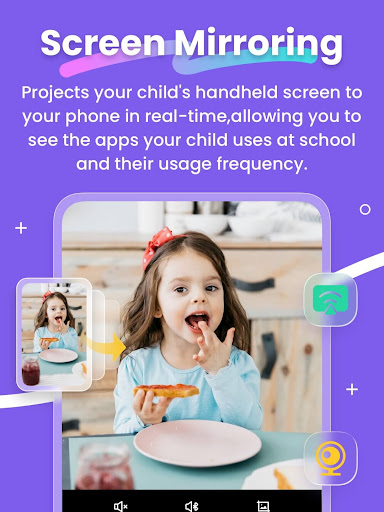
- The real-time monitoring function allows parents to see their children's use of the App at any time throughout the day, which is quite intuitive.
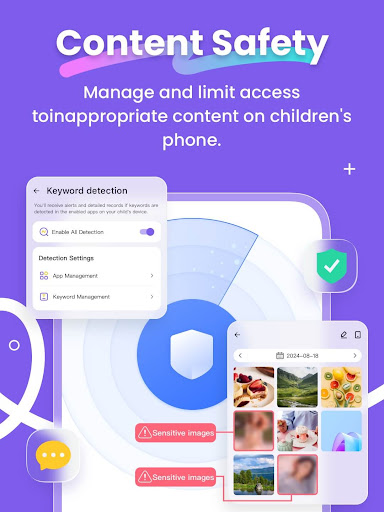
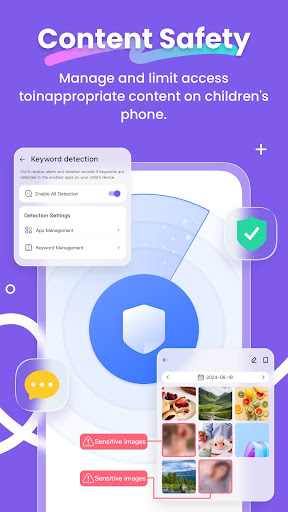
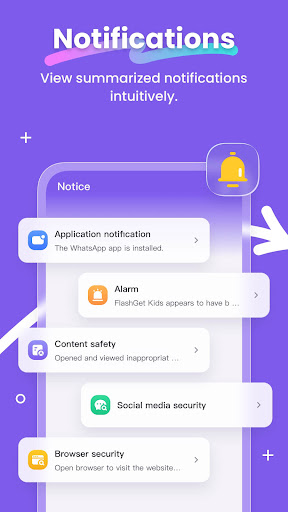
- App-based solutions, such as content filtering, can block inappropriate websites and applications, which is a thoughtful design.
- The launcher application can customize the device interface to better supervise and ensure security, and feels flexible to use.
- Safe data management ensures that settings are not easily modified by children, giving you a lot of peace of mind.
- Offline mode can restrict access when there is no network to ensure that control will not be interrupted. It is a thoughtful consideration.
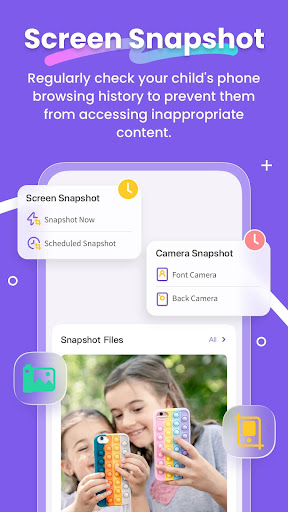
- Detailed activity reports let parents understand their children's device usage habits and screen time, and the information is quite comprehensive.
- The interface design is friendly, and managing multiple files is easy for parents or teachers, and the operation is easy.
Who This App Is For
This mobile app is especially suitable for parents with children aged 3 to 12 who want to make sure their children are safe online. It is simple to operate and is designed to develop children's responsible equipment use habits.
Teachers and caregivers are looking for a reliable App solution to manage screen time and content access in the classroom or at home. This Android app is particularly worth a try to help create a safer digital environment.
Why Choose This App
This app provides super trustworthy all-round features and is the first choice for anyone who wants to get rid of parental control. The user interface is friendly and simple to operate, which makes it easier for busy parents to use.
It solves common problems through intuitive functions and strong privacy protection, stands out among many options, and provides a reliable device security management solution, which is really worth recommending.
Top Recommended Alternative
Pros & Cons
Pros
- Child-friendly interface
- An artifact to control parents
- Functions of time management
- Monitoring activity report
- Content filtering security
Cons
- Limited personalization
- Misseal occasionally occurs
- Electricity may cost a little more
- It's a little difficult for beginners to get on the road
- Platform support is not broad enough
Advertisement
Download FlashGet Kids:parental control


FAQ
How do I set up FlashGet Kids on my child's phone?+
You need to install the mobile app on your device first, then follow the in-app setup guide to pair it with your child's Android app. The process takes about 5 minutes and requires granting necessary permissions.
Is FlashGet Kids safe and does it protect my child's privacy?+
Yes. The app based solution uses encrypted data transfer and does not share personal information with third parties. It complies with major privacy standards, making it a trustworthy choice for families.
Can I use this app on both Android and iOS devices?+
FlashGet Kids is available as an Android app on Google Play and an iOS app on the App Store. The parent device can be either platform, but the child device must run Android for full functionality.
What features does FlashGet Kids offer to monitor screen time?+
The app features include daily screen time limits, app blocking schedules, and real-time activity reports. You can also set bedtime rules directly from your parent dashboard.
Why does the app keep asking for permissions after I already granted them?+
Some Android versions require re-granting permissions after system updates. Try restarting the app or checking your phone's settings to ensure all permissions for this mobile app are enabled.
Can I track my child's location with FlashGet Kids?+
Yes, location tracking is one of the core app features. You can view real-time GPS coordinates and set geofence alerts. Note that location accuracy depends on the child device's network connection.
Customer Reviews
FlashGet Kids: parental control is praised by many users for its intuitive interface, smooth performance, and effective device monitoring features. The installation process is straightforward, and the app helps parents manage and supervise children’s device usage with ease. However, while most reviews highlight its usefulness and reliability, some users report frustration with repeated demands to enable accessibility settings and occasional issues like messages not being received or automatic settings turning off, leading to a poor experience. Overall, it balances strong parental control capabilities with a user-friendly design, though the accessibility prompts and settings stability remain areas of concern for a minority.
Write a Review
Share your experience with FlashGet Kids:parental control. Submissions are reviewed before publishing.
You Might Also Like
More apps you may want to try next.