
Print Photo - Print to Size
Advertisement
Screenshots
Advertisement
About Print Photo - Print to Size
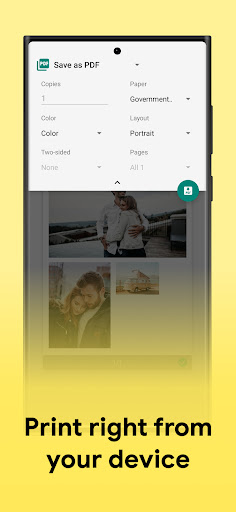
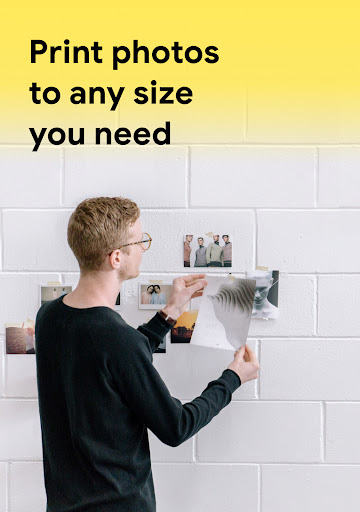
Print Photo - Print to Size is a really sweet little tool that helps you easily print high-quality photos on your mobile phone. Whether you want to print those precious memories in various size or find a reliable mobile phone printing solution, it will give you a simple and smooth experience. Supports Android and Apple devices, which feels very easy to use, especially suitable for friends who like art and design.
Overview
core highlight
- This app interface is super simple, friendly, and very fast to use. You can edit and print photos on your mobile phone at any time, which is extremely convenient.
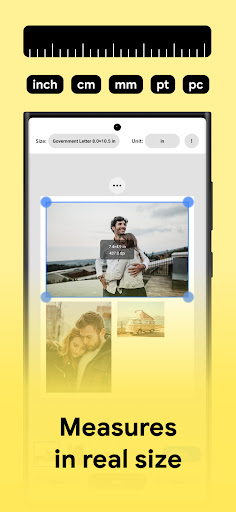
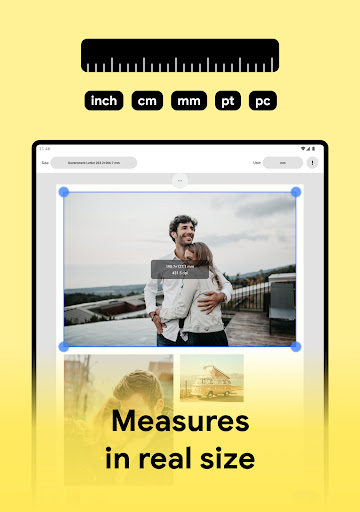
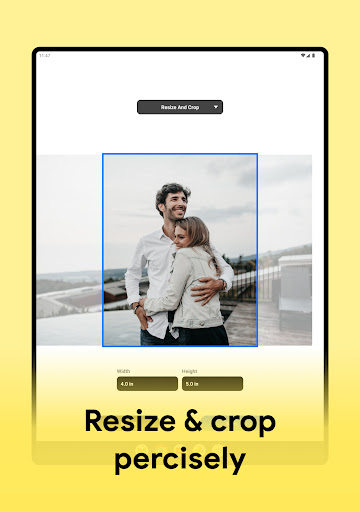
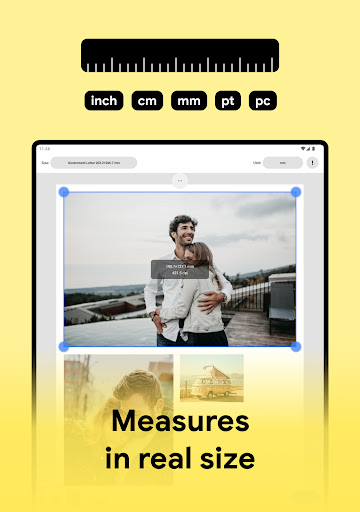
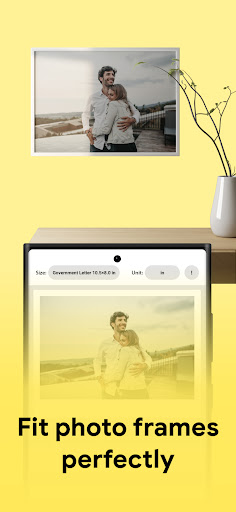
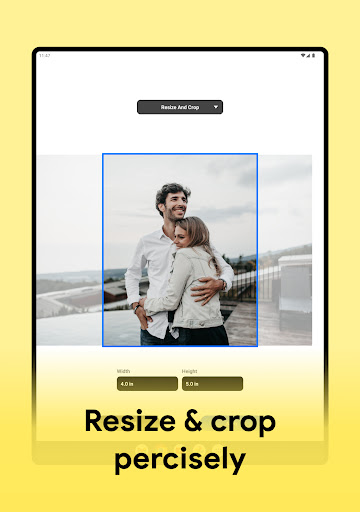
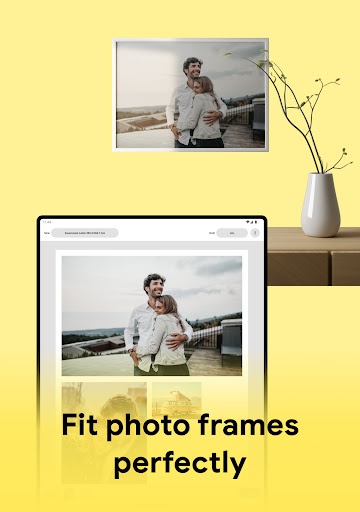
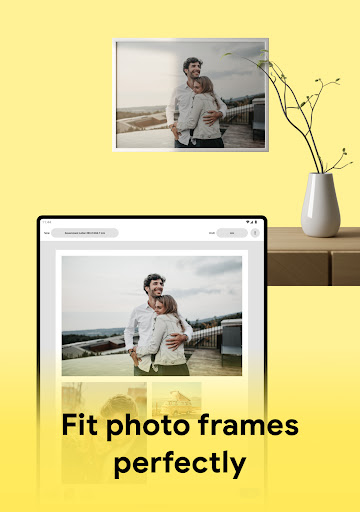
- You can also easily adjust the size of your photos to ensure that each print matches the exact size you want and is perfect for a variety of projects.
- The quality of image processing is particularly high, and it can ensure that the print is clear and sharp every time, and the effect is excellent.
- Support offline printing, don't worry about not having the Internet, you can print your photos anytime and anywhere. It's so convenient!
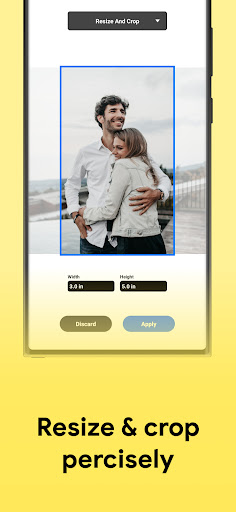
- The built-in editing tools are also quite rich, including cropping, filters, annotations, etc., making the entire creative process super smooth.
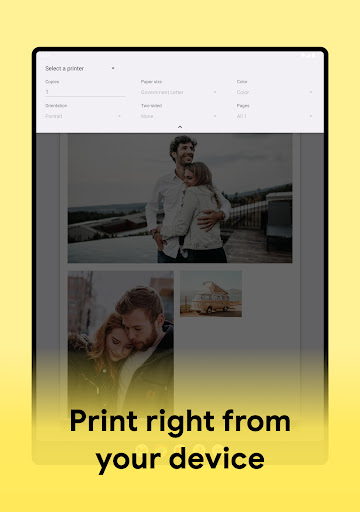
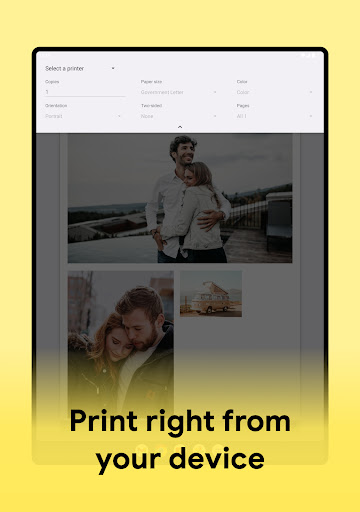
- You can also use your mobile phone to place an order and print directly, completing the photo printing process in one stop, which saves you trouble and trouble.
- Data processing is also very safe, especially suitable for users who care about privacy and security. It can be used with confidence and the experience is very intimate.
Who is this App suitable for?
This mobile app is especially suitable for photography enthusiasts, shop owners, or people who want to print photos quickly and easily with their mobile phones. This tool is perfect for users who care about convenience and high-quality features.
Whether you're preparing photos for a special day, making custom gifts, or running a small art or design studio, this solution helps you easily produce professional-level prints that can be used for a variety of occasions.
Why choose this App
This Android application is not only stable and reliable, but also very intuitive, and has excellent overall performance of functions. It pays special attention to the user experience and is the first choice for those who want to pursue efficient, easy printing and size adjustment.
Stand out from many similar applications, it provides a trustworthy solution that helps you simplify the photo printing process and ensures that you see quality and privacy guarantees at every step of the way. Its core functions truly meet the needs of ordinary users and creative professionals.
Top Recommended Alternative

Pros & Cons
Pros
- Highly customized options
- The operating interface is particularly friendly
- The processing speed is so fast that it can fly
- The printing is great
- Supports multiple printing formats
Cons
- Editing tools are a bit limited
- Occasionally break down
- Advanced printing prices are high
- Limited international shipping range
- No watermark removal function
Advertisement
Download Print Photo - Print to Size


FAQ
How to log in or create an account for Print Photo - Print to Size?+
Is Print Photo - Print to Size safe and reliable on my device?+
Can I print photos in a custom size with this app?+
What devices or platforms is this app compatible with?+
What are the functions of Print Photo - Print to Size?+
Is this app suitable for professional photo printing?+
Does this app support offline use or cloud synchronization?+
Where can I find details or get help about this app?+
Customer Reviews
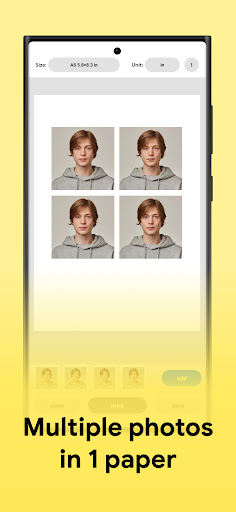
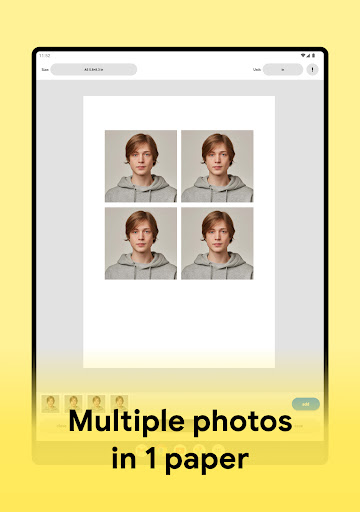
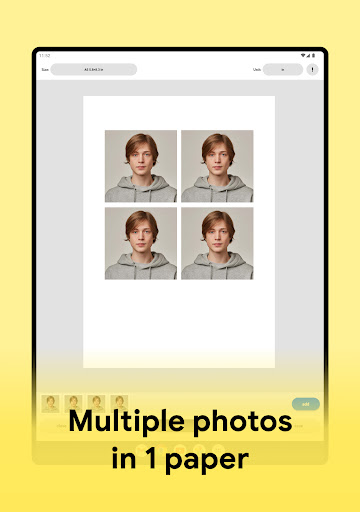
Users consistently praise Print Photo - Print to Size for its ability to resize and arrange multiple photos on a single sheet, making it highly useful for tasks like passport photos or crafting. Many highlight its precision, ease of use, and reliability, calling it a 'fantastic', 'amazing', and 'excellent' tool that simplifies printing. However, several critical issues emerge: some users report the app crashes on startup or gets stuck in a paper-size selection loop. While most find the sizing accurate, a few note that interdependent axes prevent exact precision, and there is no separate adjustment for each axis. Additionally, features like missing 6x4 paper size, lack of crop/deskew tools, and inability to print multiple pages or adjust print quality frustrate some. The developer's responsiveness is questioned by users with unresolved crashes. Overall, the app excels in core resizing functionality for many, but stability and advanced editing features need improvement.
Write a Review
Share your experience with Print Photo - Print to Size. Submissions are reviewed before publishing.
You Might Also Like
More apps you may want to try next.


