Phone Dialer: Contacts Manager
Screenshots
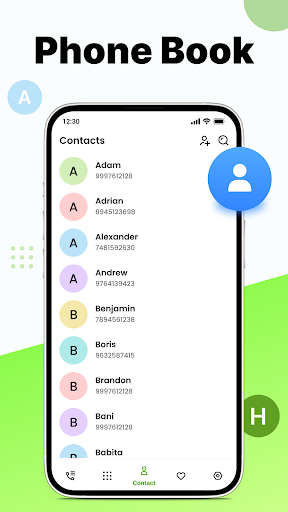
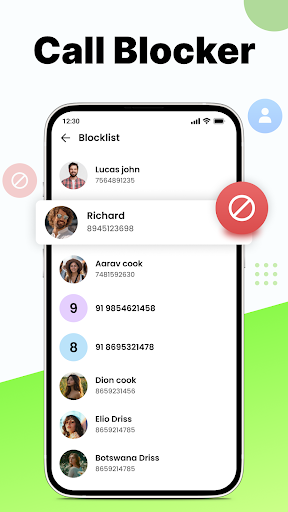
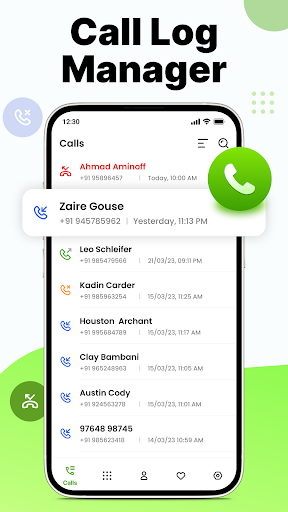
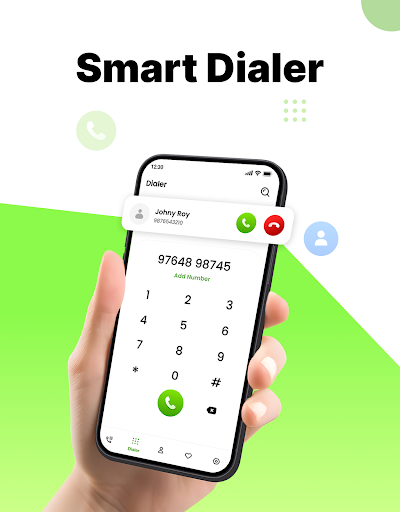
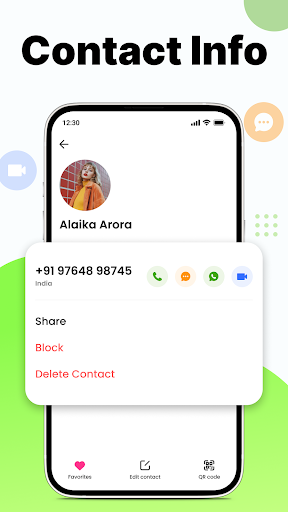
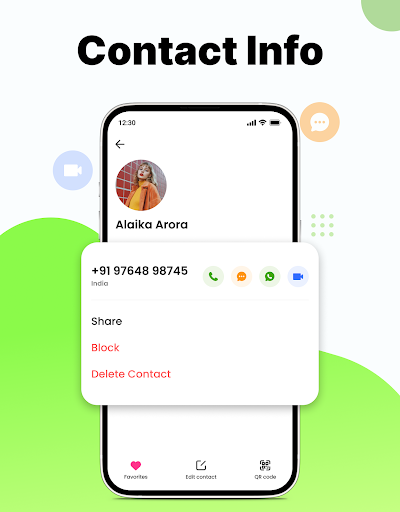
About Phone Dialer: Contacts Manager
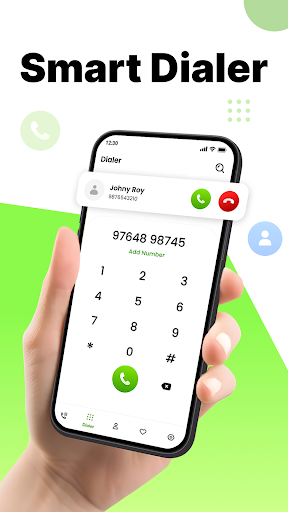
Mobile dialer: Contact Manager is a very reliable mobile application. It mainly helps you simplify the communication process, allows you to easily find all contacts, and makes phone calls much smoother. As an Android application that is quite efficient, it can bring you a smooth experience. It is very convenient to manage contacts or make phone calls. It is an indispensable tool and is especially suitable for people who want to make mobile contact management easier.
Overview
core functions
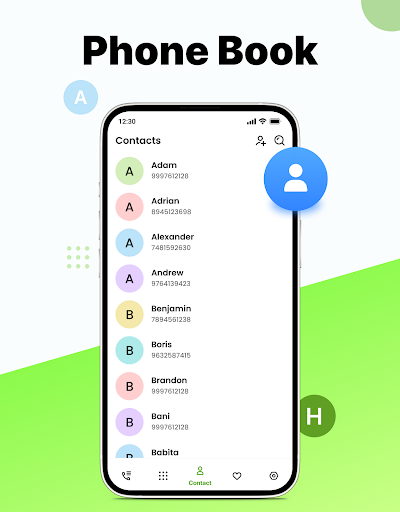
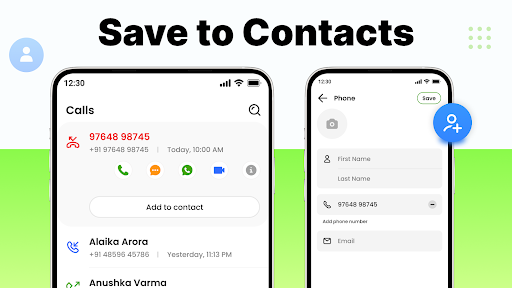
- Intuitive contact management makes it easy to add, edit, and delete contacts, which feels particularly convenient.
- Built-in dialer allows you to make direct calls with a click. It's super convenient and saves you the need to find apps to switch.
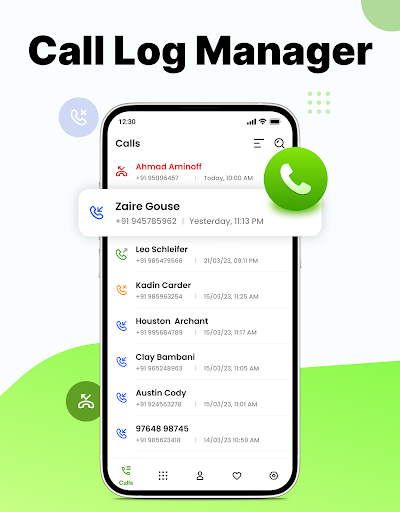
- Call logging is also supported, so that managing calls is much smoother, watching them if you want, and everything is under control.
- Support offline mode, you can still use it without the Internet, and you don't have to worry about forgetting contacts even when you are away.
- The interface can be adjusted by yourself, like a launcher, improving the experience and being personalized.
- Clipboards and deduplication tools help you organize your contacts in an orderly and orderly manner.
- Backup and restore functions ensure that your contact data is safe and you don't have to worry about losing it wherever you go.
- The dark mode and interface layout can be customized to make it comfortable to use in different environments.
Who is suitable for?
This mobile app is especially suitable for people who have to work hard to manage their contacts and make frequent calls, such as professionals, busy families, or small business owners. People who like the simple and powerful Android app experience will also find it cool.
Users who want to use the app to simplify communication, reduce dialing complexity, and organize contacts more easily will find this software particularly easy to use. Whether it is personal or work, it can help you organize your contact information properly and quickly find it anytime, anywhere.
Why choose this app
This Android software is characterized by its multiple functions, simple and efficient operation. It gives you a reliable experience that meets most basic contact management needs without worrying about getting stuck or being smooth.
Integrate core functions such as real-time synchronization, call history, and backup to help you easily solve communication problems. It does not require those cumbersome launchers or complex tools. It is simple and practical and worth a try.
Top Recommended Alternative
Pros & Cons
Pros
- intuitive user interface
- Searching for contacts is fast and flying
- Built-in call recording function
- Contact organization tool
- Frequent updates and maintenance
Cons
- Not many customization functions
- Import and export functions are too basic
- Occasionally crashes on certain devices
- The free version has limited functions
- Cloud synchronization support is not complete
Download Phone Dialer: Contacts Manager

FAQ
Is the Phone Dialer: Contacts Manager app safe to use on my Android device?+
Well, phone dialing: Contact Manager is quite reliable and secure. User privacy and data protection were considered when developing, so it is quite safe to use.
Ofcourse, remember to only download it from regular channels, such as the Google Play Store, and keep the app up to date so that security can be guaranteed. This app can help you manage your contacts more conveniently. It's very practical!
How do I install the Phone Dialer: Contacts Manager app on my Android device?+
It's actually easy to install this software. Just go to the Google Play Store, search for "Phone Dialing: Contact Manager", and click the "Install" button. It will automatically download and install on your mobile phone, which is quite convenient.
Afterinstalling it, you can try its various functions, such as contact sorting, speed dialing, call management, etc. It's quite easy to use. This thing is quite suitable as a daily contact tool or launcher, and it is also quite practical!
Does the Phone Dialer: Contacts Manager app work with all Android versions?+
This app can be used on most new versions of Android devices, and the compatibility is quite good. However, it is recommended to use systems above Android 8.0 for better results.
Beforeinstalling, it's best to check the application requirements in the Google Store to make sure your device and system version match, so that it will be more secure to use.
What features does the Phone Dialer: Contacts Manager offer?+
This mobile app is quite functional and is specially designed to make contact and dialing management simple. You can quickly find contacts, manage groups, and even customize your dialing experience.
Theinterface is particularly intuitive and easy to operate. It is suitable for use as a starter or a daily contact tool. It makes it easier to keep in touch and especially practical!
Can I customize the appearance of the Phone Dialer: Contacts Manager app?+
Of course! This app provides a variety of personalized settings, allowing you to customize your own contact list and dialing interface to create your own exclusive style.
Youcan choose themes, rearrange contacts, and set shortcuts. There are many functions that are convenient and considerate to use, and can meet your different preferences and needs!
Is the Phone Dialer: Contacts Manager app suitable for business use or only personal use?+
This application is not only suitable for individuals, but also suitable for business use. It can help you organize your contacts efficiently, and management is very handy, whether it is an individual or a company.
Manyusers find its functions very practical and can make the contact list cleaner and better navigable, especially when you have a lot of contacts, which can greatly improve the user experience.
Does the app provide any safety or privacy features I should be aware of?+
This phone dialing app attaches great importance to your privacy and data security, using basic security measures to protect your contact information from random access.
Itis still recommended that you check the application permission settings and update the security measures of your phone frequently, so that you can use it more safely. Reliable developers will try their best to create a safe environment for users to use!
How frequently is the Phone Dialer: Contacts Manager app updated?+
Developers will regularly push updates to improve functions, fix problems, and ensure security. Frequent updates keep this tool for managing contacts and dial-ups stable and efficient.
Rememberto update your app often so you can enjoy the latest features and best experience, making it an indispensable helper on your Android phone!
You Might Also Like
More apps you may want to try next.