
PENUP – Drawing-sharing SNS
Advertisement
Screenshots
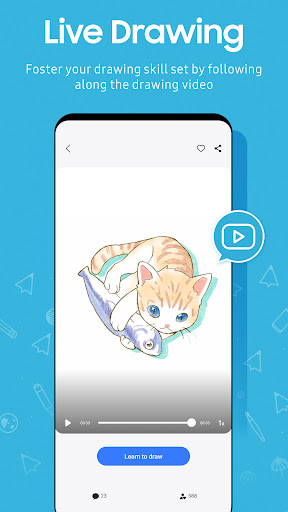
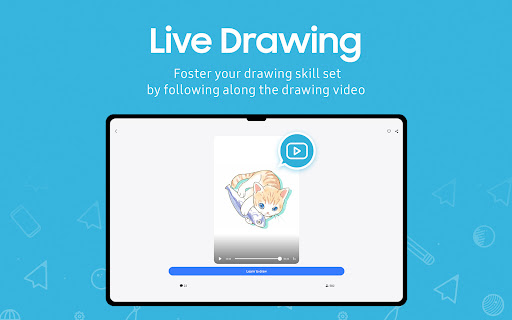
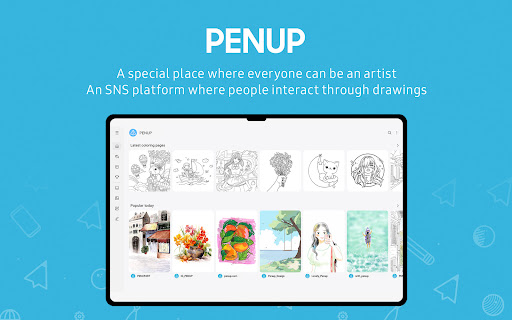
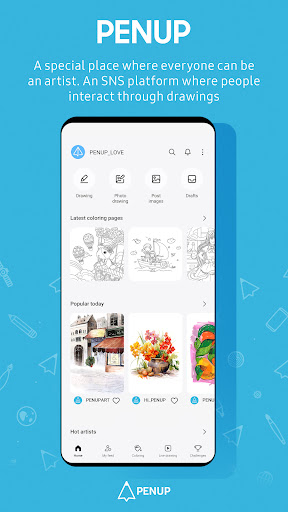
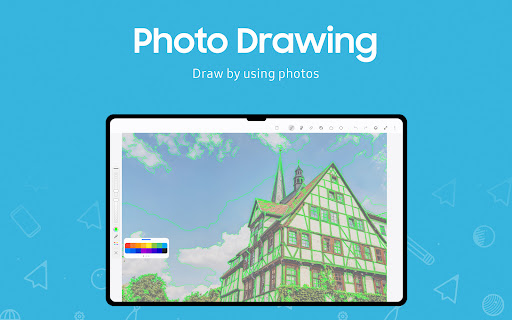
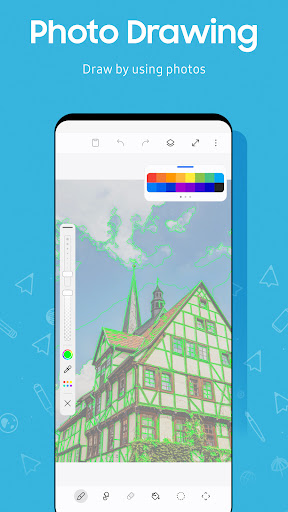
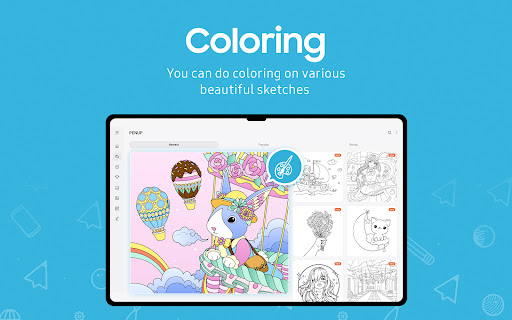
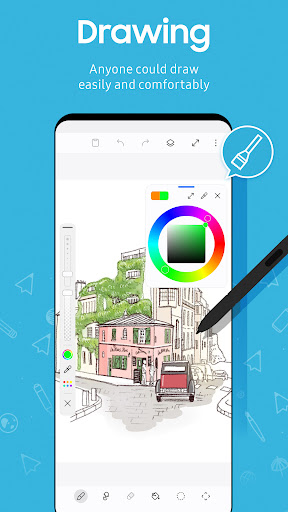
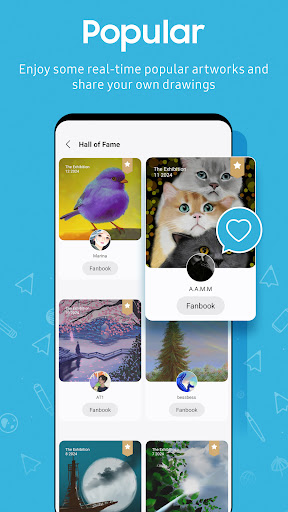
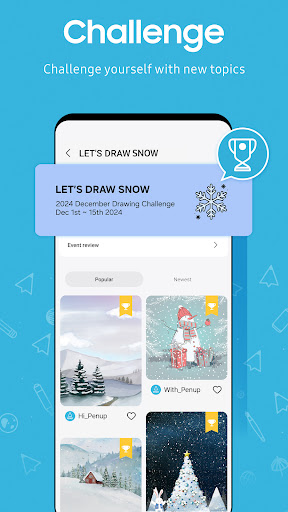
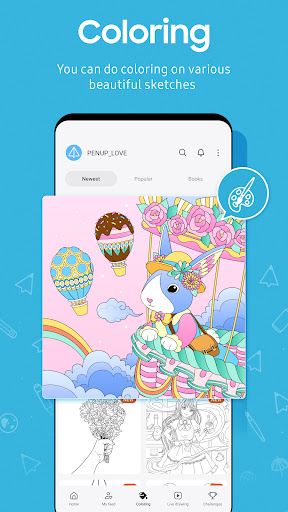
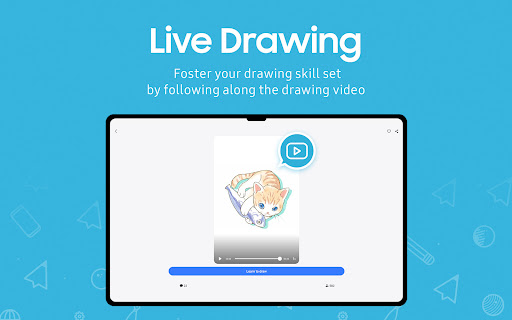
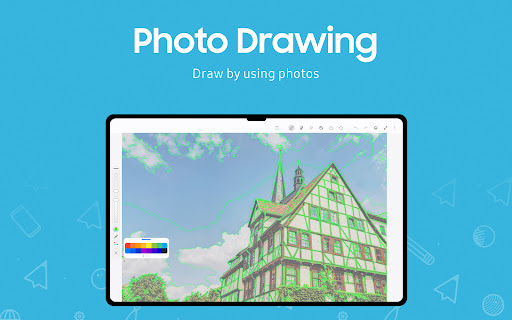
Advertisement
About PENUP – Drawing-sharing SNS
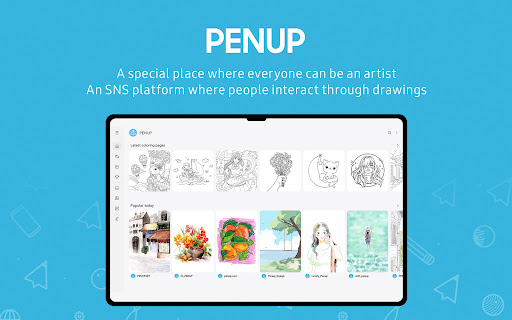
Penup is quite interesting. It's a mobile app for painting enthusiasts. You can share your work on it and meet a bunch of enthusiastic friends to talk about art. This Android app is intuitive, with a lot of tools and features that are easy to use and can help you get creative. Whether you're a beginner or a veteran, Penup gives you a platform to experiment, showcase, or improve yourself in a supportive environment.
Overview
core functions
- This software has a super friendly painting interface, and colors can be customized for various brush types, making it especially suitable for artists and friends who like to draw.
- Supports real-time sharing and can upload works immediately, allowing everyone to show off their creations in the community and enhance the fun and interactivity of use.
- It also supports advanced editing tools such as layer management, undo redo and zoom, making details easier and more accurate.
- Offline mode allows you to draw and save your works without using the Internet. After connecting to the Internet, you can sync to the cloud. It is really considerate and convenient.
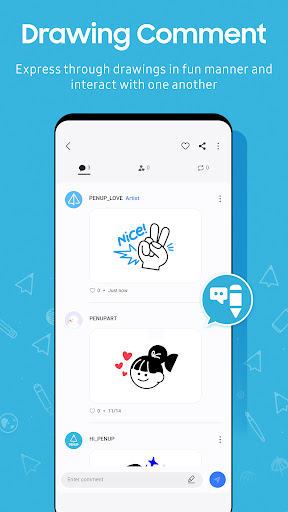
- The built-in social features allow artists to interact, give feedback, and cooperate. The community atmosphere in the software is very good and everyone has a great time together.
Who is this app suitable for?
Friends who like digital art, regardless of age, can find their own fun on this mobile phone. Its design is particularly intuitive and easy for beginners to use, and experienced artists will feel comfortable.
Whether you are a student, a professional designer, or a doodling partner, this app can help you tap your hidden artistic potential. Using it to share work, learn new techniques, or simply to relax is a great choice.
Why choose this app
The experience brought by this Android software is very reliable, with smooth interface and rich functions. It not only stimulates your creative desire, but also allows you to feel the warmth of the community. Make painting simple and interesting.
Combining innovative tools, real-time sharing and offline capabilities, it stands out among many art software, providing a comprehensive and trustworthy stage for digital art enthusiasts.
Top Recommended Alternative

Pros & Cons
Pros
- Intuitive painting interface
- Community interaction is great
- Cloud storage is very reliable
- You can draw offline
- Push new features frequently
Cons
- Advanced editing tools are not complete enough
- Not running smoothly on old equipment
- Synchronization is never the same thing
- Few export formats
- Occasionally it crashes, especially when uploading or multitasking
Advertisement
Download PENUP – Drawing-sharing SNS

FAQ
Is PENUP – Drawing-sharing SNS safe to use?+
Well, PENUP is quite reliable. It is a Mini programs from Samsung. It mainly allows you to share your works with peace of mind, and privacy and everything are quite guaranteed. It feels quite safe to use and meets the general security standards of Android.
Anyway, with this software, you can boldly draw and communicate with a bunch of people who like art without worrying too much about safety issues. Remember to keep the security settings on your phone correct, and you will feel more at ease!
How do I log in or create an account on PENUP?+
In fact, it is very simple, as long as you log in with Samsung account or register one yourself, the operation is quite intuitive. This way your work and preferences can be stored safely without fear of loss.
ThisAPP is designed to be very user-friendly, whether you are a novice or an old driver, you can quickly get started. After logging in, all functions can be used smoothly, but also to participate in community sharing, quite interesting.
Does PENUP work on all Android devices?+
Basically, most Android devices can use this PENUP, but the specific effect still depends on your phone configuration. For common Android models, it performs quite smoothly.
Itprovides rich painting functions, and can also be used as a launcher, making it easy to start directly. Remember to use the latest system, and the experience will be smoother!
Are there any safety concerns or privacy issues with PENUP?+
There is basically no big problem with safety or anything. PENUP cares about user privacy very much, so you don't have to worry about sharing your works at all, and your data is also protected by standard security measures.
Asa trustworthy app, it can help you protect your personal information, let you showcase your creativity, and communicate with a group of friends who love art.
Can I use PENUP without an internet connection?+
In fact, most painting tools can be used without the Internet, and there is no problem in saving works and using basic tools. Only some sharing and community interaction functions require the Internet.
In this way, PENUP is not only a great painting artifact, but also very convenient to use outside, especially when the network is poor or intermittent, you can also play it to your fullest ~
Customer Reviews
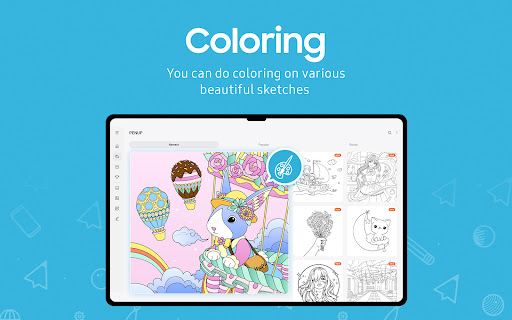
Users generally appreciate PENUP for being a free, ad-free drawing and coloring app with a supportive community, especially beneficial for beginners and relaxation. Key strengths include its intuitive interface, variety of brushes, and creative features like timelapse recording and community sharing. However, several controversial issues exist: while many praise the app's stability and recent updates, others report crashes after the latest update and removal of essential features like moving lines/shapes and auto-fix for non-S Pen devices. The timelapse feature is loved for capturing creative process but criticized for occasionally saving nothing, wasting hours of work. Account recovery also frustrates some users. Despite mixed feedback on these technical aspects, the app remains highly recommended for its core drawing experience and stress-relief value.
Write a Review
Share your experience with PENUP – Drawing-sharing SNS. Submissions are reviewed before publishing.
You Might Also Like
More apps you may want to try next.


