PDF Editor: Edit PDF, Sign PDF
Advertisement
Screenshots
Advertisement
About PDF Editor: Edit PDF, Sign PDF
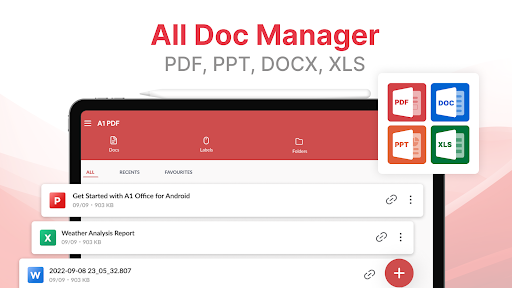
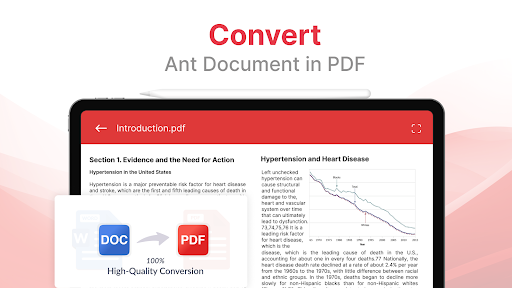
This PDF editor: Edit PDFs and sign PDFs. It is really a super convenient mobile application! Especially suitable for those who need to get PDF files ready anytime, anywhere. It supports Android devices and has a variety of editing, marking and signing tools. It feels super easy to use and is simply tailor-made for fast-paced life. The interface design is quite intuitive, it is not difficult to operate at all, the navigation is smooth, and the functions are very practical. Overall, it is a reliable productivity artifact!
Overview
core functions
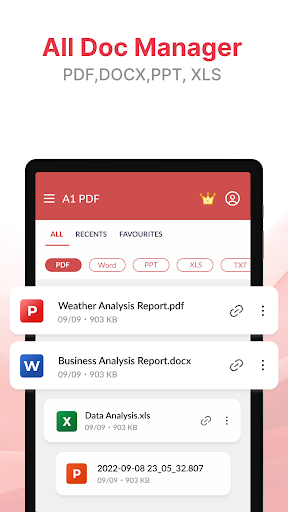
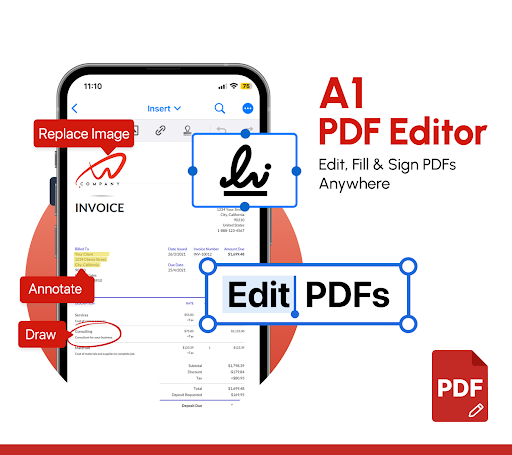
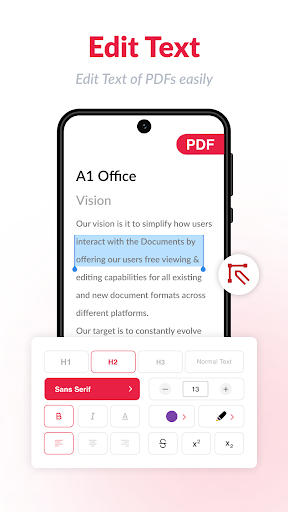
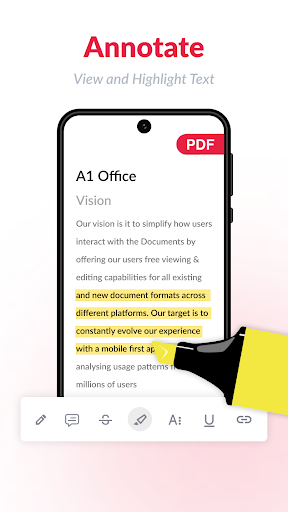
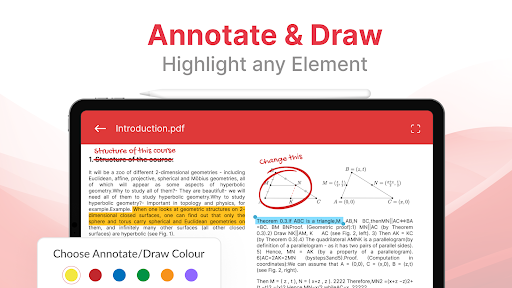
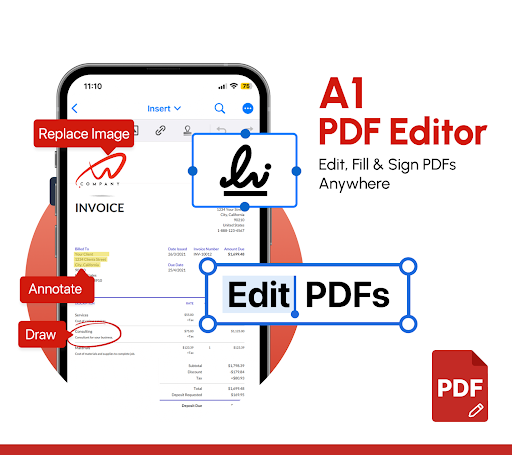
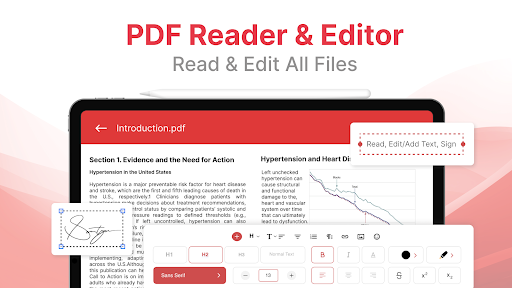
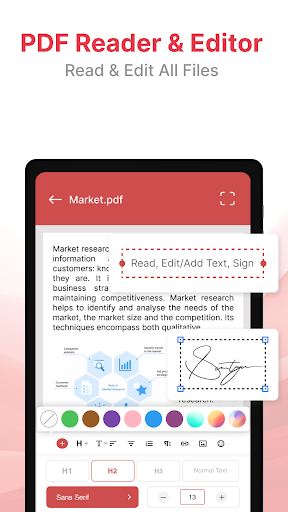
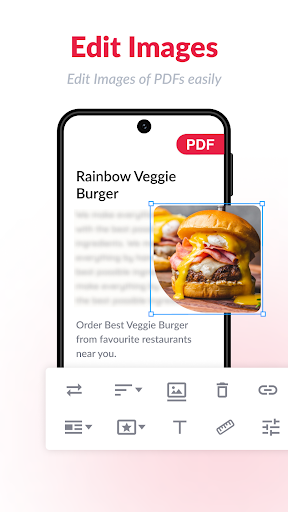
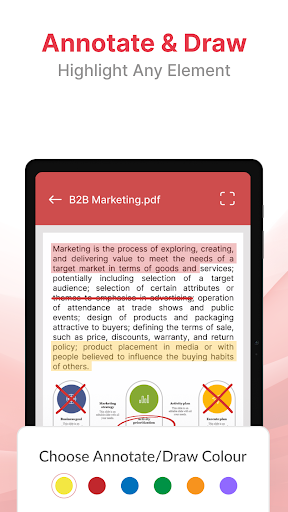
- This software has a super comprehensive PDF editing toolbox, including text editing, annotations, page management, etc. Basically, you can get all the controls you want, which is really convenient.
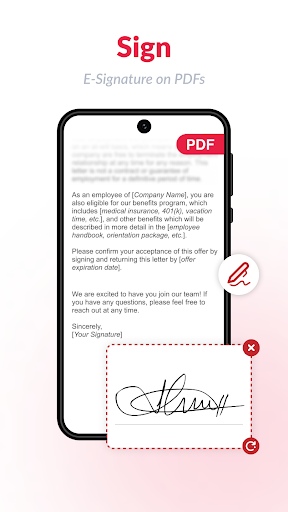
- There is also a seamless signature function, which allows you to easily add handwritten or digital signatures directly to the PDF. It's not troublesome to sign a word or anything.
- Real-time synchronization in the cloud ensures that the PDFs you edit are up to date on all devices. The user experience is extremely smooth and fits perfectly on Android devices.
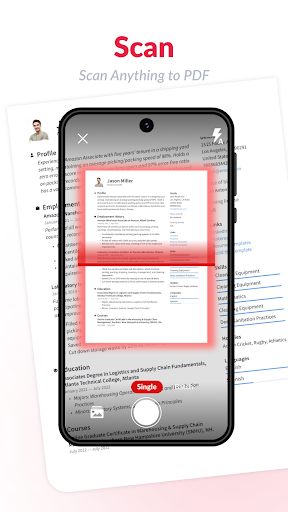
- Advanced OCR technology makes it fast to recognize and convert text, and scanned documents can be easily edited without stress.
- The operating interface is super friendly, and even first-time users can get started quickly. Navigation is not difficult at all, and the exploration function is smooth.
- Support offline operation, you can edit PDFs without having to connect to the Internet. It is very convenient to go out and you don't have to worry about not having the Internet.
- There are password-protected security measures to ensure the privacy and security of your files and provide you with more peace of mind when editing.
- As a multi-functional PDF launcher, it integrates editing, signing, and sorting. It is super easy to use and the experience is great.
applicable population
This mobile app is particularly suitable for professionals, students, and those who often process PDF files and need efficient editing tools. The interface design is very intuitive and can be easily used by users of any age, making it safe and reliable to use on Android devices.
Whether it's reading contracts, making reports, or signing forms, this plan can help you get it done. Busy people especially like it. It is simple and practical. It doesn't have those cumbersome processes, allowing you to get PDFs anytime and anywhere, saving peace of mind and effort.
Why choose this App?
This Android software stands out with its powerful functions and smooth experience, perfectly achieving an all-round integrated solution for PDF editing and signing. It has reliable functions and handles files quickly and safely. It's really reliable.
How is it better than other applications? It combines a user-friendly design, the convenience of offline use and the reliability of cloud synchronization. It is the most trustworthy choice, allowing you to easily handle PDFs without worrying about mistakes or cumbersome operations. Use it with confidence!
Top Recommended Alternative
Pros & Cons
Pros
- Precision EditingText and image modifications are rendered with pixel-level accuracy, even on complex layouts.
- Seamless Signature WorkflowThe built-in e-signature tool captures and places signatures naturally, saving you from printing and scanning.
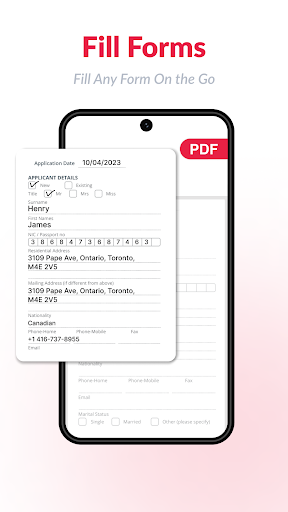
- Intuitive InterfaceFirst-time users can navigate key features like annotation, form filling, and merging without a steep learning curve.
- Cross-Platform SyncEdits made on mobile are instantly mirrored to desktop via cloud accounts, ensuring uninterrupted productivity.
- Efficient CompressionThe 'Reduce File Size' option shrinks large documents by up to 70% while preserving readable quality.
Cons
- Free Tier WatermarksExported PDFs from the free version get a persistent footer watermark, which feels aggressive for casual users.
- Inconsistent OCR AccuracyScanned documents with unusual fonts or heavy skew often return garbled text, requiring manual correction.
- Slow Large File HandlingOpening a 200+ page PDF with embedded images can take over 20 seconds on an older device.
- Subscription Lock for Pro ToolsAdvanced features like batch processing and optical character recognition require a paid plan, with no one-time purchase option.
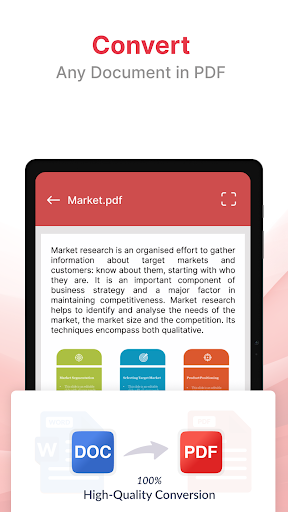
- Limited Export FormatsYou cannot directly save edited PDFs as editable Word or Excel files without third-party converters.
Advertisement
Download PDF Editor: Edit PDF, Sign PDF

FAQ
Is the PDF Editor app safe to use on my Android device?+
Yes, this mobile app follows standard security practices. It uses encryption for your files and requests only essential permissions. Always download from official app stores to avoid modified versions.
For extra safety, review the app permissions before installation. The app does not collect unnecessary personal data.
Can I edit scanned PDF documents with this app?+
Yes, the app features OCR (optical character recognition) that lets you edit text from scanned pages. You can also highlight, annotate, and add notes to scanned PDFs. This app based solution works well for most scanned documents.
Does the PDF Editor require an internet connection to work?+
No, most editing features work offline. You only need an internet connection for cloud storage integration or to download additional fonts. This makes the Android app reliable even without connectivity.
How do I sign a PDF using this app?+
Open the document and tap the Sign tool. You can draw your signature with your finger, upload an image of your signature, or type it. The app experience is straightforward, and you can place the signature anywhere on the page.
Can I merge multiple PDF files into one?+
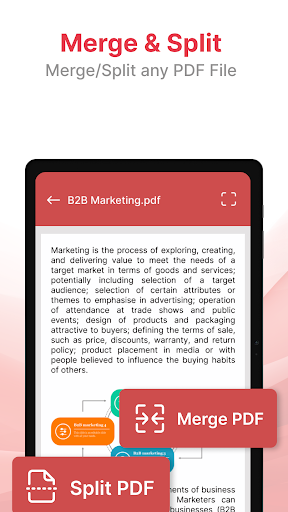
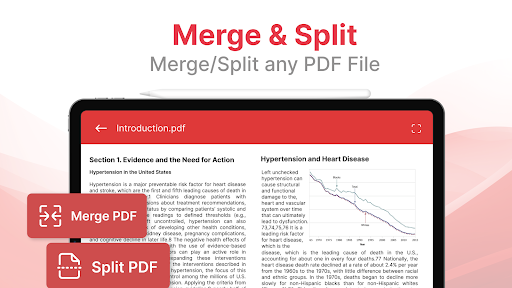
Absolutely. Select the Merge option from the tools menu and choose the files you want to combine. The app reorders pages and creates a single PDF. It is a handy feature for organizing documents without additional software.
Is there a limit on file size I can edit in this Android app?+
The app handles standard file sizes well, typically up to 100 MB. For larger documents, performance may slow down. The app based solution optimizes memory usage, but very large files might require splitting them first.
You Might Also Like
More apps you may want to try next.