

OfficeSuite Pro + PDF
Advertisement
Screenshots


Advertisement
About OfficeSuite Pro + PDF
OfficeSuite Pro + PDF is a really powerful business mobile application that helps people get things like documents, forms and presentations on their mobile phones. As an Android software, it is very smooth to use and feels very intuitive. It is very suitable for professionals who need to file anytime and anywhere. It is reliable and convenient.
Overview
core feature
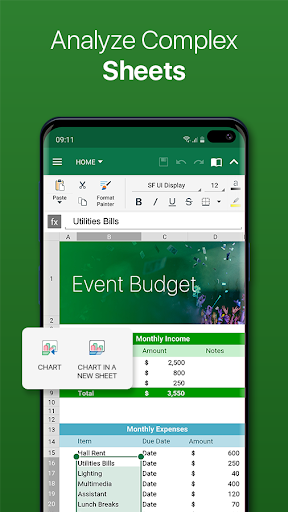
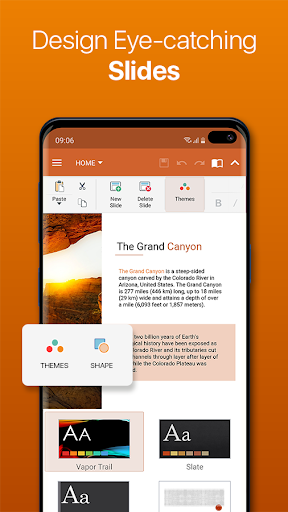
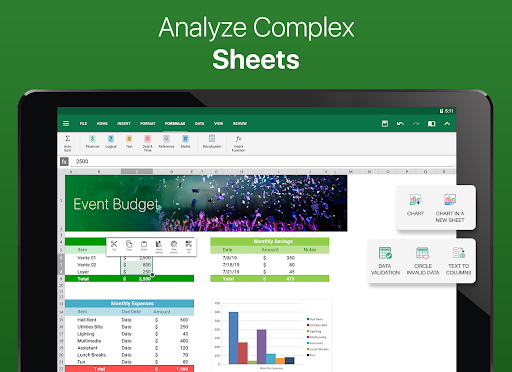
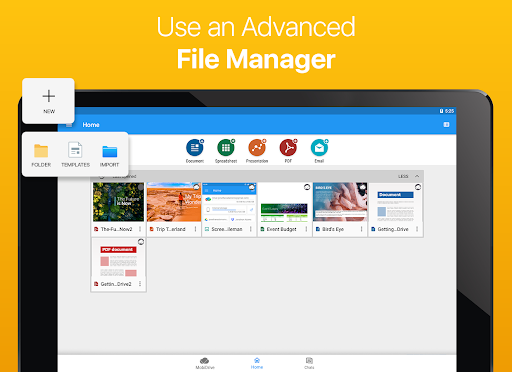
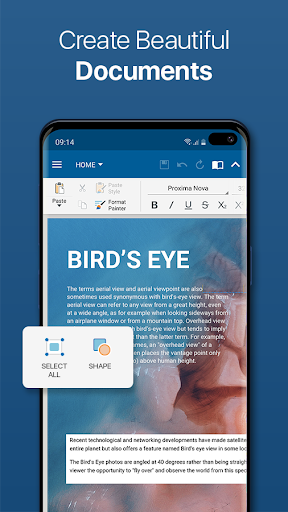
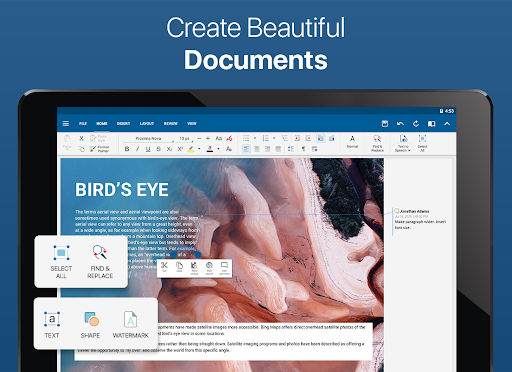
- This software has a super comprehensive document editor that supports Word, Excel, PowerPoint, etc., and you can edit and read it anytime, anywhere. The response is really fast.
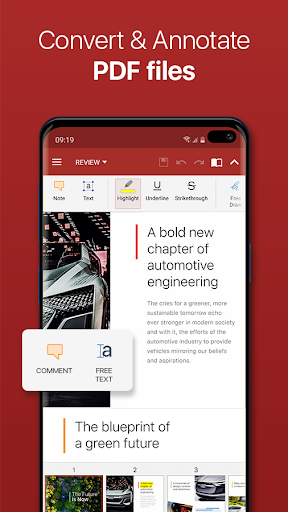
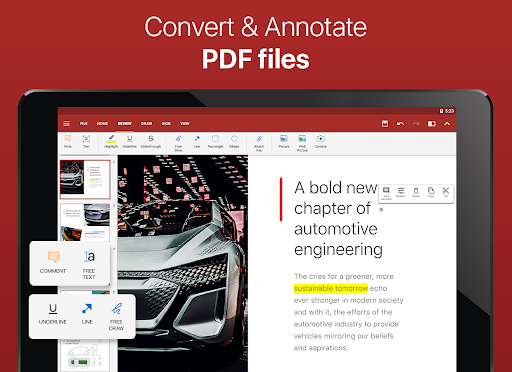
- It also has quite powerful PDF tools, such as making annotations and formatting. Sharing is also very safe, making the workflow much easier.
- The offline mode is really considerate. Files can be viewed, changed, and saved without having to go online. You don't have to be afraid of getting stuck when you are away. The efficiency is immediately improved.
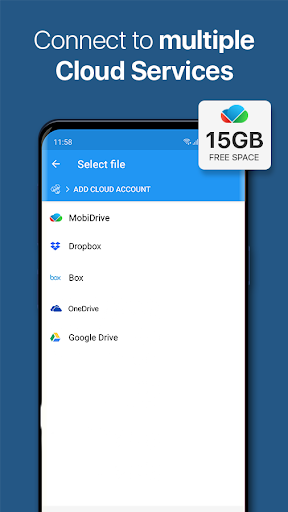
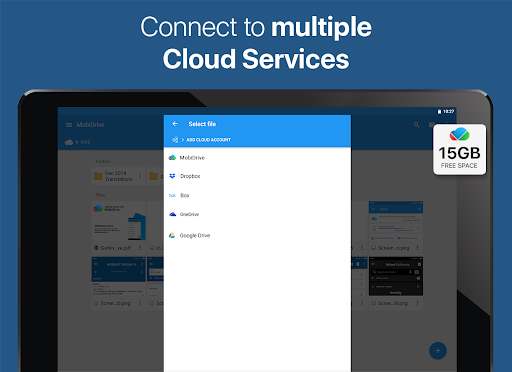
- Cloud synchronization is also very convenient. You can connect directly to OneDrive, Google Drive, and Dropbox to keep your data up to date.
- The interface is designed to be friendly, the operation is intuitive, and complex office tasks are made simple, making it easy and labor-saving.
- There are also security protections, such as password encryption, permission control, etc., to ensure that your secrets will not be leaked.
- Supports multiple languages and is suitable for users in different regions of the world. You don't have to worry about language barriers when using it.
Who is this APP suitable for?
This mobile app is tailor-made for professionals, students and small business owners. If you want a reliable office suite, it will work smoothly on Android phones.
Whether in the office, at home, or on the road, this app can be of great help whenever you need to edit, create or share files. It's a really convenient choice.
Why choose this APP?
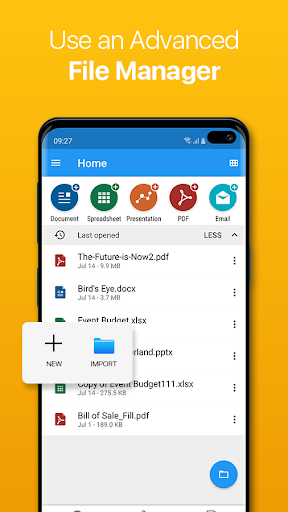
This powerful Android software can improve your work efficiency and team collaboration, making cumbersome office work simple and smooth. Its design makes document management a breeze.
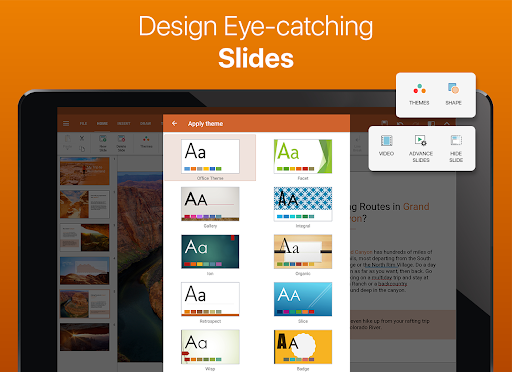
The most special thing is that it has PowerPoint-like presentation tools and PDF operation capabilities, creating an all-round office platform and providing a comprehensive office experience on a trustworthy mobile terminal. If you're looking for a reliable, full-featured office assistant, this is a must-see!
Top Recommended Alternative

Pros & Cons
Pros
- The interface is very friendly and the navigation is particularly intuitive
- PDF editing functions are quite powerful
- Seamless connection to the cloud
- Supports various file formats
- Offline mode works well
Cons
- Some advanced features require a paid subscription
- Sometimes I get stuck when encountering large documents
- There are fewer annotation tools than professional PDF editors
- The UI on some devices is not perfect
- Synchronizing the cloud can be a little slow sometimes
Advertisement
Download OfficeSuite Pro + PDF

FAQ
How do I log into OfficeSuite Pro + PDF?+
To log in to OfficeSuite Pro + PDF, just open this app on your device. The operation is actually quite simple and safe, and it can ensure that your files are protected. You can use your existing account, or if you don't have one, register a new account.
Afterlogging in, the experience will be particularly smooth, and you can quickly find your files and content stored in the cloud anytime, anywhere. This app is designed so carefully that it makes it easy to use whether you are a novice or an old driver, making it very convenient to manage files.
Is OfficeSuite Pro + PDF compatible with all Android versions?+
The OfficeSuite Pro + PDF app works smoothly on most modern Android devices. It supports many Android versions and basically most users can use it well without any major problems. If you remember the latest version, you can go to the app store and check it out to make sure you are using the latest version.
Whether you are using a new Android device or an older one, this launcher can bring a stable and reliable experience and run efficiently. You can concentrate on your work without worrying about technical troubles.What security measures does OfficeSuite Pro + PDF have?+
This mobile app attaches great importance to your privacy. It has many options for safe login and data encryption technology to ensure that your important files will not be leaked. You can manage your files with confidence because they are well protected.
Securityis also very guaranteed, and developers will regularly release updates to fix vulnerabilities. Overall, this software is very reliable. The key thing is to protect your trust and data security. Especially when handling some confidential business documents, it performs very well.
Can I edit PDFs with OfficeSuite Pro + PDF?+
Of course you can! One of the biggest highlights of OfficeSuite Pro + PDF is the ability to easily view, edit, and annotate PDFs. You can also convert PDF to other formats, or convert other formats to PDF, making it particularly convenient to control files.
Thissoftware is also very considerate and meets various professional needs, whether it is editing reports, filling out forms, or working with teams, it can be easily done. Its tools are comprehensive and are the first choice for business users who want to manage PDFs in one stop.
Is OfficeSuite Pro + PDF safe to use on my Android device?+
Yes, OfficeSuite Pro + PDF can be counted as a relatively safe application on Android devices. This software comes from a prestigious company that values security and privacy and strictly adheres to standards.
Itwill push updates frequently to ensure that your data is safe and reliable. Whether it is important personal or work files, you can use them with confidence and are a trustworthy choice.
Customer Reviews
Users widely praise OfficeSuite Pro + PDF as a reliable, long-standing alternative to Microsoft Office, offering essential productivity tools (documents, spreadsheets, presentations, PDF) with smooth performance on mobile devices. Many highlight its fair one-time purchase model, absence of intrusive ads, and excellent navigation for large presentations. However, opinions diverge on compatibility: some report perfect rendering, while others experience severe formatting shifts in Word documents. The pricing model also draws mixed reactions—some applaud the no-subscription approach, yet others feel cheated by extra charges for fonts or sudden subscription demands. Feature consistency is debated: longtime users appreciate stability, but recent bugs (PDF display, Excel chart misrendering, forced file manager install) frustrate others. On mobile it excels; on PC, many find it less useful than free alternatives.
Write a Review
Share your experience with OfficeSuite Pro + PDF. Submissions are reviewed before publishing.
You Might Also Like
More apps you may want to try next.




