
MediBang Paint:Draw Art, Comic
Advertisement
Screenshots
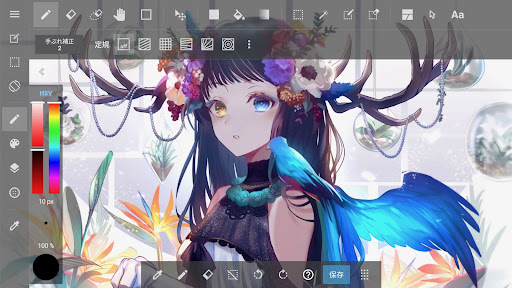
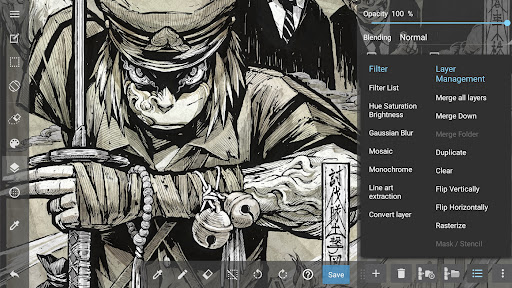
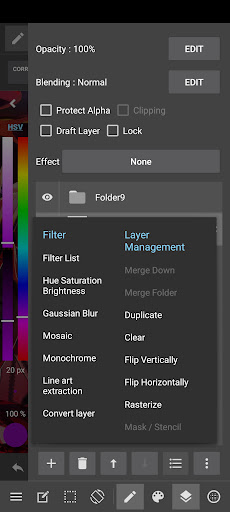
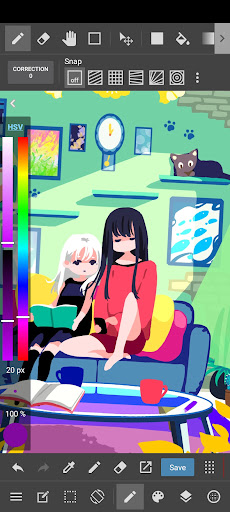
Advertisement
About MediBang Paint:Draw Art, Comic
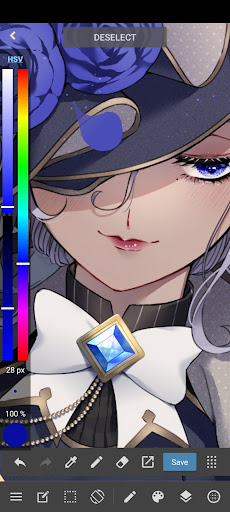
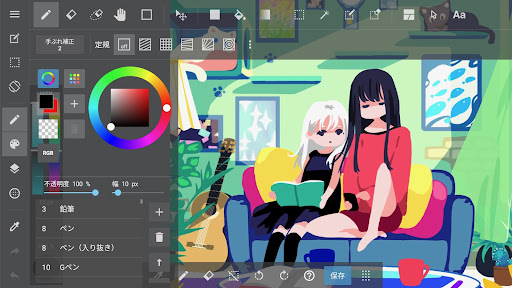
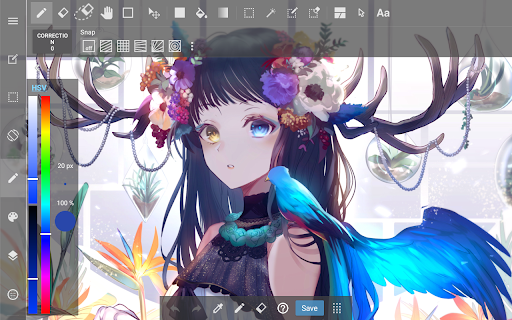
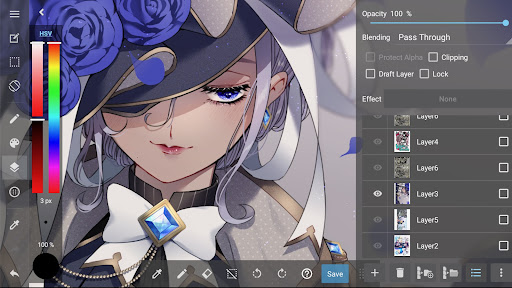
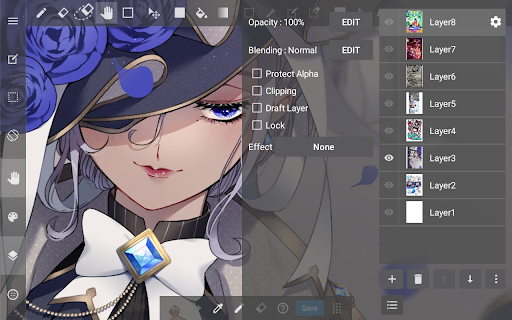
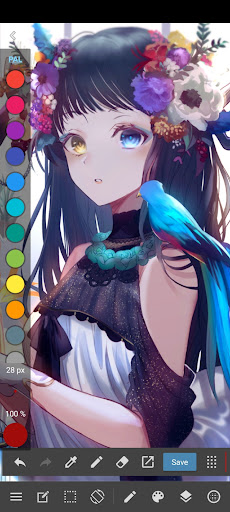
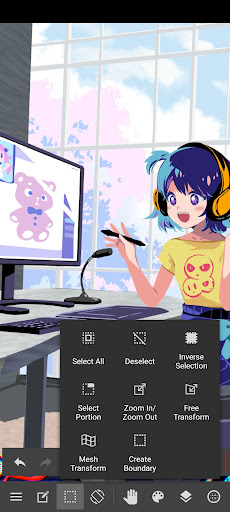
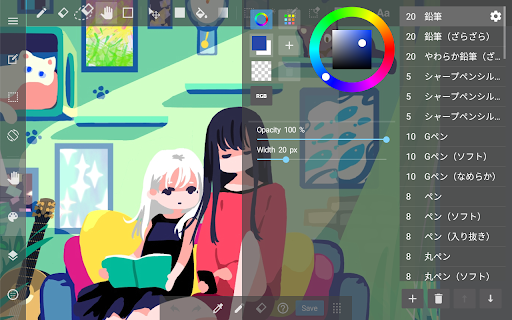
The app MediBang Paint: Draw Art, Comic is really powerful. It is simply a multi-functional mobile phone software tailored for digital painters and comic creators. It is said that it can be used on the Android platform. The tools and functions inside are super rich, and drawing, sketching, and comics have become particularly simple and interesting. Whether you are a novice or an already experienced professional, this app will allow you to have fun and meet a variety of different needs. It can be said that it has become the first choice of reliable painting tool for many people, and it is an app that is really popular with everyone.
Overview
core functions
- The interface is super friendly and equipped with precise tools. Painting and doodling can be done smoothly. Whether you are a novice or a talented person, you can have fun using it.
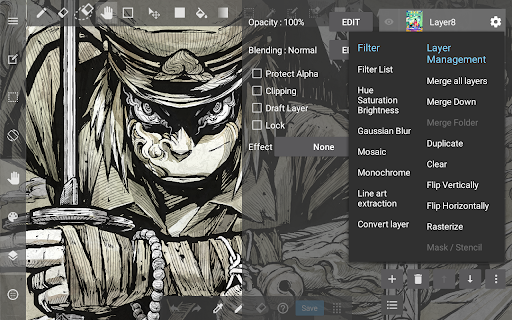
- Layer management and blending mode make creation more in control. Whether it is illustrations, comics or sketches, you can easily adjust and superimpose.
- Supports high-definition works, the brushes can be adjusted, and the functions are more in place than professional software, fully meeting your high-quality creation needs.
- It feels great to synchronize across devices, update in real time, and continue your creative journey anytime, anywhere.
- Built-in rich templates and comic grids make your creative process faster and smoother, and no longer worry about layout.
- You can customize the brush and ruler tools to control the details more carefully and give you more powerful creative tools.
- Offline mode support allows you to create without using the Internet. This is really a universal application solution.
Who is suitable for?
This mobile painting software is especially suitable for painters, comic book enthusiasts and illustrators of all ages. Whether they are amateur or professional, you can find a painting platform that suits you, which is particularly intuitive and user-friendly.
Whether you are painting quietly at home or sketching outdoors, this Android software can bring you an excellent experience and satisfy your desire for diverse creations. It is very considerate and practical.
Why choose this App
It is not only comprehensive in functions, but also pays special attention to stimulating creativity. It is also super easy to use. It is the best among many drawing software.
Smooth operation, rich tools and offline usage features make it more reliable than other competitors. It really helps you turn the ideas in your mind into reality, and you can do everything on your Android device.
Top Recommended Alternative
Pros & Cons
Pros
- Super friendly interface
- Rich brushes and tools
- Hierarchical management is great
- Light and fast
- Support multi-format import and export
Cons
- The free version has limited functions
- There are occasional jams when using large documents or multiple layers
- The text editing function is relatively basic
- Exporting sometimes compresses image quality
- There is no professional comic layout tool
Advertisement
Download MediBang Paint:Draw Art, Comic

FAQ
Can MediBang Paint be used on Android and iOS devices?+
Of course, MediBang Paint is a mobile app that can be used for both Android and Apple. Its cross-platform design is really convenient. No matter which device you use, you can easily draw and edit your work without hindrance.
Thissoftware has a super friendly interface and can be used easily whether you are a novice or an old driver. There are various brushes, layers, and tools for making comics. It can stimulate your creative desire anytime and anywhere, and it is easy to use on the platform.
How can I install MediBang Paint on my phone?+
You can go to the Google Play store and search for MediBang Paint. Just click to install it. It's easy to operate and quite convenient. Basically, friends on Android phones can do it.
Applemobile phone users still have to go to Apple's App Store and download and install them according to the normal process. This app is easy to use and the settings are very intuitive, allowing you to smoothly enter the creative state from the beginning. It is quite considerate.
What are the main functions of MediBang Paint?+
This software provides many practical functions for digital painting enthusiasts, such as a variety of brushes, adjustable tools, cloud synchronization, and the ability to use prefabricated comic grid templates. It is a very versatile and all-round software for drawing, sketching, and comic creation.
Thefunctions are quite comprehensive, such as convenient layer management and sharing options, and are deeply loved by various creators. Whether you are a novice or a veteran, you can find the right tool to help you draw the perfection in your heart.
Is it safe to use MediBang Paint on my device?+
Rest assured, this software is released on official platforms such as Google Play and the App Store, and is safe and reliable. These channels will be strictly controlled to ensure that everything downloaded is authentic and there are no worries.
Rememberto download it from regular channels to avoid security risks. It is developed by a reliable company and will regularly update new features to ensure that you can use it with peace of mind. If you like art and design, you can confidently and boldly try it.
Can I use MediBang Paint to make professional works or comics?+
Of course, MediBang Paint is powerful and can fully meet the needs of professional and amateur painters. Tools such as multi-layer designs and adjustable brushes are all very professional, and they can handle both details and the creation of big themes.
Whetheryou are playing with it yourself or at the request of a customer, this software can help you create high-quality works. The operation process is smooth and is deeply loved by cartoonists and illustrators. It helps you easily produce your works with high quality.
Does MediBang Paint support cloud storage or synchronization?+
Supported! This software can synchronize in the cloud and share works among different devices simultaneously. This way, it will be convenient to continue the project you start on your Android phone on your tablet or computer.
Itsfunctional design keeps your work at hand without worrying about loss or handling. No matter how busy or changeable you are, you can maintain the consistency of your work. It's a very thoughtful design.
Can MediBang Paint be used as a starter for drawing and art projects?+
Actually, it can be, although it is mainly a powerful function for digital painting, but it is also quite appropriate to talk about the starter. Simple interface, boot fast, click can directly enter the creative state, save cumbersome steps.
MediBangPaint is great if you like a quick access interface with rich drawing tools. It can help you start new projects quickly, and it can also do some sketching or detail processing conveniently.
Are there online tutorials or community support about MediBang Paint?+
Yes! There are many tutorials and active user communities about this software on the Internet. If you start using it, you can find many practical tips and operating guides to help you get started quickly and avoid detours.
Theseresources can also help you solve various problems, from painting skills to software use, so that you can explore and grow more smoothly and smoothly, and the more you play, which is quite reliable.
Customer Reviews
MediBang Paint is widely praised for its extensive toolset, suitability for anime drawing, and free access to premium brushes via optional ad viewing. Users highlight its rich brushes, beautiful colors, and overall ease of use after a learning curve. However, key concerns revolve around invasive ads—while some users accept watch-to-unlock as fair, many find excessive pop-ups after every save and export, causing slowdowns and frustration. Stability is another mixed area: long-time fans love the app, but others report frequent crashes, corrupted canvases, and lost unsaved work. Log-in requirements and limited one-time purchase options (only subscription) also draw criticism. Additionally, beginners may struggle to locate tools initially, and finger-drawing artists find the interface unfriendly without a stylus. Overall, the app's strengths are notable, but persistent bugs and aggressive advertising hold it back.
Write a Review
Share your experience with MediBang Paint:Draw Art, Comic. Submissions are reviewed before publishing.
You Might Also Like
More apps you may want to try next.


