
Lock Screen OS
Advertisement
Screenshots
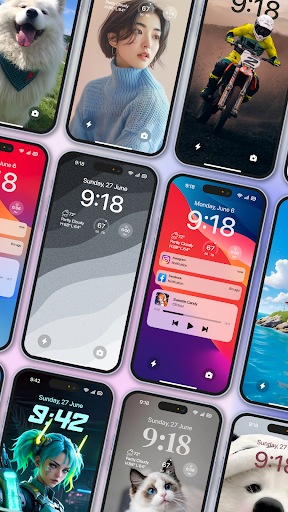
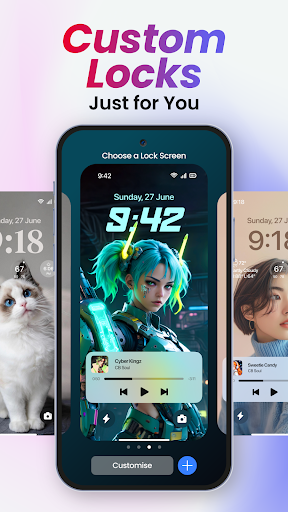
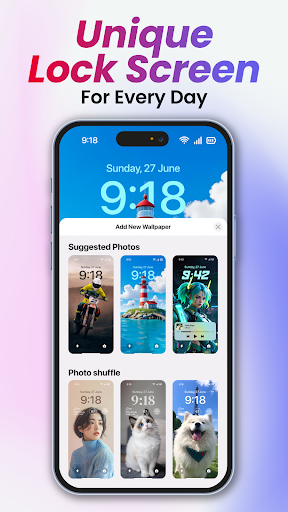
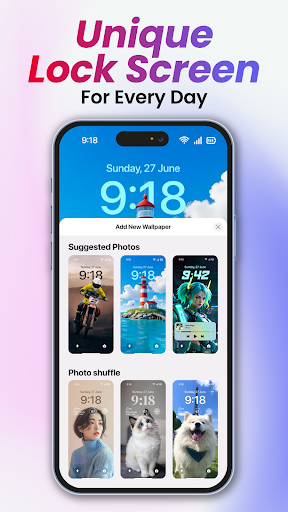
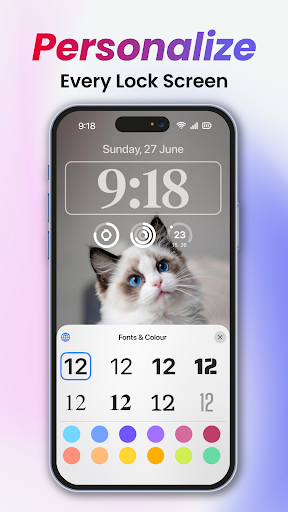
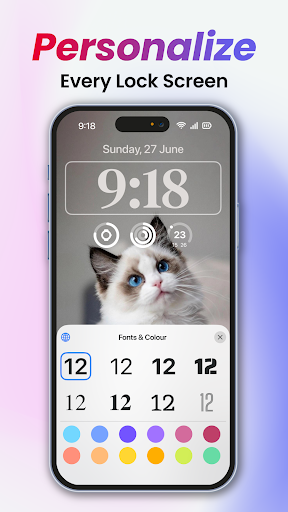
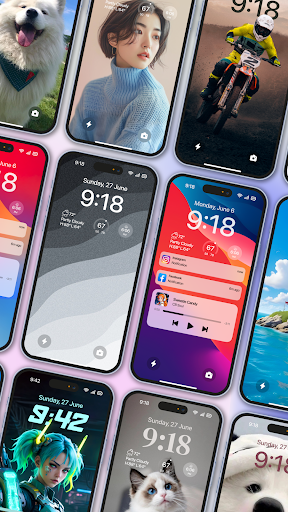
Advertisement
About Lock Screen OS
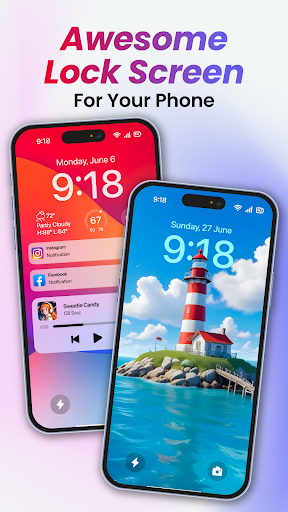
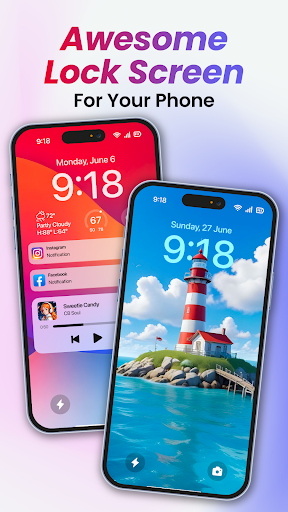
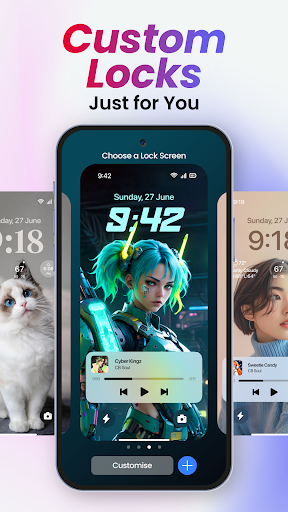
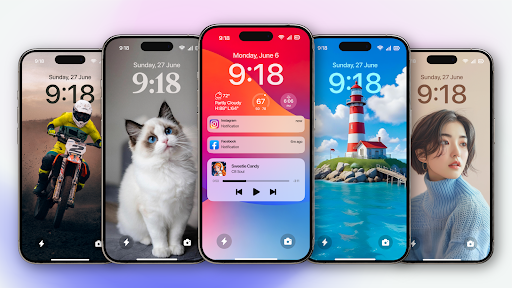
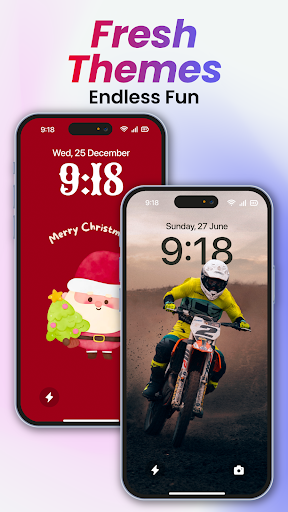
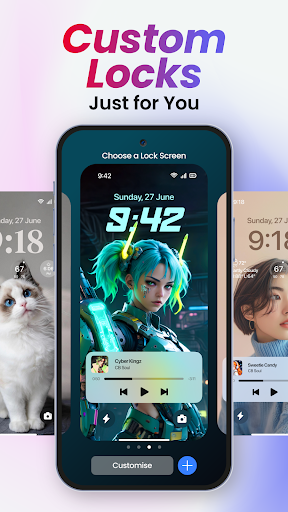
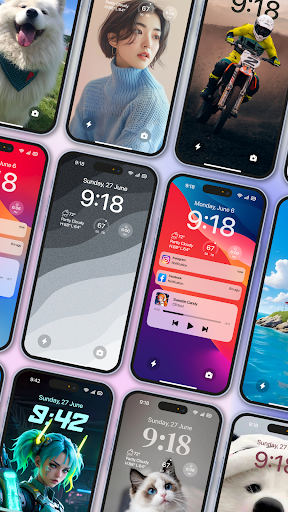
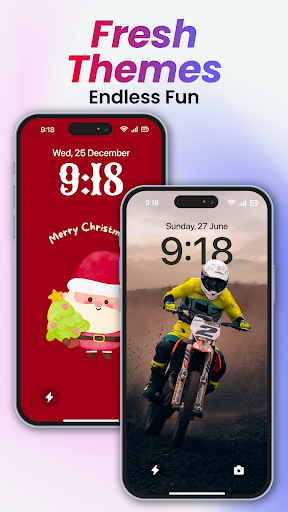
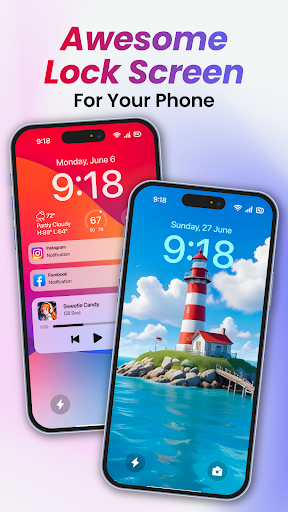
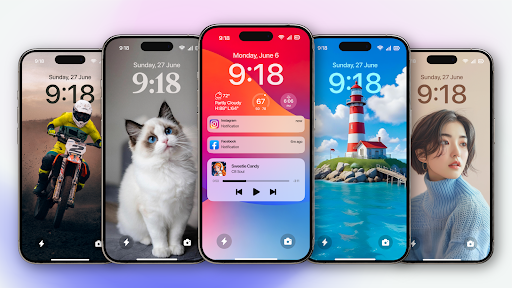
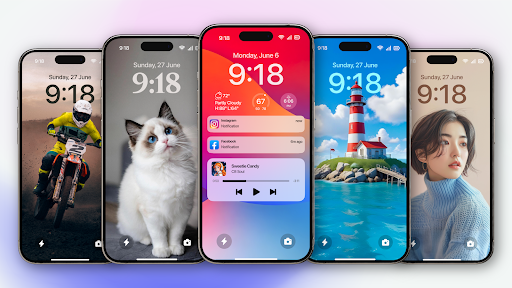
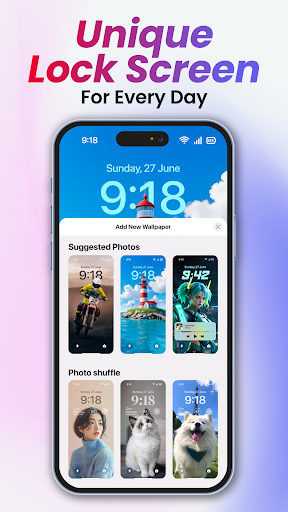
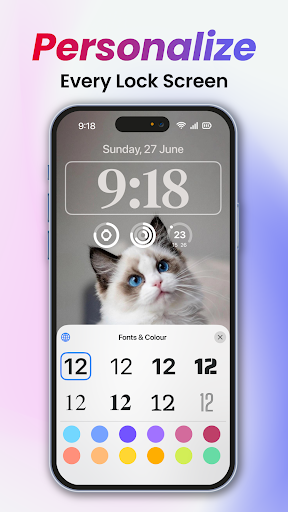
Lock Screen OS is a super intimate mobile app designed to personalize the lock screen interface of your Android device. Its interface is simple and intuitive, and it also has various functions that can be customized at will. It really greatly improves the appearance and experience of your phone, making you feel smooth and smooth every time you unlock it. As a multi-functional launcher app, it can easily help you turn your phone's lock screen into your style symbol, creating a unique mobile phone interface completely according to your preferences.
Overview
core functions
- You can customize the lock screen wallpaper, allowing you to dress up your device as you please, feeling super free!
- Multiple application shortcuts are integrated on the lock screen. If you want to quickly open commonly used functions, you can do it with a click, which is especially convenient!
- Enhanced security protection, such as fingerprints and pattern locks, makes the device feel like an iron barrel, full of security!
- There is also a real-time clock and weather widgets on the lock screen, allowing you to know at a glance what time it is and what the weather is like, and the information is at a glance.
- The operating interface is super friendly, and the navigation is simple and smooth, ensuring that everyone uses it smoothly. The experience is very good!
- Supports some Android features, such as offline mode, so you can use it easily even if you don't have a network.
- Perfectly integrated with your device launcher, the overall feeling is very natural and the personalized customization experience is full!
Who is suitable for?
This mobile app is especially suitable for people who like to customize their Android phones, especially those who prefer a beautiful lock-screen interface. Anyone over the age of 15 can try it. It is a simple and versatile customized tool.
Whether you want to quickly open some important applications or pay attention to security protection, this application can help you improve your daily experience of using the computer. Especially suitable for those users who want to easily upgrade the appearance and functions of their mobile phones without making it too complicated!
Why choose this app
This Android app provides a unique launcher feature that not only makes personalization super easy, but also makes it fun to play. There is no need to talk about safety, ensure that your equipment is beautiful and safe, win-win!
Its design is more outstanding than other products, integrating personalization and security, providing a comprehensive solution for users who want to have both face value and security. It's killing two birds with one stone!
Top Recommended Alternative
Pros & Cons
Pros
-
Personalized lock screen design
-
Smooth and responsive interface
-
Optimization of power saving functions
-
Direct integration of widgets
-
Secure unlocking options
Cons
-
Limited free customization options
-
Occasionally break down
-
Backstage power consumption is a bit high
-
Not very friendly to old equipment support
-
It's a little difficult for beginners to get started
Advertisement
Download Lock Screen OS
FAQ
Is Lock Screen OS safe to use on my device? +
Well, don't worry, Lock Screen OS is designed quite reliably. It follows various security standards to protect your personal information from being leaked, so it is quite safe to use. It is a trustworthy mobile phone customization software.
Butremember, download from official channels, such as Google Play, and don't just get someone from unknown sources to avoid any security risks. This software will also push updates regularly to ensure that your mobile phone is safe and smooth, and the user experience is also very good!
How do I install Lock Screen OS on my Android device? +
Installing this Lock Screen OS is actually quite simple. You just need to search on Google Play, then click the install button, and authorize the necessary permissions.
It's an application-based solution that can fix your lockscreen interface and make the overall experience better. This software is compatible with most Android phones and is also convenient as a launcher, making it easy to customize settings.
What are the main features of Lock Screen OS? +
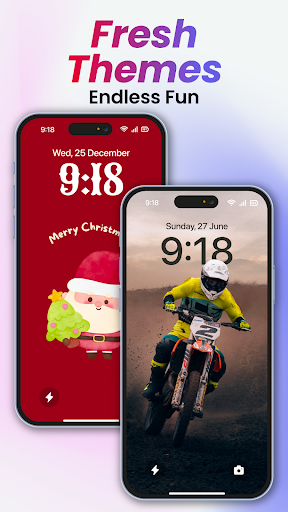
Lock Screen OS has a variety of functions that allow you to change themes, wallpapers and widgets at will to enhance your overall lock screen experience. Its goal is to allow you to access apps and notifications faster, which is convenient and practical.
Asa starter, it can also help you personalize and make your phone look cooler and more interesting. Continuously updated features make the user experience smoother and the satisfaction skyrocket!
Does Lock Screen OS support customization for different Android versions? +
That's right, it supports many different Android versions, and most users can use it smoothly without having to worry about compatibility issues.
Thissoftware solution is designed very carefully. No matter what device you use, the experience will be consistent. The user interface is friendly, and adjusting and personalizing the lock screen has become super easy, no matter how old the Android version is.
Can I revert to my original lock screen after using Lock Screen OS? +
Of course! If you are dissatisfied and want to restore the original lock screen, just disable this initiator in your phone settings or uninstall Lock Screen OS.
Thesefunctions are all designed to be convenient and can be done in a few steps to ensure that your native experience is not affected. In this way, you don't have to worry about subsequent recovery when trying different styles. It's a safe and flexible choice!
Customer Reviews
Users appreciate Lock Screen OS for its visually appealing iPhone-like lock screen and customization options, with many calling it 'amazing' or 'fantastic.' Key strengths include stylish wallpapers and a long-press customization feature mimicking iOS. However, stability is a major concern: while some report smooth performance, others experience severe freezing that forces restarts or even trips to repair shops. Security is polarizing—some enjoy it safely, yet many warn it can lock phones entirely or inject viruses, especially in landscape mode. Ads and payments frustrate users: some accept them, but others find ads intrusive and core features locked behind a premium paywall. Customization is praised for aesthetics, but criticized for lacking options like resizing the clock or adding custom backgrounds. Overall, it's a love-hate app—potentially charming but risky for daily use.
Write a Review
Share your experience with Lock Screen OS. Submissions are reviewed before publishing.
You Might Also Like
More apps you may want to try next.




