Launcher OS™
Advertisement
Screenshots
Advertisement
About Launcher OS™
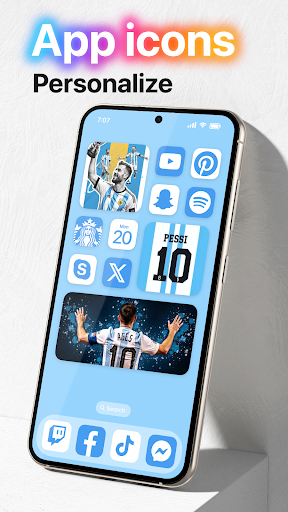
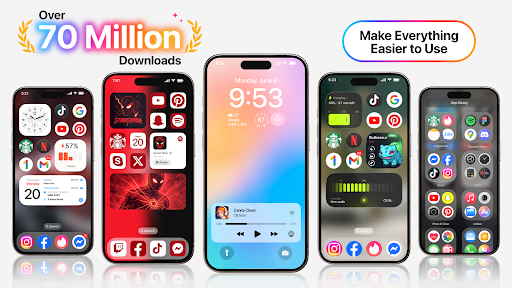
Launcher OS™ is the kind of particularly thoughtful Android app that helps you customize and enhance your mobile experience as you please. Sometimes I feel like my mobile phone is lacking. Launcher OS™ is like a universal helper that can make your interface look more personalized and make daily operations smooth and interesting. Whether you want a fresh interface or need some practical productivity tools, Launcher OS™ can give you a smooth and intimate feeling to use, fully meeting your needs!
Overview
Core Features
- The easy-to-understand customization options allow users to easily make the home page beautiful.
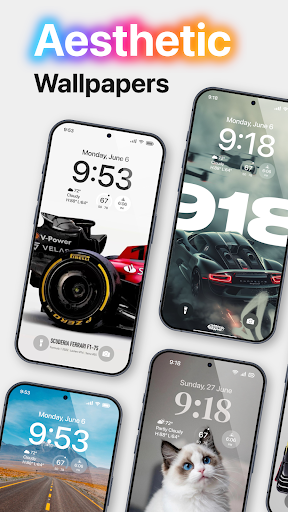
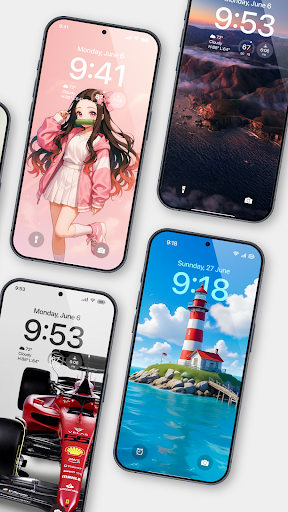
- Various themes and icon packages have raised the entire application experience to a higher level and can also meet the preferences of different users.
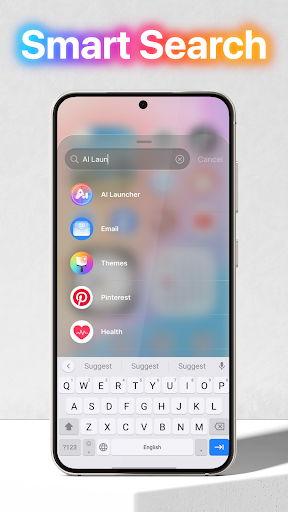
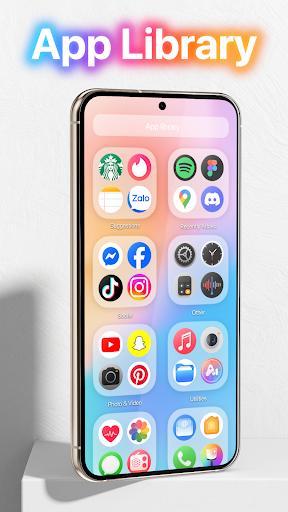
- Application drawer management with rapid search and classification makes navigation particularly smooth and you don't have to scratch your head to find things.
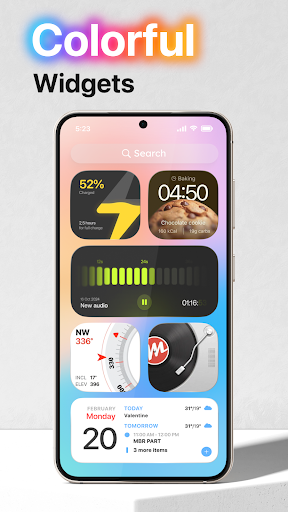
- Screen lock widgets and shortcuts can help you improve your efficiency without making the interface messy.
- Synchronize device settings in real time to ensure that the starter behaves smoothly and fully functional at all times.
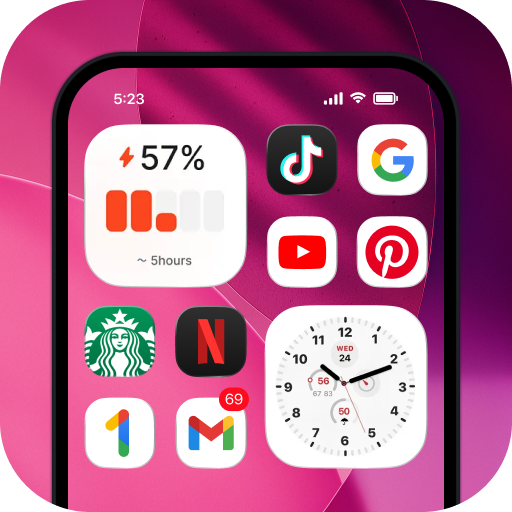
- The power-saving mode is integrated into the application to help you extend battery life and the device runs longer and more steadily.
- Offline mode is supported, so users can customize and access settings without having to connect to the Internet, which is very convenient.
- The interface is super friendly, which is suitable for both novices and makes veterans feel pressure-free to use.
Who This App Is For
This mobile app is especially suitable for Android users who want to make their devices more personalized and easier to use. It is especially suitable for people who like custom starters and are looking for ease of use and aesthetics.
Whether you're a busy office worker or a tech enthusiast who likes to mess around, this app will satisfy you and help you create a device experience that is both efficient and cool.
Why Choose This App
What makes this Android app stand out is that it provides powerful features that are both practical and stylish, making it easy and beautiful to use. It always puts user experience first, ensuring you have smooth performance and rich customization options.
With a reliable and considerate design concept and comprehensive functional support, this launcher can help you easily personalize your Android device while meeting your various needs for simplicity and flexibility. Really worth a try!
Top Recommended Alternative
Pros & Cons
Pros
- The operating interface is simple and intuitive
- Highly customized to unleash your creativity
- Running as fast as lightning
- Frequent updates and continuous optimization
- Wide adaptation range
Cons
- Free features are limited
- The initial setup is a bit complicated
- power consumption problem
- Poor performance on older equipment
- Occasionally encounter compatibility issues with third-party apps
Advertisement
Download Launcher OS™

Customer Reviews
Users widely praise Launcher OS™ for its excellent design and functionality, with many describing it as a 'great original app' that makes a tablet feel like an iPad. However, feedback on performance and ads is mixed. While some users find it 'awesome' and highly recommend it, others report excessive ads that appear before the interface loads, leading to uninstalls. Additionally, a number of users criticize the app for being 'extremely slow, full of bugs, and constantly crashing,' while others find it smooth and impressive. Overall, the app delivers a high-quality personalization experience, but its heavy ad presence and inconsistent stability are common pain points.
Write a Review
Share your experience with Launcher OS™. Submissions are reviewed before publishing.
You Might Also Like
More apps you may want to try next.