
Homebase: Scheduling & Payroll
Advertisement
Screenshots
Advertisement
About Homebase: Scheduling & Payroll
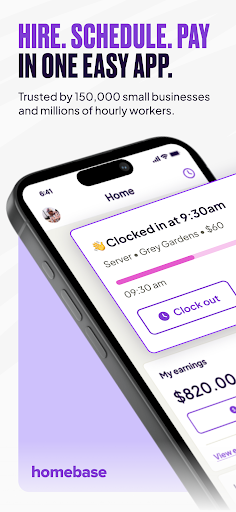
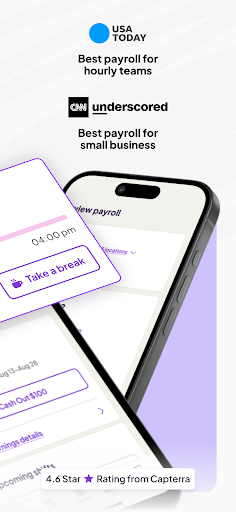
Homebase: Employee Scheduling is a very reliable tool that helps companies handle employee scheduling. This Android application is actually quite simple to operate. It has practical functions such as scheduling, check-in, and team communication, which makes management a lot easier and everyone can keep in sync without getting into a mess. After all, it is an App-based solution that is designed to make daily work smoother and improve work efficiency, making both bosses and employees feel convenient and worry-free.
Overview
core feature
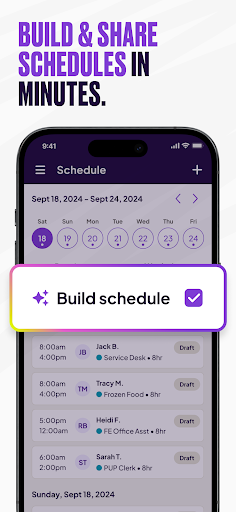
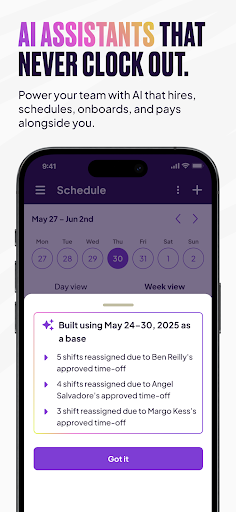
- This app has a particularly convenient employee scheduling tool that helps you easily manage shifts and free time, which is quite handy.
- The real-time synchronization feature is great. Every adjustment can be seen immediately on every device, and team communication becomes smoother.
- Offline mode is also a highlight. Employees can view schedules and make changes even if they don't have the Internet. This flexibility is really amazing!
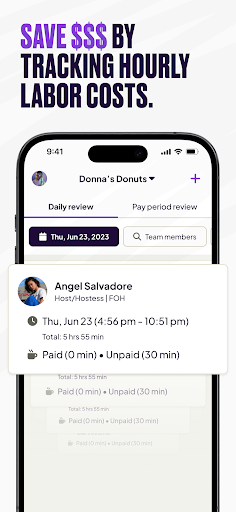
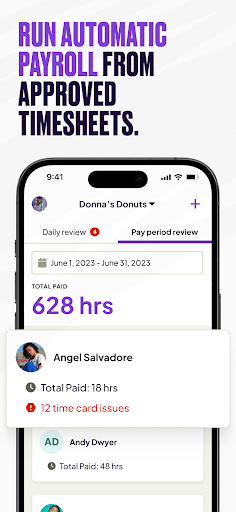
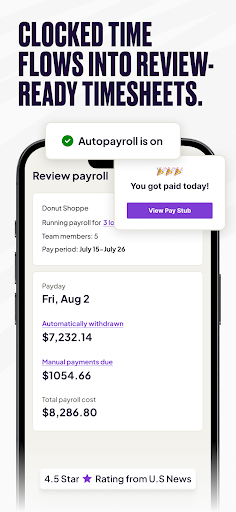
- It is also equipped with a detailed reporting function that can accurately track attendance, working hours and salary data, making it super convenient to manage.
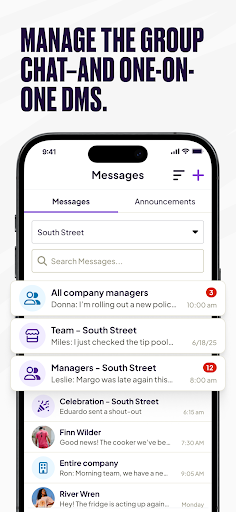
- Built-in messaging and notification functions ensure that team members can keep up to date with the latest developments, everyone stays in touch, and the atmosphere is more active.
- This app is also particularly versatile and is specially designed to help managers arrange teams more efficiently. It's really practical!
Who is suitable for?
This mobile app is especially suitable for small to Medium"-sized business owners, managers or team leaders who want to find a reliable application for scheduling management.
Whether you are running a retail store, restaurant, or service team, this app can help you easily handle scheduling, communication and coordination, and the overall management is much smoother.
Why choose this app
This Android app is particularly easy to use, has an intuitive interface, and is also very powerful. It makes cumbersome scheduling work simple and fast, saving time and worry.
Its smooth experience and offline functions are trustworthy. It is specially designed for enterprises that want efficient and integrated management. It is a good choice!
Top Recommended Alternative

Pros & Cons
Pros
- Super intuitive interface
- Real-time schedule updates
- Access anytime and anywhere in the cloud
- Automatic reminder of shift
- Team management functions are available
Cons
- Too few customization options
- Basic analysis functions are not strong
- Limited offline functionality
- High learning costs for novices
- Notification settings are too limited
Advertisement
Download Homebase: Scheduling & Payroll

FAQ
Is Homebase free to use?+
How do I log in to the Homebase mobile app?+
Can employees clock in and out using the app?+
Is my data safe with Homebase?+
Customer Reviews
Users widely praise Homebase for its ease of use, reliability, and effectiveness in tracking shifts and team communication, with many calling it excellent and a great decision. Key strengths include user-friendly scheduling tools and smooth mobile clock-in/out. However, several pain points emerge: verification codes frequently fail, causing unexpected logouts and no option to speak to human support; some users report hours logged to the wrong week; recent updates have introduced lagging schedule viewers and intrusive warnings. While many find the app dependable and meeting standards, others criticize it for requiring full-week time-off requests instead of single-day selection, lacking dark mode, and offering minimal customization. Overall, users appreciate the core functionality but wish for better authentication, more flexible time-off features, and UI improvements.
Write a Review
Share your experience with Homebase: Scheduling & Payroll. Submissions are reviewed before publishing.
You Might Also Like
More apps you may want to try next.