
Advertisement
Screenshots
Advertisement
About Google Translate
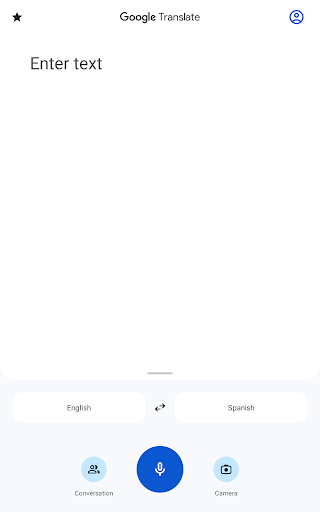
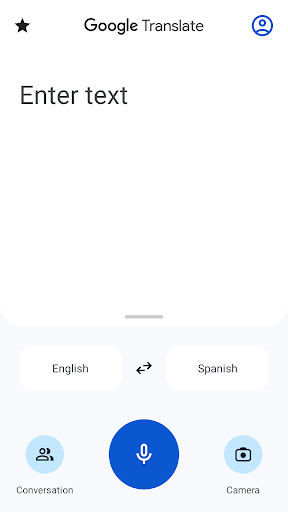
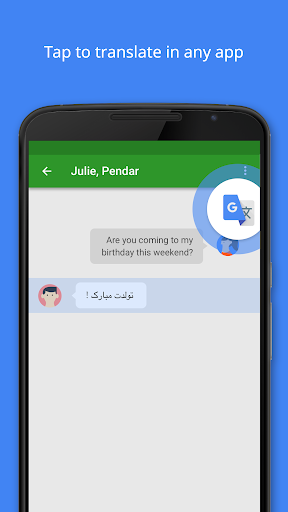
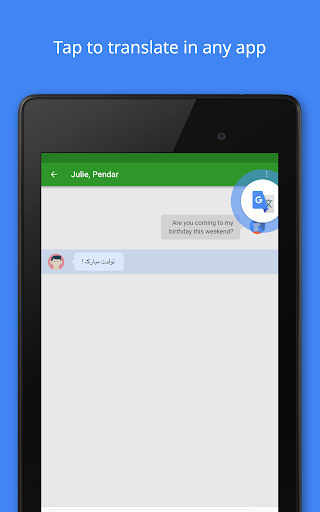
Google Translate is really a powerful mobile application that can help you easily translate text, voice and pictures into multiple languages. Its usage rate on Android is quite high, its interface is quite intuitive, and its functions are quite reliable. Whether you are traveling, studying or working, you can basically use it smoothly. It is extremely convenient to use, the translation speed is fast, and the results are quite accurate. It is simply a trustworthy artifact to solve various language barriers!
Overview
core feature
- This app can instantly translate more than 100 languages, making cross-language communication as if there is no estrangement and particularly smooth ~
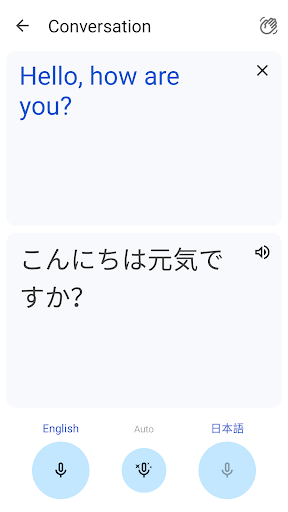
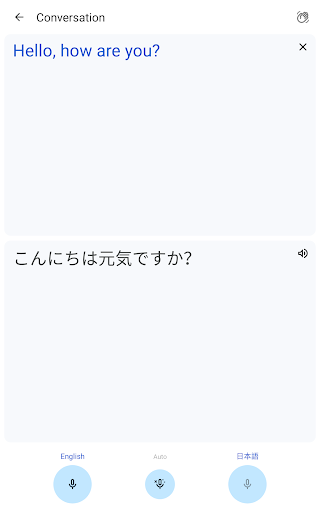
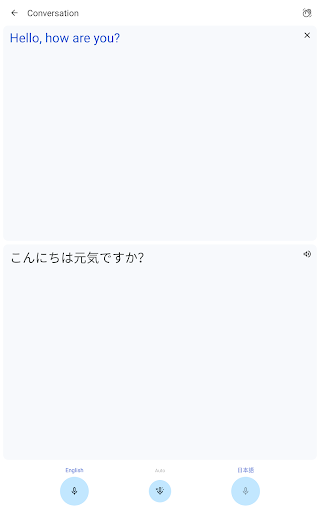
- Real-time speech translation allows you to speak loudly naturally, and the translation is displayed immediately on the screen. It's really amazing!
- Offline mode is also useful. You can do translation without having to connect to the Internet. It is especially suitable for traveling or places where the Internet is unstable ~
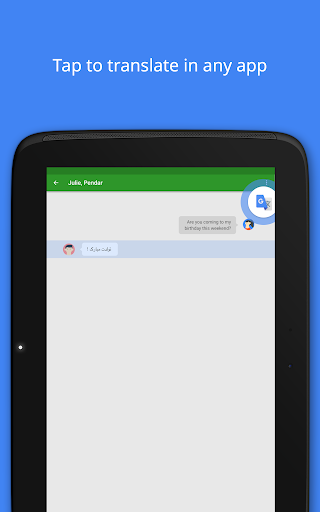
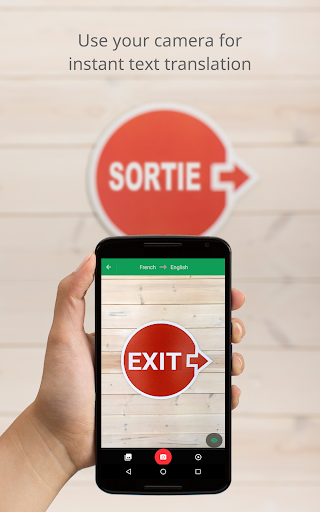
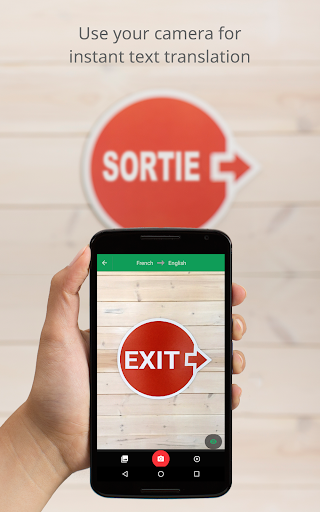
- The image translation function is awesome. Just use your camera to point at logos, menus, etc., and immediately get the corresponding language. It's so convenient!
- There will also be a pronunciation guide to help you learn standard pronunciation. You will not be afraid of saying substandard pronunciation when you travel around the world!
- The automatic language detection function is super considerate, saving you the trouble of choosing, and the translation process suddenly becomes much simpler!
- Comes with a common sentence book, with many common translations in it, so you don't have to worry about daily communication!
- As an application, the interface design is very friendly. Whether you are a novice or a big shot, you can easily find what you want!
Who is suitable for?
This mobile app is particularly suitable for students, travelers, expats, and professionals who need to rely on translators anytime, anywhere.
Whether you're visiting strange cities, learning a new language, or doing international business, this app can help you become more efficient and smoother.
Why choose this app?
This Android app is super versatile and ensures that translations are fast and accurate, making your communication more natural and easier.
The smooth operating experience and offline functions make it a reliable artifact to break down language barriers and make communication without borders!
Top Recommended Alternative

Pros & Cons
Pros
- Ability to translate in real time
- Super friendly interface
- Offline translation is also possible
- Support various devices
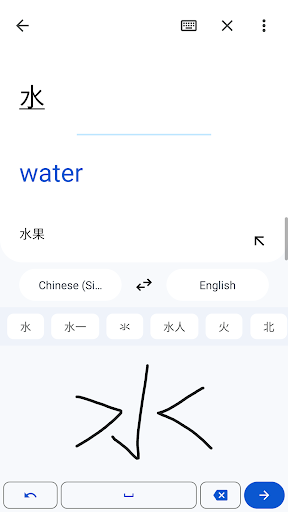
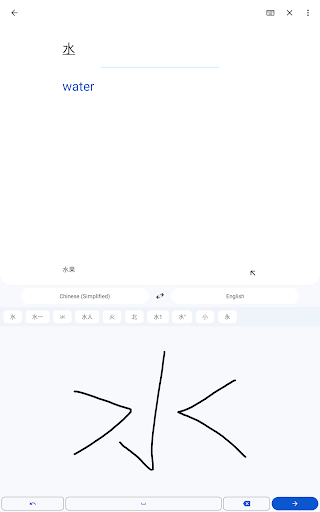
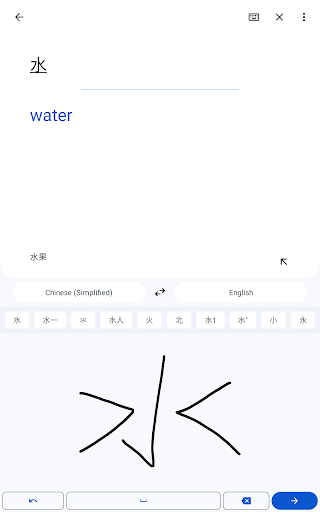
- Additional features such as camera translation and handwriting recognition
Cons
- Not enough ability to understand context
- Complex sentences are sometimes inaccurate
- You have to be connected to the Internet to use it well
- Small privacy concerns
- Speech recognition is not friendly to accents
Advertisement
Download Google Translate


FAQ
Is Google Translate safe on your mobile phone?+
How can I install Google Translate on my Android phone?+
Can Google Translate be used offline? How reliable is it?+
What are the main functions of Google Translate?+
Can I rely on Google Translate to handle sensitive or private content?+
Can Google Translate work on iOS devices?+
Can I set Google Translate to be used as an App with the same launcher?+
Does Google Translate update frequently? What are the new features?+
Customer Reviews
Google Translate is widely praised for its accurate and fluent translations, smooth user experience, and low bandwidth requirements. Users find it especially helpful for learning Japanese, traveling, and daily multilingual tasks. Key dimensions: translation accuracy – many say it's reliable and improved with AI, but some note it sometimes fails to match original wording like ChatGPT; features – voice, camera, and language pack support are appreciated, however some users report missing male voice option, camera translation errors ('unable to use'), and inability to remove downloaded language packs; performance – generally stable and efficient, yet recent updates caused app crashes on startup, broken furigana readings for kanji, and poor offline functionality; interface – intuitive design, but some complain about removed 'send to translate home' feature. Overall, while the app is considered a must-have tool, specific post-update issues and feature gaps frustrate a subset of users.
Write a Review
Share your experience with Google Translate. Submissions are reviewed before publishing.
You Might Also Like
More apps you may want to try next.




