
Genius Scan - PDF Scanner
Advertisement
Screenshots



Advertisement
About Genius Scan - PDF Scanner
Overview
core functions
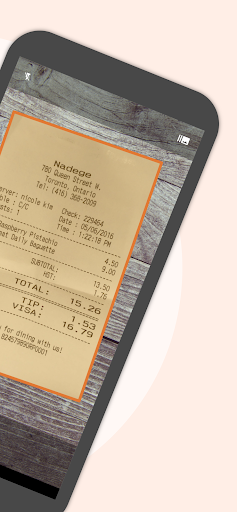
- This one can help you scan files with your mobile phone. It is fast, the effect is quite accurate, and the function is really powerful.
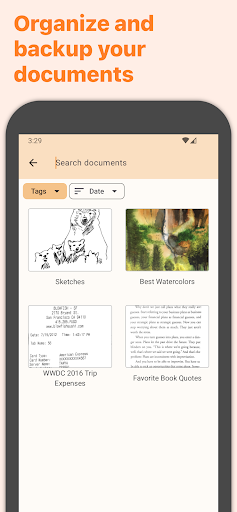
- Support offline use. You can scan and save it into PDF even if you don't have the Internet. It's quite convenient.
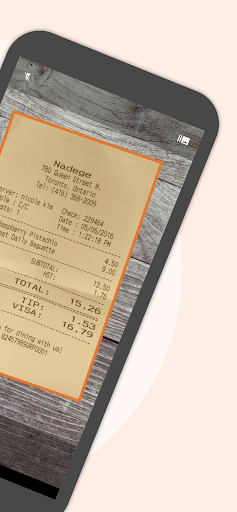
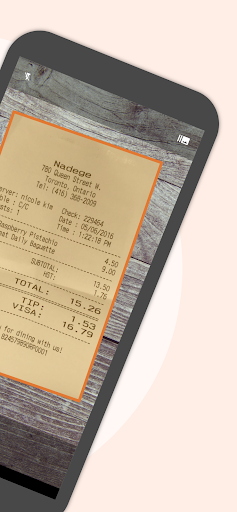
- Comes with automatic edge recognition and perspective correction, the scans taken look professional and beautiful.
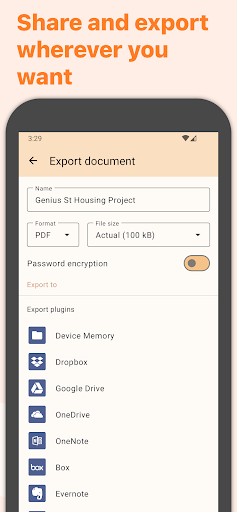
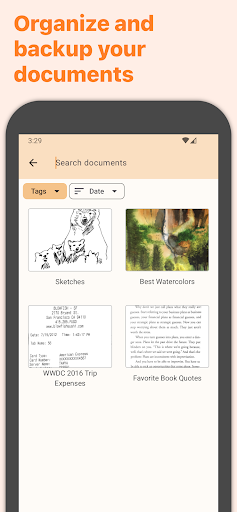
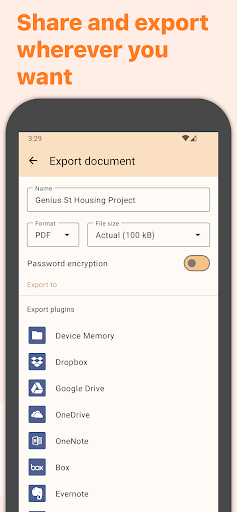
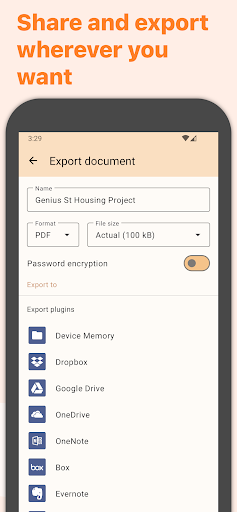
- With cloud integration, storing things and sharing files are particularly smooth, and the experience is very good.
- The interface is very friendly and it is very easy to use on Android. It doesn't pick people and can do it at any level.
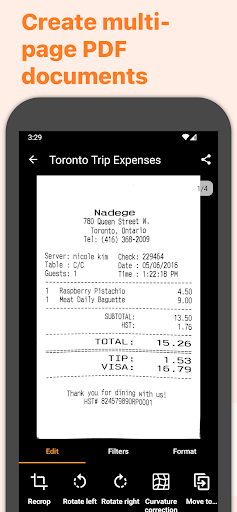
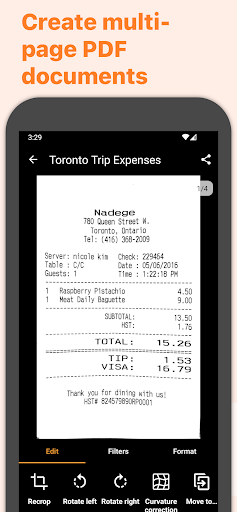
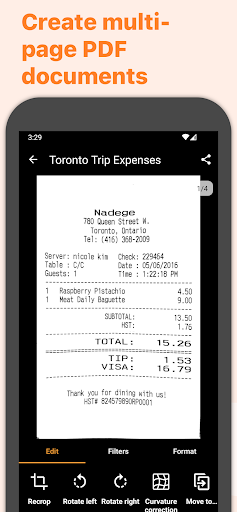
- It can also scan multiple pages, helping you easily digitize the entire document, improving your efficiency a lot.
- It also supports Optical Character Recognition (OCR), which can accurately extract the text in the scan and make it convenient to find information.
Who is suitable for?
This mobile App is especially suitable for students, professionals, or business bosses. They need a fast and reliable scanning method to complete documents anytime, anywhere. The interface is simple, intuitive to operate, and it is very quick to get started. It is suitable for users of all ages to find an efficient document management tool.
Whether you want to digitize receipts, contracts, or notes, this method using the App is quite convenient. Especially for users who like to use Android phones as all-round tools, it can also be used as an efficiency artifact to improve daily productivity!
Why choose this model?
This Android app is fully functional, has a smooth and reliable experience, and kills many other scanning software. Even offline, it can be fully utilized. The accuracy and speed of scanning are very good, which is an advantage.
Combined with convenient, stable performance and powerful functions, it can help you digitize files quickly and safely, making it a very trustworthy helper. With careful design and comprehensive features, this App is definitely an ideal choice for people who need a powerful scanning tool!
Top Recommended Alternative

Pros & Cons
Pros
- Intelligent edge detection
- High-quality PDF output
- user-friendly interface
- Various export methods
- Built-in optical character recognition (OCR)
Cons
- Editing functions are not rich enough
- Occasionally scanning errors
- File size compression is not always perfect
- You cannot scan multiple pages at once
- Few customization settings
Advertisement
Download Genius Scan - PDF Scanner


FAQ
Genius Scan -Is the PDF scanner safe to use on my device?+
Of course, Genius Scan is a very reliable mobile app that has been reviewed and recognized by the Google Store and the Apple Store. It attaches great importance to user privacy and data security to ensure that you can use it with peace of mind and have a smooth experience.
This software is made by some well-known developers. They have a lot of experience in document management. The software is often updated to fix vulnerabilities and add new features. Overall, it is used to scan and manage PDFs on Android and iPhone. It is quite stable and reliable!
How do I start using the Genius Scan - PDF scanner?+
Enabling this app is actually quite simple. You can download and install it on Google Play for Android, or find it on the App Store for iOS. After installation, the interface is designed to be quite intuitive, just follow the prompts and scan easily.
It has functions such as automatic edge recognition and simple editing tools, allowing you to turn your mobile phone into a scanner you carry around with you, and the experience is particularly great. Many people like it because it is so convenient to find a way to quickly turn paper materials into electronic documents!
What features does Genius Scan have that make it so special?+
Its main features include high-quality scanning effects, Optical Character Recognition (OCR) functions, and ultra-secure cloud sharing. Whether you use Android or iPhone, it can help you get fast and clear PDF files.
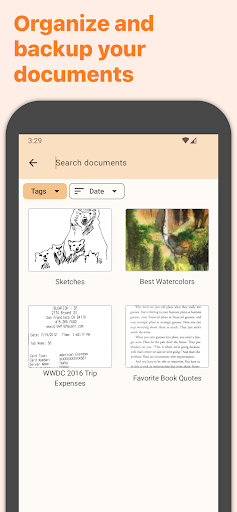
This software is very thoughtful. It scans, organizes, and exports smoothly. It also has many intelligent functions. It can almost meet both personal and work needs. It is really a versatile person.
Can I use Genius Scan offline?+
Of course you can! One of its highlights is its support for offline mode. It does not require the Internet to scan, save and organize files. It is especially suitable for use when you are away from home and the network is unstable.
When you return to a place where there is a network, you can easily share or back up files. The whole feeling is particularly convenient and flexible, and it is especially suitable for busy professionals to rely on this application solution.
Is Genius Scan suitable for business or professional use?+
Of course, it is quite popular in the business world, especially for people who need reliable electronic document tools. Multi-page scanning, annotations, and secure sharing are all necessary for business work.
It works smoothly on both Android and iOS, and is particularly convenient to use daily. Whether you use it yourself or work as a team, it can help you save trouble. It is a trustworthy and efficient tool that simplifies your document management process.
Does Genius Scan support multiple languages?+
Supported! It has many language options, is quite friendly and suitable for different users around the world. No matter what your main language is, it will make you feel particularly comfortable and effortless to operate.
Whether scanning work documents in the workplace or just for personal use, the interface is designed to be intuitive and everyone can easily get started.
Is Genius Scan updated frequently?+
Yes, the development team is very careful and will push updates regularly to ensure that the software is compatible with the latest Android and iOS versions. Each update brings new features, optimizes security performance, and improves the experience, keeping the overall situation in a good state.
Keeping it up to date often shows that they are very concerned about security and stability. I sincerely recommend using it to scan, organize and share files. It will be efficient!
If I encounter problems, is there customer service support?+
Of course, the developer will provide customer service support to help you solve any problems you encounter. You can find contact information in the app's help center, or contact their customer service team directly through the app store or official website.
These support measures are very considerate to ensure that you can operate smoothly when using Android or iPhone, and you can manage documents with Genius Scan!
Customer Reviews
Users consistently praise Genius Scan - PDF Scanner for its user-friendly design, speed, and reliability. Key strengths include intuitive operation, auto-crop, instant upload, and ad-free experience. Many find it ideal for batch scanning, school assignments, and document sharing. However, opinions on consistency vary: while most scans are clear on the first attempt and issues are easy to fix, a few users report occasional problems with auto-crop or page detection. The app is widely recommended, though one user described the experience as 'dreadful.' Overall, it is considered a top-tier business tool.
Write a Review
Share your experience with Genius Scan - PDF Scanner. Submissions are reviewed before publishing.
You Might Also Like
More apps you may want to try next.