Focus To-Do: Pomodoro & Tasks
Screenshots
About Focus To-Do: Pomodoro & Tasks
Overview
core feature
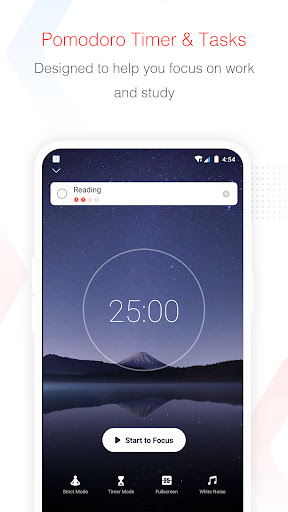
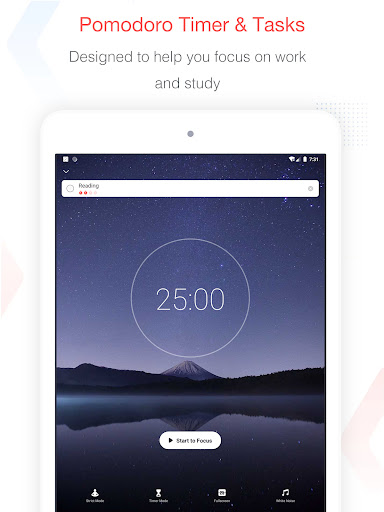
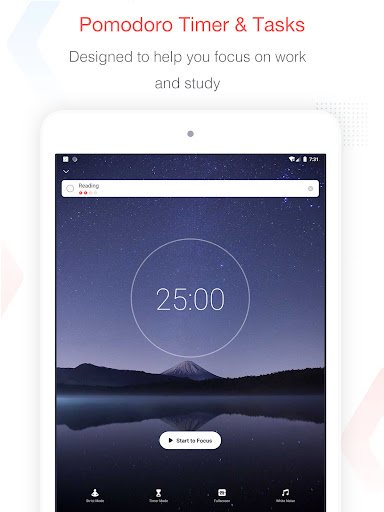
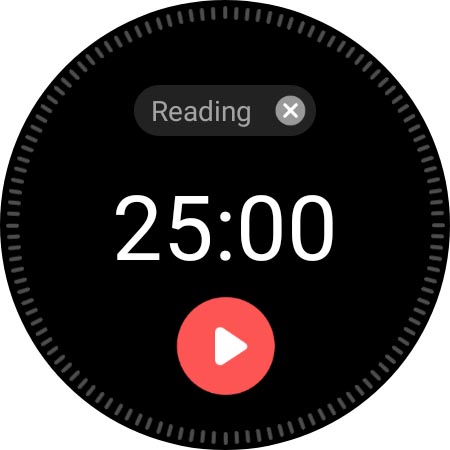
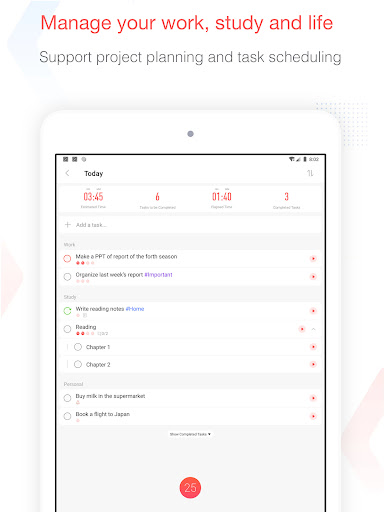
- This app is equipped with a Tomato Clock Timer that can customize the time period to help you concentrate and improve efficiency. It feels really good!
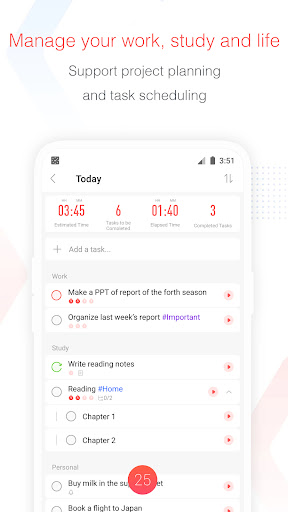
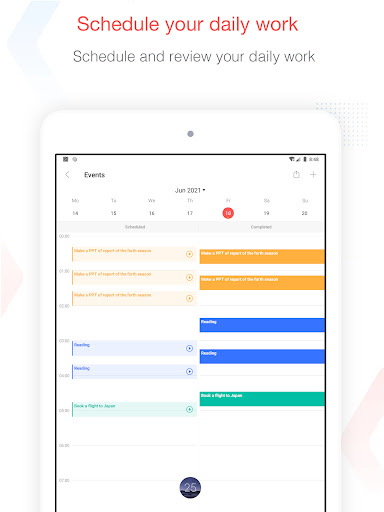
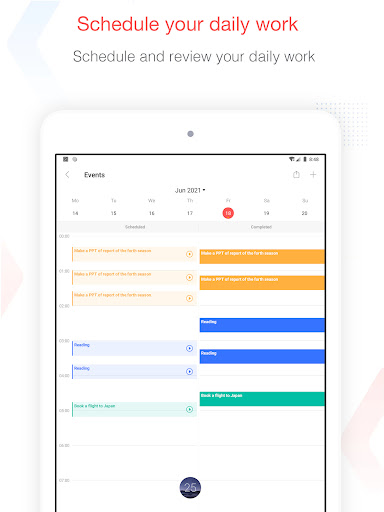
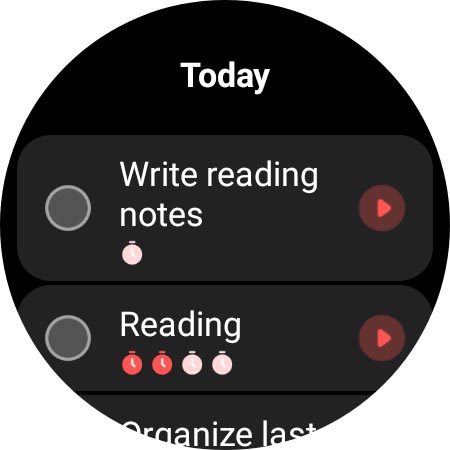
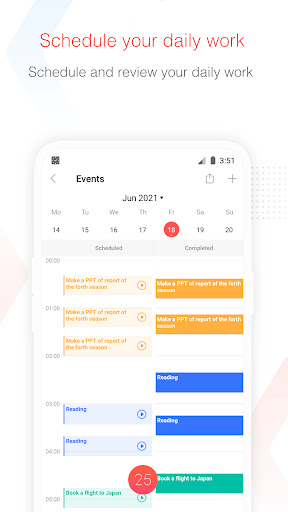
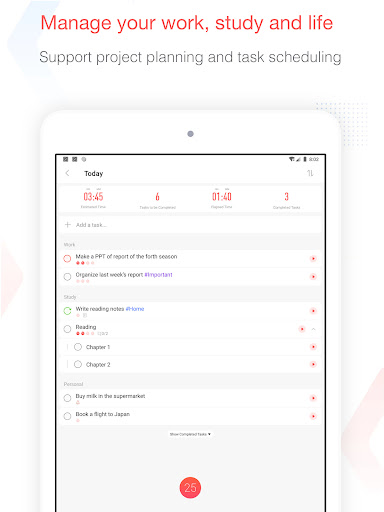
- Task management tools allow you to easily create, organize, and prioritize daily tasks. It's so sweet!
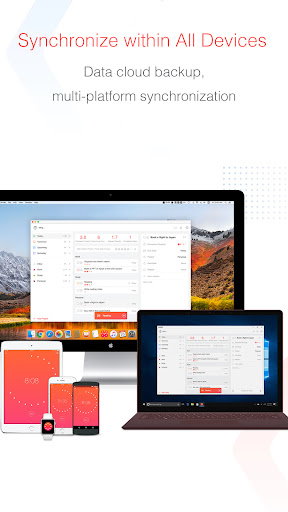
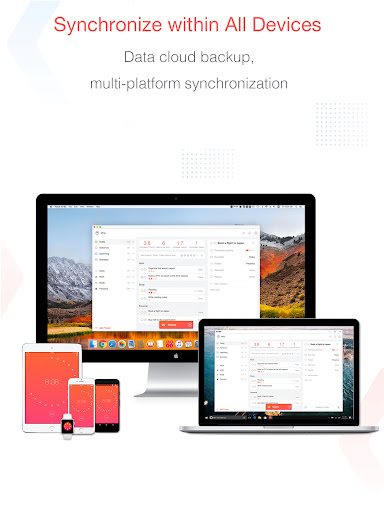
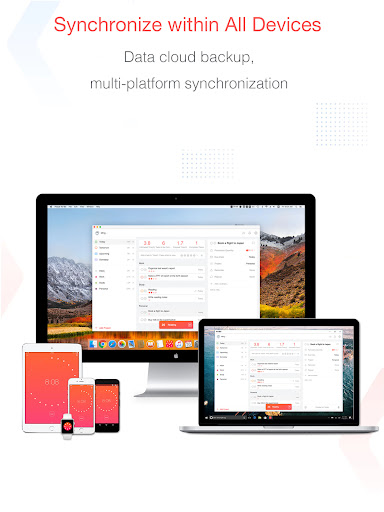
- Real-time synchronization across devices ensures that your tasks and timers are up to date at all times and can be used anywhere. It's quite convenient!
- Built-in reminders and notifications help you not forget important deadlines. It's so sweet and considerate!
- The interface is simple and intuitive, without unnecessary interference, it is easy to focus, and the user experience is great!
- It can also be used offline mode, tasks and timers will not be closed, and it will still operate even if there is no Internet. It is so considerate!
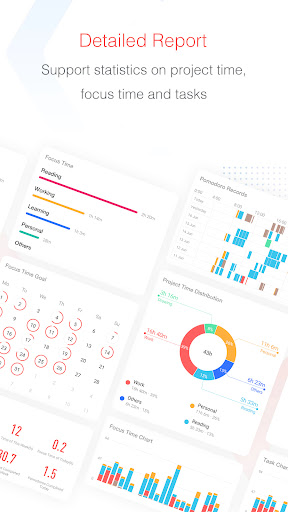
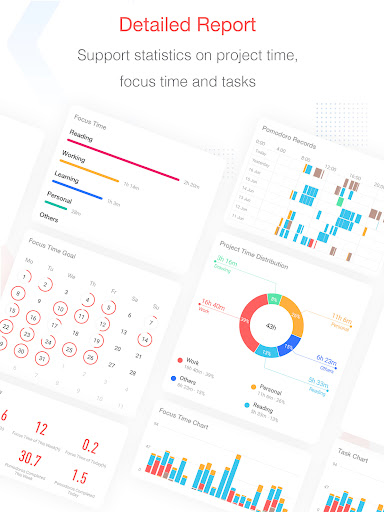
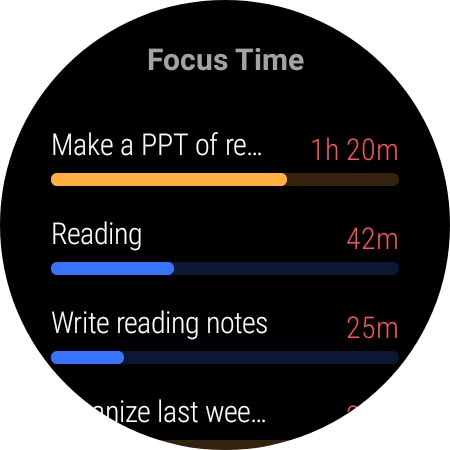
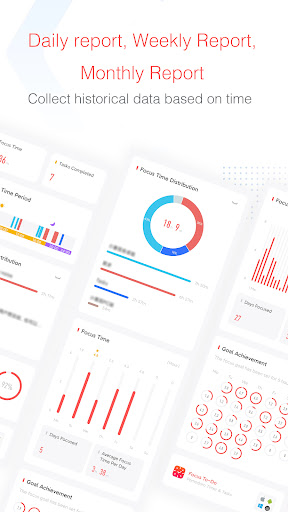
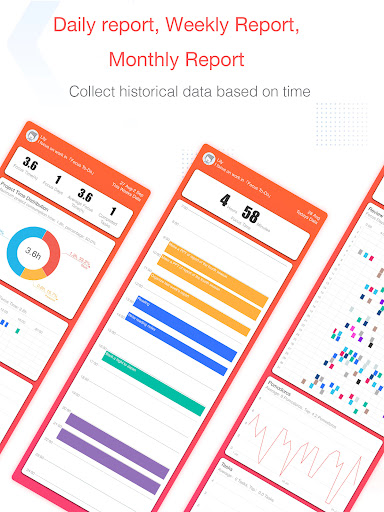
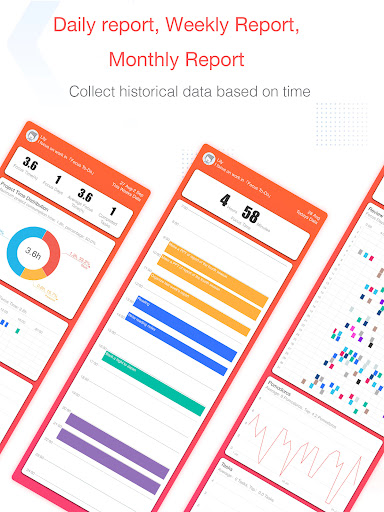
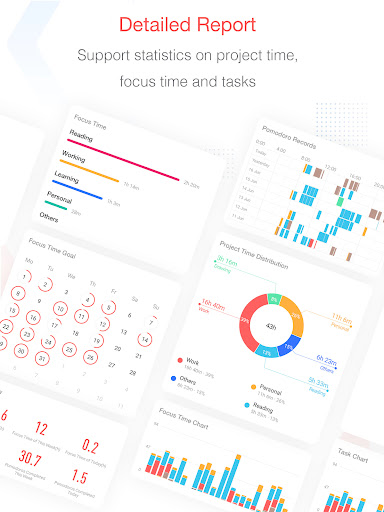
- There is also an analysis function that can help you understand your efficiency over time. I think this is quite interesting!
Who is suitable for?
This mobile app is particularly suitable for students, office workers, or anyone who wants to manage time and tasks in a simple and effective way. People who like to use an Android software that is easy to operate and helps you concentrate and organize will definitely love it!
Whether you're working remotely, preparing for exams, or trying to be productive all day, this app will help you divide up your work hours clearly and track progress at a glance. It's really a good choice for users who like to combine timing and task management to improve daily efficiency.
Why choose this app?
Mainly because this Android software combines mature features with user-friendly design to become a trustworthy productivity partner. Its real-time synchronization and offline access features allow you to use it easily and feel reliable in various situations.
Choosing it means you have chosen a reliable, application-based solution that can meet your time management needs, is rich in features, and can help you stay away from distractions and maintain organization and motivation. I sincerely recommend it!
Top Recommended Alternative

Pros & Cons
Pros
- Intuitive tomato clock
- Integrate task management into it
- Customizable reminder settings
- multi-device synchronization
- Minimalist interface design
Cons
- Task classification functions are not rich enough
- Basic analysis and progress tracking
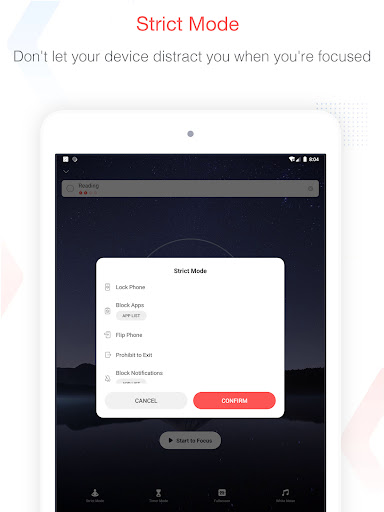
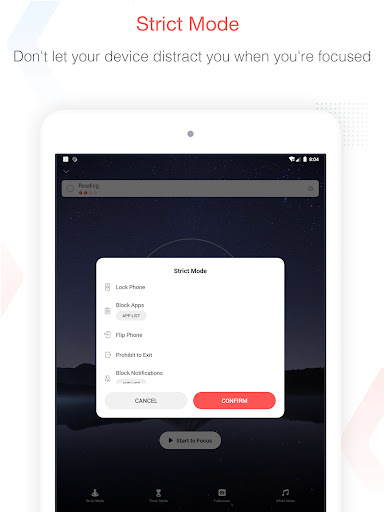
- No function that hinders distraction
- Reminder settings are too basic
- Occasionally, synchronization will be a little sluggish
Download Focus To-Do: Pomodoro & Tasks

FAQ
Is Focus To-Do: Pomodoro & Tasks safe to install on my device?+
Of course! Focus To-Do: Tomato Work Method and Task Management is quite reliable on the Google Play Store. Generally speaking, it is quite safe, and developers are also very concerned about users 'privacy and security. Use it with peace of mind and don't worry about problems.
This application will be updated regularly, and security testing is also done in place. It is a good choice for management tasks and tomato working methods. Remember, it's best to download it from official channels, such as a reliable Android store or official website, and don't mess around with unknown sources.
Can I use Focus To-Do: Pomodoro & Tasks on both Android and iOS devices?+
Currently, this Focus To-Do is mainly available on the Android platform and can be found in the Google Play Store. But if you use Apple's iOS device, you won't be completely helpless. There are similar apps or official iOS versions, you can still find them, so that they will be smoother and more compatible to use.
In short, the solution considered by both Android and iOS may be better. After all, this way the experience can be seamlessly connected and maximize efficiency!
How do I install the Focus To-Do: Pomodoro & Tasks app?+
The steps to install this application are actually quite simple. You can search for names on Google Play, or just click on that link. After entering the application page, just click the "Install" button and wait patiently for a while.
Its functions are also quite practical, including task classification, tomato clock and so on, mainly to help you improve efficiency. The interface is relatively intuitive, and novices can get started quickly. Adjust the settings at will and use them easily!
What features does Focus To-Do: Pomodoro & Tasks offer?+
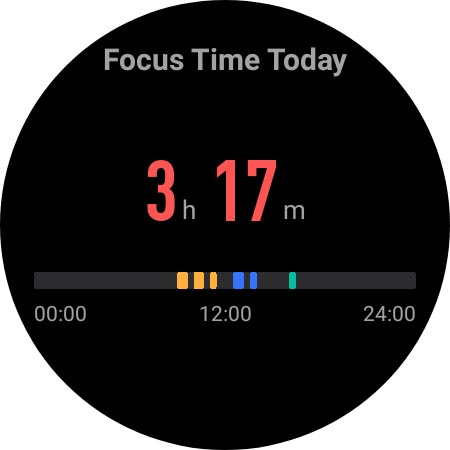
This Android version of the application features are quite rich, including task lists, tomato clocks, reminders, and statistical functions to help you track the duration of your focus. It is quite comprehensive.
Many users like it very much because it combines task management and concentration skills well. It is a good helper to help you improve your efficiency. It is especially suitable for daily time management and goal planning.
Is Focus To-Do: Pomodoro & Tasks suitable for multiple users or team collaboration?+
Basically, this software is more personal use, mainly to help you arrange and track tasks for yourself. If you work with a team or share tasks, you may have to work with other software or services.
However, it has a good experience for individual users and can help you get focus time, especially on Android devices. It feels quite suitable. If you want to engage in teamwork, you may have to find other solutions.
You Might Also Like
More apps you may want to try next.