FamiliarApps logo
Fake GPS Location-GPS JoyStick

Fake GPS Location-GPS JoyStick

Advertisement

Screenshots
15 images
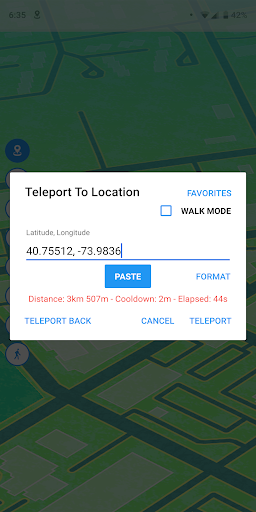
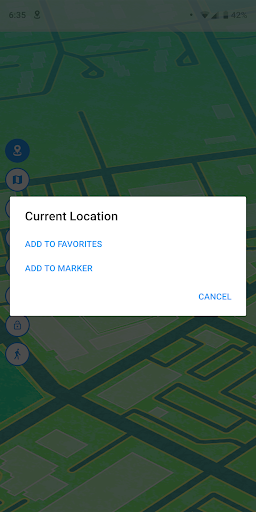
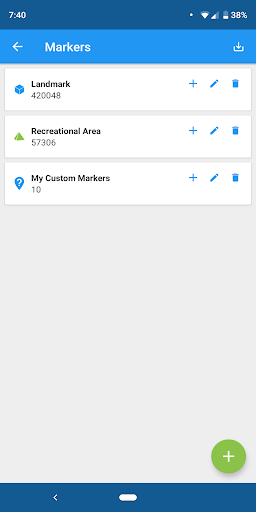
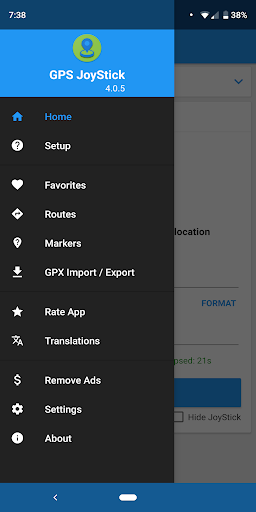
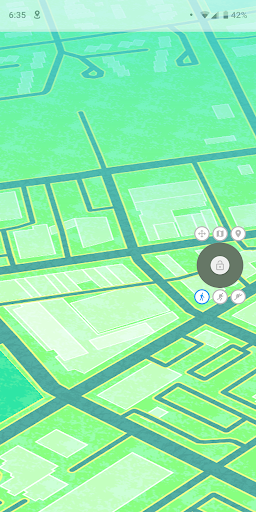
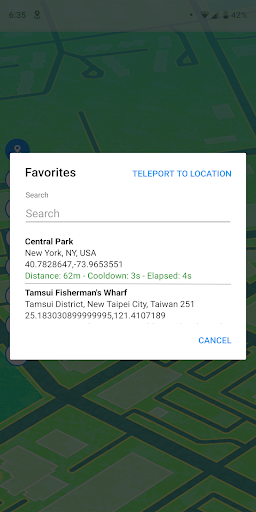
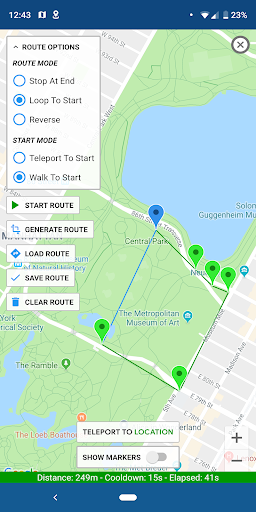
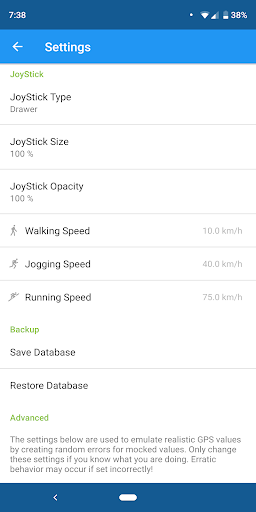
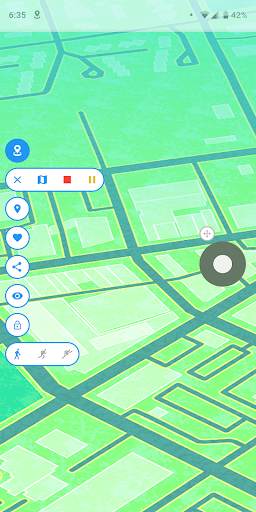
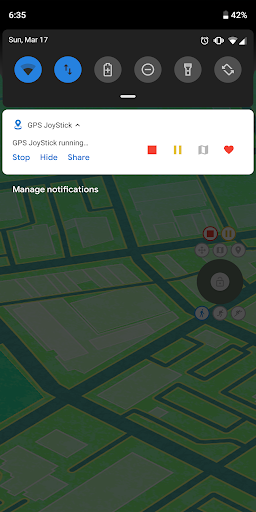
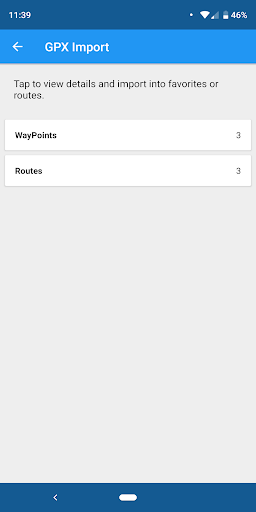
Fake GPS Location-GPS JoyStick screenshot 1 Fake GPS Location-GPS JoyStick screenshot 2 Fake GPS Location-GPS JoyStick screenshot 3 Fake GPS Location-GPS JoyStick screenshot 4 Fake GPS Location-GPS JoyStick screenshot 5 Fake GPS Location-GPS JoyStick screenshot 6 Fake GPS Location-GPS JoyStick screenshot 7 Fake GPS Location-GPS JoyStick screenshot 8 Fake GPS Location-GPS JoyStick screenshot 9 Fake GPS Location-GPS JoyStick screenshot 10 Fake GPS Location-GPS JoyStick screenshot 11 Fake GPS Location-GPS JoyStick screenshot 12 Fake GPS Location-GPS JoyStick screenshot 13 Fake GPS Location-GPS JoyStick screenshot 14 Fake GPS Location-GPS JoyStick screenshot 15

Advertisement

About Fake GPS Location-GPS JoyStick

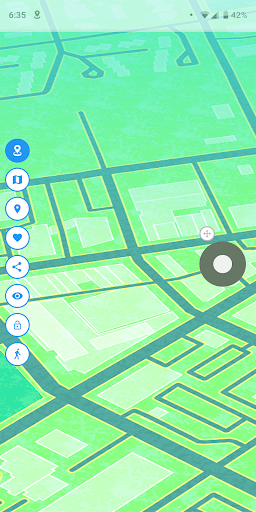
Fake GPS Location-GPS JoyStick This app is very popular in the Android circle. It is mainly used to easily simulate GPS positions. To be honest, it is a reliable tool. Users can set their own desired location, which is quite convenient. Whether you want to change locations while playing games, use them for development and debugging, or even protect privacy, they are quite useful. The interface is super simple and the operation is smooth. The feeling is that you want to control the positioning of the device as you please, which is very convenient.

Overview

core functions

  • It can be useful to make it easy for users to disguise their GPS location, test location-based applications, or protect privacy.
  • Equipped with a GPS joystick, it can accurately control movement in the application, making it easy to operate.
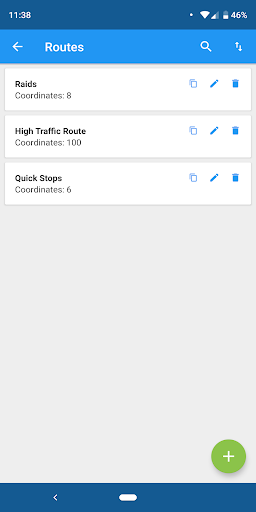
  • Support manual setting of location, and you can customize routes and scenarios. It is no problem without networking. It is quite convenient.
  • The interface is particularly considerate and designed specifically for Android users, making changing locations quick and easy.
  • Provides real-time location simulation, which is especially suitable for testing navigation or game development. It feels great.
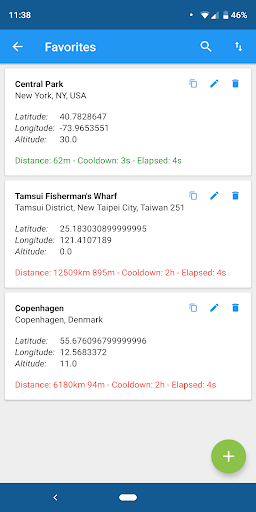
  • It can also save several collection locations, which is very quick to switch, and the solution is easy to operate.
  • It can be run in the background and continue to disguise the location without affecting the functions of other applications. It's a very thoughtful design.

Who is suitable for?

This mobile app is especially suitable for people who need to simulate GPS locations on Android devices, such as developers, gamers or users who are particularly concerned about privacy.

Especially for those who are testing location-sensitive services or want to explore application functions in different areas without moving, this is definitely a trustworthy tool that can help you solve various scenarios.

Why choose this?

What makes this Android app particularly outstanding is its intuitive GPS joystick and reliable camouflage position function, which add a lot to the entire experience.

It provides a simple and practical solution that is safe and accurate, and is very suitable for solving some common problems, such as restricted test scenarios and privacy issues, while also winning the trust and convenience of users.

Top Recommended Alternative

Pros & Cons

Pros

  • simple operation
  • Real-time GPS simulation
  • Location can be customized
  • strong compatibility
  • Root free operation

Cons

  • Free features are limited
  • There may be problems with GPS
  • large power consumption
  • Few testing periods or demonstrations
  • Risks detected by location services

Advertisement

Download Fake GPS Location-GPS JoyStick

You are going to be redirected to the official website to finish the download when you click these buttons above.

FAQ

Is Fake GPS Location-GPS JoyStick safe to use on my device? +
Fake GPS Location-GPS JoyStick, it feels like a very reliable gadget that helps you simulate your location and so on, as if you don't have to worry about leaking it. As long as you go through reliable channels such as Google Store, you are basically very safe. Although it gives you a bit of trouble with your location, you can't use it too casually, especially when it is used with other applications. You should pay attention. To ensure the safety and privacy of your equipment, you must have some knowledge in mind so that you can use it safely.
How do I install and set up Fake GPS Location-GPS JoyStick on my Android device? +
Installation of this Android APP is actually very simple, just follow the instructions in Google Play. Once installed, you may need to go to the settings to enable simulated location permissions. Its interface is quite friendly. It has a virtual rocker to control the position, which is super convenient to set up. Whether it is used to play games or do tests, it can be easily done.
Can I use Fake GPS Location-GPS JoyStick with my favorite navigation apps? +
Of course, this tool is basically compatible with most navigation apps and can help you easily disguise your location. Whether it's for entertainment or testing, it's all very handy. However, I should be warned that some apps may detect that you are playing fake locations, so use them well and don't mess around. As long as it is used reasonably, the overall experience is actually quite good and the equipment will not be affected.
Are there any risks involved in using Fake GPS Location-GPS JoyStick? +
It's quite safe to use this software, just don't mess around too much, otherwise you may be banned from the platform or something. Basically, as long as it is used within the scope of other software service terms, there is actually no big problem. You have to be vigilant, download the latest version from regular channels, and understand how to use its functions, so as to ensure that you can use it with peace of mind and have fun.
What features make Fake GPS Location-GPS JoyStick stand out among other location spoofing apps? +
What attracts me most about this APP is that it has a friendly interface and can use a virtual joystick to accurately control position. Whether it is testing location information or playing games that require GPS, it is quite convenient. Moreover, its customization options are very rich, and anyone can adjust the location according to their needs, which is quite reliable. It is simple and easy to use, especially suitable for friends who need to play position camouflage. It is a great choice.

Customer Reviews

AI
AI Generated Summary
Based on real user feedback
★ 2.5

Users generally appreciate the app's basic functionality for spoofing GPS, with some calling it 'excellent' and 'works perfectly' for general use. However, a significant number of users report severe issues: the app frequently crashes, the joystick disappears, and location keeps jumping back. The biggest point of contention is compatibility with Pokémon Go—while some users say it worked well a year ago, many now encounter constant 'Network Error' or 'Error 12', making it unusable. Ads are another divisive topic: some find the ad frequency 'reasonable', while others call it 'numerous' and feel forced to use an older version. The app's lack of recent updates (months without fixes) frustrates many, who downgrade their rating from 5 stars to 1. For other uses like Monster Hunter Now, it reportedly works without extra setup. Overall, the app has potential but suffers from stability and compatibility issues that need urgent attention.

PopelBombe · 2026-06-15
★ 2
Keeps losing connection and gets briefly thrown back to the original location. Any ideas on how to prevent this?
Aaron Howell · 2026-06-14
★ 5
Excellent
Felix Jistel · 2026-06-14
★ 5
Good quality
Patrick Vienna · 2026-06-13
★ 1
I can only agree with the review below. Please update the app so it works with Pokemon Go again. 🙏 Once that's fixed, the 5-star rating will be well deserved.
Tenkai Cheret · 2026-06-13
★ 1
The garbage disposal is not functioning.

Write a Review

Share your experience with Fake GPS Location-GPS JoyStick. Submissions are reviewed before publishing.

Rating *
0 / 2000

You Might Also Like

More apps you may want to try next.

Advertisement
5
Please wait...