Everbridge
Advertisement
Screenshots
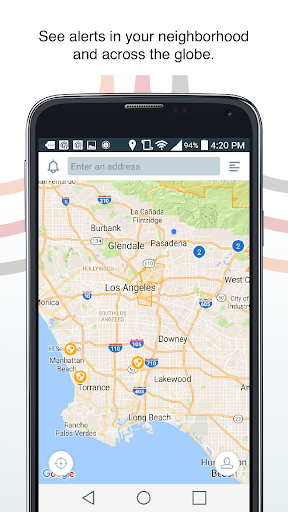
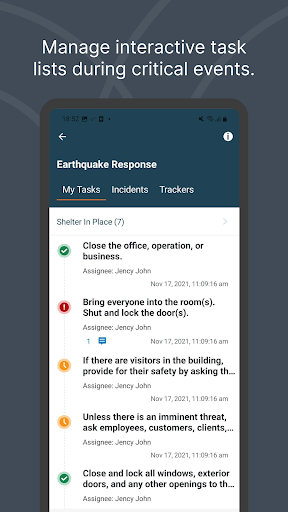
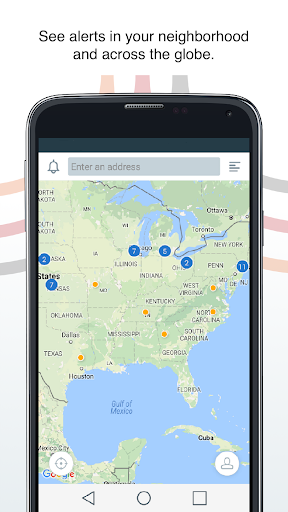
Advertisement
About Everbridge
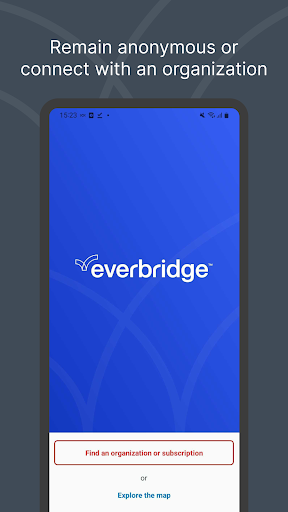
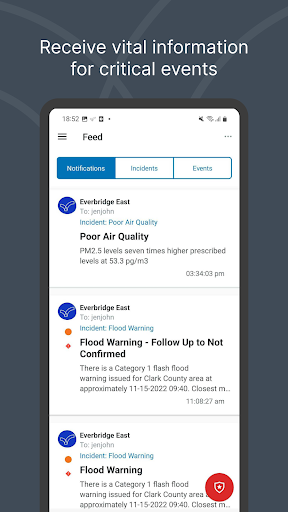
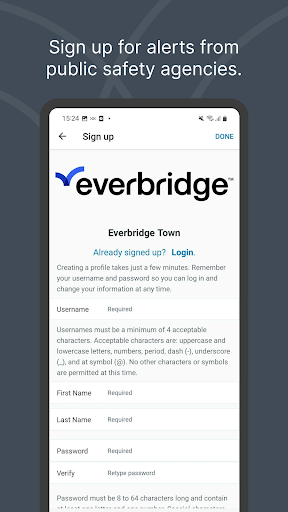
Everbridge is a critical communication mobile app designed to keep you informed and connected during emergencies. It delivers real-time alerts and instructions from your organization or local authorities directly to your device, helping you stay safe during severe weather, security threats, and other urgent events. The app features a streamlined interface for confirming your safety and accessing important updates, ensuring a reliable app experience when it matters most.
Overview
Core Features
- Real-time mass notification delivery keeps communities and teams informed during urgent situations.
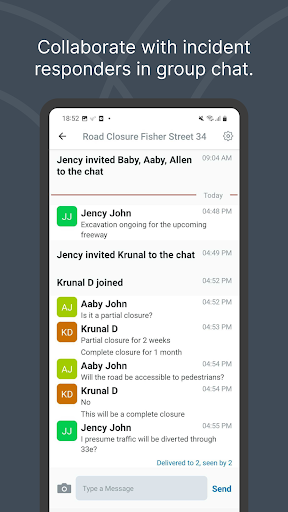
- Two-way messaging lets users confirm safety status and communicate directly with responders.
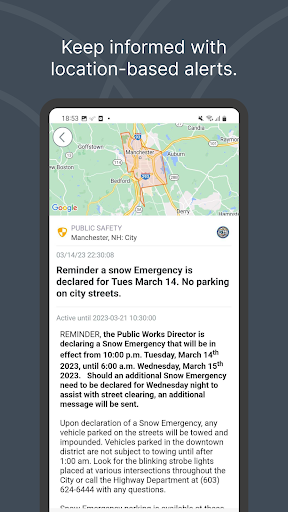
- Location-based alerts target specific areas, ensuring relevant warnings reach the right people.
- Multi-channel support covers SMS, voice calls, email, and push notifications for maximum reach.
- Incident timeline view organizes alerts chronologically, helping users track unfolding events clearly.
- Customizable notification preferences let individuals choose how and when they receive updates.
- Offline access for critical contacts and instructions ensures the app remains useful without connectivity.
- These app features combine into a dependable safety net for everyday preparedness and crisis response.
Who This App Is For
This mobile app is built for employees in large organizations, campus communities, and municipal residents who need timely alerts about emergencies like weather events, security threats, or operational disruptions. It suits both tech-savvy younger users and older adults who value simplicity in urgent moments.
Use it for daily commute updates, severe weather warnings, or workplace evacuation notices. Families can also track loved ones' safety during natural disasters, while facility managers rely on it to coordinate response efforts across multiple sites.
Why Choose This App
Unlike general messaging tools, this Android app prioritizes reliability and speed, with redundant networks that push alerts even during network congestion. The clean interface reduces confusion when every second counts, offering a more focused app experience than standard SMS or email.
It stands out because it bridges the gap between receiving information and acting on it, with built-in check-in tools and resource links. This app-based solution turns passive alerts into a coordinated response, giving users confidence and clarity when they need it most.
Pros & Cons
Pros
- Multi-channel alertingSends critical notifications via SMS, email, app push, and voice calls simultaneously, ensuring messages get through even in low-connectivity zones.
- Two-way communicationRecipients can acknowledge alerts and send status updates, letting incident managers quickly assess team safety and needs—a feature most competitors lack.
- Robust location-based targetingGeo-fencing allows alerts to be delivered to specific zones, like a campus building or city block, minimizing alert fatigue during local weather events.
- Reliable crisis workflow automationPre-built templates and escalation paths streamline incident response, such as auto-connecting with local emergency services after a campus shooter false alarm.
- Excellent uptime and complianceBacked by a 99.99% uptime SLA and pre-validated integrations (e.g., FEMA, DHS), making it a trusted choice for government and enterprise clients.
Cons
- Steep learning curve for first-time adminsInitial setup and configuration require significant training; the dashboard feels cluttered for basic users. Mitigation: use Everbridge's guided onboarding videos, and official UI simplification is expected in the 2025 roadmap.
- Mobile app occasionally lags on low-end devicesThe newest iOS/Android versions can take 2-3 extra seconds to load the map view, which is frustrating during active incidents. Temporary fix: enable the lite mode in app settings, or keep a browser fallback bookmark.
- Pricing is not transparent for SMBsQuote-based pricing often pushes small teams to overpay for modules they don't use. The public self-serve tier (for under 50 users) is still in beta, so negotiation is required unless you ask for the basic plan explicitly.
- Notification permission resets after OS updatesSome users report alerts stopping after iOS/Android updates because background app refresh gets disabled silently. Workaround: have the admin send a 'test all' alert after system updates, and enable auto-run in device settings.
- Limited offline documentation inside the appHelp articles require internet access, which defeats the purpose during network outages. The official mitigation is downloading a PDF quick-ref card from the portal, and an offline help pack is on the 2024 fall release schedule.
Advertisement
Download Everbridge


FAQ
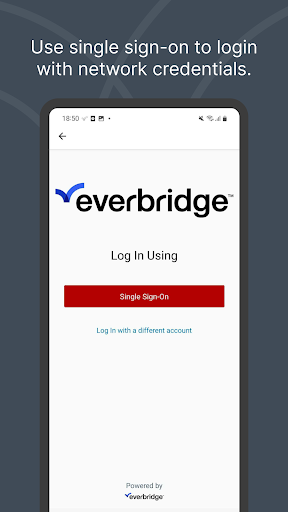
How do I sign in to the Everbridge mobile app?+
Is the Everbridge Android app free to install?+
Why am I not receiving text message alerts or push notifications?+
What are the main Everbridge app features for daily safety use?+
Can I use Everbridge without an internet or cellular connection?+
Is Everbridge a secure platform for sending my personal location data?+
Customer Reviews
Users widely praise Everbridge for delivering timely, accurate alerts on severe weather and road closures, especially in local emergencies like the LA County wildfires and Palm Springs, with many finding it 'excellent' for city and state notifications. However, critical issues dominate feedback: account creation and login frequently fail, address changes are blocked, and alert feeds often appear blank or don't cover user areas (e.g., Long Island, Central Florida). The app's usability is heavily criticized—navigation is non-intuitive, instructions are missing, and customization is limited, causing some to delete it. While some users report successful notification delivery after setup, others experience freezing crashes post-update or receive irrelevant alerts (e.g., weather for other states). A recurring controversy is functionality: some users say notifications work well once configured, whereas many others find the app 'useless,' 'buggy,' or 'deceptive' in coverage claims. The persistent reinstallation issue and lack of support also frustrate users. Overall, the app shows potential for reliable alerts, but inconsistent performance and poor interface undermine trust, with several recommending NOAA radios as a safer alternative.
Write a Review
Share your experience with Everbridge. Submissions are reviewed before publishing.
You Might Also Like
More apps you may want to try next.