

Email: Fast, Manage All Mails
Advertisement
Screenshots





Advertisement
About Email: Fast, Manage All Mails
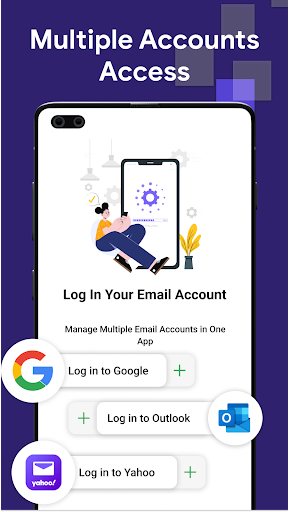
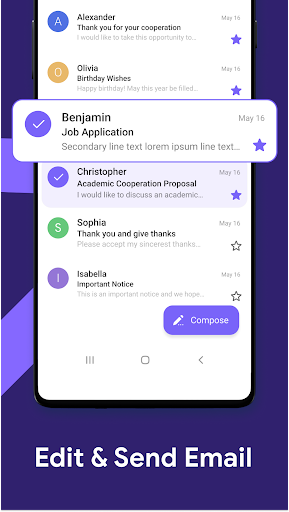
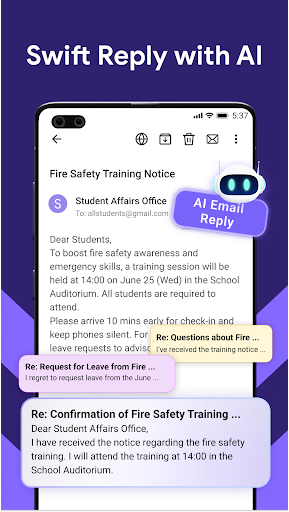
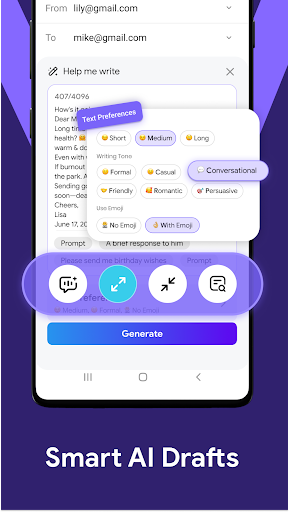
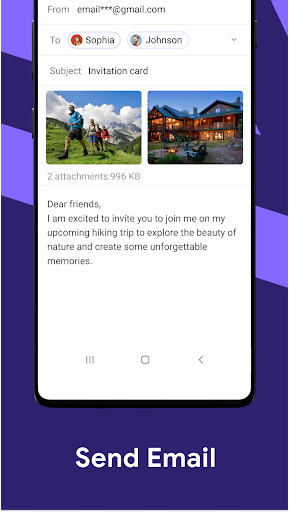
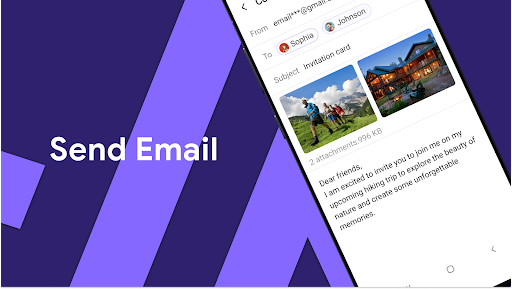
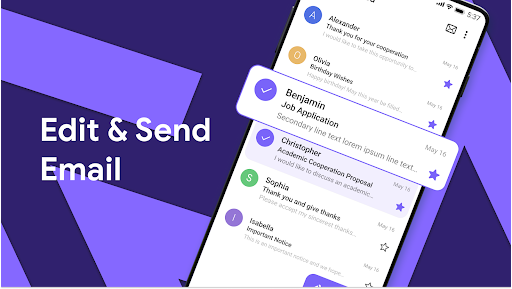
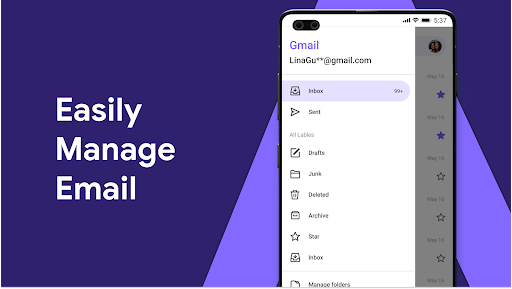
Fast, Manage All Mails is a good application. It is a multi-functional productivity mobile phone app that mainly helps you easily organize and manage multiple email accounts, allowing you to handle all your emails at once. As an Android application that is easy to operate, it makes your email management smoother and the experience is much better than before. Whether it's handling personal letters or work emails, this app can give you a simple and reliable solution to keep you in touch without losing efficiency. It's a very practical tool.
Overview
core functions
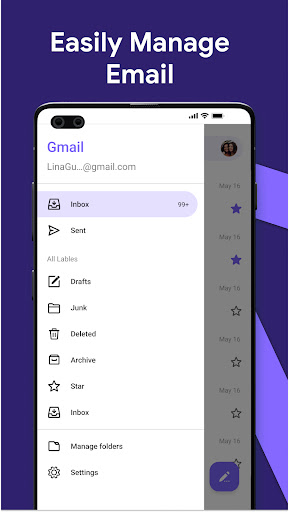
- Comprehensive email management allows you to organize multiple accounts at once, which feels like putting all your email boxes in one place
- Intelligent filtering allows you to focus on important emails and helps you squeeze messy emails into corners and make them less annoying
- Sync it to various devices in real time, keep emails up to date at all times, and improve efficiency a lot
- Offline mode, you can read and reply to emails even without Internet, which is really convenient
- Customizable notifications, know those critical emails as soon as possible, and never miss any important information
- Launcher function, the interface is super simple, open it, you can quickly find the email operation you need
- Encryption ensures data security, protects your sensitive information, and allows you to use it more safely
Who is this app suitable for?
This mobile app is especially suitable for busy office workers, students, or anyone who wants to efficiently handle email on an Android device. It is especially suitable for users who like simplicity but powerful functions, and can easily handle multiple mailboxes.
If you are always on the road or like to use a lightweight launcher app to make mailbox simple and smooth, this app is the perfect choice for you. It allows you to quickly open and organize your email, making it very easy to use in daily life.
Why choose this app
The best thing about this Android app is that it has a intimate interface, powerful functions, and is particularly smooth to use, solving various troubles of managing email. It provides a simple and practical solution to save you time and reduce stress.
Faced with common email problems, this initiator makes it easy for you to solve them. No matter what situation, you can keep in touch, and you can do it with ease and have a special understanding. With it, managing email becomes more confident and more reliable.
Top Recommended Alternative
Pros & Cons
Pros
-
Processing email quickly
-
Super friendly interface
-
Support multiple accounts
-
Built-in organizing tools
-
Reliable notification system
Cons
-
Too few customization options
-
Occasionally synchronization has delays
-
The search function is not strong enough
-
Limited offline access
-
Old equipment occasionally crashes
Advertisement
Download Email: Fast, Manage All Mails
FAQ
Is the Email: Fast, Manage All Mails app safe to use on my device? +
Well, basically, this "Email: Fast, Manage All Mails" application is quite reliable. It is designed with users 'safety in mind. It complies with the latest security standards and ensures that there will be no data problems when you manage your email, which is quite reassuring.
Asa trusted application among productivity tools, it will be regularly updated and tested for security. It is a safe solution for Android users to get multiple mailboxes.
How do I set up my email accounts in this mobile app? +
It's actually quite simple to start using this "Email: Fast, Manage All Mails". As soon as you open it, you will see a very straightforward setup process, which is quite convenient to add your email account step by step.
Itwill also automatically detect the server settings of the mailbox, which is very quick to configure and has almost no trouble, allowing you to use it smoothly and efficiently. It is especially suitable for friends who are a little efficient.
Can I use this Android app to manage multiple email accounts simultaneously? +
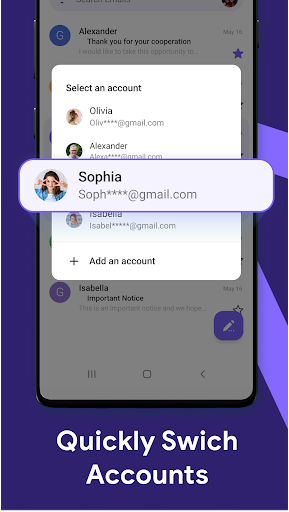
Of course! This "Email: Fast, Manage All Mails" is designed for people who need to manage multiple mailboxes at the same time. The interface is quite friendly, you can manage multiple accounts at a glance, and everything is under control.
Italso supports a unified inbox, and notifications can also be customized, allowing you to easily track information every day and maintain organization while you are busy, which is quite considerate.
Does the app support the latest email providers and protocols? +
Support it. Basically, commonly used mainstream mailboxes such as Gmail and Outlook can be perfectly connected. It also supports the latest security protocols. Whether you use IMAP or POP3, you can manage your mailbox with peace of mind and feel at ease.
Thecompatibility is quite good. It allows you to easily access and manage email. The overall experience is smooth and it also helps you improve your work efficiency.
Is it easy to customize notifications and app features? +
Of course! This app can adjust its own notifications and various settings to make your email management more in line with your personal preferences. You can choose when to remind yourself so you don't miss important information or get notified to death.
Thereis also a flexible Android tool that can adjust synchronization intervals and notification preferences, which is especially suitable for users who want to customize the experience.
Customer Reviews
Users generally praise the app for its simplicity, intuitive design, and fast performance in managing multiple email accounts. Many describe it as outstanding, effective, and highly recommended for productivity. However, significant issues emerge: "advertisements" are intrusive and constant, frustrating many users. "Account requirements"—forcing Google or Microsoft sign-in—block those without such accounts. "Functionality" is inconsistent: while some users enjoy smooth operation, others report emails not delivered, registration buttons unresponsive, features working only with a subset of accounts, and spam messages being sent. "Ease of use" splits opinion: some find it straightforward, while others call it user-unfriendly. In summary, the app delivers on core email management when it works, but ad overload, reliability problems, and access barriers hinder the experience.
Write a Review
Share your experience with Email: Fast, Manage All Mails. Submissions are reviewed before publishing.
You Might Also Like
More apps you may want to try next.




