
Dual App - Web Scanner App
Advertisement
Screenshots
Advertisement
About Dual App - Web Scanner App
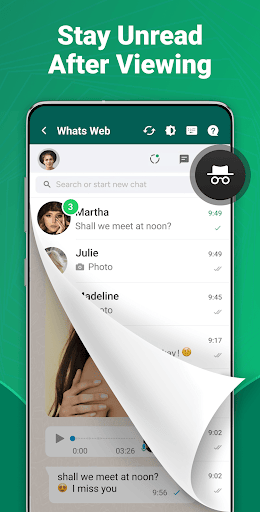
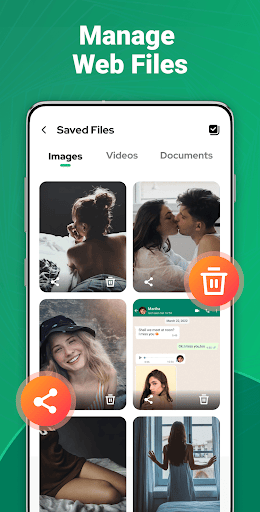
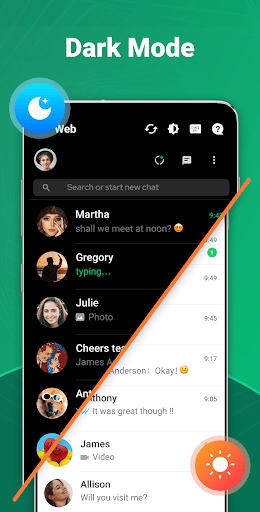
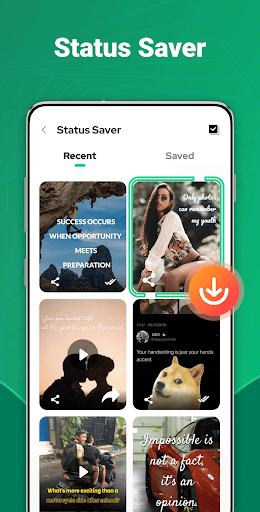
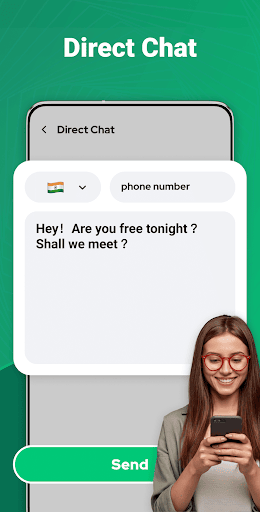
Dual App - Web Scanner App is a very useful mobile app designed to make your communication smoother. As an easy-to-use tool on Android, it allows you to easily scan QR codes and manage multiple WhatsApp accounts simultaneously on one device. This application solution makes your digital life much simpler. The operation is smooth and reliable. It is especially suitable for daily use. It is really convenient!
Overview
core functions
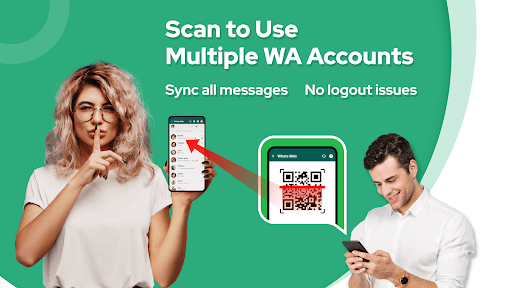
- It allows users to easily clone WhatsApp Web accounts, and manage multiple devices without stress and smoothly.
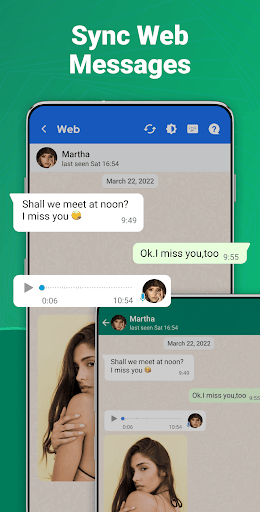
- Supporting real-time synchronization and ensuring that messages remain updated on all connected devices is really convenient.
- Provides an intuitive launcher application experience that can quickly open multiple clones, making it much easier.
- Built-in QR code scanner, setting up quickly, and connecting to the account is very safe, so you don't have to worry about security issues.
- Use this app to manage multiple accounts, and the interface is centralized, which is safe and convenient.
- There is also offline mode, where you can view and manage messages even if there is no network. The function is quite considerate.
- Pay attention to privacy, data processing is safe, there are no annoying advertisements, and the experience is clean and secure.
Who is suitable for?
This mobile app is especially suitable for people who have to manage multiple WhatsApp accounts at the same time, such as business owners or tech nerds. It is friendly to users over the age of 18 and helps you make multitasking particularly efficient on Android devices.
Many users use this app to clarify the division of labor between personal and work chats, or to simplify communication between different accounts. It is especially suitable for scenarios that require quick switching and easy access, making daily digital communication simpler and smoother.
Why choose this app
The reason why this Android app is outstanding is that it can help you manage multiple WhatsApp Web accounts in a stable and good way. It has comprehensive functions and attaches importance to safety, convenience and speed. It is the leader in launcher applications.
It is unique in its perfect integration and real-time synchronization, providing an efficient multitasking solution. It solves common management problems and wins the trust of users with strong privacy protection. It is simply a reliable helper.
Top Recommended Alternative

Pros & Cons
Pros
- The user interface is very friendlyThe design of this software is really intuitive. It is very easy for users to use. It is very easy to browse websites and scan things.
- Real-time scanning resultsYou can see feedback on the security status of the website immediately, and the response is super fast. It's great to help you make quick decisions.
- Compatible with multiple browsersSupport a variety of different browsers. No matter which browser you like, you can basically use it, which is quite convenient.
- Comprehensive security analysisCarry out various analyses on SSL Certificates, privacy policies and vulnerability detection to make security more comprehensive.
- Basic functions are freeAs long as it is basic scanning, there is no need to pay. It is really considerate and allows ordinary users to easily use these functions.
Cons
- Detailed reporting is a bit limitedThe software only provides summary results, without such in-depth analysis, which may not be enough for more professional users.
- Occasionally false reportsSometimes a safe website is misjudged as a threat. In this case, users can use other tools to verify it or wait for an official update.
- It may be stuck on old equipmentScanning speeds can be slow, especially when device resources are limited, and closing some background programs may run faster.
- Not many customization optionsUsers cannot adjust the scan depth or parameters themselves, but more settings may be added in the future.
- Mainly English supportNon-English users may find some instructions or results difficult to understand, but developers say they will gradually add other languages.
Advertisement
Download Dual App - Web Scanner App

FAQ
How do I install and log into Dual App - Web Scanner App?+
After installation, you can log in with your account or register a new account. The whole experience is very smooth. You can basically start scanning and managing web links as soon as you open it, without worrying about trouble at all.
Is Dual App - Web Scanner App safe to use?+
Remember to download it from official channels, such as the Google Play Store, to avoid some security risks. It is also very important to keep your app updated so that you can enjoy the latest security protection and use it with more peace of mind.
What are the main features of Dual App - Web Scanner App?+
Its functional goal is to make it easier for you to use it, especially on Android devices, where you can access web links at a satisfactory speed. This is a multi-functional tool designed for those who need web scanning and management.
Can I use Dual App - Web Scanner App on different devices?+
If you want to use it on multiple devices, you have to sign in with your account on each device. This way your web links and preferences can be synchronized, ensuring that your experience is more stable and reliable.
How does Dual App - Web Scanner App improve my web management?+
This experience is designed to be efficient and allows you to handle multiple web sessions and links smoothly. For users who want to organize web links and avoid cumbersome, this tool is a great tool. It is a one-stop solution for Android devices.
Customer Reviews
Users widely praise Dual App - Web Scanner App for its practicality, ease of use, and reliable performance, describing it as amazing, helpful, and well-designed. Key strengths include efficient task handling and a smooth user experience. However, several users report a critical issue: the app logs out automatically within a week after a Web Scan, even when WhatsApp is active. While some find the app indispensable for daily tasks, others are frustrated by the logout bug and request fixes along with added features like audio/video calls and a 'view once' option. Additionally, a few users ask for clearer subscription adjustment steps. Overall, the app is highly regarded for its core functionality, but stability and feature gaps remain points of contention.
Write a Review
Share your experience with Dual App - Web Scanner App. Submissions are reviewed before publishing.
You Might Also Like
More apps you may want to try next.




