
Drawing Pad Lite - Artbook
Advertisement
Screenshots
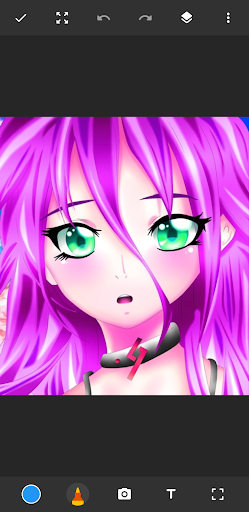
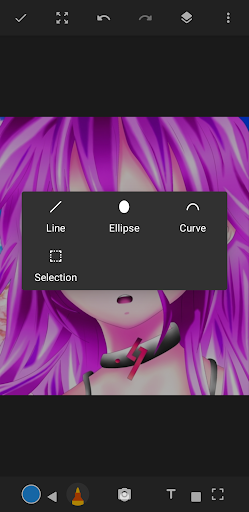
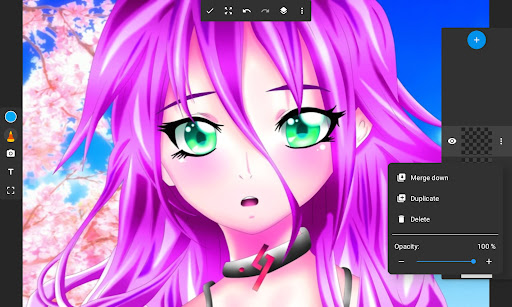
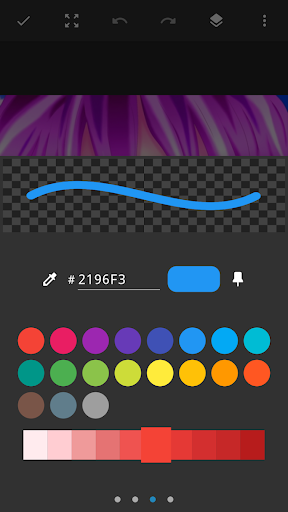
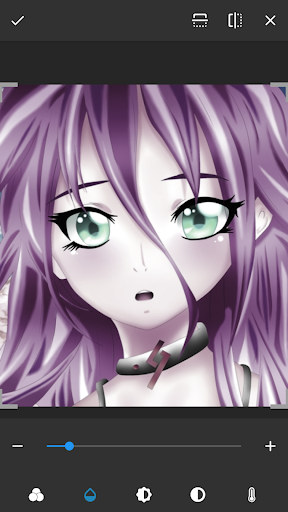
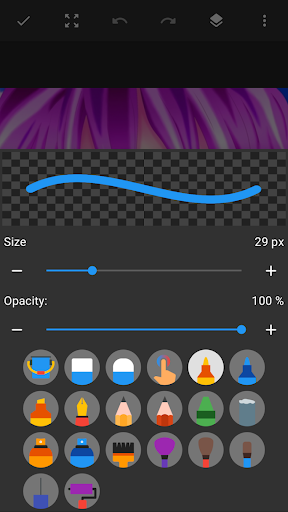
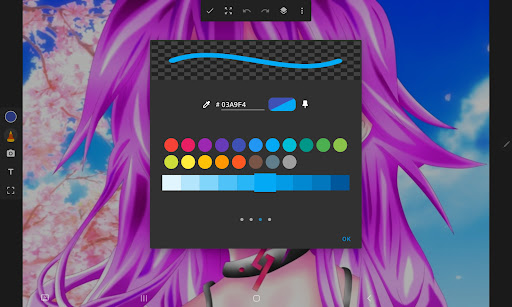
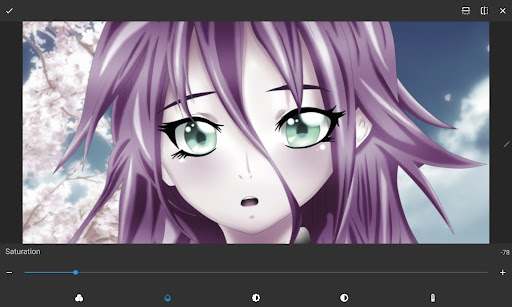
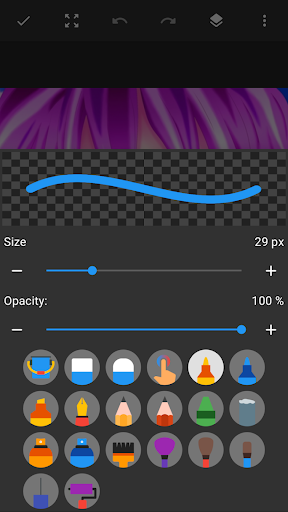
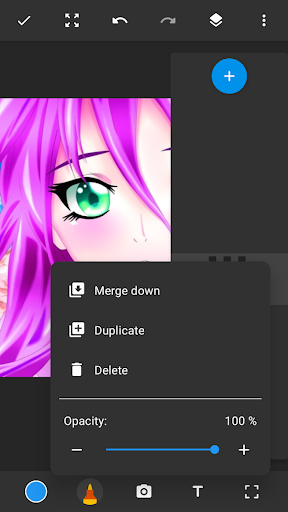
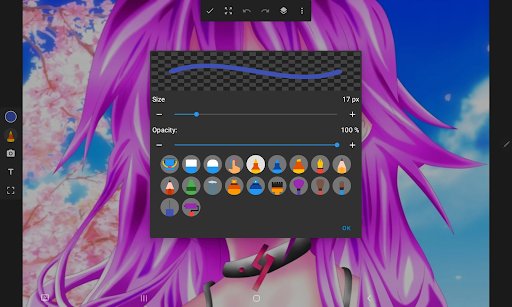
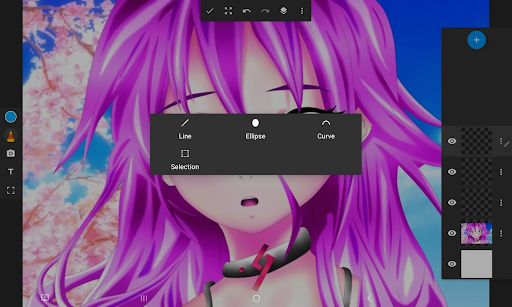
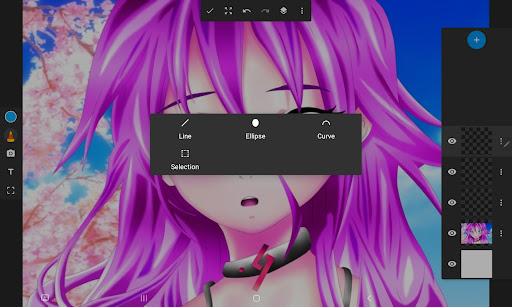
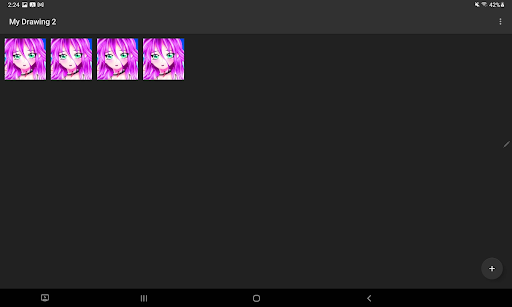
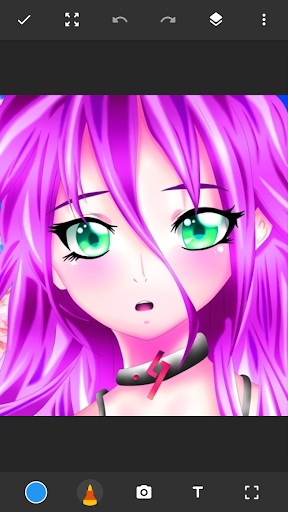
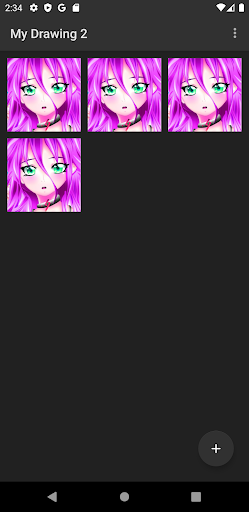
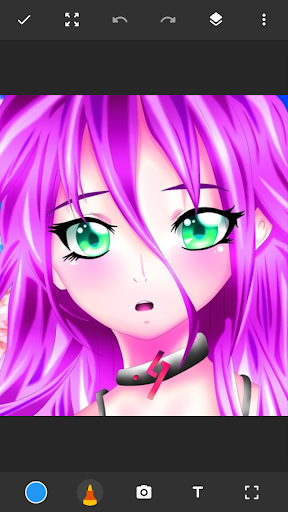
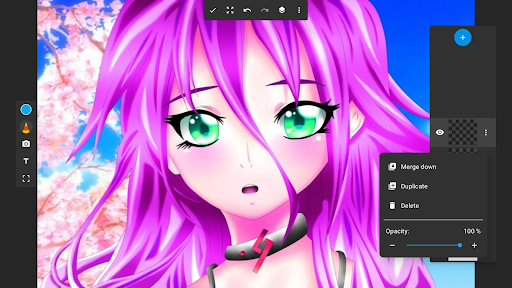
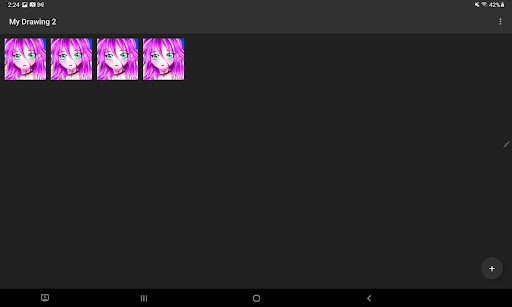
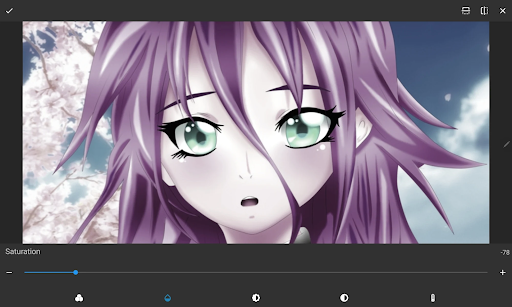
Advertisement
About Drawing Pad Lite - Artbook
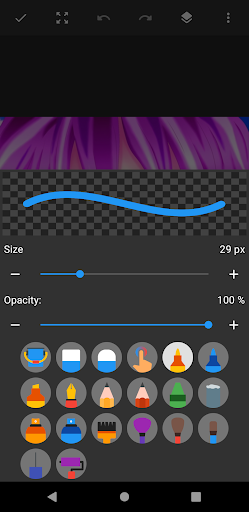
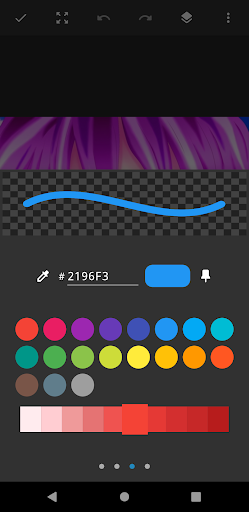
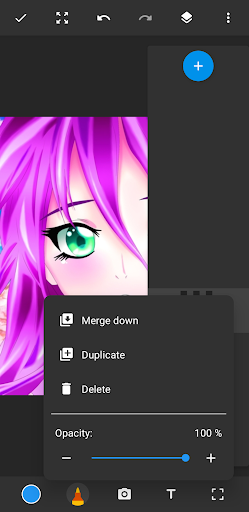
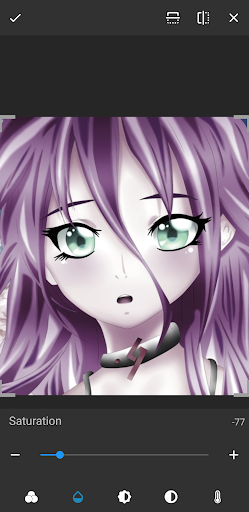
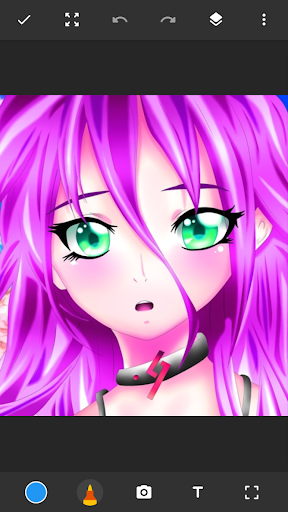
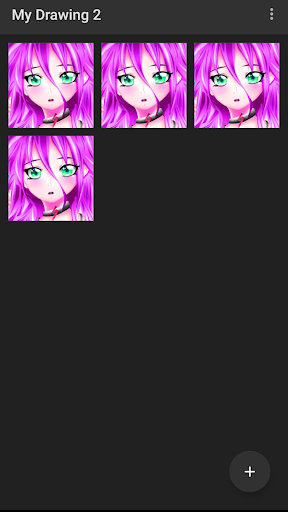
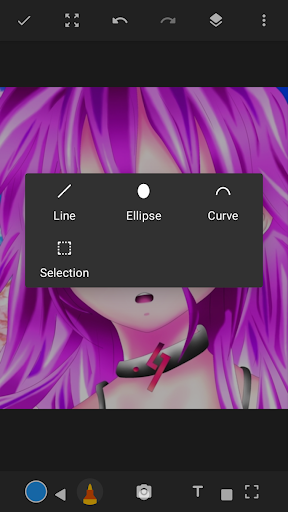
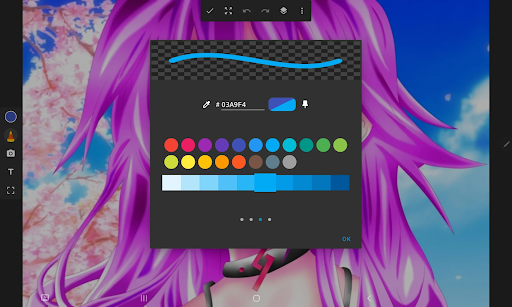
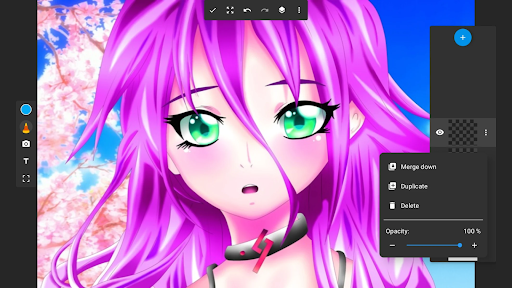
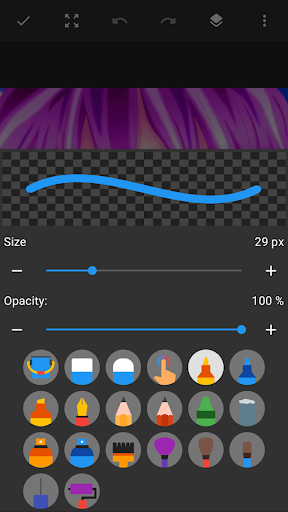
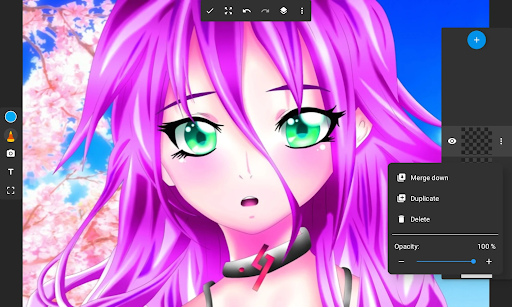
Drawing Pad Lite-Artbook is a very useful mobile app, specially prepared for those who like to draw and be creative. It helps you enjoy drawing and sketching anytime, anywhere on your mobile phone. The interface of this Android software is super simple and intuitive. It is equipped with various tools and functions. Whether you are a novice or an old driver, you can find a way to play that suits you. The overall experience is great and you can easily create digital art. Whether it's casual graffiti or careful detail design, this app can help you achieve it. It's like a versatile art and design companion on your mobile phone.
Overview
core functions
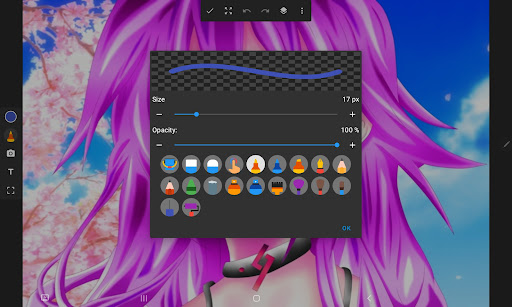
- This drawing app has a super intuitive interface that supports multiple brush types, layers and color wheels, allowing you to create the ultimate in detail.
- You can also undo and redo it in real time. Don't be afraid of mistakes for a while and correct them at any time without interrupting the flow of inspiration.
- The size of the canvas is flexible, and the tools can be customized, making the entire painting process easier and not limited to restrictions.
- Support both vertical and horizontal modes, no matter which direction you play in, you can use this app smoothly, and the experience is excellent.
- There is also an offline mode, where you can continue to create without having to connect to the Internet at all, bringing you a reliable painting companion.
- The interface design is friendly, allowing both novices and veterans to get started quickly, helping you embark on an artistic journey with a lot of brain holes.
- Equipped with grid and symmetry tools, it is easy to draw accurately balanced works, doubling efficiency.
Who is suitable for?
This mobile app is especially suitable for students, amateurs, and even newcomers to art who have a little dream of painting and want to find a simple and powerful drawing tool to play on Android devices. Its design is super people-friendly. No matter how high your level is, it can be used smoothly and stimulate your creativity.
Whether you just want to draw easily, or you need to do detailed illustrations and practice painting skills, this platform can meet your various needs, from random graffiti to professional creation.
Why choose this model
This Android app stands out with its all-round features. It is simple to use and powerful tools. It is designed for serious creators. It provides an excellent user experience and is ideal for pursuing a reliable painting platform.
Focusing on user control experience and high-quality tools, this Launcher app has become a good helper for artists. It is both reliable and powerful, and can better support your creative path. It is worth a try!
Top Recommended Alternative

Pros & Cons
Pros
-
The operating interface is super intuitive
-
Rich toolbox and super functions
-
Lightweight and fast
-
Easy to save and export
-
Basic version is free
Cons
-
The free version has limited advanced features
-
Less number of brushes
-
There is no cloud backup yet
-
Occasionally it crashes on old equipment
-
No advanced layer management features
Advertisement
Download Drawing Pad Lite - Artbook
FAQ
Drawing Pad Lite - Artbook is safe to use on my device? +
How do I install Drawing Pad Lite - Artbook on my device? +
Drawing Pad Lite - Artbook can be used offline? +
Drawing Pad Lite - Artbook supports multiple devices or accounts? +
Why is Drawing Pad Lite - Artbook a good starter for art-loving users? +
Customer Reviews
Drawing Pad Lite - Artbook is widely praised for its creative freedom, allowing users to draw with various colors and thicknesses, and many find it relaxing and fun. Users appreciate the free tools and the overall drawing experience. However, the app suffers from a significant drawback: intrusive advertisements. While some users love the app and find it perfect for projects, others report that ads appear constantly—even when changing colors or after drawing only a few lines—making the free version nearly unusable. The paid version removes ads and unlocks more brushes, but the aggressive ad placement frustrates many potential users. Overall, the app’s core functionality is strong, but the ad experience is a major point of contention.
Write a Review
Share your experience with Drawing Pad Lite - Artbook. Submissions are reviewed before publishing.
You Might Also Like
More apps you may want to try next.




