

Tayasui Sketches
Advertisement
Screenshots
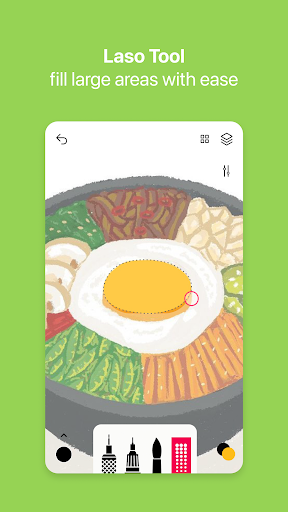
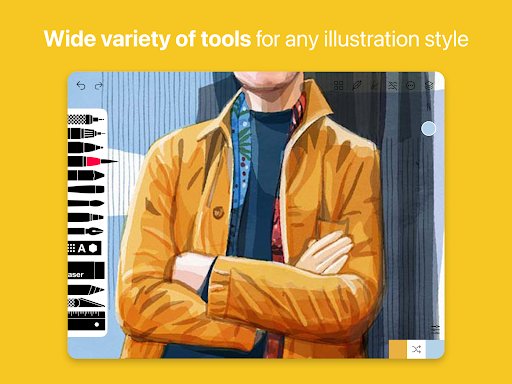
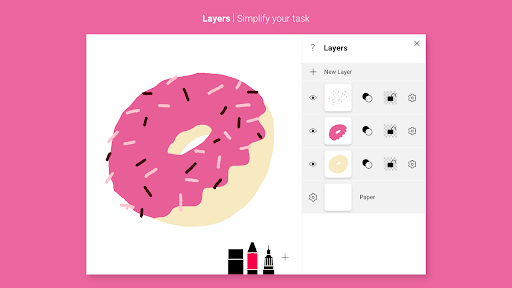
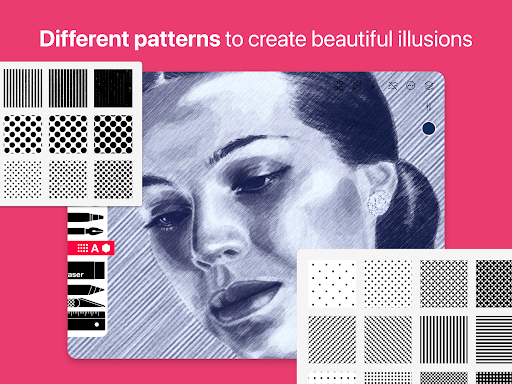
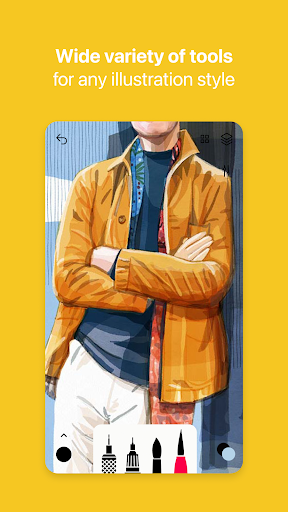
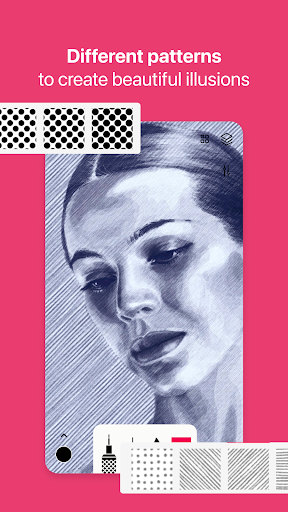
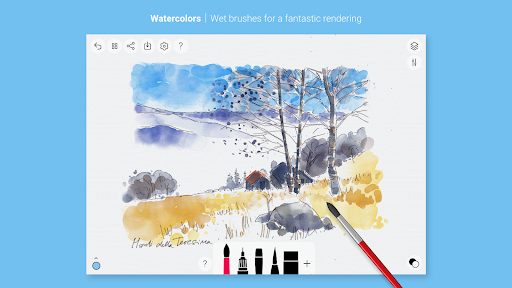
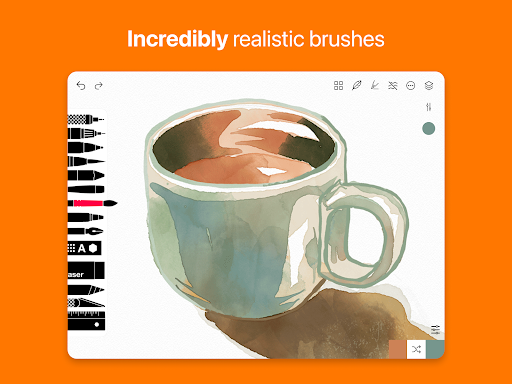
Advertisement
About Tayasui Sketches
Tayasui Sketches is really a powerful mobile application for art and design. It provides users with a very friendly platform to do digital painting and illustrations anytime, anywhere. Considering artists and friends who like to create, this Android app is particularly easy to use, with an intuitive interface and super rich tools, allowing you to play freely. Whether you are a professional designer or just like drawing as a hobby, this software can help you easily realize your creativity. The operation is also quite smooth, and it feels quite good!
Overview
core feature
- The interface of this app is super intuitive and easy to operate. Whether you are a novice or a veteran, you can easily get started drawing and sketching.
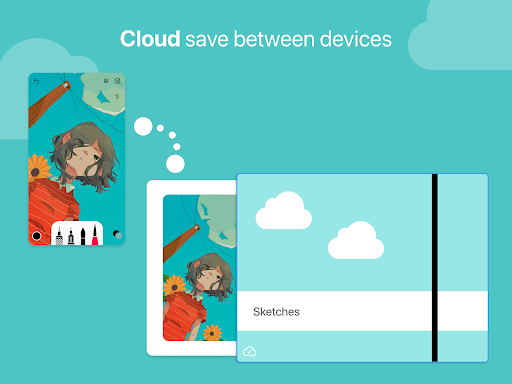
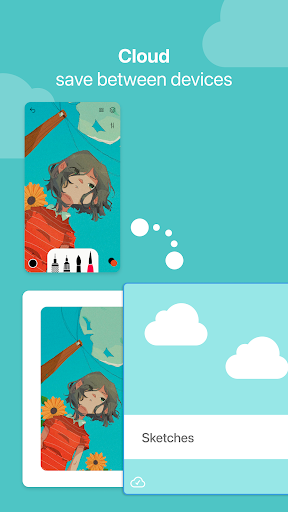
- The real-time synchronization function is awesome. You can seamlessly switch editing between different devices, and keep the art works up to date at any time. It's really convenient.
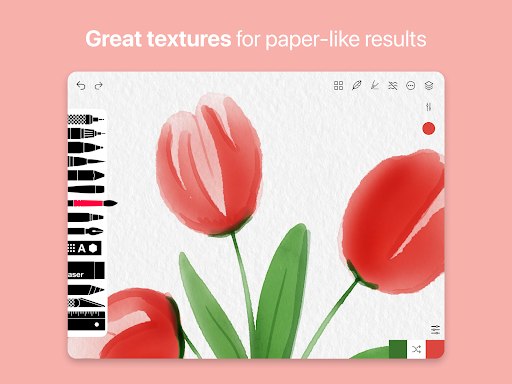
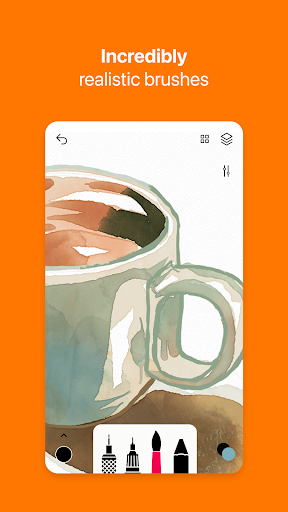
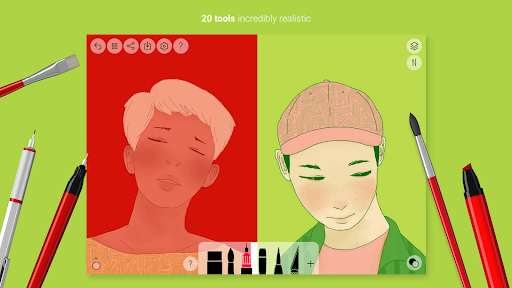
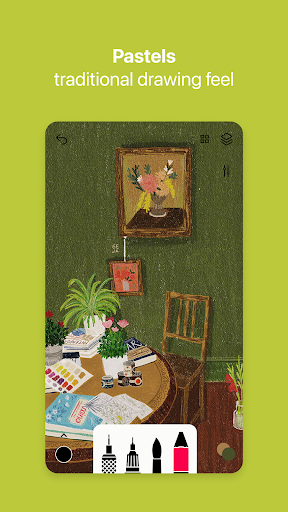
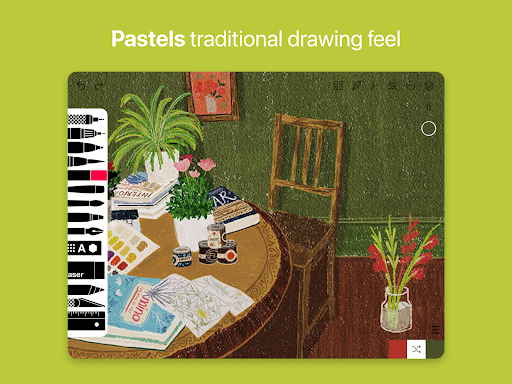
- Exquisite brushes and pen tools give you room for all kinds of creativity. You can DIY whatever you want, and you can have fun.
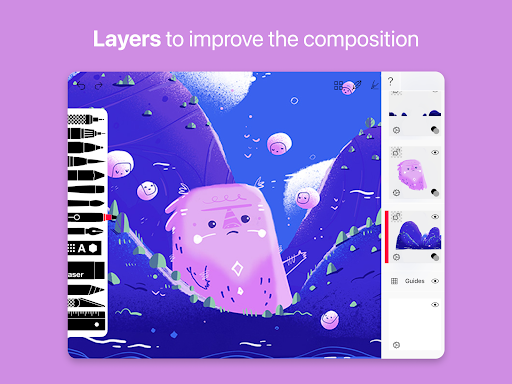
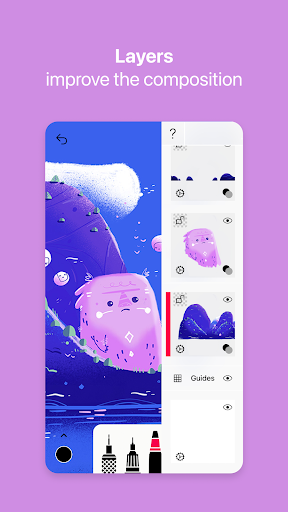
- Supporting multiple levels can create complex compositions, greatly enhancing the artist's freedom, and making more professional works is not difficult.
- You don't have to worry about not having the Internet in offline mode. You can draw and edit your sketches anytime and anywhere. The sense of freedom is great!
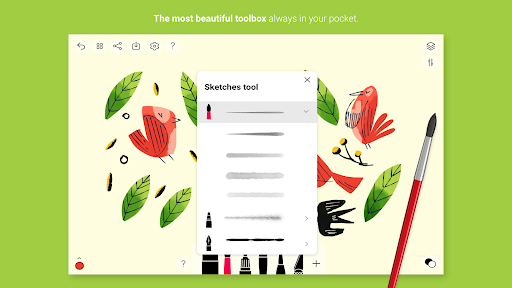
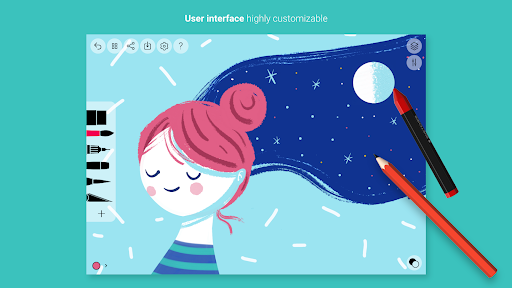
- Customize the toolbar and set it as you please. The most commonly used tools can be reached with one click, saving time and convenience.
- The export option supports high-resolution images, which ensures that the effect is highly effective whether it is shared or printed. It is really useful.
Who is suitable for?
This mobile app is particularly suitable for digital artists, student friends, and anyone interested in art and design, especially those who like to use simple and easy-to-use drawing tools on Android or Apple devices.
Whether you are just starting to try new techniques, or a professional who wants to find a multi-functional mobile phone drawing application, this software can help you turn your ideas into reality, and it is very easy to use and easy to do!
Why choose it?
This application is rich in functions, suitable for casual players, and very friendly to professional creators. It is quite unique compared with other sketching tools on the market.
Its performance on Android and iOS devices is particularly reliable. It has powerful tools and smooth operation. It can bring users an excellent experience. It is truly a fast and reliable digital art companion. Friends who like to draw on their mobile phones must not miss it!
Pros & Cons
Pros
-
intuitive user interface
-
High-quality sketching tools
-
layer supports
-
A responsive painting experience
-
cross-platform compatibility
Cons
-
Limited export options
-
No pressure sensing on some devices
-
Layer management functions are too basic
-
Not much brush customization
-
No animation tools
Advertisement
Download Tayasui Sketches
FAQ
Is Tayasui Sketches safe on my mobile phone? +
Of course, these Tayasui Sketches are actually quite safe. They have gone through many security inspections and are updated frequently to ensure they meet safety standards. It can be found on both Google Play and the Apple Store, and the original version is guaranteed, allowing people to use it with confidence.
Developedby a relatively reliable company and strict privacy policies, it can be considered quite reliable. Remember to download it from the official website, otherwise you may encounter fakes and affect the experience. After all, this is a pretty powerful art design tool.
How can I install Tayasui Sketches on my Android phone? +
It's actually quite simple to install this Android version. You just go to Google Play and search for "Tayasui Sketches" and follow the process by clicking. Don't forget to make sure that your mobile phone system meets the basic requirements so that it can be used smoothly.
Onceinstalled, you can play with its various functions, especially for digital painting and sketching. It is designed quite smoothly and is especially suitable for friends who love art, or novices who have just started to try it.
What are the features of Tayasui Sketches that are particularly suitable for artists? +
This app is actually quite rich, with many brushes, layer selection, and color mixing tools to support making delicate works. The interface is particularly intuitive, and it is like being immersed in the world of creation. Whether you are a novice or a veteran, you can find the fun that suits you.
Whetheryou doodle at will or do complex projects, the functions of this app support you to express naturally, making it a versatile art tool in the hearts of many users, and everyone likes it.
Can I use Tayasui Sketches offline? +
No problem, this is great. This App can be used without the Internet, and you can create, edit, and save sketches yourself. Whether you are traveling abroad or in a place with poor Internet signal, it can help you get your work done, which is quite reliable.
Moreover, all works are stored locally, so you don't have to worry about dying in the cloud. You can use them at any time. You can change them any way you want, which is very convenient and practical.
Can both beginners and professional artists use Tayasui Sketches? +
Of course! This App is very thoughtful and suitable for both newcomers and experienced professionals. The interface is super friendly, easy to use, and powerful, which can help you make very professional works.
Itsversatility allows everyone to find their own use. Whether it is learning to paint or actually using it to create, they can have fun. The equipment is convenient and it is a quite comprehensive tool.
Does it support device synchronization? +
This depends on the specific version. Overall, the experience of Tayasui Sketches on mobile phones is quite smooth, but whether it supports synchronization between different devices depends on the version you use. Some features may require additional cloud backup or synchronization settings to allow your work to switch easily between tablet and mobile phone.
Itis recommended that you check the latest application information and version updates, so that it will be easier to use. After all, when changing equipment and systems are different, you have to consider the issue of convenient synchronization, right?
Is it reliable to use it as a starter for art projects? +
In fact, although it focuses on painting design, Tayasui Sketches can also be regarded as a good launching tool. Use it specifically to start your creation will be smooth, and its functions are exactly what you want, especially suitable for users who like a one-stop experience.
Manyartists like to use it as the first choice for daily sketches and detailed illustrations. It is very easy to use, the overall experience is also smooth, and the tools are rich, which is suitable for the creative needs of various styles.
Are its updates and new versions safe and reliable? +
You can basically rest assured that the official will regularly push updates on the App Store or Google Play to ensure that your software is safe and compatible with new features. These updates generally include new features, fixes of various bugs, and optimizations of performance. They are safe and trustworthy.
Bykeeping using the latest version, you will not only enjoy a better user experience, but also ensure the safety and efficiency of your creation. Whether you use Android or iOS devices, you will have the same protection!
Customer Reviews
Users generally praise Tayasui Sketches for its clean interface, intuitive controls, and relaxing drawing experience, especially for basic sketches and watercolor blending. However, critical issues dominate feedback. Stability is a major concern: many users report frequent crashes and lost artwork, with the app failing to save or restore drawings, causing significant frustration. While the Pro version adds useful features like layers and brushes, limited free functionality (e.g., only 3 layers, few brush options) and a subscription model upset some. Some users find the app excellent for relaxation and value the paid version, while others deem it nearly unusable due to data loss bugs. Overall, it offers a pleasant drawing tool for simple use, but reliability problems and feature restrictions hold it back.
Write a Review
Share your experience with Tayasui Sketches. Submissions are reviewed before publishing.
You Might Also Like
More apps you may want to try next.




