
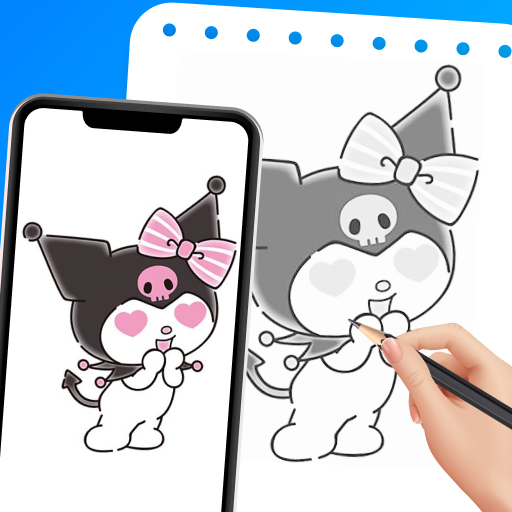
Draw Cartoon - AR Sketch App
Advertisement
Screenshots
Advertisement
About Draw Cartoon - AR Sketch App
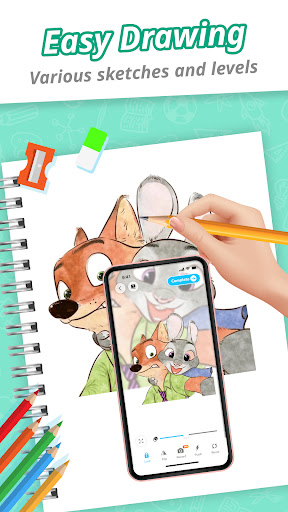
Draw Cartoon - AR Sketch App is a particularly interesting mobile app designed specifically for those who love art and are still learning. This innovative Android software allows you to use augmented reality technology to turn your usual sketches into brightly colored, vivid and interesting cartoons and paintings. It is super simple to operate, has a friendly interface, and has many functions. It really makes you feel relaxed and interesting when creating, editing, and sharing art works, and you can completely immerse yourself in your own art world.
Overview
core feature
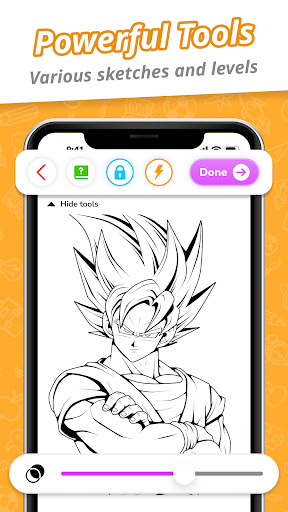
- Intuitive painting tools allow you to easily draw cartoons and sketches, and the details can be controlled in place.
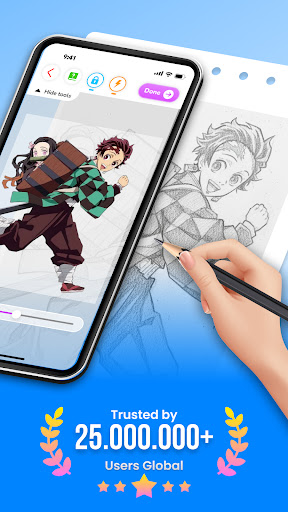
- The augmented reality (AR) function allows you to sketch live, add real-time visual effects, and experience a particularly interesting artistic experience.
- A variety of brush styles and color choices help you make each work unique, have more fun and have unlimited creativity.
- The separate layer management system supports complex illustration creation and is suitable for artists who like multi-level artistic expression as a multi-functional launcher application.
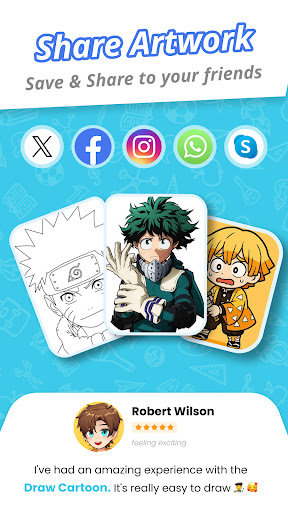
- Works can be saved and shared at any time, supported for export in multiple formats, making it no longer difficult to show off your creativity!
- Built-in undo/redo function makes your draft modifications smoother and more satisfied as you pursue perfection.
- Offline mode support, you can draw no matter where you are, don't have to worry about network problems, and you can play to your fullest anytime, anywhere.
- The operating interface is user-friendly, so whether you are a novice or a master, you can easily get started, giving you a first-class experience.
Who is suitable for using this App?
This mobile app is especially suitable for friends who like to draw and play digital art. Whether they are amateurs or students, they can find it fun. Its design is particularly friendly. Regardless of the technical level, you can find a suitable way to express yourself. The threshold for creation is very low, but it is full of infinite possibilities!
Whether you're looking for a fun tool to try out, or need a reliable professional-grade software to complete big projects, this app can help you unleash your artistic talents anytime, anywhere. It's really good!
Why choose this App?
This Android app has many novel functional designs, coupled with a smooth operating experience, making digital art easier and more interesting. It provides a rich toolset that makes your creation easy and easy. It's simply made for creation!
In particular, it solves some problems that are difficult to use with complex interfaces. It makes it simple and intuitive yet powerful, and has become the first choice for many art and design enthusiasts. AR's sketching capabilities and user experience focus make it stand out among all launcher apps. It's really great!
Top Recommended Alternative
Pros & Cons
Pros
- The operating interface is quite friendly
- Real-time AR painting is really cool
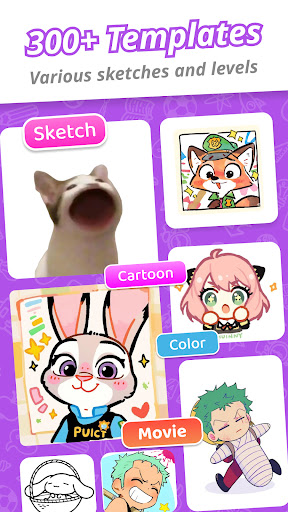
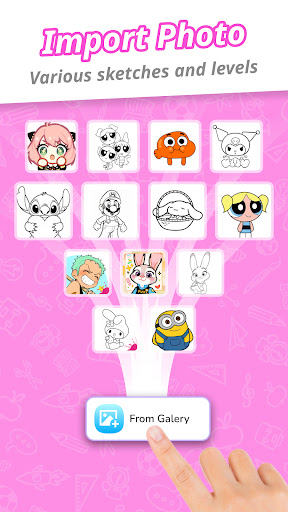
- Rich cartoon templates
- High-definition AR rendering effects
- Multiple sharing channels
Cons
- Brush tools are a little short
- Slow running on old equipment
- Too few customization options
- No novice guidance
- Tracking is not very accurate in crowded or poor light
Advertisement
Download Draw Cartoon - AR Sketch App

FAQ
Is Draw Cartoon - AR Sketch App safe?+
Well, yes, this Draw Cartoon - AR Sketch App is quite safe, the developers are quite reliable, and they follow various standard security protocols. Whether you use it on Android or iOS, you can feel at ease.
Rememberto download it from official channels, such as Google Play. Don't click on other apps from unknown sources and keep it safe. Using big-name apps like this, security is more guaranteed, regular updates and technical support are also available, which is quite practical.
How do I install Draw Cartoon - AR Sketch App on my Android device?+
It's actually quite simple. You just need to search for the name in the Google Play Store and click 'Install' and it's done. The whole process is convenient, fast and safe, ensuring to give you a reliable Android application experience.
Aftersearching, click 'Install', and then wait a moment. When it is installed, you can use AR technology to create various interesting cartoon sketches. The operation is quite smooth and easy to do!
What are the main functions of Draw Cartoon - AR Sketch App?+
This Android app is quite rich and has various creative features, such as AR-based painting tools, cartoon filters, and customizable sketching effects. The interface is simple and easy to use whether it is a novice or an old driver.
Real-time AR coverage enhances the experience and makes you more interactive and interesting when drawing.These functions make it very popular among digital painting enthusiasts and is a very good choice.
Can I use the Draw Cartoon - AR Sketch App offline?+
Yes, most functions can be used offline after you install the app, so you don't have to be connected all the time. However, some tools such as updates or the cloud may have to be connected to the Internet to use them more smoothly.
Ifyou use it offline, you can draw anytime and anywhere without restrictions on the Internet, which is quite convenient. It is especially suitable for artists who like to create anytime and anywhere. It is a powerful tool on mobile.
Does the Draw Cartoon - AR Sketch App have any requirements for the device?+
It adapts to a wide range of Android devices, but if you want to use it smoothly, it still depends on the system version and hardware configuration of your mobile phone or tablet. It must meet the minimum requirements, have sufficient storage space, and have a decent processor. Most modern phones and tablets can run well.
Checkingin advance whether the device is compatible can help avoid subsequent stuck or non-smooth problems, especially if you want to use high-end AR features. Equipped with the right equipment and enjoy full functions, you don't have to worry about a smooth experience!
Can I adjust the app's features to make it more consistent with my artistic style?+
Of course! Draw Cartoon - AR Sketch App supports a variety of customizations, such as adjusting brushes, filters, and special effects, all of which can help you create a unique style. This makes it a favorite tool for artists of all levels.
Experimentwith these features will help you make your sketches or cartoons more "your taste." It is designed to be very humane, allowing you to have more control when creating and do it whatever you want. It's very interesting!
Compared with other art applications on the market, how is this Draw Cartoon - AR Sketch App?+
Perhaps its biggest feature is the AR painting function, which makes it more interactive and more interesting than traditional drawing software. It's a reliable entry point for digital art enthusiasts who like to use new things.
Theinterface is simple and easy to use, and it also focuses on entertainment and creativity. It is definitely a choice that both leisure and professional painters can consider. As an application-based tool, it is not only easy to use, but also provides many professional functions. The experience is quite great!
Will using Draw Cartoon - AR Sketch App quickly drain up the power of my phone?+
This depends on how often you use AR functions. If you just simply draw and edit, it won't consume too much electricity in most cases. Don't turn on those energy-intensive things as soon as you come up.
Itis recommended that you close some background programs and adjust settings, so that you can save some power. You can draw cartoons happily without worrying about your phone running out of power. It is quite practical.
Customer Reviews
Users generally praise Draw Cartoon - AR Sketch App for its ease of use, making it ideal for beginners and quick sketches. Many highlight its ability to improve drawing skills and turn selfies into art, calling it fun, impressive, and engaging. The app provides a smooth and enjoyable experience. However, opinions are mixed on ads and pricing: while some users say it has almost no ads and is worth installing, others complain about excessive ads that disrupt the experience. There is also a minority who find the app hard to access or of low quality. Some enjoy the free features, while others dislike the need to pay for the full version. Overall, the app is well-liked for its creative potential despite these drawbacks.
Write a Review
Share your experience with Draw Cartoon - AR Sketch App. Submissions are reviewed before publishing.
You Might Also Like
More apps you may want to try next.


