
Doodle Art: Magic Drawing App
Advertisement
Screenshots
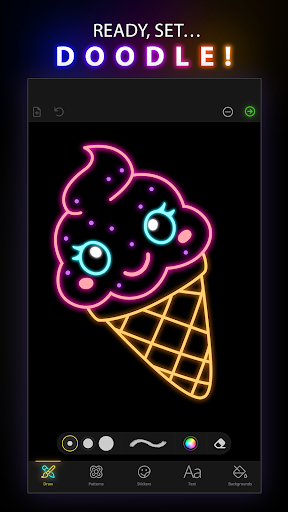
Advertisement
About Doodle Art: Magic Drawing App
Overview
core feature
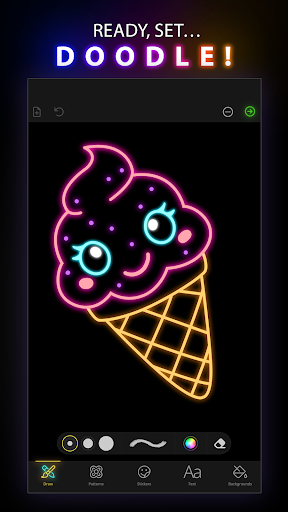
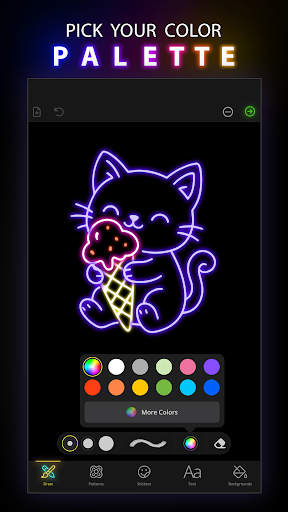
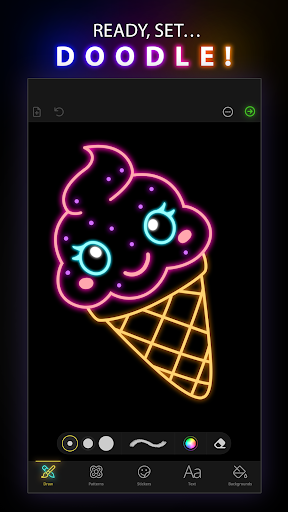
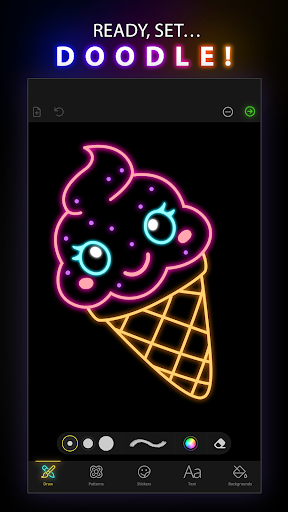
- The drawing interface of this software is super intuitive, making it very easy to use. It is really convenient to draw delicate graffiti at any time.
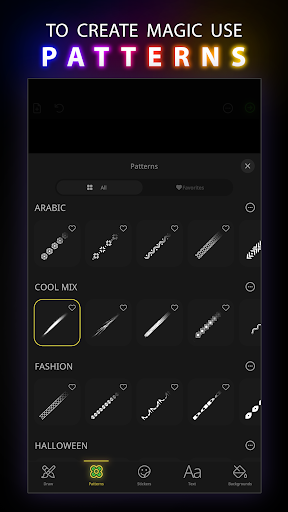
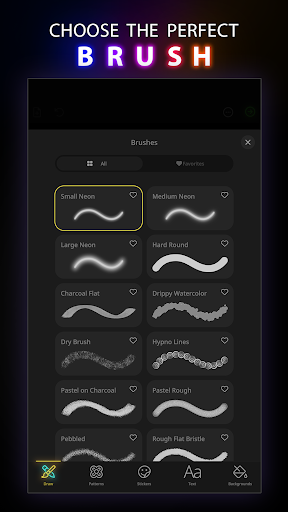
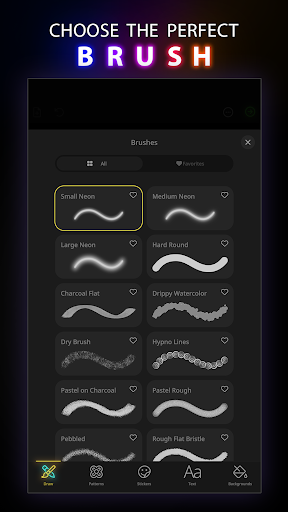
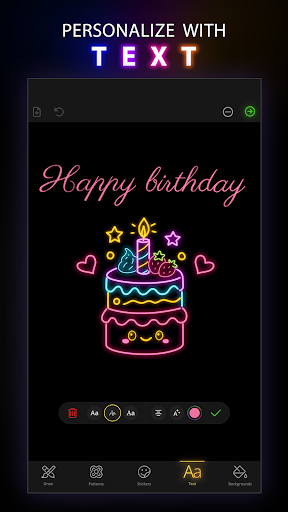
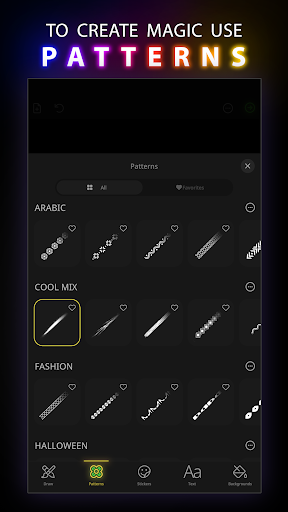
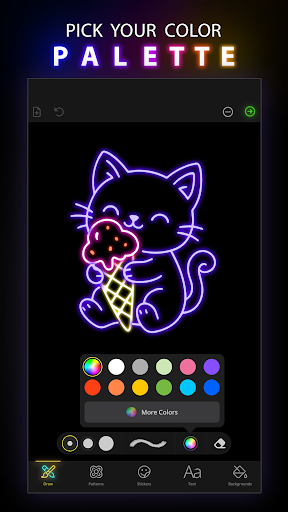
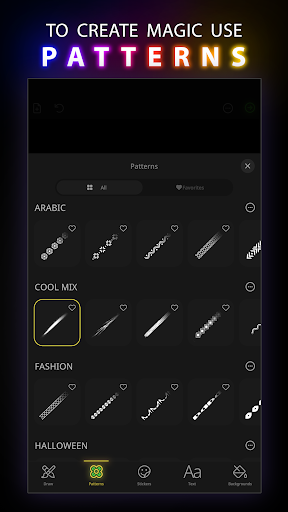
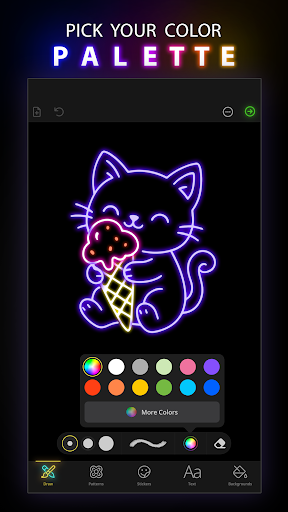
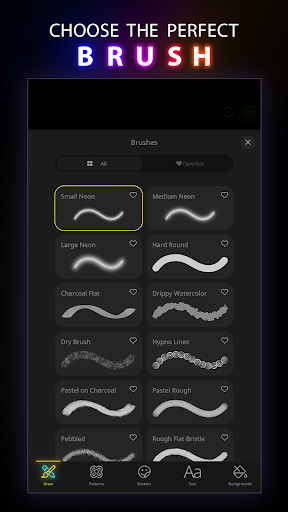
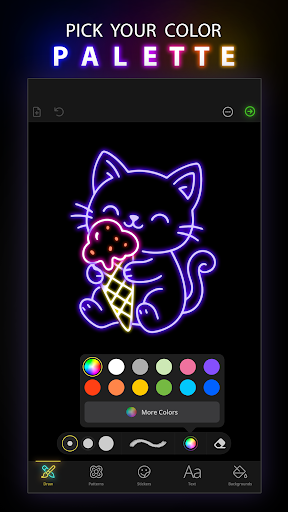
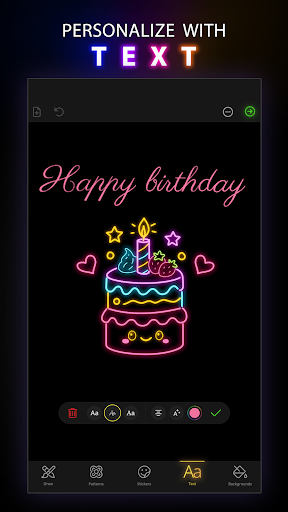
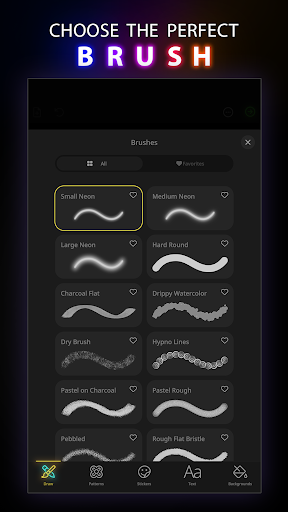
- There are a variety of customizable brushes and colors to help you use your creativity and greatly enhance your artistic expression. There are many tricks!
- You can also synchronize multiple devices, update in real time without being dropped, and you can see your work at any time whether on your mobile phone or computer, and everything is smooth and satisfying.
- Support offline use. Even if there is no network, you can continue to draw and save, and you will not get stuck because the network is disconnected.
- There is also a launcher design that can quickly enter your commonly used tools and projects with one click, saving a lot of time.
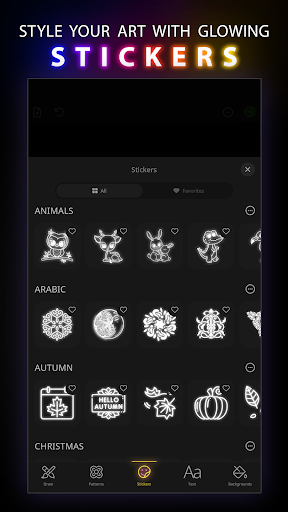
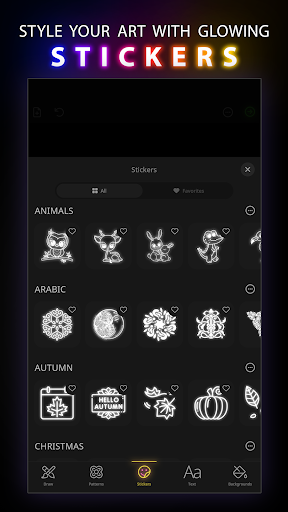
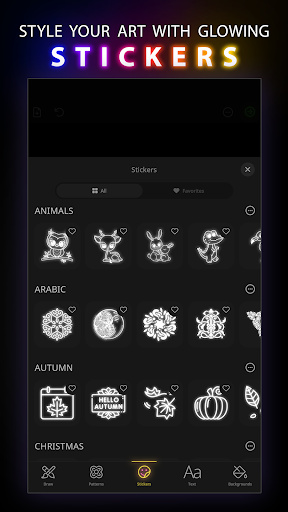
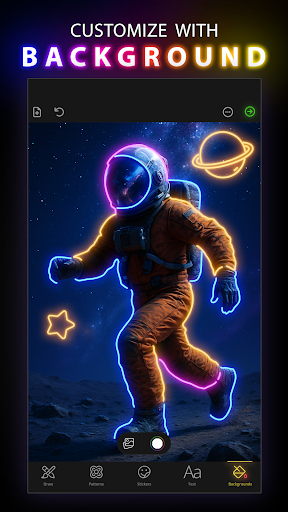
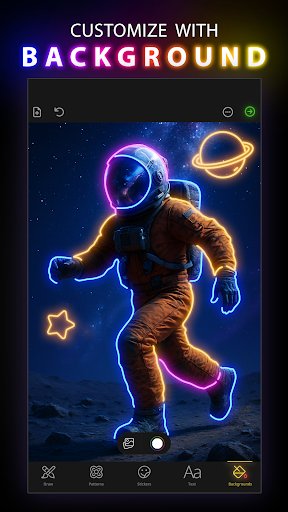
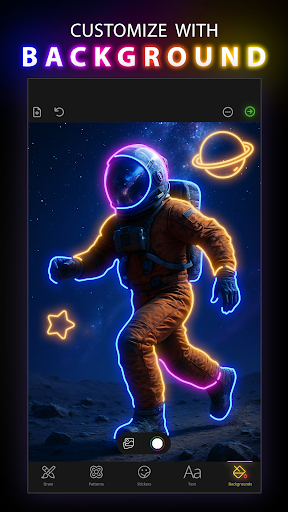
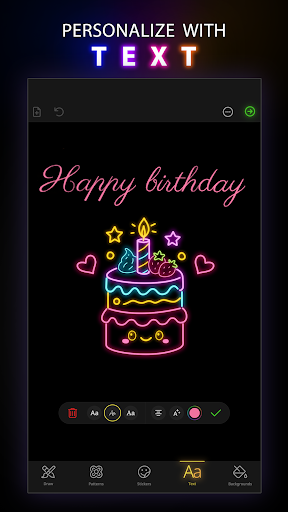
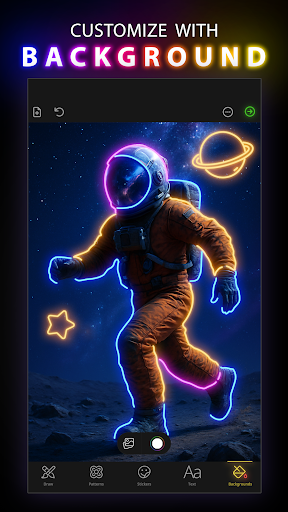
- Built-in rich templates and background materials, with constant inspiration, make your creation more interesting and richer.
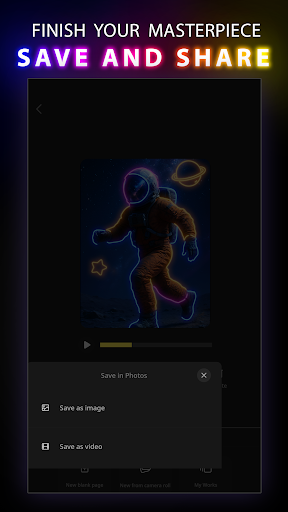
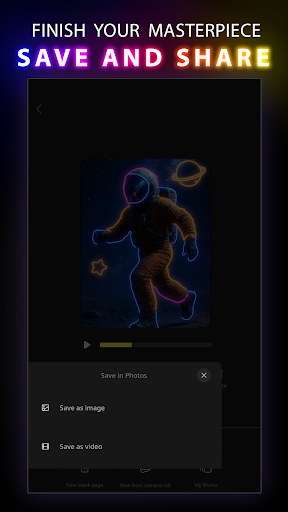
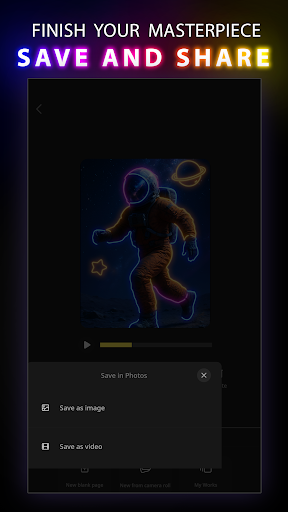
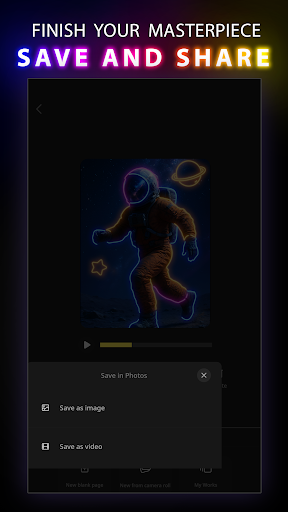
- Works can be exported into multiple formats, making it easy to share and print. It's really practical!
Who is this software suitable for?
This mobile app is especially suitable for friends, students who like art, and amateurs who like to be creative anytime, anywhere. Whether you are a rookie or a veteran, you can find your own place.
Whether you want to scribble, doodle casually, or plan to start a big project, this app will make it easy for you to do it. It's great to be able to use your artistic talents anytime and anywhere when you are away!
Why choose this software
The biggest highlight of this Android app is that it is simple to operate and powerful. It can not only satisfy novices, but also allow experienced friends to play to their fullest, making drawing easier and interesting.
Rich functions and reliable experience allow you to maintain your enthusiasm and inspiration for creation. This is definitely a trustworthy helper to help you deal with all your graffiti and artistic creation needs, and you can have fun anytime, anywhere!
Top Recommended Alternative
Pros & Cons
Pros
-
The interface is intuitive, as designed for all ages
-
Rich color and brush options
-
Real-time painting special effects to increase interactive fun
-
Easily share and export works
-
Free to use, some functions can be purchased and unlocked in-house
Cons
-
There are fewer tools and less functions than the professional version
-
Old equipment may be stuck
-
Undoing multi-step operations is not smooth enough
-
No novice guides or tutorials
-
Not enough adjustments to brushes and effects
Advertisement
Download Doodle Art: Magic Drawing App
FAQ
Doodle Art: Can magic drawing software be used safely on my device? +
How can I customize functions in Doodle Art: Magic Drawing Software? +
Doodle Art: How does magic drawing software work on Android and Apple devices? +
What are the main functions of this software? +
Can I use Doodle Art: Magic Drawing Software offline? +
Customer Reviews
Doodle Art: Magic Drawing App is widely praised for its relaxing and creative experience, allowing users to express themselves through mandalas and drawings while reducing stress. Users highlight its simplicity, fun, and suitability for all ages, with many noting positive memories and satisfaction. However, opinions diverge on key aspects: regarding ads, some users find them intrusive and disruptive, with complaints about excessive pop-ups and forced interruptions, while others note that ads can be avoided by turning off internet or using airplane mode, and a few say there are almost no commercials. As for functionality, many users report smooth performance and joy from drawing, yet some experience issues like app hanging, blank designs, or unresponsive behavior after updates. The app is generally recommended for its calming and creative qualities, though the ad experience and occasional technical glitches are notable concerns.
Write a Review
Share your experience with Doodle Art: Magic Drawing App. Submissions are reviewed before publishing.
You Might Also Like
More apps you may want to try next.




