Diary with Fingerprint Lock
Advertisement
Screenshots
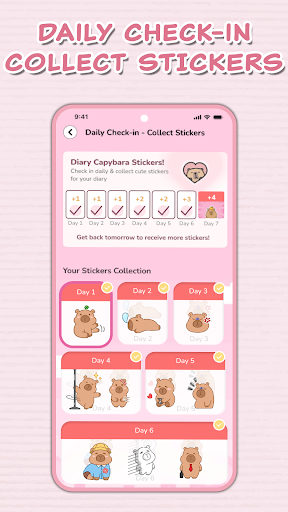
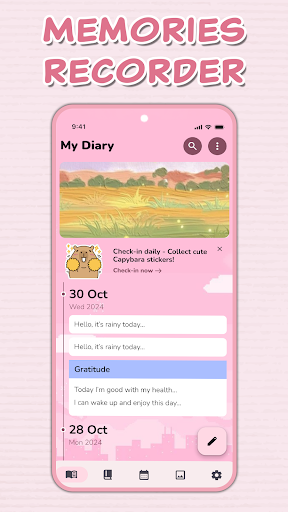
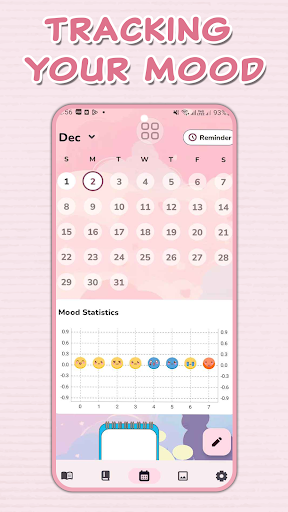
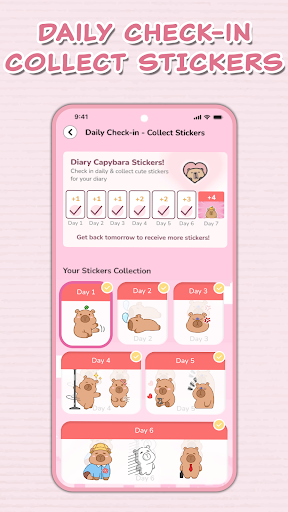
Advertisement
About Diary with Fingerprint Lock
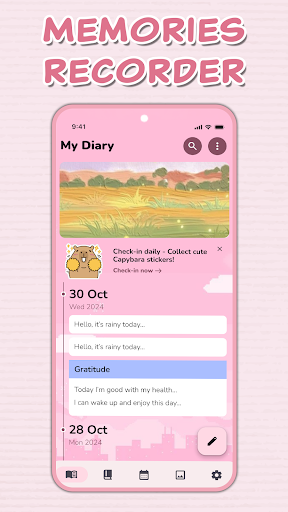
This diary app with fingerprint lock is really sweet, specially designed for those who want a safe and private space to record daily chores. Although its own fingerprint security function is simple, it is quite effective, basically ensuring that your diary will not be peeped in. The interface is quite intuitive, easy to use, and the performance is stable. This lifestyle mobile app is like a considerate little helper, allowing you to easily manage your little secrets and safely improve the experience on your mobile phone. It's quite good.
Overview
Core Features
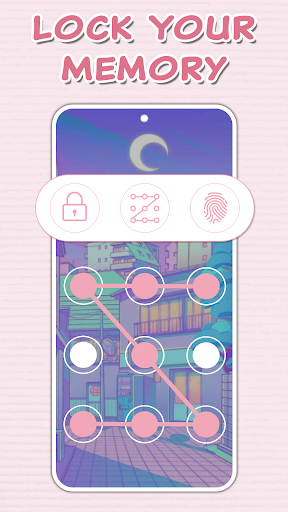
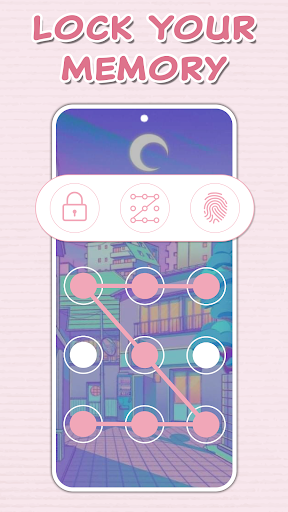
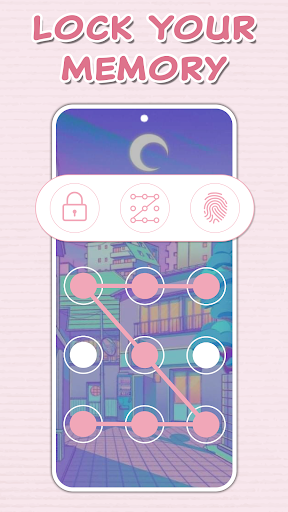
- This app has a particularly secure fingerprint lock to ensure that your secret diary will not be easily seen by outsiders, making you feel a lot more at ease.
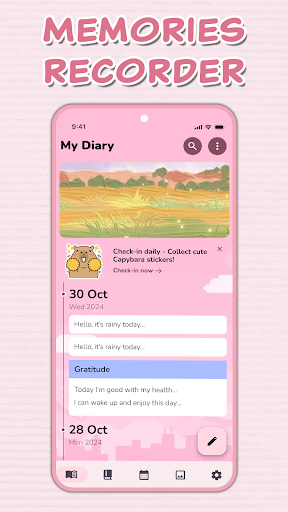
- The interface is super friendly and easy to operate. You can quickly find the desired function at any time. It is easy to write and organize it.
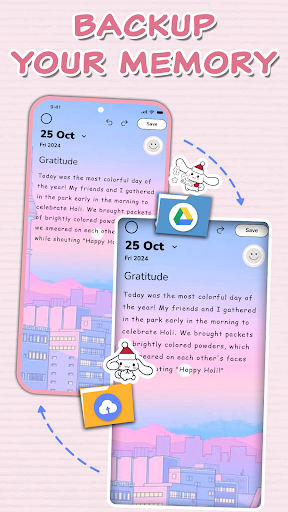
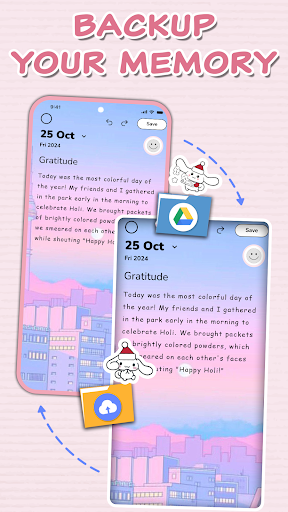
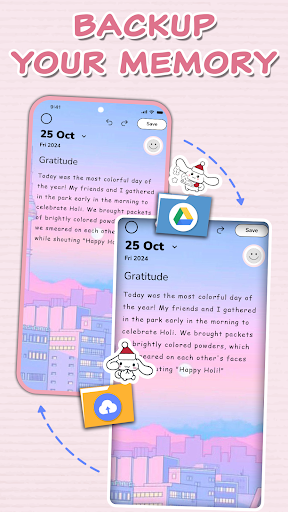
- It can also synchronize in real time, so you don't have to worry about losing content even when changing devices. If you sync to the cloud in one second, the experience is smooth.
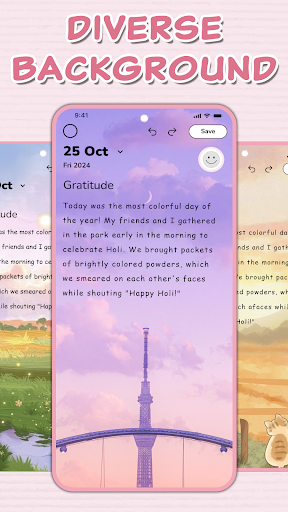
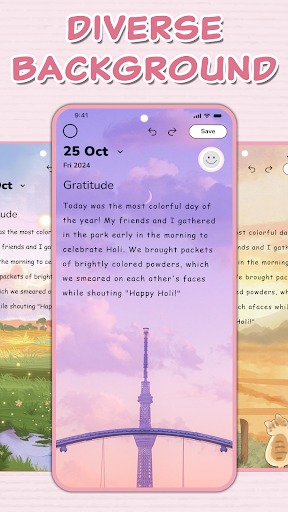
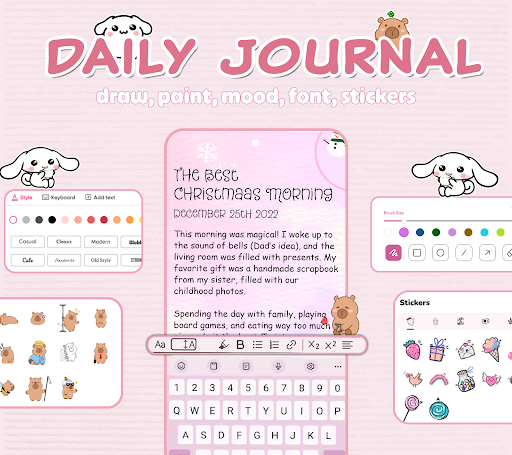
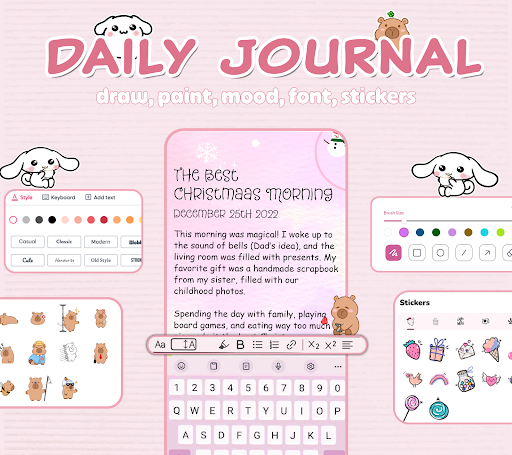
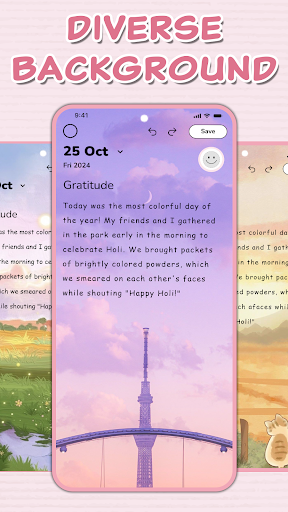
- You can also allocate your own themes and fonts. The personalized diary environment makes people more interested in writing, and the sense of interaction is much enhanced.
- In offline mode, you don't have to worry about not having a network. You can write and save even in remote places. You can write and save anytime and anywhere you want. It's very convenient.
- Password-protected encrypted storage, privacy is absolutely guaranteed, allowing you to use it with confidence and not be afraid of disclosure.
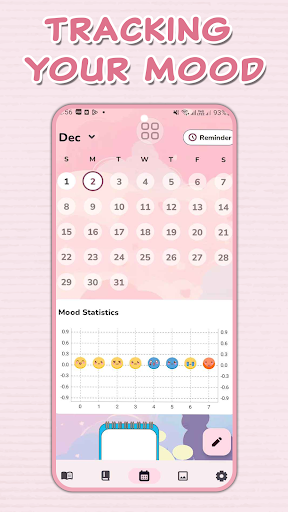
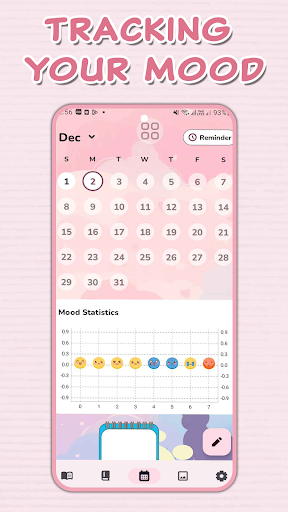
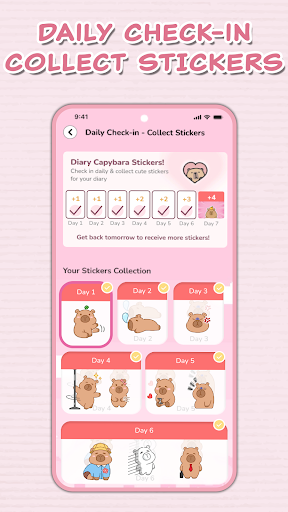
- There is also a notification reminder function to help you remember to write something every day. It's really easy to get into the habit.
Who This App Is For
This mobile app is especially suitable for friends over the age of 13 who want a private and safe space to write down their thoughts and daily life. It is very suitable for friends who like to be low-key and convenient to check up their secrets at any time.
Whether you are a student, an office worker, or want to find a reliable app to keep a diary, this Android app is very considerate, emphasizes privacy protection, and has a smooth experience to meet all your needs.
Why Choose This App
This Android app is particularly outstanding, with high security performance and intuitive interface, making diary writing safe and fun. Various functions allow your entries to be protected and easily managed at a glance.
It provides a reliable experience, solves everyone's privacy concerns, and is more reliable than other similar applications on the market. The design is user-centered, use it with confidence and write happily. It is the best choice for personal diaries!
Top Recommended Alternative

Pros & Cons
Pros
- Fingerprint security is super awesome
- The operating interface is very friendly
- Lock time can be customized
- Background lock function
- Low resource footprint
Cons
- Less personalized settings
- Occasionally misjudgment
- No multi-user multi-fingerprint support
- There is no alternative unlocking method
- Permission and privacy information are not transparent enough
Advertisement
Download Diary with Fingerprint Lock

FAQ
How does the fingerprint lock work in this diary app?+
Can I recover my entries if I forget my password?+
Is this mobile app free to use?+
Does the app support cloud backup?+
Can I customize the app interface?+
You Might Also Like
More apps you may want to try next.