

Design Space: DIY with Cricut
Advertisement
Screenshots

Advertisement
About Design Space: DIY with Cricut
Design Space: DIY with Cricut is a good app. It is a multi-functional mobile phone software specially designed for handicraft enthusiasts and creative users. This Android app provides you with a convenient interface that allows you to design, customize, and turn your handmade projects into reality as you please. Its operating interface is super friendly and has quite comprehensive functions, making your experience smoother and even inspiring you. It is especially suitable for DIY and lifestyle-related creations.
Overview
core feature
- This application interface is designed to be particularly intuitive, so that people can easily understand it at a glance, and it is also very easy to use, making creative projects super easy.
- Support real-time synchronization to various devices, no matter where you are, you can always see the latest design, and never change for a second.
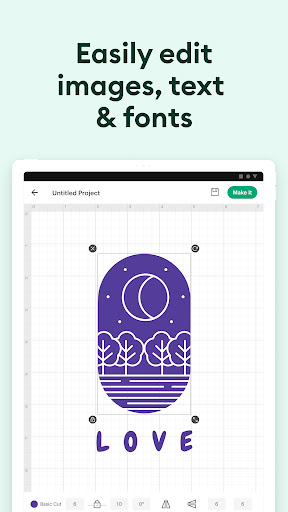
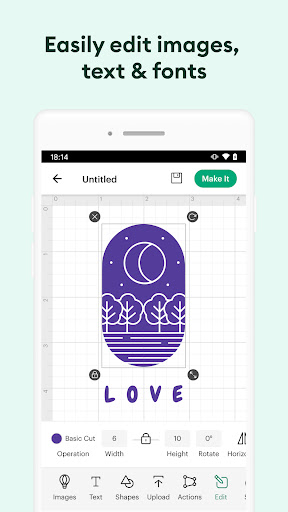
- The built-in picture editing tool is quite versatile. You can adjust and transform your DIY works at will, and the operation is also very convenient.
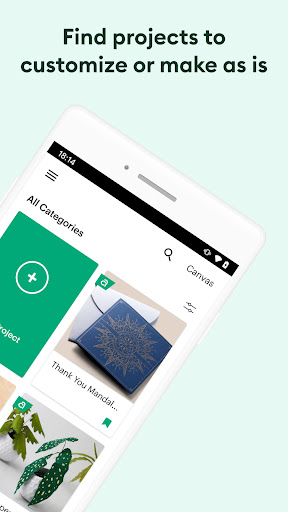
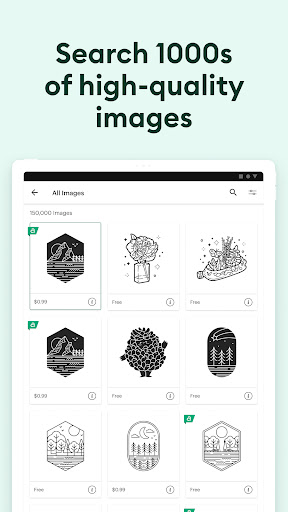
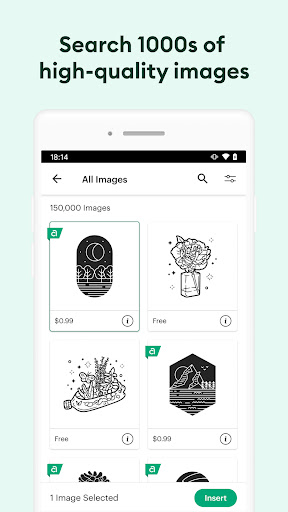
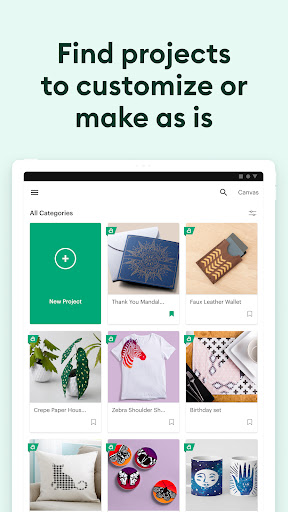
- Provide a rich library of templates and design elements, covering various life scenes, allowing you to find inspiration at any time and easily DIY.
- Offline mode is quite considerate. You can open and edit your own works without having to connect to the Internet. It's really thoughtful for you.
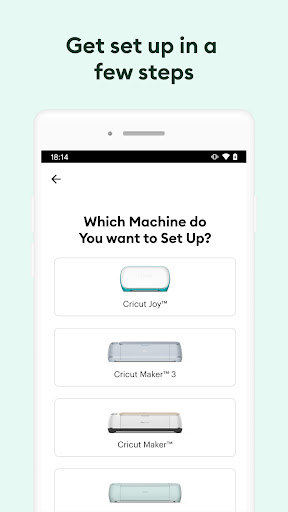
- This app can also work perfectly with the Cricut machine, and it can be done in one go. The experience is particularly smooth, as natural as doing human craftsmanship.
- Push notifications and work sharing features allow you to arrange your work anytime, anywhere, and also show off your creativity.
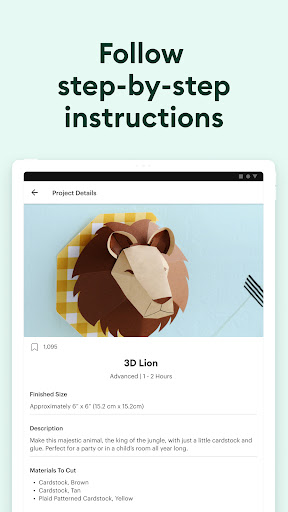
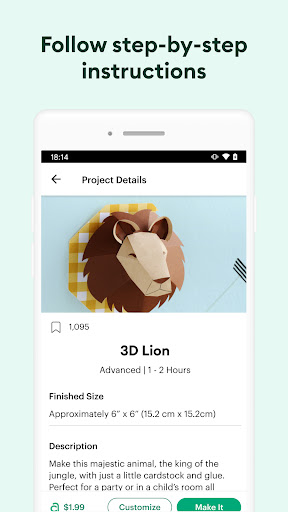
- There are also various built-in tutorials and techniques to help you inspire and improve your skills. The more you use it, the more interesting it becomes, and the more powerful it becomes!
Who is suitable for?
This app is especially suitable for those who like DIY, love craftsmanship, and like personalized customization. Whether you are a novice or a veteran, you can use it easily. The friendly interface specially designed for Android users is super considerate.
If you like to do home decoration, special gifts or fashion accessories, this app is a great help. Use it to easily turn inspiration into reality and have fun with your Cricut tools!
Why choose this?
This Android app is smooth and features rich, making creative works easier and more interesting. Stable performance, rich supporting design resources, and definitely more distinctive than other creative starters.
It launches a one-stop solution for common manual problems, and the entire process from ideas to finished products is completed in this application. The user experience is specially designed to make every step of your creation full of inspiration and efficiency.
Top Recommended Alternative

Pros & Cons
Pros
-
User-Friendly Interface
-
Extensive Design Library
-
Seamless Integration with Cricut Devices
-
Customizable Designs
-
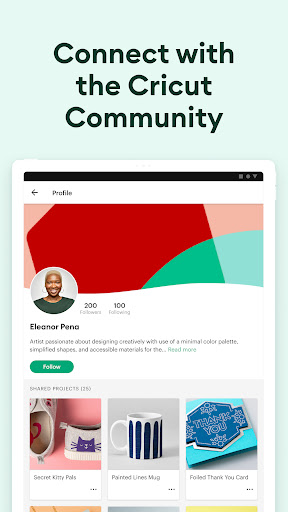
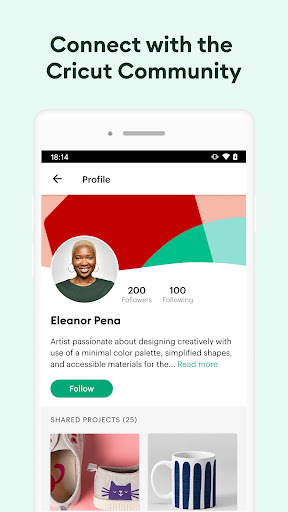
Community Support and Sharing
Cons
-
Limited Free Content
-
Occasional App Crashes
-
Learning Curve for Advanced Features
-
Limited Compatibility with Older Devices
-
Design Export Quality Varies
Advertisement
Download Design Space: DIY with Cricut
FAQ
How do I log into the Design Space: DIY with Cricut app? +
Getting started with Design Space: DIY with Cricut is a simple mobile app, just open it and enter your existing Cricut account information. If you are a novice, registering an account in the APP will be quickly completed, which is quite convenient.
ThisAPP works quite smoothly, and you can easily find the designs and project features you saved before. Whether you are using an Android phone or playing this launcher app, you can fully control all DIY functions after logging in, which is quite considerate.
Is the Design Space app safe to install on my device? +
Of course, the application Design Space: DIY with Cricut is quite safe and reliable. You can download it through Google Play or Apple's App Store. It is both quite formal and reliable to ensure that what you get is the real one. It also updates maintenance frequently to ensure that your equipment does not go wrong.
Infact, many friends trust this software and regard it as a good helper for manual work. I am also a veteran of handicrafts and feel that it is safe and safe to use. Whether it is Android or iOS devices, it is very suitable for creation.
What are the main app features of Design Space: DIY with Cricut? +
This APP is quite functional and tailor-made for Cricut fans and handicraft enthusiasts. There are many design solutions you can choose from that you can use directly. You can also upload your own works and provide various advanced editing tools. The interface design is quite user-friendly, and both beginners and veterans can get started quickly. It is very friendly.
Moreover, the APP can also seamlessly connect with your Cricut machine, allowing you to directly cut, draw and even print on your mobile phone, and the experience is quite smooth. The Android version is indeed a versatile tool that can get your DIY projects done at home or on the go.
Can I use the Design Space app without an internet connection? +
Some functions, such as browsing new designs and using cloud solutions, require a network connection. However, once you download the project locally, you can operate it offline and send instructions to the Cricut machine, which is quite convenient.
Thisflexibility is quite considerate, especially when working in remote places or with unstable networks. Many people find it convenient and free to be online and offline. It is really a good multi-purpose helper!
Is the app compatible with all Cricut machines? +
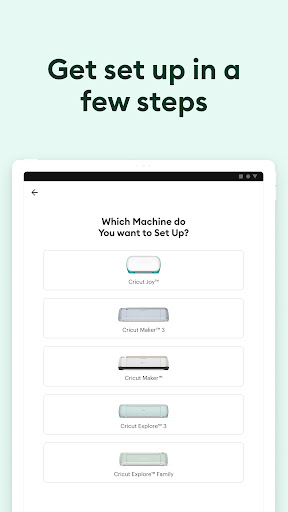
Basically, Design Space: DIY with Cricut is available to most Cricut machines, such as Maker, Explore and the Joy series. It is a pure APP connection solution, which is done via Bluetooth or USB. It depends on your device and machine model, so it is quite flexible.
However, in order to ensure a smoother experience, we recommend that you make sure that the firmware of your Cricut machine is up to date. Regarding compatibility issues, there are detailed instructions in the APP and on the official support page to ensure that your device and software work perfectly together.
How do I update the app to access new features? +
It's actually quite simple to ensure that you use the latest features. Just go to Google Play or Apple's App Store to update them. Frequent updates can bring new features and improvements, and the experience will get better and better. If you like, you can set up automatic updates, so that you don't have to always look for it yourself, which is convenient and worry-free.
Everyupgrade ensures that you are using the most secure and up-to-date version and more easy-to-use tools, making your manual projects easier and more interesting. Doing so also keeps the software stable and efficient, which is a safe way to do so.
Customer Reviews
Design Space is widely praised for its intuitive interface and powerful creative tools, making it ideal for DIY projects. However, major drawbacks include frequent crashes after updates, billing disputes (free trial charges with refund difficulties), and connectivity issues (Bluetooth, printer). While some users love its ease of use and value, others report app launch failures, unresponsive drag-and-drop, missing Android features compared to iOS, and incorrect project sizes. The subscription model also feels exploitative. Overall, strong creative potential is overshadowed by stability and billing problems.
Write a Review
Share your experience with Design Space: DIY with Cricut. Submissions are reviewed before publishing.
You Might Also Like
More apps you may want to try next.




