
Chase Mobile
Advertisement
Screenshots
Advertisement
About Chase Mobile
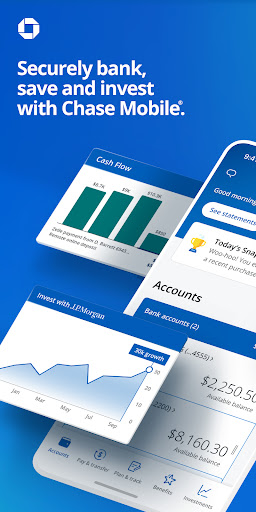
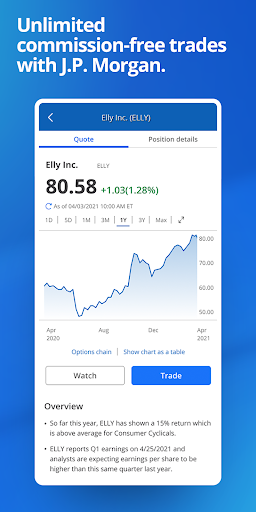
The Chase Mobile app brings your finances together in one secure place, allowing you to manage accounts, deposit checks, pay bills, and send money. As a polished mobile app, it offers a dependable app experience for banking on the go, including real-time alerts and credit score monitoring. This tool also provides access to investment accounts and branches for a comprehensive financial overview.
Overview
Core Features
- Quick balance viewing and transaction history that updates in real time, so you always know where your money stands.
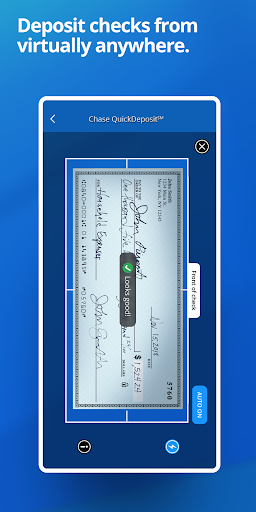
- Mobile check deposit with simple photo capture, saving you a trip to the bank or ATM.
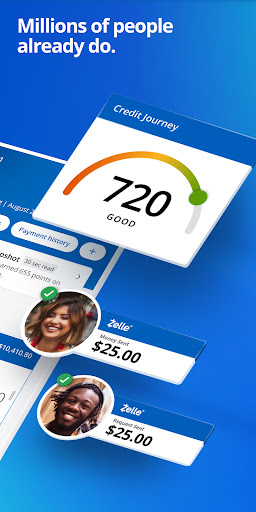
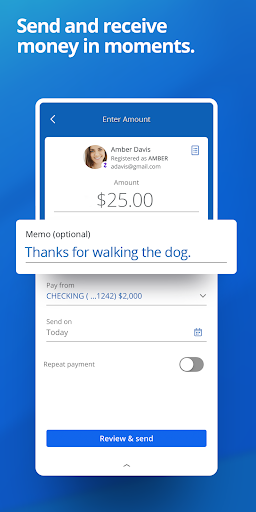
- Zelle integration for fast person-to-person payments, ideal for splitting bills or paying friends instantly.
- Custom alerts for low balances, large purchases, and deposit confirmations, helping you stay in control without constant checking.
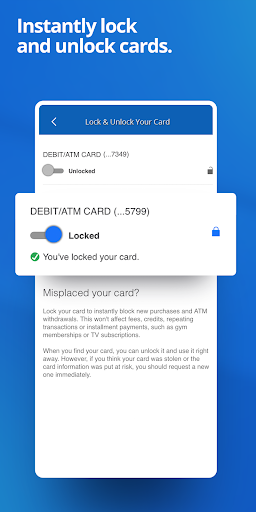
- Card management tools, including the ability to freeze a lost card instantly, order replacements, and set travel notifications.
- Bill pay and payment scheduling directly inside the app, letting you plan recurring expenses with just a few taps.
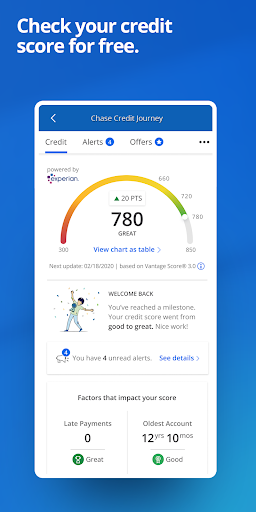
- Credit score monitoring and personalized offers, giving you a clear picture of your financial health in one place.
- Secure login with fingerprint or facial recognition, making the app experience fast while keeping your data protected.
Who This App Is For
This mobile app is built for Chase customers of all ages, from college students managing their first checking account to busy professionals and retirees who want everyday banking at their fingertips.
It suits anyone who prefers an app-based solution over visiting branches, whether you are paying rent, transferring money to family, depositing checks after work hours, or keeping close tabs on spending habits while traveling.
Why Choose This App
Chase Mobile stands out because it combines banking, investing, and credit management in one clean, reliable interface, so you do not need multiple apps to handle your finances. The Android app and iOS version share the same polished design and consistent performance.
Unlike many competitor apps that push ads or clutter your screen, this one focuses on the essentials: it delivers dependable features, strong security, and a straightforward app experience that saves time and reduces stress when money matters are on the line.
Pros & Cons
Pros
- Best-in-class mobile check depositDepositing a check takes under a minute with clear capture guides and instant confirmation, which is faster than most competing banking apps.
- Seamless integration with credit card and investment accountsYou can view your Chase credit card rewards, mortgage, and investment balances in one unified dashboard, eliminating the need for multiple apps.
- Real-time fraud alerts and card controlsInstant push notifications for every transaction, plus the ability to lock/unlock your debit card from the app, provide a strong sense of security.
- Quick and reliable bill pay and Zelle integrationScheduling recurring payments or sending money via Zelle is almost instantaneous, with many transfers arriving within minutes.
- Clean and intuitive user interfaceThe bottom navigation and search tool let you find transactions or account details in two taps, even for elderly users or tech newcomers.
Cons
- Frequent forced updates with limited change notesChase pushes app updates almost monthly, sometimes altering the layout without warning, which can frustrate users who prefer stability. Impact level: Low
- Inconsistent search accuracy for past transactionsSearching for a specific merchant often returns irrelevant results or fails to find older statements, especially for split transactions. Impact level: Medium
- No biometric login on older devices or some Android buildsFace ID and fingerprint unlock work well on recent iPhones, but on several Android models the option disappears entirely, forcing password entry. Impact level: Medium
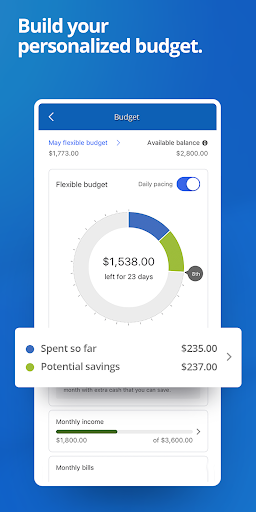
- Lack of advanced budgeting or spending categorization toolsThe app gives basic spending insights but doesn't let you rename categories or set custom budgets, unlike apps like Mint or YNAB. Impact level: High
- Occasional lag when loading account balances after the app reopensAfter reopening the app from background, the balance screen can show stale data for a few seconds before refreshing, which can be confusing when checking funds quickly. Impact level: Low
Advertisement
Download Chase Mobile


FAQ
Is the Chase Mobile app safe to use for banking?+
How do I log in if I forgot my Chase online password?+
Why is my Chase Mobile app not working or crashing?+
Can I deposit checks using this mobile app?+
Does the Chase app work with mobile check deposit for all accounts?+
What can I do if my card is lost or stolen using this app?+
Customer Reviews
Users praise Chase Mobile for its strong security and intuitive, easy-to-navigate design, with many calling it a top choice for everyday banking. However, recent updates have sparked major frustration: frequent freezes, crashes, and arbitrary device incompatibility (e.g., requiring Android 13+ or newer iOS) lock out long-time customers, even on phones that previously worked. Some users appreciate the added protection from multi-step login, while others find it burdensome, but the bigger complaint is the loss of features like fingerprint sign-in and quick balance checks, plus a confusing circular workflow between app and website. The app is deemed trustworthy by some, yet others report poor customer service, forced paperless statements, and false 'rooted device' warnings. Positive feedback highlights simplicity and satisfaction, but negative reviews emphasize that demanding new hardware and breaking core functions pushes users to switch banks. Overall, it's a mixed bag: solid security and usability for those on supported devices, but severe reliability and accessibility issues for others.
Write a Review
Share your experience with Chase Mobile. Submissions are reviewed before publishing.
You Might Also Like
More apps you may want to try next.