FamiliarApps logo
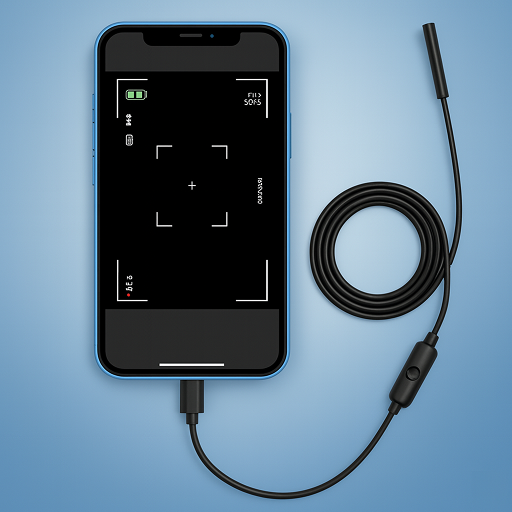
Camera endoscope / OTG USB

Camera endoscope / OTG USB

Advertisement

Screenshots
32 images
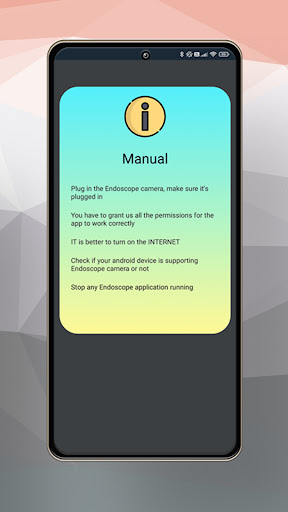
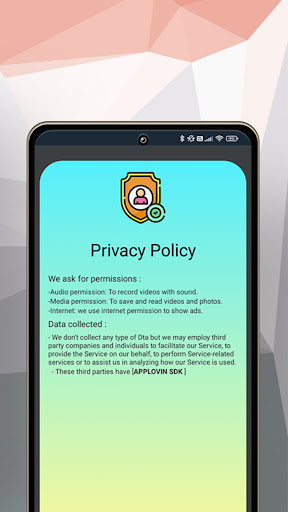
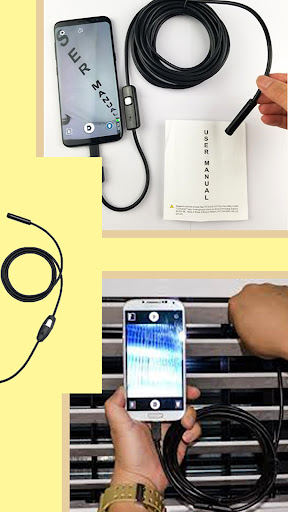
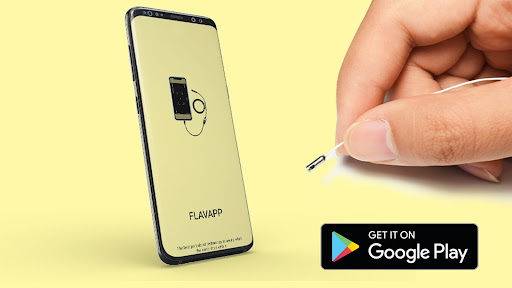
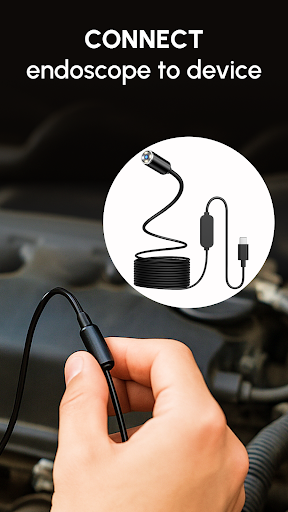
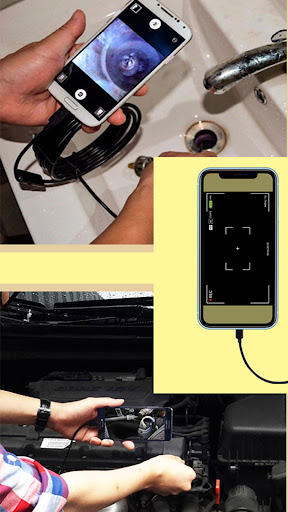
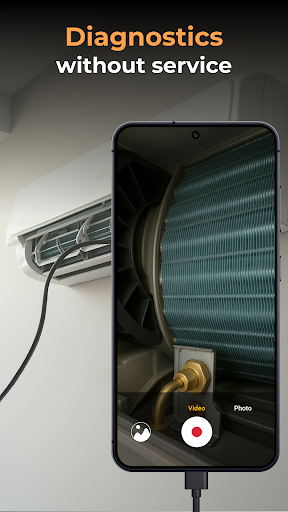
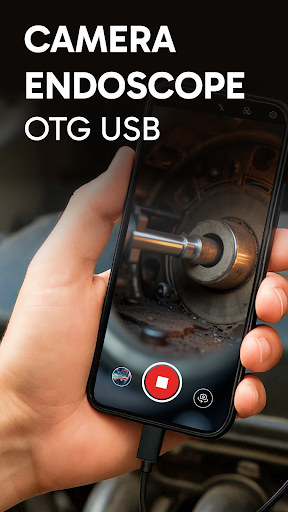
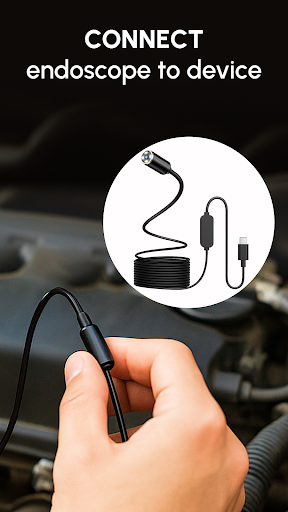
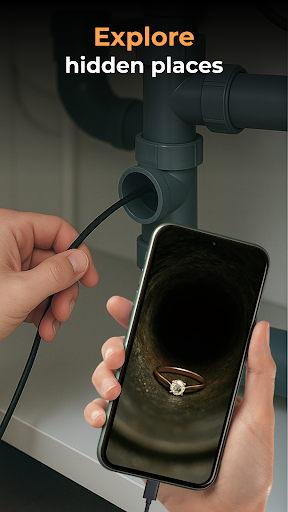
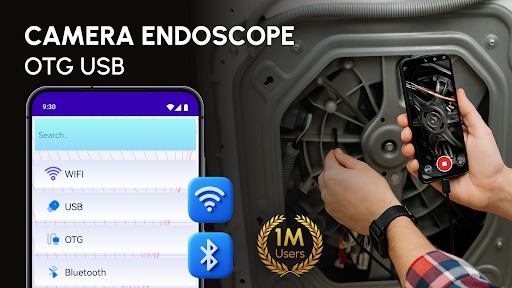
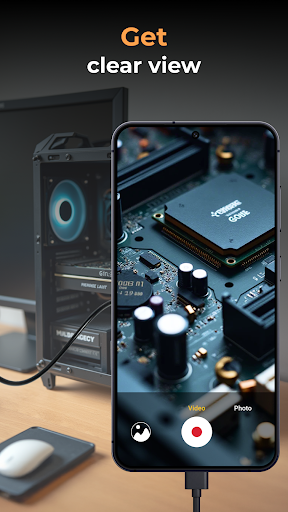
Camera endoscope / OTG USB screenshot 1 Camera endoscope / OTG USB screenshot 2 Camera endoscope / OTG USB screenshot 3 Camera endoscope / OTG USB screenshot 4 Camera endoscope / OTG USB screenshot 5 Camera endoscope / OTG USB screenshot 6 Camera endoscope / OTG USB screenshot 7 Camera endoscope / OTG USB screenshot 8 Camera endoscope / OTG USB screenshot 9 Camera endoscope / OTG USB screenshot 10 Camera endoscope / OTG USB screenshot 11 Camera endoscope / OTG USB screenshot 12 Camera endoscope / OTG USB screenshot 13 Camera endoscope / OTG USB screenshot 14 Camera endoscope / OTG USB screenshot 15 Camera endoscope / OTG USB screenshot 16 Camera endoscope / OTG USB screenshot 17 Camera endoscope / OTG USB screenshot 18 Camera endoscope / OTG USB screenshot 19 Camera endoscope / OTG USB screenshot 20 Camera endoscope / OTG USB screenshot 21 Camera endoscope / OTG USB screenshot 22 Camera endoscope / OTG USB screenshot 23 Camera endoscope / OTG USB screenshot 24 Camera endoscope / OTG USB screenshot 25 Camera endoscope / OTG USB screenshot 26 Camera endoscope / OTG USB screenshot 27 Camera endoscope / OTG USB screenshot 28 Camera endoscope / OTG USB screenshot 29 Camera endoscope / OTG USB screenshot 30 Camera endoscope / OTG USB screenshot 31 Camera endoscope / OTG USB screenshot 32

Advertisement

About Camera endoscope / OTG USB

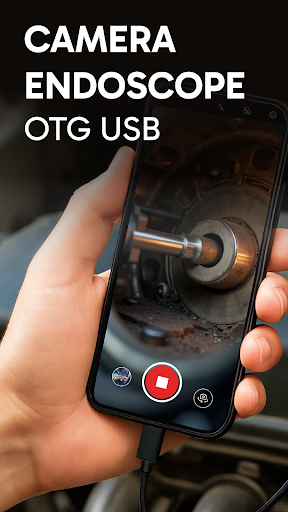
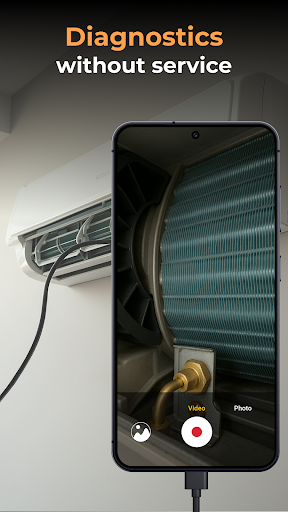
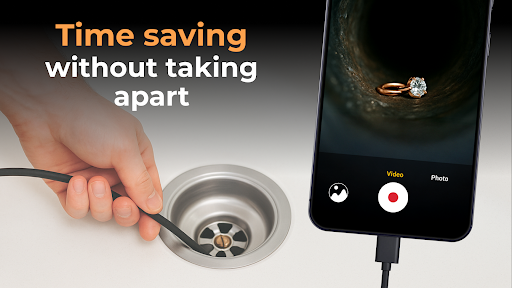
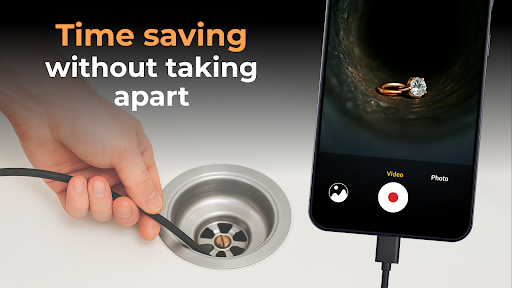
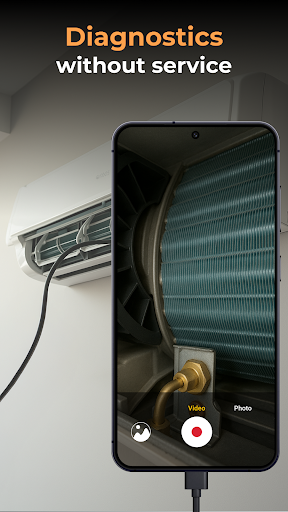
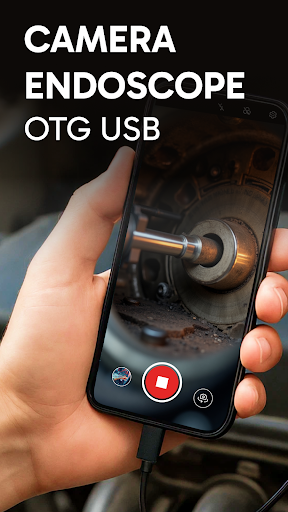
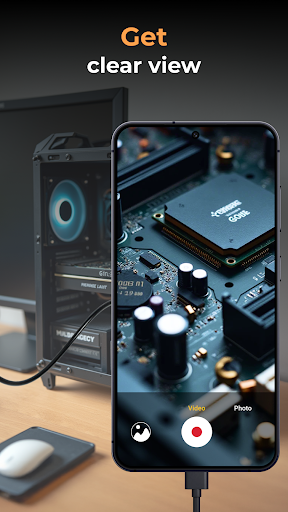
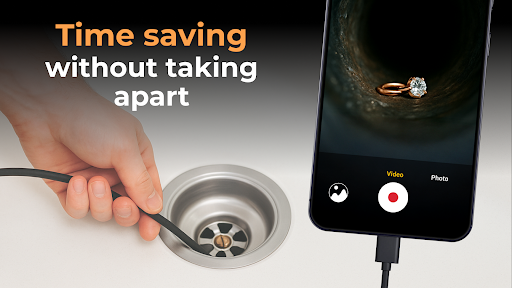
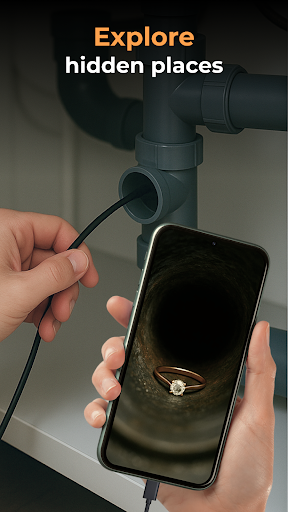
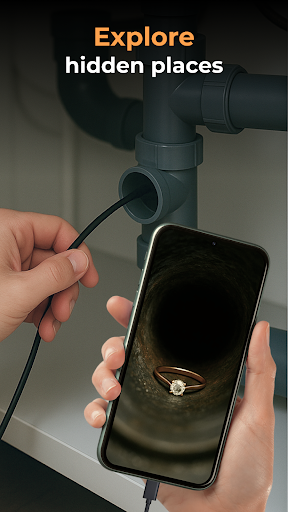
This camera endoscope/OTG USB is actually quite powerful. It is an Android app that can turn your mobile phone into a powerful inspection tool. Whether it's repairing a car, doing a minor operation, or purely out of hobby, it can help. The interface is designed very considerate, easy to use, and smooth operation. As a must-have application, it greatly improves the practicality of mobile phones. It can perform real-time video detection through the supported OTG USB camera. It is simply a little helper that every Android user should have. It is very practical!

Overview

core functions

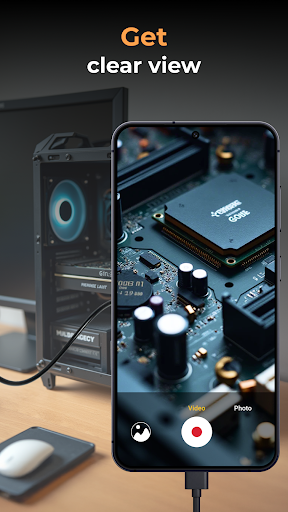
  • This App can shoot high-resolution videos, which allows you to see clearly on your mobile phone, making it easy to check.
  • It can also transmit images and videos in real time and give you feedback at any time, especially during endoscope operations.
  • Support offline mode, you can watch previous media without online access. It is super considerate.
  • The interface is super simple, effortless to operate, and it is easy for professionals and enthusiasts to use it.
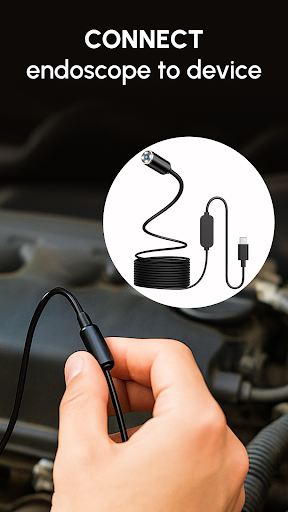
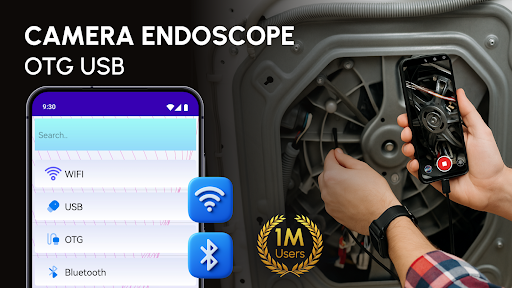
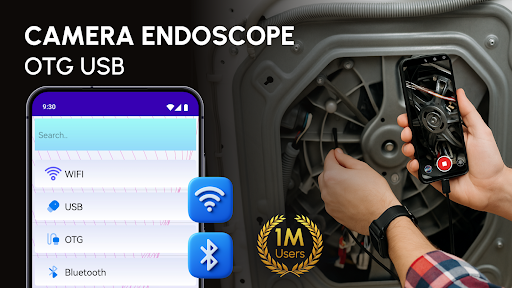
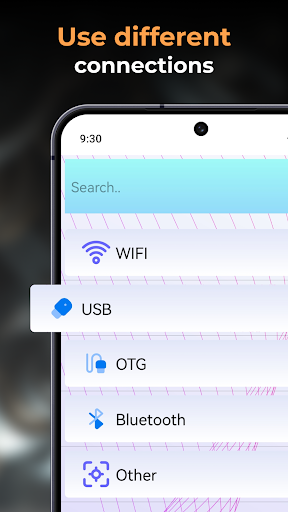
  • Compatible with OTG USB, connecting to the camera is particularly convenient, and it is not complicated at all for Android devices.
  • It has the function of adjusting the LED, which makes it clearer in low-light environments and makes observation smoother.
  • The built-in image editing tool can be directly marked and adjusted, and editing tasks can be completed anytime, anywhere.
  • Rich in functions, it is specially designed for detailed inspection and diagnosis, and all details are taken into account.

Who is this App suitable for?

This mobile app is especially suitable for medical personnel, maintenance technicians, and enthusiasts who like DIY. Whether it is inspecting endoscopes or other uses, they can find reliable solutions. The interface is particularly friendly, easy to use, and no one can operate it.

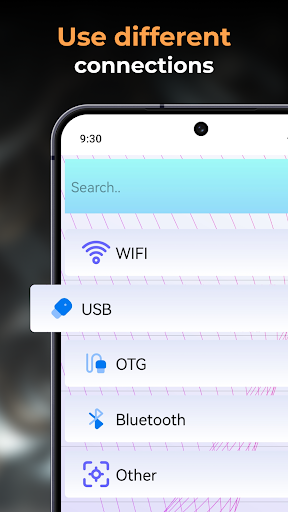
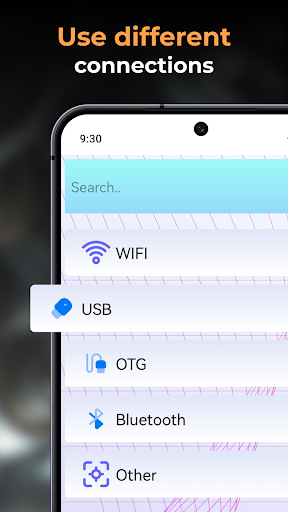
Whether you are doing a physical examination, equipment maintenance, or tinkering yourself, this Android App can help you improve efficiency, with accurate control, clear pictures, and diverse connection methods, allowing you to inspect anytime, anywhere. It's that convenient!

Why choose this App

This app brings a rich functional experience and improves the quality and convenience of inspections. Compatible with Android devices and OTG USB, the settings are simple enough to make people feel good, easy to use and reliable.

The most touching thing is its reliability and simplicity of operation. It solves some problems of blurred pictures or cumbersome connections, and provides a trustworthy endoscopy tool that can be used smoothly, whether it is professional or personal.

Top Recommended Alternative

Pros & Cons

Pros

  • User-Friendly Interface
  • High Compatibility
  • Real-Time Video Streaming
  • Adjustable Camera Settings
  • Lightweight and Portable

Cons

  • Limited Recording Features
  • Occasional Connectivity Issues
  • Battery Consumption
  • Compatibility Bugs with Certain Devices
  • Limited Support for External Storage

Advertisement

Download Camera endoscope / OTG USB

You are going to be redirected to the official website to finish the download when you click these buttons above.

FAQ

Is the Camera Endoscope/OTG USB app safe to use on my device? +
Well, yes, this Camera endoscope/OTG USB application is designed quite carefully, taking into account the safety of users. It is a trustworthy application. It is available on Android and is compatible with many devices to ensure that your data and devices are safe when you use it. However, I would like to remind everyone that when downloading apps, it is best to download apps from reliable channels, such as the Google Play Store. Also, don't forget to update the security settings of your device to ensure a safe and reliable experience.
How do I install the Camera Endoscope/OTG USB app on my Android device? +
To install this Android application, it's actually very simple. Just go to Google Play and search for "Camera Endoscope/OTG USB". The installation process was quite smooth, and the interface was very clear. There were hints and guidelines, so there was no problem if you followed them. Remember, make sure that your device supports OTG functions and that the system requirements meet the requirements so that it can be used smoothly. The interface of this app is very user-friendly, and it is quick to set up. It can be done in a few steps. The user experience is not bad.
What are the main functions of the Camera endoscope/OTG USB application? +
This app can help you see places that are usually difficult to detect with your mobile phone. It is quite functional. For example, there are real-time video streaming, brightness adjustment, image quality improvement, etc. After all, it is convenient and practical. It is a multi-functional starter. Using USB OTG to connect various endoscope equipment is definitely suitable for both professional and personal use. It is a good helper for application purposes.
Does this app support cameras in my device or external endoscope equipment? +
It is compatible with many Android devices, and can also connect to USB OTG's external endoscope. It is a relatively reliable application solution. It is really practical for users who need careful testing and observation. However, before using it, you still need to make sure that your device supports OTG, and the application must be the latest version to ensure good performance and compatibility, so that you don't make mistakes and lose face.
Can I use the Camera Endoscope/OTG USB app offline without using the Internet? +
Of course you can! As long as you install the application, you can use it without having a network. This app supports offline operation, allowing you to control endoscope shooting without relying on Wi-Fi or mobile network. It's great and is especially suitable for use in the wild or where there is no Internet. This is good. It can help you shoot clearly anywhere and record a beautiful video. Isn't it convenient?
If you want to use this Camera endoscope/OTG USB application well, do you have any tips? +
If you want to use it easily, you must first make sure that your device supports OTG and that the camera is connected securely. Ambient light is also very important. If there is sufficient light, the clarity of the image will be greatly improved, which is one of its highlights. In addition, don't forget to browse the settings menu more often to adjust the brightness and contrast, and adjust it to your satisfaction, so that you can observe it more clearly. It can also keep the application updated. In the latest version, the functions are more complete, security is more guaranteed, and the experience will be better.
Is this Camera endoscope/OTG USB application only for amateurs? Or can professional people use it? +
In fact, this app is quite versatile, and you can have fun using it whether you are a professional or an enthusiast. High-resolution video and adjustable brightness are all its strengths and are suitable for various detailed inspections. Many technicians or DIY enthusiasts use it to test various things. It is highly safe and has real-time feedback. It can definitely help you complete tasks better. This app is so reliable. It can not only meet professional needs, but also be suitable for playing. It is really "tool + entertainment".
If you encounter a problem, what should you do? What should I do if this Camera endoscope/OTG USB application fails? +
Don't worry if you encounter problems. The first step is to check whether the equipment supports OTG and whether the endoscope connection is stable. Sometimes restarting the application or restarting the device can solve many small problems. If the problem has not been resolved, it is recommended to check the app's user guide or go to the support page on Google Play for help. Keeping the application up to date will ensure that all you use are new features, which is also highly secure and makes it more secure to use.

Customer Reviews

AI
AI Generated Summary
Based on real user feedback
★ 2.5

Users generally praise the app for its clean interface, smooth performance, and intuitive navigation, making it a pleasant experience for basic tasks. However, functionality is a major point of contention: some users report seamless detection and reliable operation, while many others find it fails to recognize USB endoscope cameras, constantly displays 'will not connect,' or shows only ads with no actual function. The presence of excessive advertisements and a costly subscription (€14.99/month or €15/week) is widely criticized as deceptive. A minority find the app excellent and well-designed, but the majority consider it non-operational and a scam. Overall, opinions are polarized between those who enjoy a working tool and those who experience a completely broken, ad‑ridden app.

Jarno vw · 2026-06-24
★ 1
15 euros a week for a simple cam interface – is that fair?
lambassador kayn · 2026-06-15
★ 5
Everything is fine.
Alejandro Sager · 2026-06-14
★ 1
If you do not register, you cannot use it.
David (Dave) · 2026-06-11
★ 1
I regret having made the effort.
Raul Castro · 2026-06-11
★ 5
Good, operational

Write a Review

Share your experience with Camera endoscope / OTG USB. Submissions are reviewed before publishing.

Rating *
0 / 2000

You Might Also Like

More apps you may want to try next.
Advertisement
5
Please wait...