Button Mapper: Remap your keys
Advertisement
Screenshots
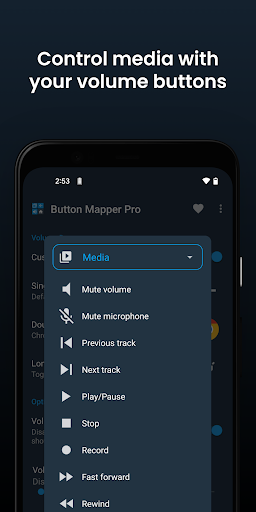
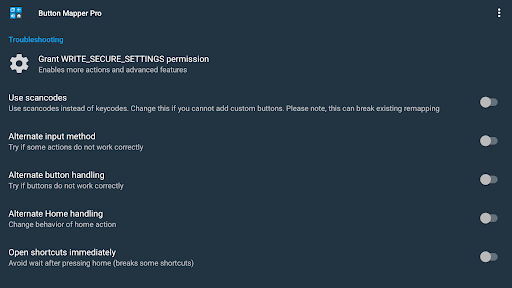
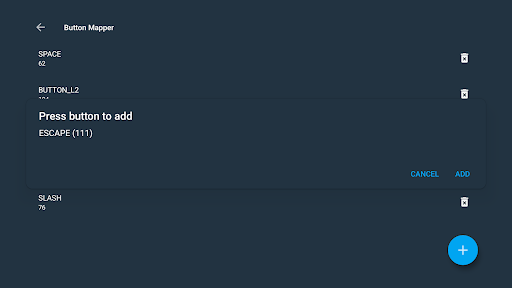
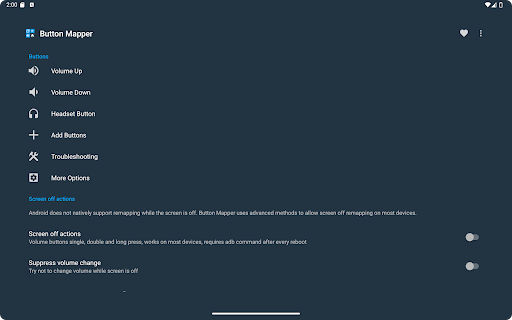
Advertisement
About Button Mapper: Remap your keys
Overview
Core Features
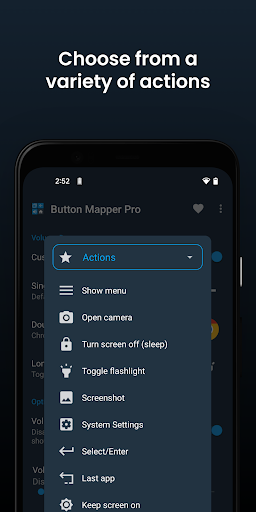
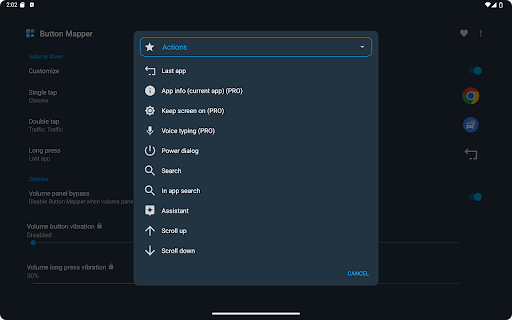
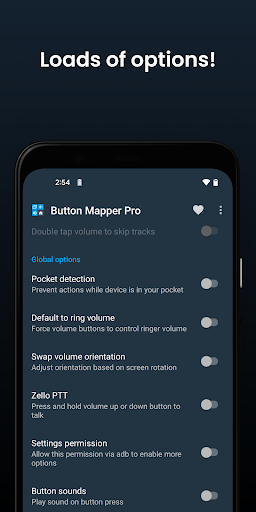
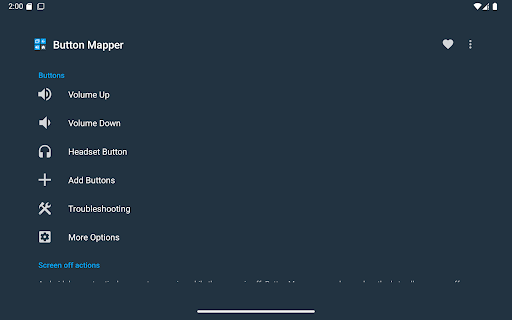
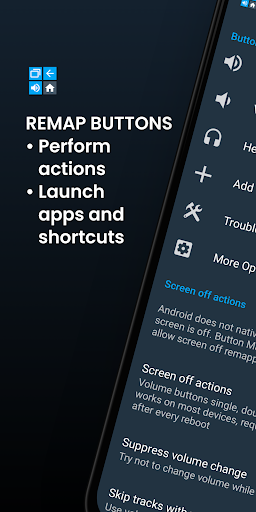
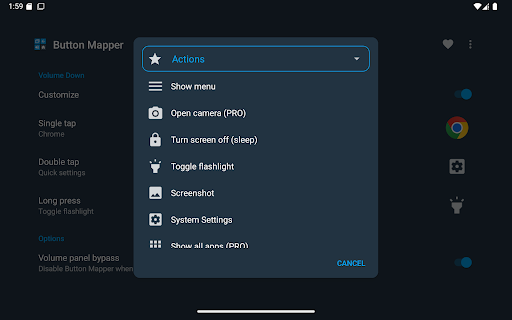
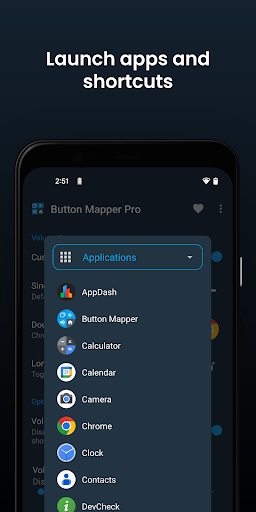
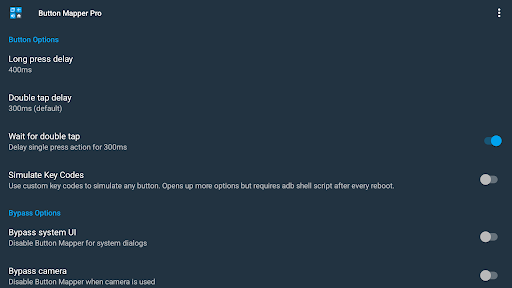
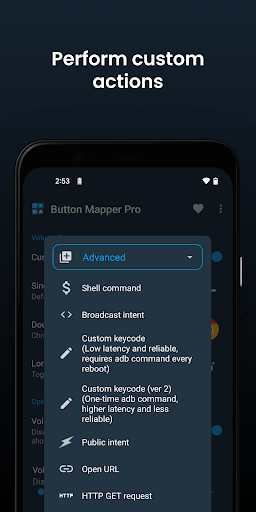
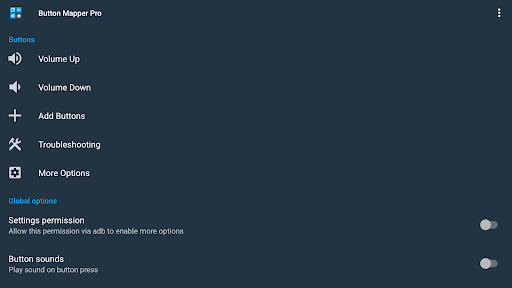
- This application interface is extremely simple, allowing users to do everything themselves, remap buttons at will, and customize button functions on Android devices, which is super convenient!
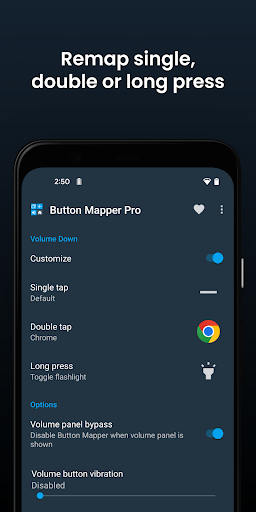
- It also supports a variety of gesture controls, left and right, up and down, tap, and long press, all of which can be clearly arranged for you, making it easy to operate!
- The real-time synchronization function is so considerate. All settings will be saved immediately as soon as you change them. You don't have to worry about losing them after restarting. It's always the same!
- There is no advertising interference and it is very smooth to use, allowing you to focus on every detail without annoying advertising pop-ups!
- You can customize multiple sets of configuration files. When switching between different scenes or activities, you just need to click and the button layout will change immediately. It's very convenient!
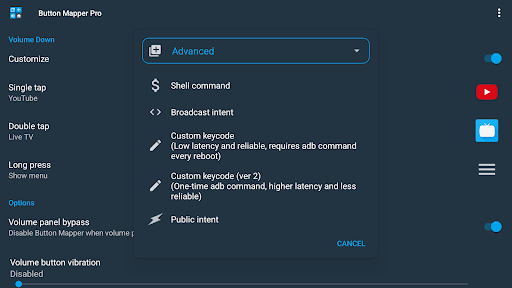
- There are also some advanced features that are compatible with various initiators, giving you a better experience and unlimited playability, and you may even find surprises!
- And it supports offline operation, so you can do it even if you want to use the Internet. You don't have to worry about the limitations caused by the lack of Internet. You can adjust it anytime, anywhere!
Who This App Is For
This software is especially suitable for Android users who like to toss and tune their devices according to their wishes, especially technology-savvy and heavy users. It can meet all your expectations for personalization and deep adjustment!
Whether you are a game addict, a professional who uses a custom keyboard, or want to optimize your device for specific tasks, this app will give you the flexibility and control you need to make daily use smoother and more considerate!
Why Choose This App
This Android app gives you a simple and powerful way to easily customize your device buttons to make your daily operations more efficient. These beautiful functions help you solve various troubles and pain points in button operation!
What makes it special is its stable performance, rich functions and user-centered design. It is definitely an excellent choice for improving the launcher experience and improving device personalization. It is worth a try!
Top Recommended Alternative

Pros & Cons
Pros
- Super customizable key mapping
- Compatible with various devices
- Super friendly interface
- No Root!
- Presets and shortcuts
Cons
- Some equipment functions are limited
- There will be delays in mapping
- Some hardware keys cannot be mapped
- Advanced features have a learning curve
- Certain features require Pro version
Advertisement
Download Button Mapper: Remap your keys

FAQ
Is it safe to install Button Mapper on my device?+
Don't worry, Button Mapper is actually quite reliable. It is a safe and reputable Android app designed to make your device easier to use. It was made by a trustworthy developer and has a reputation for application quality and security.
Likeall mobile apps, it is recommended that you still download it from official channels such as the Google Play Store to ensure that what you get is authentic. This app has a friendly interface and respects your privacy when used. It is a reliable gadget that helps you customize your device without worrying about problems.
Can I use Button Mapper to remap hardware keys on my Android device?+
Of course you can! Button Mapper is actually a launcher-like application that can help you reset hardware buttons, such as volume buttons, home buttons, and even gestures. It is intuitive to operate and you can completely customize the experience according to the way you like.
Ifyou want to give new functions to certain buttons, or simply block them, this app is very flexible and easy to use. It is especially suitable for those who like a personalized Android experience and want the device to better suit their living habits.
Does Button Mapper work on all Android versions and devices?+
Basically, Button Mapper supports most newer versions of Android, but the specific situation depends on your device model and system updates. Sometimes compatibility can differ slightly, so check in the app details on Google Play to make sure it runs smoothly on your device.
Asan application-oriented solution, it can help you customize the buttons and gestures of your device. Moreover, developers will regularly release updates to ensure that support and functions are constantly upgraded to make it more comfortable to use.
Is there assistance available if I encounter problems with the app?+
Of course, when most users encounter problems, they can find support in the application's help area or the developer's official website. Developers will provide detailed instructions and solutions to common problems, which can basically help you solve the problems you encounter.
Forsafety and reliability, it is recommended to contact through official channels as much as possible to ensure that the help you receive is reliable. This way, your custom tools can keep working normally and better suit your needs.
Can I uninstall Button Mapper if I no longer need it?+
No problem, delete it if you want! Uninstalling Button Mapper is as simple as deleting other Android apps, either through settings or application drawer. Once removed, your device will return to its original button function.
Thisflexibility allows you to not have to rely on a customized tool for a long time and can adjust it at any time, ensuring that your equipment is always under your control and can be used as you want, comfortable and comfortable!
Customer Reviews
Button Mapper is widely acclaimed for effectively remapping keys on Android devices, especially Android TVs and remote controls, without requiring ADB (just accessibility permission). Many users consider it essential and appreciate its ad-free simplicity. However, feedback reveals mixed experiences: Functionality is generally strong—most buttons work flawlessly, but some (e.g., YouTube, Google Assistant) cannot be reprogrammed due to manufacturer locks or system restrictions. While the app often remaps successfully, some mappings fail after a reboot or revert unpredictably. Compatibility is excellent on Sony, Nvidia Shield, and many Android TVs, yet certain smartphones (AGM, IIIF150) and remotes (TCL Bluetooth) lack full support. Reliability is a concern: the app occasionally disables itself or gets restricted by the system, causing unreliability. Users also note the inability to wake the device and the lack of multi-action triggers. Despite these drawbacks, Button Mapper remains a powerful tool for most remapping needs.
Write a Review
Share your experience with Button Mapper: Remap your keys. Submissions are reviewed before publishing.
You Might Also Like
More apps you may want to try next.