

Avenza Maps: Offline Mapping
Advertisement
Screenshots
Advertisement
About Avenza Maps: Offline Mapping
Overview
core feature
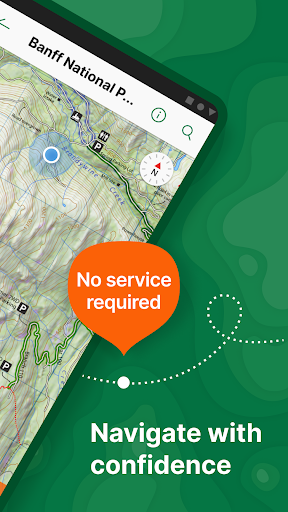
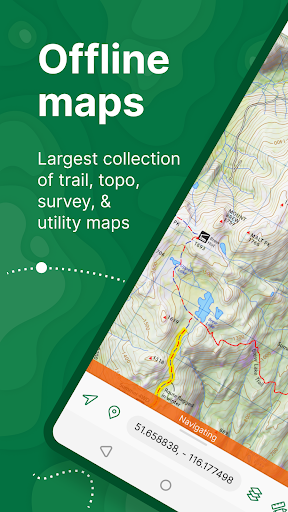
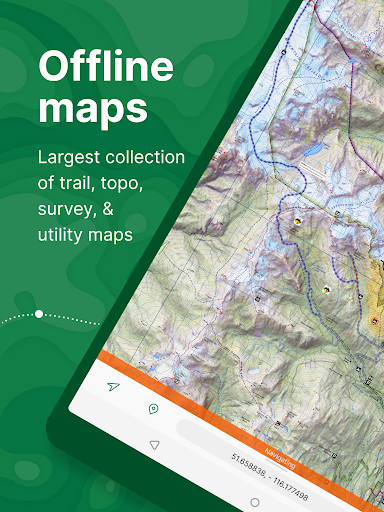
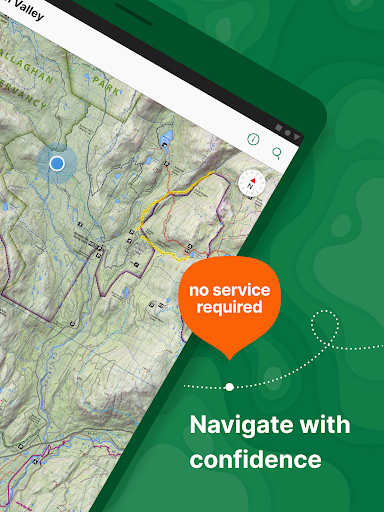
- Allows users to view detailed offline maps and navigate even without the Internet without getting lost.
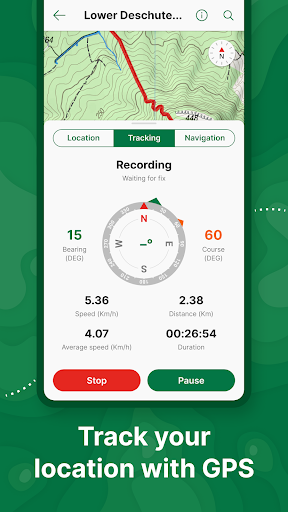
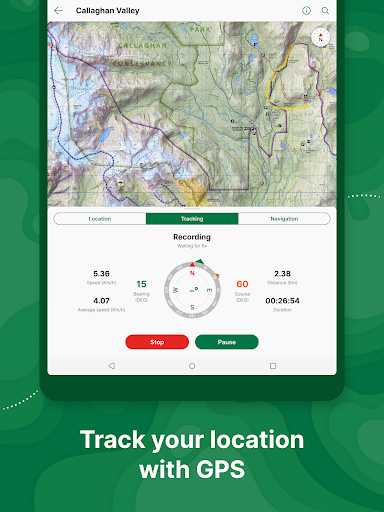
- Built-in GPS tracking, real-time location updates, and you can accurately find the way in remote areas, which is particularly reliable.
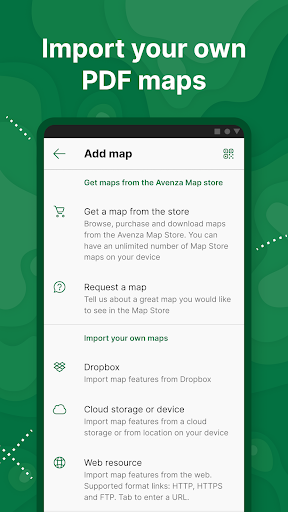
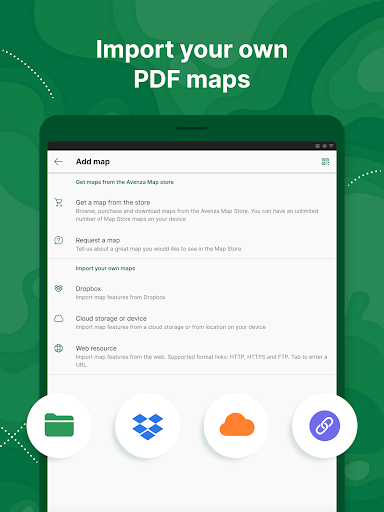
- Support the import and export of custom maps and data to make your map experience more personalized and enjoy it no matter how you play.
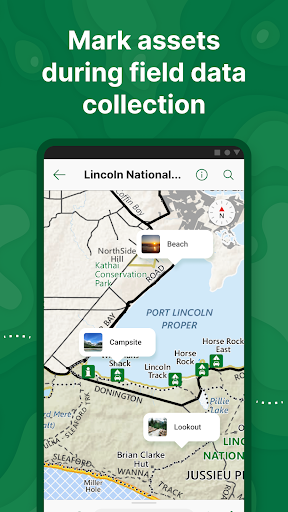
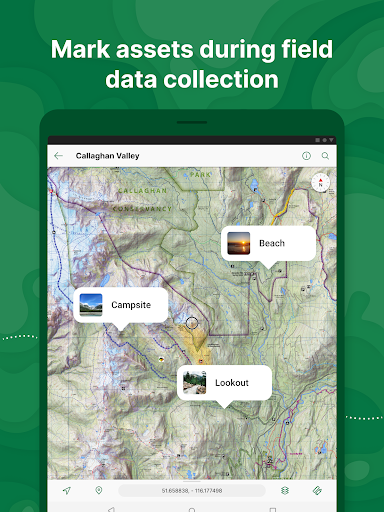
- Rich features, such as route planning and routing points, help you complete every step of the wild adventure and make the journey smoother.
- The interface design is intuitive, simple and clear to use, and it is effortless to navigate and manage maps.
- Designed for people walking, boating and traveling, offline navigation is reliable and allows you to use it with peace of mind.
- Protecting data security and privacy and building trust is a navigation tool that you can rely on.
- Both Android and iOS are supported, making it easy to use, and it can be used on multiple platforms.
Who is suitable for?
This mobile app is especially suitable for friends who like outdoors and hiking, as well as travelers who need reliable offline navigation. It is especially suitable for walking to places with poor signal or no network at all. I also hope to use a trustworthy application to solve navigation problems anytime and anywhere. It is really convenient.
Whether you're planning complex routes or exploring unfamiliar terrain, this App can help you solve navigation problems and make outdoor adventures safer and more enjoyable.
Why choose this App
This powerful Android app is specially designed for offline use, allowing smooth navigation no matter where you go without worrying about signal problems. It is also very simple to operate and has rich functions. Compared with other map applications, it is more intimate and reliable.
It takes into account real-world needs, such as offline access and customized maps, bringing a peace of mind solution that makes your travel smoother and more secure, and more confident along the way.
Top Recommended Alternative
Pros & Cons
Pros
-
Support super multiple offline maps
-
Super friendly interface
-
Support importing custom maps
-
Advanced GPS tracking function
-
Integration with Avenza cloud services
Cons
-
Few free map options
-
High-level functional learning is difficult
-
Battery consumption is serious after long-term use
-
Occasionally stuck on old equipment
-
Limited in-app editing capabilities
Advertisement
Download Avenza Maps: Offline Mapping
FAQ
Is Avenza Maps safe to use on my device? +
How do I install Avenza Maps on my Android device? +
Can Avenza Maps be used offline? Are its offline functions reliable? +
Can I customize maps or add my own data in Avenza Maps? +
Is Avenza Maps suitable for professional use or just for recreational hiking? +
How often are Avenza Maps usually updated? To improve functionality and safety? +
Why on earth is Avenza Maps more prominent than other navigation apps? +
Customer Reviews
Users widely praise Avenza Maps for accurate GPS tracking, high-definition maps, and reliable performance in outdoor settings like hiking, OHV, and wildfire management. Key strengths include easy-to-read trail markings, intuitive design, and comprehensive features (layers, navigation). However, the recent removal of free custom map imports sparks major controversy: many users lament the loss of a once-great free tool, while others acknowledge the subscription model but find it prohibitive for volunteers and conservation work. Some appreciate the free tier for state park maps, yet others report bugs and forced logout issues. Overall, the app excels in specialized mapping but suffers from aggressive monetization that alienates longtime users.
Write a Review
Share your experience with Avenza Maps: Offline Mapping. Submissions are reviewed before publishing.
You Might Also Like
More apps you may want to try next.




