
AR Sketch: Trace Drawing
Advertisement
Screenshots
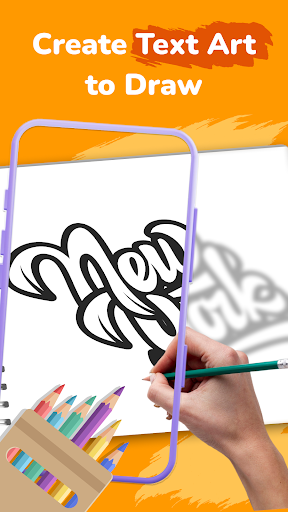


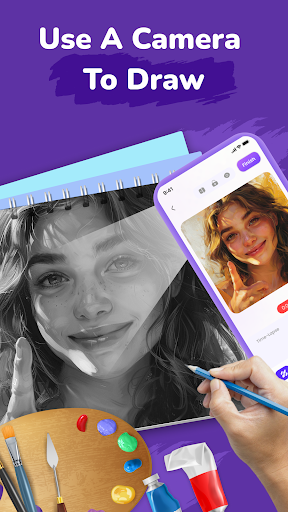
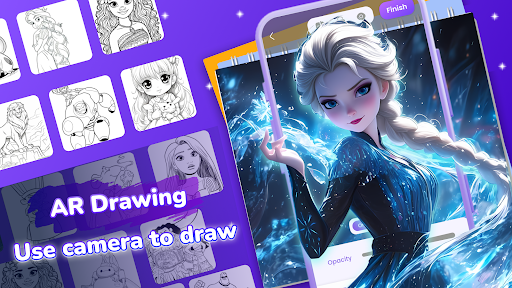
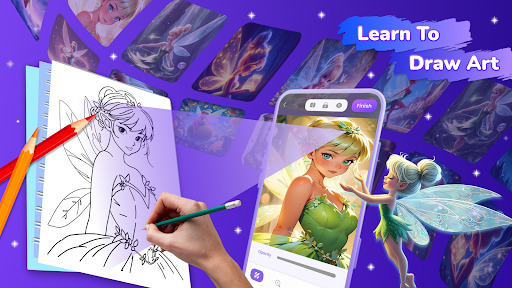
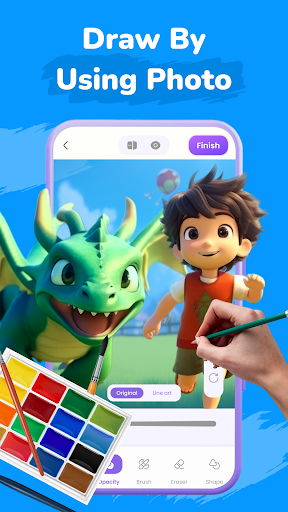
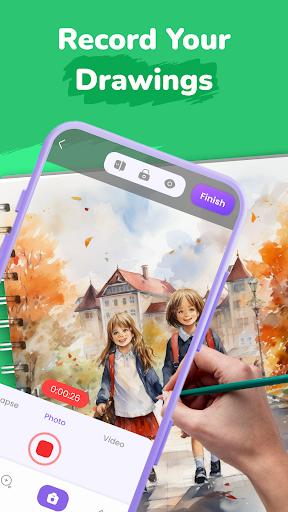
Advertisement
About AR Sketch: Trace Drawing
AR Sketch: Trace Drawing is a very interesting mobile application specially prepared for friends who like art and want to be painters. With it, you can easily draw beautiful sketches and paintings on your mobile phone using augmented reality technology. The tools inside are designed very intuitively and are very easy to use. They draw, draw lines, and make the work come to life without any learning cost. Whether you use Android or iOS, this app can turn your mobile phone into a small studio you can carry around. It's really a novel and cool creative platform.
Overview
core functions
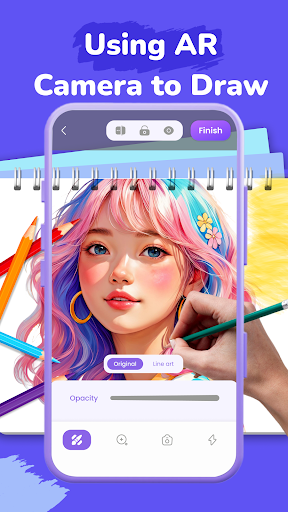
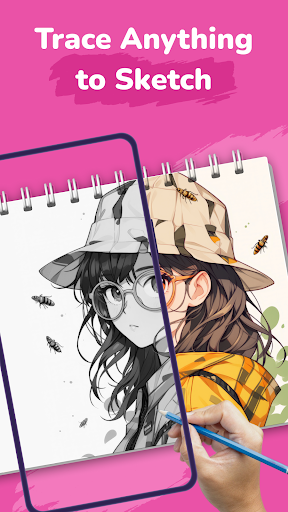
- This app has a very intuitive tracking tool that can help you draw detailed sketches. It is very convenient to operate by superimposing guide lines.
- There are also a variety of brushes and colors, so you can almost fully use your creativity and do art as you please.
- Editing in real time, and with a casual undo/redo, you can slowly make the sketches more and more perfect. It feels quite comfortable.
- It also supports offline mode, so you don't have to worry about continuing to create without the Internet. It's a very thoughtful design.
- Export high-resolution pictures, share or print them without any problems, and the quality is excellent.
- Bring your own tutorials to help beginners learn some basics and make progress step by step. It's very considerate.
Who is this software suitable for?
This mobile app is especially suitable for friends who like to draw. Whether they are students, amateurs or those who want to practice, it is a friendly choice. Easy to operate and quick to get started. Anyone can give it a try. Whether you are a novice or a master, you can have fun.
Whether you're practicing sketching, doing digital drawing, or just dressing up creatively, this app provides you with the tools and functions you need to easily create on Android or iOS devices. It's so convenient!
Why choose this software
Although this Android app is simple, it is very powerful and suitable for both beginners and experienced artists. It is easy and efficient to use, and the experience is refreshing without losing diversity.
It solves many problems when making art works, such as real-time editing, diverse brush choices, and offline functions. Overall, it is a trustworthy and comprehensive art creation tool, especially suitable for friends who like to design and draw.
Top Recommended Alternative
Pros & Cons
Pros
- Intuitive AR tracking interface
- Highly accurate hand tracking
- Real-time feedback and visual guidance
- Rich brushes and tools
- Seamless connection with device camera
Cons
- Too few templates and objects
- If it is used for a long time, it will consume electricity quickly
- Occasionally hand tracking gets stuck
- Newbies may find it difficult to get started
- Few export format options
Advertisement
Download AR Sketch: Trace Drawing


FAQ
Is AR Sketch: Trace Drawing safe to use on my device?+
Hey, of course! AR Sketch: Trace Drawing is a very reliable mobile app that can be used on Android and Apple devices. It will also be updated regularly to ensure security and compatibility, which is quite reassuring.
As an art and design tool, it complies with safety standards and respects user privacy. Remember to download it from the official app store and don't get pirated or unknown ones. That way, you will feel at ease!
How do I install AR Sketch: Trace Drawing on my device?+
Installing this Android or Apple version is actually quite simple. Just go to Google Play or the Apple App Store, search for AR Sketch: Trace Drawing, and then follow the usual steps to download it.
The installation of this app is very user-friendly, so whether it is a novice or a veteran, you can get started quickly and it is easy to use. There are many practical features to help you start your creative journey!
What features does AR Sketch: Trace Drawing include?+
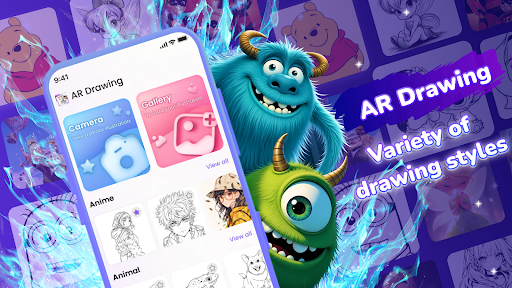
It has rich functions. It has simple tracing tools, sketching tools, and various painting templates. It is definitely a good helper for art. The interface design is intuitive and easy to use, improving the overall experience.
Whether you're practicing digital art or exploring creative design, AR Sketch can help you turn ideas into reality and seamlessly connect your creative inspiration and equipment. It's great!
Can I use AR Sketch: Trace Drawing offline?+
Of course you can! As long as you install this app, you can use it offline, whether it is on Android or Apple devices. This way you can draw and trace anytime and anywhere without worrying about network problems.
Its offline function is really considerate, especially suitable for showing off when you are out or without the Internet. It is a very reliable art assistant!
Is AR Sketch: Trace Drawing suitable for beginners?+
Absolutely no problem! This application interface is super friendly, and friends who have just started learning to draw can easily get started without pressure. Various functions support learning and improvement, helping you become an expert little by little.
Moreover, experienced artists will also like its advanced tools and smooth experience, which can draw details quickly and smoothly, which is really considerate!
Does AR Sketch: Trace Drawing support different device types?+
Support! AR Sketch is designed to be flexible and can be used on Android phones, tablets, or other devices. Good compatibility, high flexibility, and easy to use.
No matter what device you use, you can enjoy its basic functions. What a great multi-functional digital art partner!
How often is AR Sketch: Trace Drawing updated?+
Developers are very attentive and regularly push updates to improve functions, fix bugs, and enhance security. If you keep it updated, the experience will be better and safer!
These upgrades make it stable on both Android and Apple platforms, has high brand trust, and is an art and design tool worth relying on.
Is my work protected when using AR Sketch: Trace Drawing?+
Of course! This app values your privacy and follows data protection guidelines. Your work, such as paintings, designs, etc., is securely stored on your device or in the cloud without fear of loss or disclosure.
With this reliable application, you can concentrate on creating without worrying about privacy issues, and use your artistic talents with confidence and courage!
Customer Reviews
Users generally appreciate AR Sketch: Trace Drawing for its ability to improve drawing skills and boost creativity, with many calling it 'amazing' and 'the best' they've used. However, positive feedback is heavily overshadowed by a critical issue: intrusive and excessive advertisements. While the app offers an intuitive AR experience and helps users create beautiful artwork, constant ad interruptions make it 'impossible to draw' for some, leading to a strongly polarized response. Regarding drawing quality, many enjoy the process and see improvement, though a few find results messy or the app non-functional. Content-wise, users like the variety but note limited options and no search feature, leading to repetitive drawings. Overall, the app delivers on its core promise for some, but ad frequency severely degrades usability for others.
Write a Review
Share your experience with AR Sketch: Trace Drawing. Submissions are reviewed before publishing.
You Might Also Like
More apps you may want to try next.


