Artrace: AR Easy Draw & Sketch
Screenshots





About Artrace: AR Easy Draw & Sketch
Overview
core functions
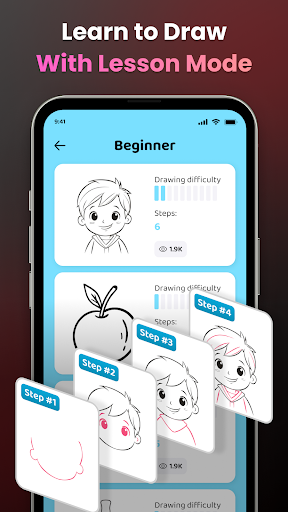
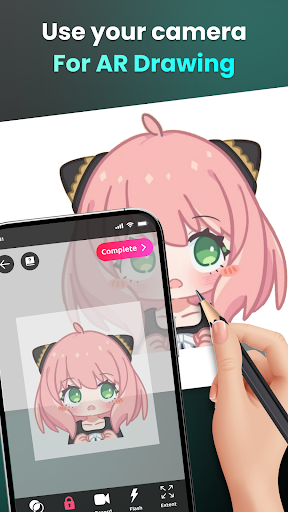
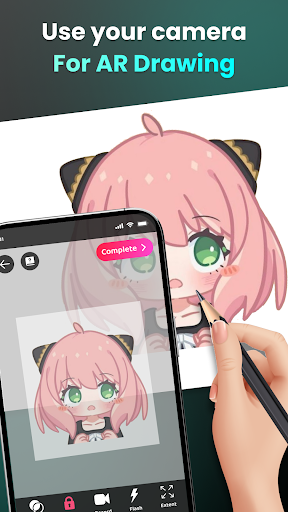
- Provides intuitive painting tools that allow users to easily and accurately draw sketches, which feels particularly comfortable.
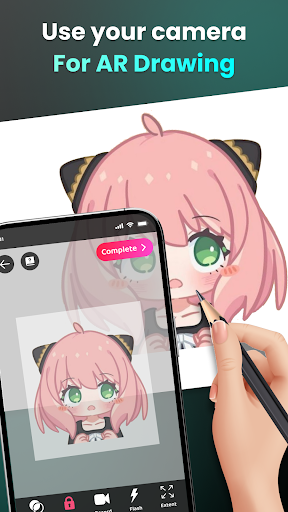
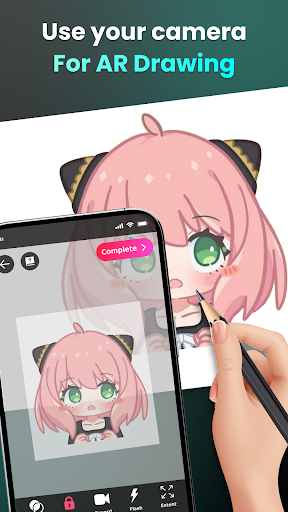
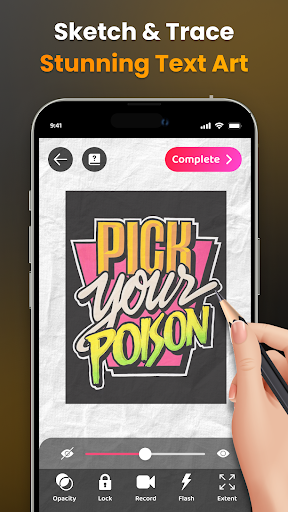
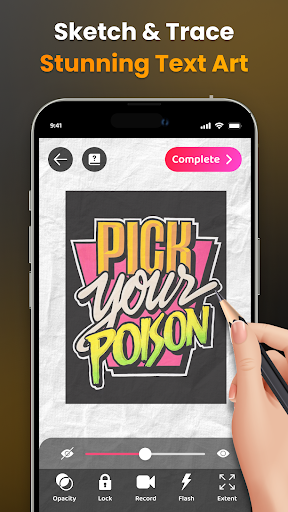
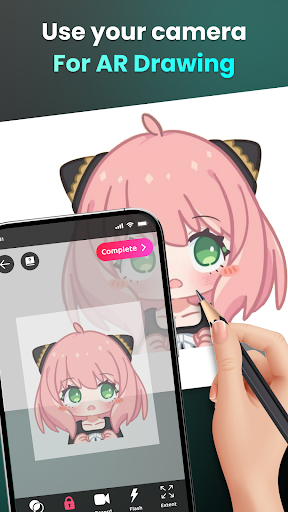
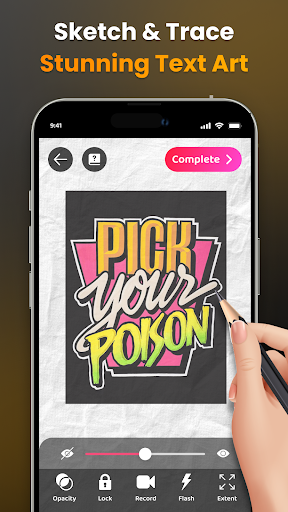
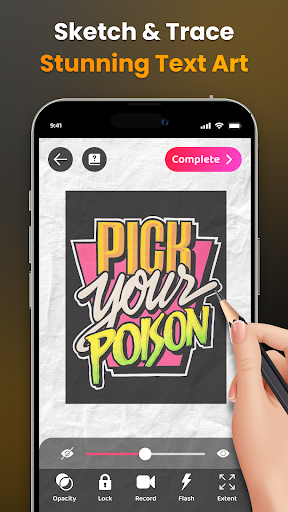
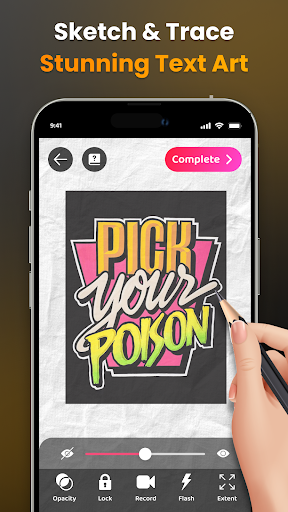
- Support real-time tracking function, whether it is simple lines or complex works, it can support creation, which is quite convenient.
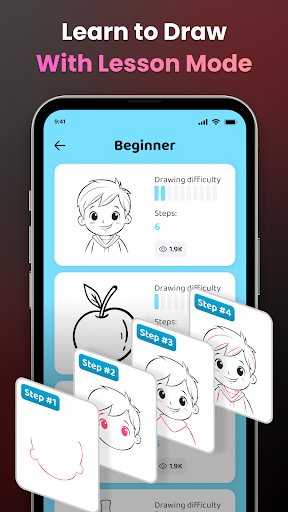
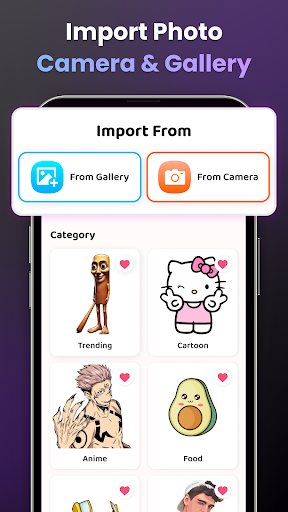
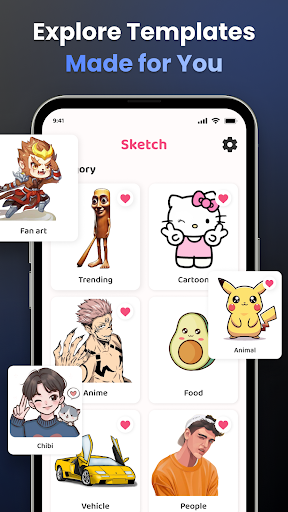
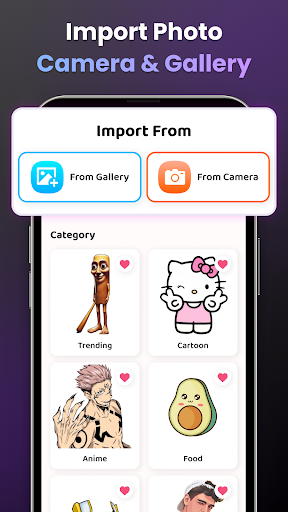
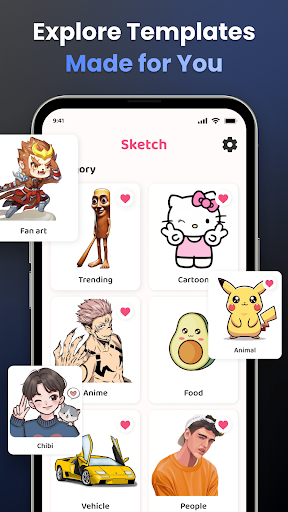
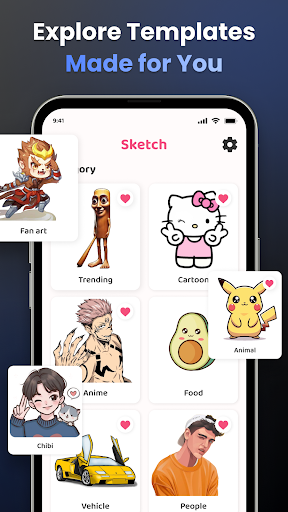
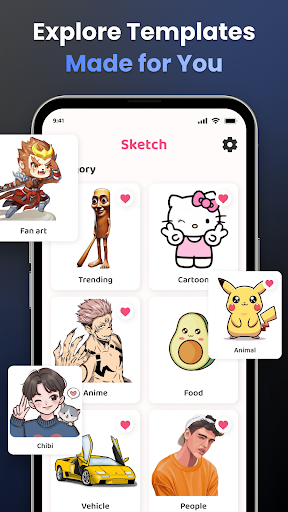
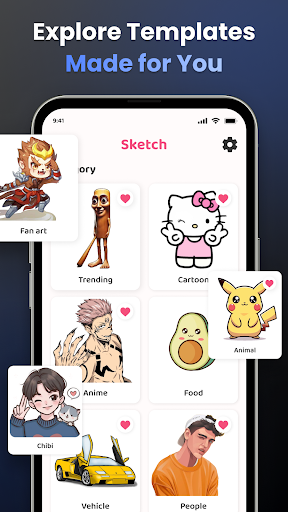
- There is a super rich template library to help you get started quickly. The experience is really good, so that you can't stop using it.
- It also supports offline mode, so you don't have to worry about not having a network, and you can open your work anytime and anywhere. It's quite considerate.
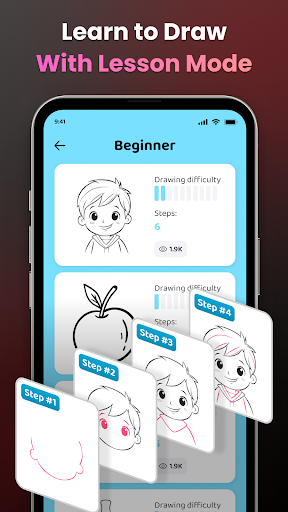
- The interface design is particularly simple and easy to use, suitable for both novices and friendly to experienced artists.
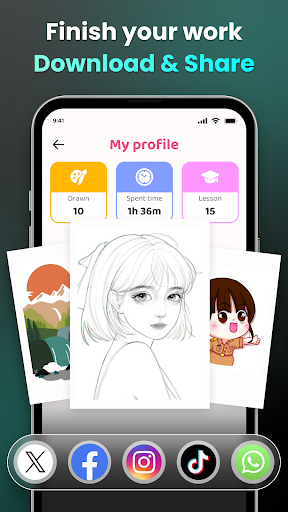
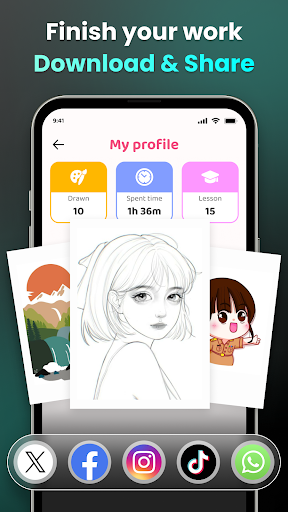
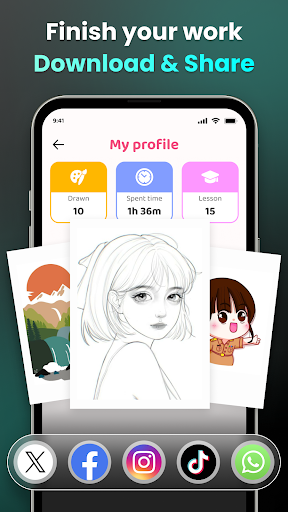
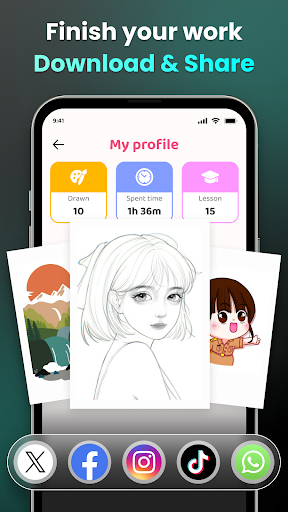
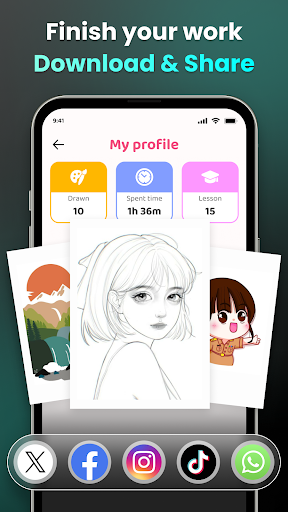
- Exporting works is super convenient, supports multiple formats, and shares them anywhere without problems. It's really easy.
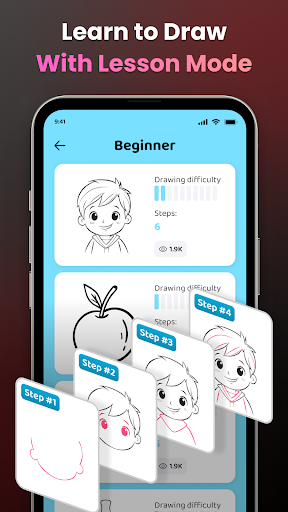
- Provide a variety of drawing guides and grid lines to help you track and sketch more accurately without worrying about going astray.
Who is this App suitable for?
This mobile phone is especially suitable for people with creative ideas. Whether you are a novice painting or an illustrator who already has some basics, you can find something you can use. Friends who especially like tools that are simple to operate and super intuitive will definitely like it.
Whether you're a student practicing sketching, an amateur exploring art, or even a professional designer looking for a productivity tool, this Android app has everything you need. Whether it's making a quick sketch or putting into detailed homework, it can be a huge help.
Why choose this App
This software is quite comprehensive and suitable for both casual users and professional painters. It emphasizes simplicity and flexibility, and has become one of the preferred applications for many creative launchers. It is quite reliable.
There are also some special features, such as offline use and a user-friendly interface, that help you overcome many problems, improve your painting skills, and allow you to complete your work more efficiently. It is a really trustworthy helper.
Pros & Cons
Pros
- Intuitive drawing interface
- Rich template options
- Smooth operating experience
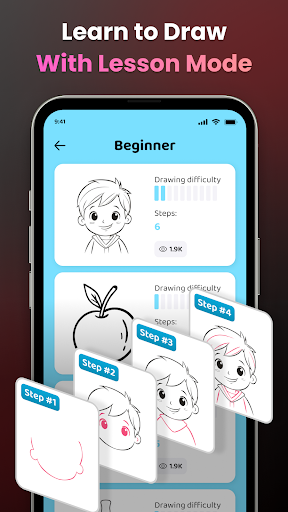
- Guided rendering function
- Free basic edition
Cons
- Limited customization options
- Occasionally automatic recognition errors
- Export pictures with watermarks
- In-app advertising can disrupt the experience
- Export format is limited
Download Artrace: AR Easy Draw & Sketch

FAQ
How do I install AR Easy Draw - Trace Sketch on my device?+
It's actually quite simple to install this AR Easy Draw - Trace Sketch. You can find it by searching the Google Play Store. Just check in to enter the page, and then click the "Install" button. It is compatible with most Android devices, and the installation process is super fast and convenient.
Theinstallation steps of this mobile app are very smooth. After installation, you can immediately start trying its line drawing function. The design is quite thoughtful and suitable for all kinds of art lovers. Whether you are a master or not, you can have fun.
Is AR Easy Draw - Trace Sketch safe on my Android device?+
Of course, this AR Easy Draw - Trace Sketch is a very reliable APP that meets Google's security standards. There are no hidden viruses or malicious code, and user privacy is protected. Downloading on the official website is absolutely reliable, so don't randomly download software.
Manypeople trust it and feel that it is stable, safe and reliable. Using this App makes me feel more at ease, especially if I love art and want to use software to be creative without having to worry about security issues. It's great.
Can I use AR Easy Draw - Trace Sketch as an initiator on my device?+
This software is mainly a drawing and design tool. It is not intended to be used as a launcher, but you can add it to your mobile phone desktop shortcut for quick launch. However, it is not an initiator in itself, it just helps you enhance your interface so you can draw at any time.
Ifyou like to customize your own Android interface experience, this software is quite suitable. It can enrich your drawing toolbox and quickly open it when you encounter inspiration. It is easy to use.
What are the main functions of AR Easy Draw - Trace Sketch?+
This app provides quite a few features designed specifically for art friends. You can use it to trace pictures, draw detailed sketches, and try out various drawing tools. It also has practical functions such as layers and undo and redo, and the interface is also very intuitive and can be easily used by everyone.
Whetheryou are a novice or a veteran painter, this software supports you and helps you develop your creativity. It is simple to operate and easy to use, adding to your artistic path.
Can AR Easy Draw - Trace Sketch be used offline?+
Sure! This APP supports offline operations. As long as you install it on your Android phone, you can use it to draw and trace at any time, whether on the subway or where there is no Internet. It is especially suitable for traveling or when the Internet is not very good.
Thisoffline feature allows you to use it no matter where you are, and the experience is smooth and unrestricted. It is really a versatile mobile phone painting tool that satisfies your creative desires anytime and anywhere.
How does it feel for beginners and experienced painters to use this APP?+
The experience of this AR Easy Draw - Trace Sketch is particularly friendly and suitable for both novices and veterans. The interface design is very intuitive and won't find it complicated at first. It provides guidance to novices quite intimately. Moreover, it also provides more advanced tools so that experienced painters can dig deeper and use greater creativity.
Itfocuses on ease of use and versatility. Whether you are just learning painting or are experienced, you can use it to explore the world of art. Make your creation simpler and more interesting, the experience is great, and the technical endorsement is quite reliable.
Is there a version of this AR Easy Draw - Trace Sketch available on iOS devices?+
Currently, this software is mainly available on the Android platform, and all introductions can be found in the Google Play store. If you are using an Apple phone, you may have to wait a little longer. There may be other similar painting tools. Look forward to its release on iOS in the future.
ForAndroid users, this software is a well-operated painting tool that can help you fully utilize your creativity. It is still exploring the possibilities of painting on your mobile phone. If you use the Android APP, the experience will be smoother, which is especially suitable for friends who like to use software to draw.
You Might Also Like
More apps you may want to try next.