Animation Creator: Flipbook 2D
Screenshots
About Animation Creator: Flipbook 2D
Overview
core feature
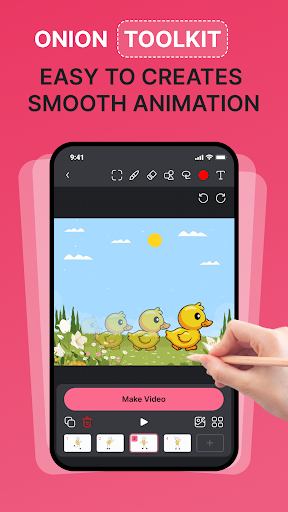
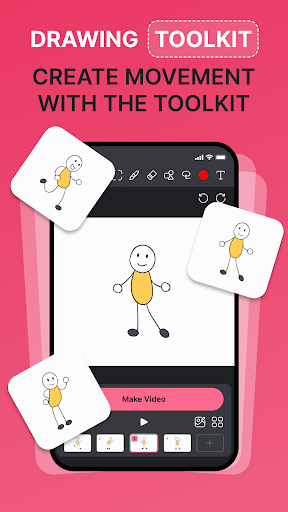
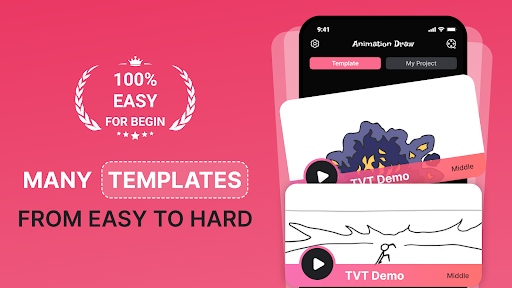
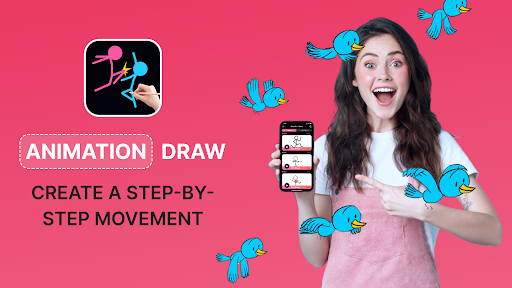
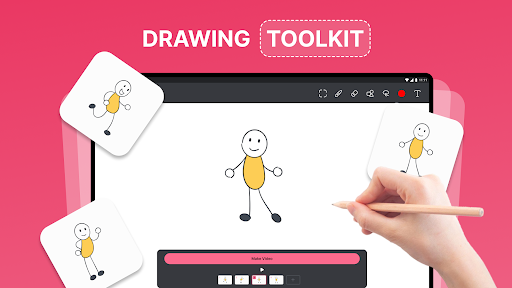
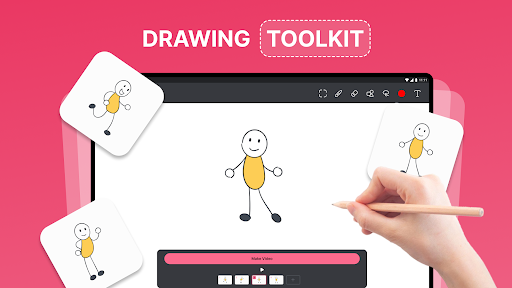
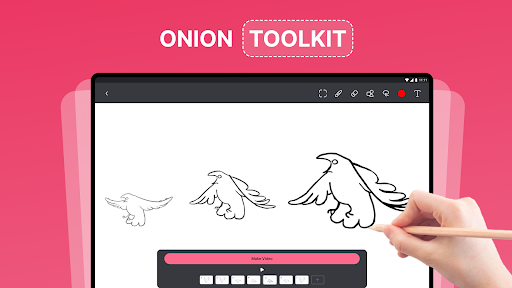
- This app has a super intuitive painting interface. Whether you are a novice or a god, you can easily get page-turning animations. It's really friendly!
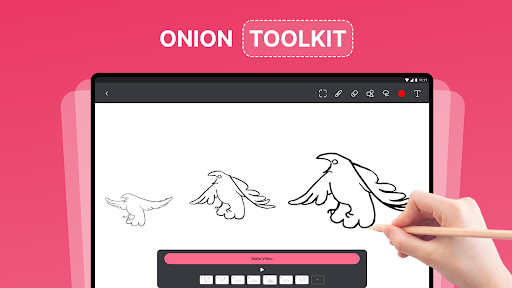
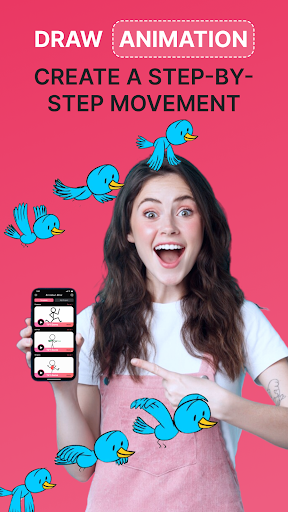
- You can preview it in real time while you are animating, and you can instantly see your ideas turn into real animations. The whole process is particularly exciting and inspires infinite inspiration!
- Support multiple export methods, such as videos, GIFs, etc. Sharing animations to social platforms is as simple as a joke and super convenient!
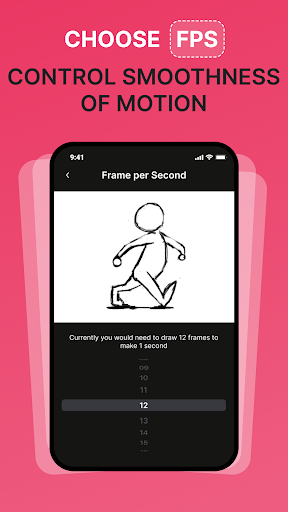
- There is also a frame-by-frame editing tool that can carefully adjust each frame to make each scene achieve your ideal effect. It is really tailor-made for detail control!
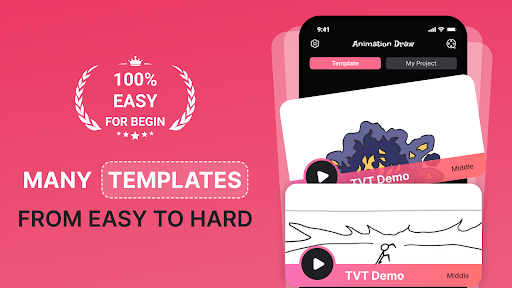
- Bring your own tutorials and tips, so novices don't have to be afraid. They will learn them as soon as they learn them. They will help you fully tap all the potential of this software and use it smoothly without headaches!
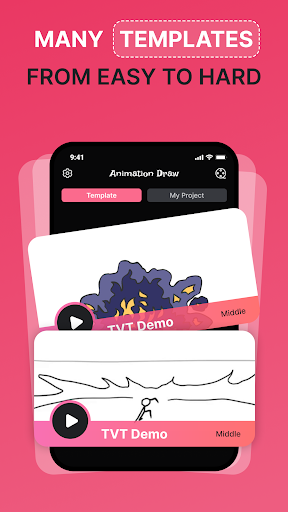
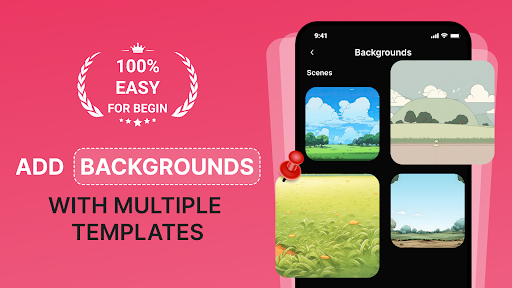
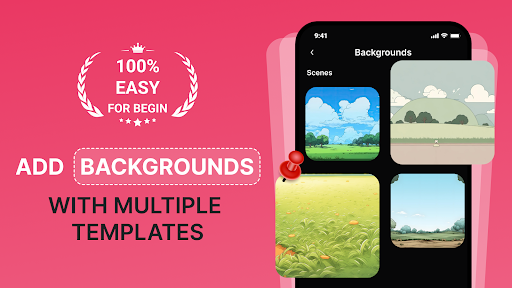
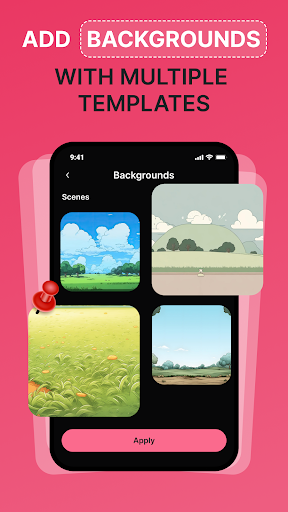
- Built-in rich background and object library, add some professional elements without having to bother looking for external materials, and make your animations look more beautiful and professional!
Who is suitable for?
This mobile app is especially suitable for artists, teachers and enthusiasts who like to use their mobile phones or tablets to do 2D animations. Whether you're looking for a simple and powerful creative tool, or if you want to easily complete design tasks, this software is quite suitable.
Whether you are a newbie who has just been exposed to digital art or a professional who quickly draws simple scripts for veteran players, this Android gadget can bring you a lot of fun and is suitable for all kinds of animation projects and users of different levels!
Why choose this?
What's quite attractive about this Android software is that it combines powerful functions with a super simple operating interface, allowing everyone to easily animate! The operation is smooth, and complex things become as simple and interesting as playing games.
It is both creative and practical. It helps you create high-quality animation works without using complex software or hardware. It is rich in functions and does not bother people. It is definitely a favorite for animation enthusiasts and professionals!
Top Recommended Alternative
Pros & Cons
Pros
- Intuitive drawing interface
- Rich editing tools
- Built-in preview function
- lightweight design
- affordable
Cons
- Limited export options
- Basic animation functions
- No cloud storage support
- Fewer choice of text and sound
- The material library is too small
Download Animation Creator: Flipbook 2D


FAQ
How do I install and set up Animation Creator: Page Turning Animation 2D on my device?+
Install the animation creator: Flip animation 2D is actually quite simple, whether you use Android or iPhone. Just look for the app in your device's app store and follow that process to download or install it.
After installing it, you can open the app and play. There are many functions inside. The interface is particularly intuitive, and whether you are a novice or not, you can easily get started making animations and turning pages. This mobile phone-based solution is smooth to operate and can quickly start your animation creation journey. It is well supported by both Android and iOS.
Animation creator: Is page-turning animation safe in 2D? Can it be updated frequently?+
Don't worry, the creator of this animation: page-turning animation 2D is quite safe, and the development team has done a good job in protecting user safety. It is frequently censored on Google Play and the Apple App Store to make sure there are no viruses or malicious code hidden in it.
It is important to keep software updated to allow new features to be used and to ensure security. This Android and iOS version is quite active and responsible. It is a good helper for creators who like to use it to do art projects.
Animation creator: What are the main functions of page-turning animation 2D?+
This mobile app provides many practical functions and is specially designed to create colorful 2D page-turning animations. Users can draw directly inside, animate frame by frame, and export works in multiple formats. In this way, it becomes a fully functional art and design tool.
The interface is clean and tidy, and it's super easy to use. Whether it's Android or iOS versions, the experience is smooth and enjoyable. Whether you are an amateur or a professional, you can find a place to use it. It's a good choice.
Can I use Animator: Flip Animation 2D as a launcher app? Or is it mainly used for animation projects?+
Mainly speaking, it is an art design APP specifically used to make animated page turning, not the kind of application that can be used as a launcher. Its focus is for animation enthusiasts and artists to draw, animate and export works.
The core functions focus on painting, animation production and export, which is very suitable for enthusiasts or professionals who want to use their mobile phones to do 2D animation. It provides a special application solution that can give full play to your creative potential.
Animator: Are there different versions of page turning animation 2D for Android and iOS?+
Of course, this software has corresponding versions on both Android and iOS platforms to ensure that users on different platforms can experience full functions. The development team also frequently updates these two versions to improve performance and add new features.
Using the same app on different devices also makes it easier for creators to maintain the consistency of their work. Regardless of whether it is Android or Apple, the apps are optimized and provide reliable tools to help you fully express your artistic ideas.
You Might Also Like
More apps you may want to try next.