All Document Reader:PDF Viewer

All Document Reader:PDF Viewer

All Document Reader: PDF Viewer, the best app for viewing, editing, and managing all document types. Free now for seamless document access.

Advertisement

Screenshots

32 images
All Document Reader:PDF Viewer screenshot 1All Document Reader:PDF Viewer screenshot 2All Document Reader:PDF Viewer screenshot 3All Document Reader:PDF Viewer screenshot 4All Document Reader:PDF Viewer screenshot 5All Document Reader:PDF Viewer screenshot 6All Document Reader:PDF Viewer screenshot 7All Document Reader:PDF Viewer screenshot 8All Document Reader:PDF Viewer screenshot 9All Document Reader:PDF Viewer screenshot 10All Document Reader:PDF Viewer screenshot 11All Document Reader:PDF Viewer screenshot 12All Document Reader:PDF Viewer screenshot 13All Document Reader:PDF Viewer screenshot 14All Document Reader:PDF Viewer screenshot 15All Document Reader:PDF Viewer screenshot 16All Document Reader:PDF Viewer screenshot 17All Document Reader:PDF Viewer screenshot 18All Document Reader:PDF Viewer screenshot 19All Document Reader:PDF Viewer screenshot 20All Document Reader:PDF Viewer screenshot 21All Document Reader:PDF Viewer screenshot 22All Document Reader:PDF Viewer screenshot 23All Document Reader:PDF Viewer screenshot 24All Document Reader:PDF Viewer screenshot 25All Document Reader:PDF Viewer screenshot 26All Document Reader:PDF Viewer screenshot 27All Document Reader:PDF Viewer screenshot 28All Document Reader:PDF Viewer screenshot 29All Document Reader:PDF Viewer screenshot 30All Document Reader:PDF Viewer screenshot 31All Document Reader:PDF Viewer screenshot 32

Advertisement

About All Document Reader:PDF Viewer

All Document Reader: PDF Viewer is a very reliable application. It is a practical software that helps you easily browse, read and manage PDFs and various documents on your Android phone. Its interface is very friendly and smooth to use. Whether you want to review documents in different formats or use it daily, it feels quite convenient. For business people and students, it is simply a practical tool that is worry-free and efficient.

Overview

Core Features

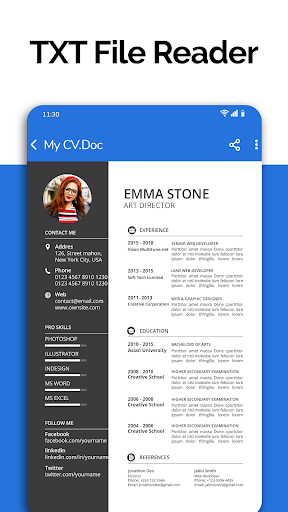
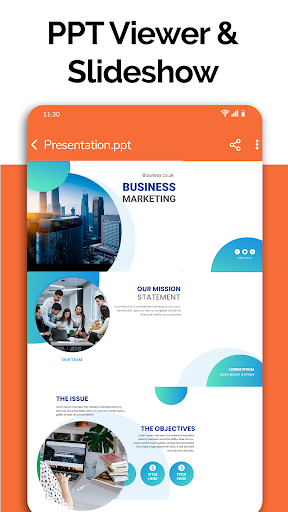
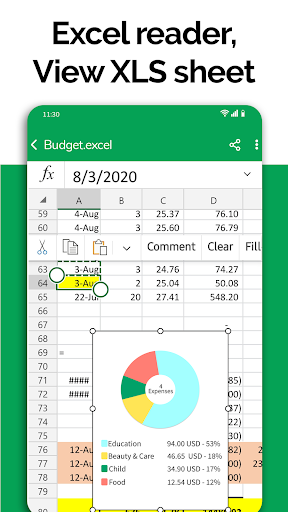
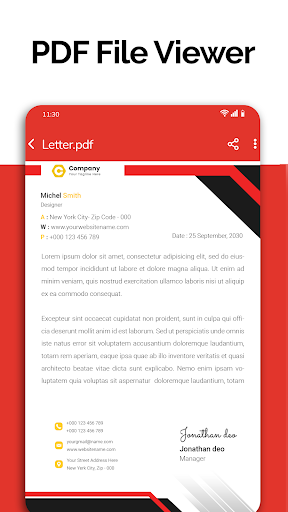
  • Supports smooth viewing and annotation of PDF, Word, Excel, and PowerPoint files in the software, as if it is not difficult.
  • The interface is super intuitive and easy to use. It's easy to get through large-length documents, which is worry-free and efficient.
  • Powerful search and highlighting functions allow you to find important information at a glance without having to piecemeal together.
  • It also supports offline mode. You can view and manage files without having to connect to the Internet. It's so convenient.
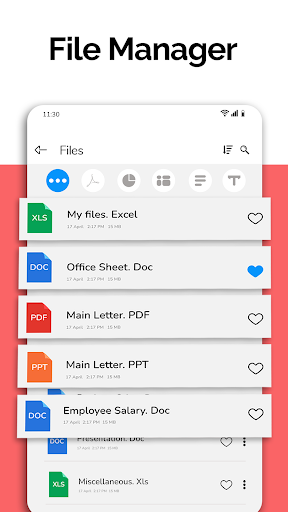
  • Built-in file manager to help you organize files, and cloud storage has a basket of support that can be done anytime, anywhere.
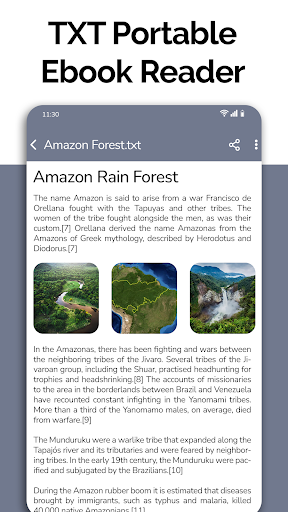
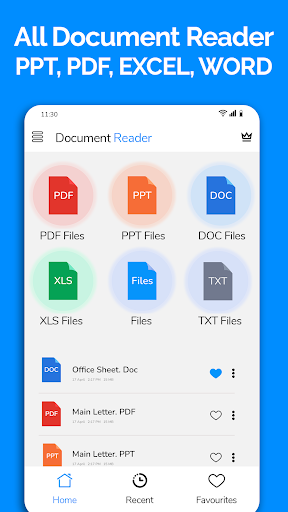
  • Supports various file formats, no matter what type of document you have, you can handle it. It is quite all-powerful.
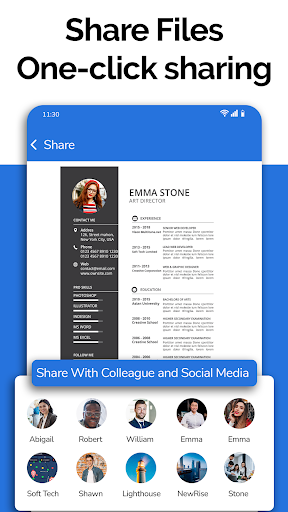
  • Easily share, send files directly from the app to others, email or other platforms.

Who This App Is For

This mobile app is especially suitable for students, professionals, or anyone who often views files and manages information on Android devices. It is especially suitable for those who want a reliable offline reading and annotation.

Whether you want to review reports, mark PDFs, or organize documents, this App-based solution is particularly suitable, efficient and easy to use, and a great helper for work and study.

Why Choose This App

This Android app is comprehensive in terms of functions and is smooth to use. It can be called a one-stop solution. Help you easily handle various file formats, which is particularly reliable for both reading and management.

It is specially designed to solve common file management problems. It is reliable, simple to operate, and powerful-in the eyes of users who value efficiency and credibility, it is definitely the first choice for document reading artifact.

Top Recommended Alternative

Pros & Cons

Pros

  • Intuitive PDF reading experience
  • Powerful text selection and search capabilities
  • Supports multiple document formats
  • Easy-to-use annotations and bookmarks
  • Cloud integration compatibility

Cons

  • Limited editing capabilities
  • Large files occasionally load slowly
  • Annotations tools are basic
  • Synchronization between devices is not stable enough
  • Not much personalization

Advertisement

Download All Document Reader:PDF Viewer

You are going to be redirected to the official website to finish the download when you click these buttons above.

FAQ

Is All Document Reader: PDF Viewer free?+
Yes, the Android app All Document Reader: PDF Viewer is completely free and provides basic functions such as previewing and managing documents at no cost. The design is quite simple, just to make it easy for users who need to quickly review documents. However, if you want to use some advanced or paid features, you may have to spend some money to buy a membership or go in and pay for it. This app is quite reliable and safe when handling sensitive files, allowing you to use it with peace of mind.
Can I view various types of files with this software?+
Of course, it supports many file formats, such as PDF, Word, Excel, etc. Its functions are designed to be flexible, and no matter how complex your file format is, it will bring you a smooth experience. This is quite convenient, especially if you often have to work with friends with different types of documents. Centralized management and quick opening are particularly effective.
Is it safe to install All Document Reader on my Android device?+
Don't worry, this All Document Reader: PDF Viewer can be found on Google Play and is quite reliable. After security testing, you don't have to worry about threatening your equipment or data. Of course, you still have to download it from regular channels and keep your mobile phone updated to be safer. This application is very thoughtful. While ensuring the security of your files, it can also help you quickly view various documents. It is quite practical.
Does this software have any functions that can improve efficiency?+
Of course, it has the functions of quickly searching for documents, classifying them, and making comments and highlighting key points. These designs help you manage and review documents faster and easier, making your work less cumbersome. As an auxiliary artifact, its goal is to help you save time and improve efficiency. Whether you want to read reports or grab documents at any time, you will feel more comfortable.
Is All Document Reader: PDF Viewer suitable as a launcher application for file management?+
Although it is mainly a document reader, this APP can actually be used as a hub, making it quite convenient to open and manage your files. The interface is friendly and simple and intuitive to use, making it easy to find different types of files. If you're looking for a practical application to organize files, this is a great choice. It is optimized to allow you to quickly access files and manage them easily, making it ideal for quick operations on Android devices.

You Might Also Like

More apps you may want to try next.