Pixel Art - Color by Number
Advertisement
Screenshots

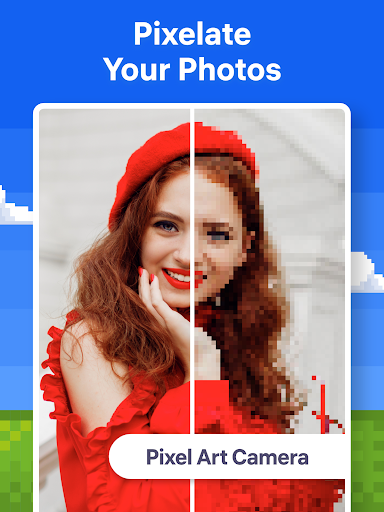
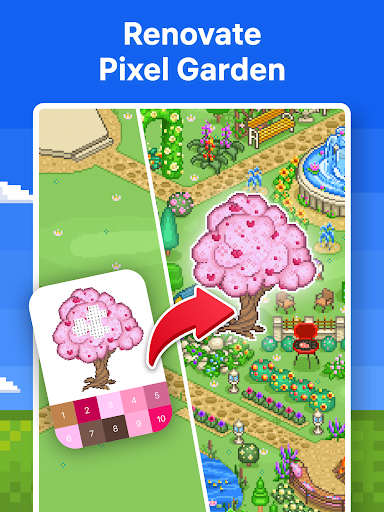
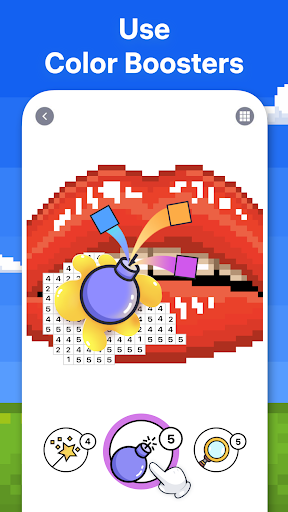
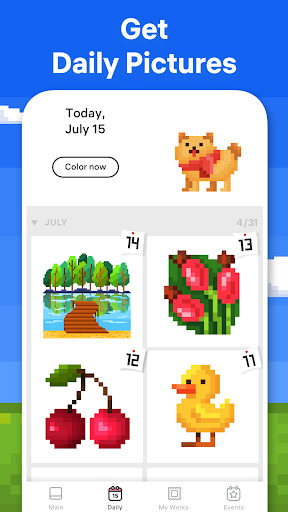
Advertisement
About Pixel Art - Color by Number
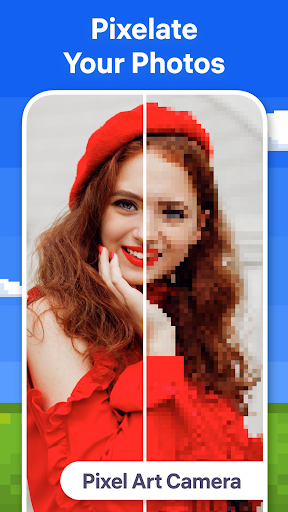
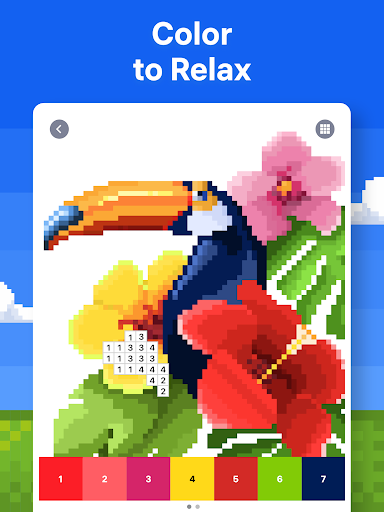
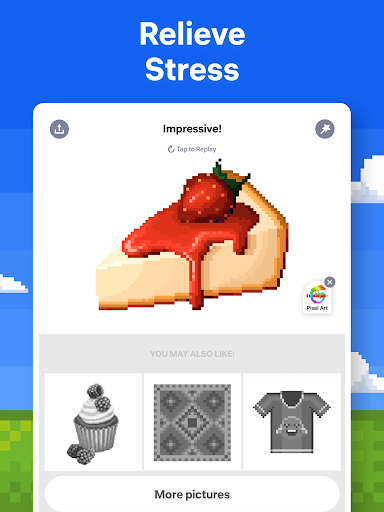
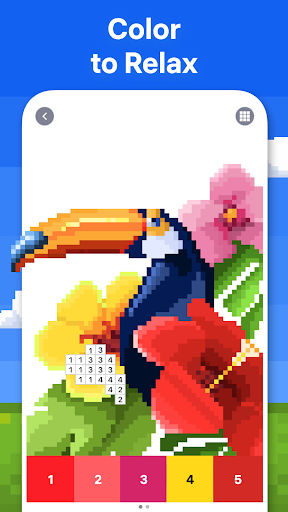
The game Pixel Art - Color by Number is quite interesting. It's the kind of pixel painting that fills colors with numbers. It's quite relaxing to play and makes people forget their troubles. This Android application interface is super convenient and easy to use. It won't make people feel complicated. There are also many pictures, and you can find them of all ages. Whether you are just playing around or a little fan who loves painting, this software can bring you a relaxing and interesting experience and allow you to calm down and create some beautiful pixel works. It is really a good way to relax.
Overview
core functions
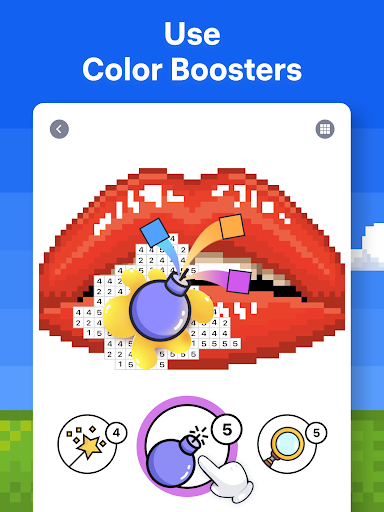
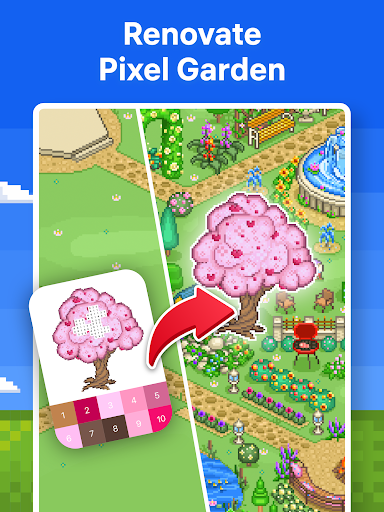
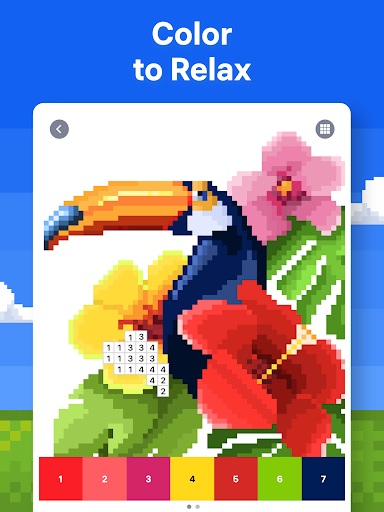
- That intuitive coloring interface allows users to easily fill in colors in the numbered area, which really makes the experience smoother.
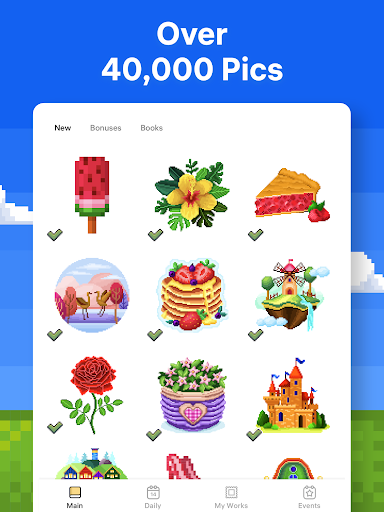
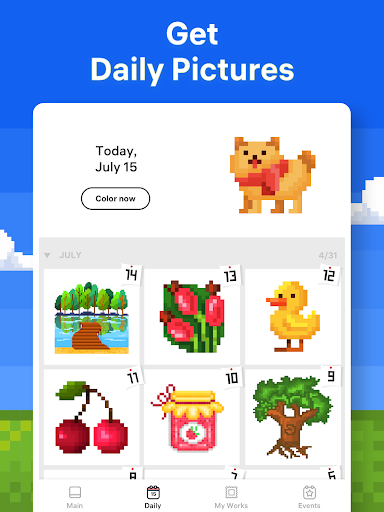
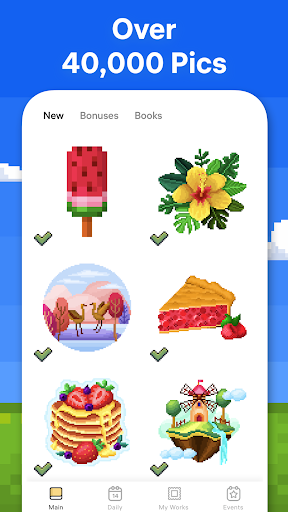
- Pixel painting puzzles of various difficulties are rich and diverse. Whether you are a novice or a master, you can always find the right one that will definitely meet your needs!
- Save the progress in real time, pause and continue at any time, and the work results will not be lost. How considerate!
- Offline mode support, even if there is no Internet, you can always play and keep online. It is super convenient, and the use of the application is suddenly improved a lot!
- With user-friendly navigation and simple layout, friends of any age can easily discover and play various functions. It's so thoughtful!
- You can also customize the color palette to give creativity space to play freely and make the entire application more interesting and interesting!
- The dark mode option can be used comfortably in different light environments, ensuring that you won't get tired after playing for a long time and the experience is more comfortable!
Who is suitable for?
This mobile app is especially suitable for people who like guessing, love art, or want to find a way to relax. It is especially attractive to teenagers and adults who like to use their brains and enjoy the fun of coloring. It is a great helper to relax!
It is also a good choice for friends who want to improve their concentration or use the time to play some puzzles to pass the time. Use it on an Android phone or other smartphone and it will definitely enhance your overall experience!
Why choose this app
What makes this Android app special is that it brings a smooth and fun experience, coupled with rich features, and is specially designed for puzzle fans. The interface is user-centered, fun and easy to use, truly making it different!
It focuses on ensuring quality and user satisfaction, providing an ad-free, reliable experience that solves the problems often encountered with other coloring software. Therefore, it has become the first choice for users who want to reduce stress and exert creativity!
Top Recommended Alternative

Pros & Cons
Pros
-
Super friendly interface and intuitive navigation
-
Colorful pixel painting designs are both interesting and attractive
-
Progress tracking and achievement systems
-
It can also be used offline mode. After downloading, you don't need to connect to the Internet.
-
There are frequent updates, with new pixel packages and new features
Cons
-
There are too few tools to correct previous coloring errors
-
Paid content accounts for a lot
-
The color of the number prompt can be ugly sometimes
-
Loading new packages can sometimes be slow
-
No direct social sharing feature
Advertisement
Download Pixel Art - Color by Number
FAQ
Pixel Art -Can I download and play color-filled digital games for free? +
How can I install the Pixel Art-Color Fill Digital app on my phone? +
Pixel Art -Is color filling digital safe? +
Can I fill numbers with Pixel Art -Color offline? +
Pixel Art -Does color fill numbers have different difficulty levels? +
Customer Reviews
Users widely praise Pixel Art - Color by Number for its relaxing, engaging, and creatively satisfying experience, highlighting features like custom picture creation and polished graphics. Key dimensions: "Ad experience" – while some find banner ads acceptable and watch for bonuses, the vast majority report excessive, unskippable interstitials (every 1–5 minutes) that ruin relaxation and interrupt background audio; the costly subscription for ad-free play is also criticized. "Usability" – intuitive and calming gameplay, but accidental pixel coloring when tapping the wrong spot is a common annoyance. Overall, the app delivers a genuinely enjoyable core product, but the aggressive ad monetization significantly undermines user satisfaction.
Write a Review
Share your experience with Pixel Art - Color by Number. Submissions are reviewed before publishing.
You Might Also Like
More apps you may want to try next.