FPse for Android devices
Advertisement
Screenshots
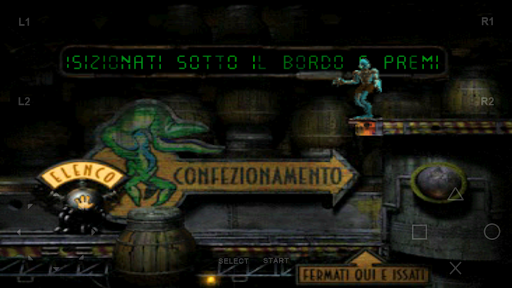
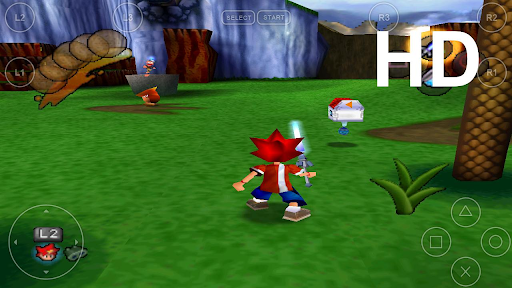
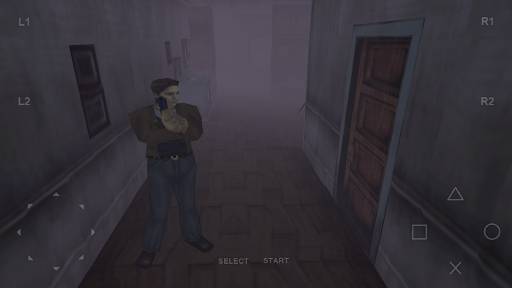
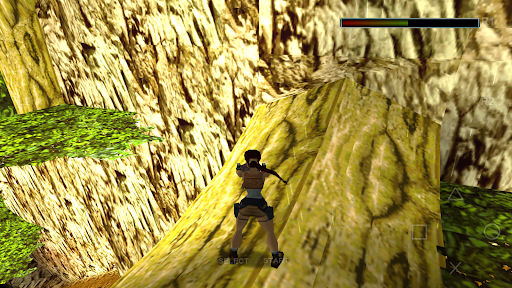

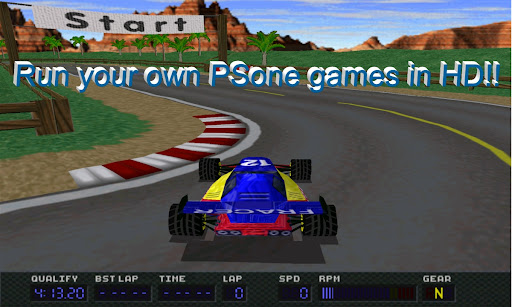
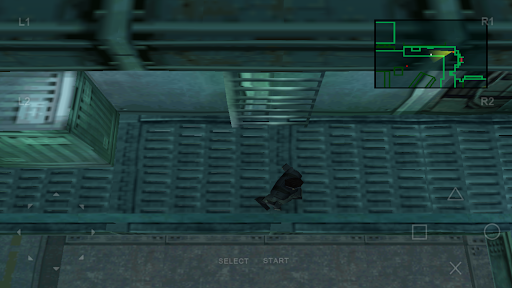
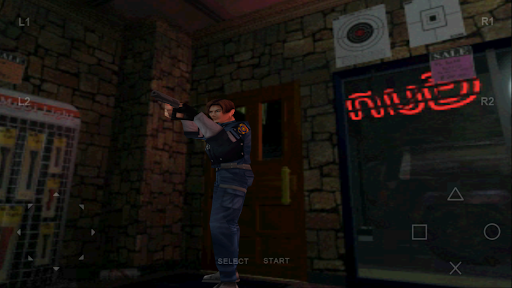
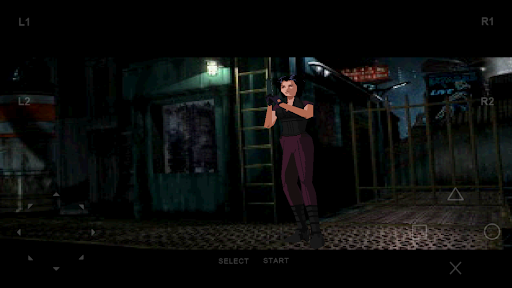
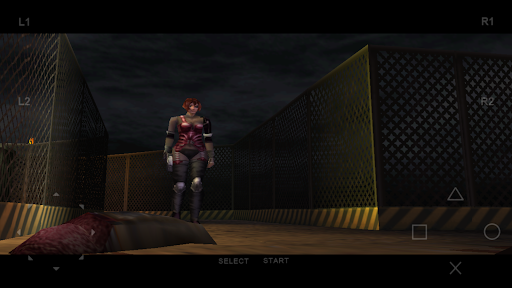

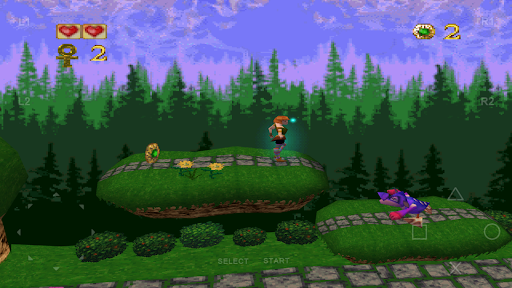
Advertisement
About FPse for Android devices
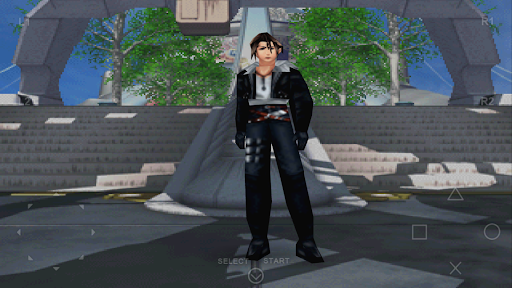
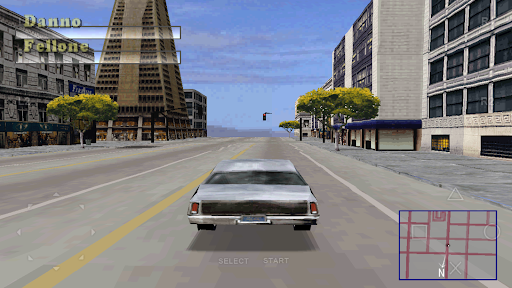
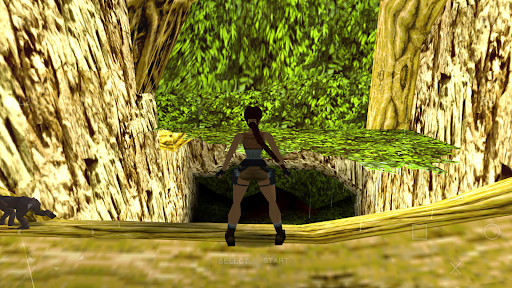
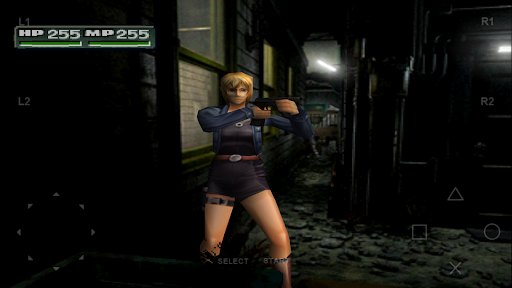
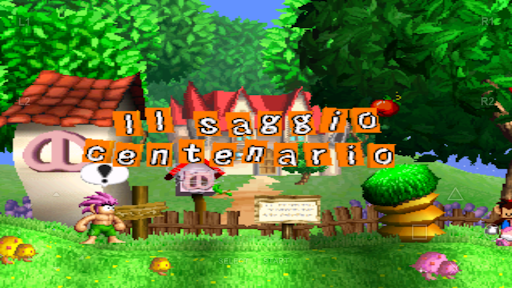
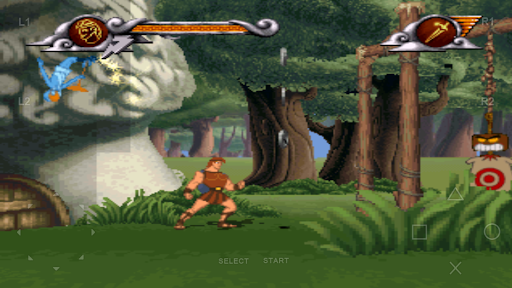
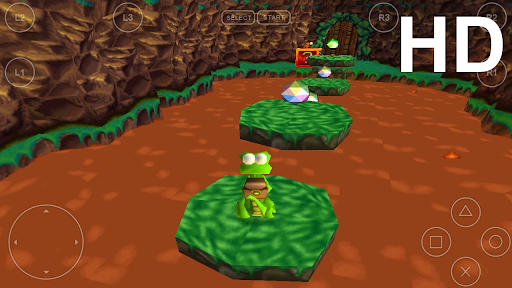
FPse for Android devices is a popular casual mobile app that allows you to simulate playing PlayStation games on Android phones and tablets. In order to make the game experience smoother and more immersive, it provides many functions, such as custom operations, high-definition image quality, and archiving functions. As an efficient application solution, FPse really allows people who like to play games to enjoy those classic masterpieces on Android devices easily and reliably.
Overview
core functions
- Supports high-quality PlayStation game simulations, and the pictures and sounds are restored quite well, which is quite realistic.
- You can customize the buttons and interface to make you feel more consistent with your habits and the experience more personalized when playing games.
- It also has the function of saving status, which allows you to pause if you want, and you can continue at any time. It is very convenient, so that you don't have to worry about missing any details.
- The loading speed is fast, the operation is smooth, and the optimized performance makes people feel quite comfortable, and the game experience is greatly improved.
- Strong compatibility, supports a variety of PS1 classic games, enriches your game library and makes it more exciting to play.
- Support multiplayer online play, connect with friends, and socialize and entertain. It's quite interesting.
- It also has a built-in game library management system to help you organize your game collection, making it neat and convenient to find games.
Who is suitable for this app?
This mobile APP is especially suitable for gamers who like old games and nostalgic games, especially those who like to relive classic PlayStation games on Android devices. Whether you are a teenager or an adult, as long as you like to retrieve childhood memories, this will help you satisfy.
Users can use it for leisure and entertainment, simulate old games, and even test and play their own customized game ROMs, integrating game hobbies and nostalgia. It has a comprehensive application experience that is suitable for both game fans and nostalgic players.
Why choose this APP?
The highlight of this Android app is that its emulator functions are reliable, its performance is well tuned, and it acts like a reliable partner. Players around the world trust it. Using it to play classic PS1 games on your mobile phone makes it particularly convenient and smooth.
The operating interface is simple and friendly and has rich functions. It helps you easily recall your past gaming times without worrying about mistakes or incompatibilities. Everything is stable and stable. The stability and compatibility are quite good. It is so easy to use, worry-free and reliable.
Top Recommended Alternative

Pros & Cons
Pros
-
Compatibility with PlayStation games is really good
-
The controls and interfaces can be adjusted by yourself, which is quite flexible
-
The picture quality and sound effects can be adjusted for a better experience
-
Support saving status and fast forward at any time
-
Updates frequently and the community is very lively
Cons
-
It's a little troublesome to set up
-
The application is large and takes up a lot of resources
-
Some advanced features require a fee to unlock
-
Compatibility may not be perfect
-
The accuracy of simulations can also be improved
Advertisement
Download FPse for Android devices
FAQ
Is FPse for Android devices safe to use? +
How do I install FPse on my Android device? +
Does FPse support multiple game formats and save states? +
Can I customize the controls and interface of FPse? +
Is FPse compatible with all Android devices and versions? +
What makes FPse a good choice among emulator apps? +
Is FPse suitable for casual gamers or more experienced players? +
How does FPse ensure reliable app safety and user privacy? +
Customer Reviews
FPse for Android is widely praised as one of the best PlayStation emulators, offering excellent value for money and smooth gameplay on most devices. Users highlight its solid performance, compatibility with external controllers, and nostalgic experience. However, key dimensions show mixed feedback: Performance – most games run flawlessly, but some titles like Chrono Cross and Spyro: Year of the Dragon crash or lag significantly. Features – turbo mode and save functionality are appreciated, yet some users report that turbo mode doesn't work properly, and saving to cloud storage (e.g., Dropbox) is missing. User experience – while many enjoy the intuitive interface, others face issues like button adjustment errors causing app closure, and external controller disconnection requiring app restart. Overall, it's a reliable emulator for retro gaming, though occasional stability and feature gaps remain.
Write a Review
Share your experience with FPse for Android devices. Submissions are reviewed before publishing.
You Might Also Like
More apps you may want to try next.