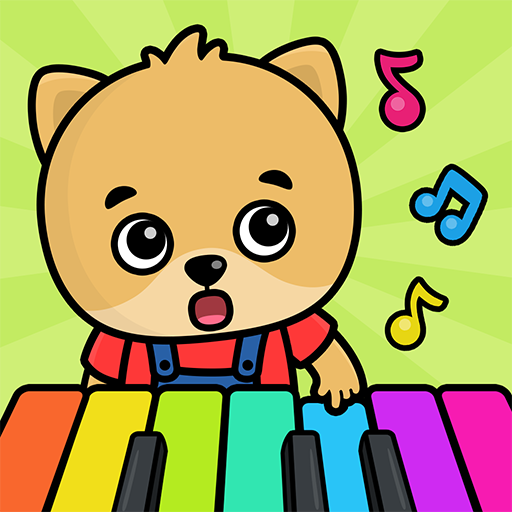
Baby Piano: Kids Music Games

Baby Piano: Kids Music Games

Discover Baby Piano: Kids Music Games, an educational app for toddlers to explore music, sounds, and fun with free . Start your child's musical journey today!

Screenshots

20 images
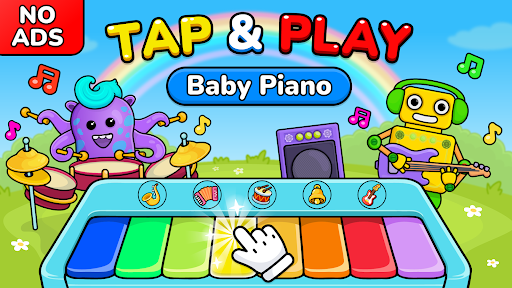
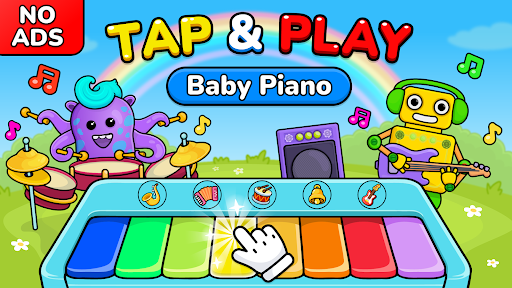
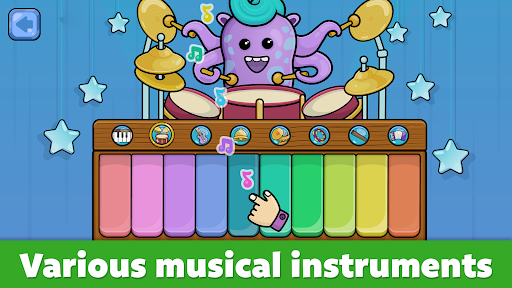
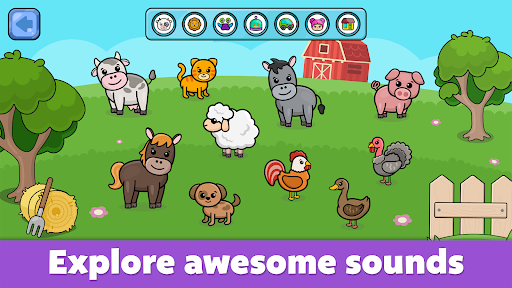
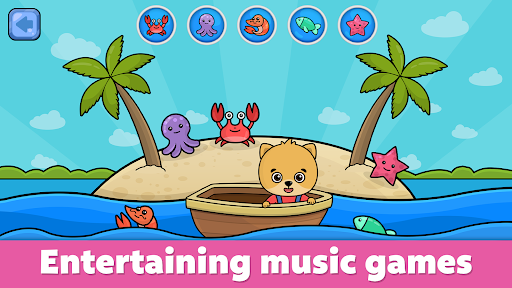
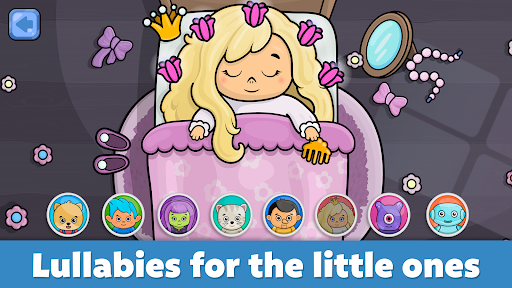
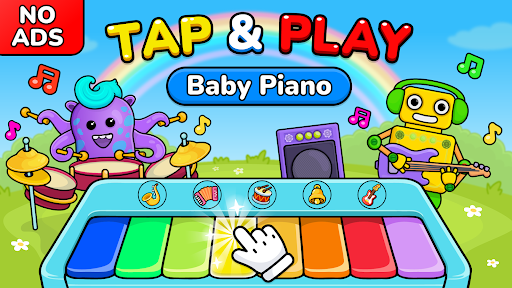
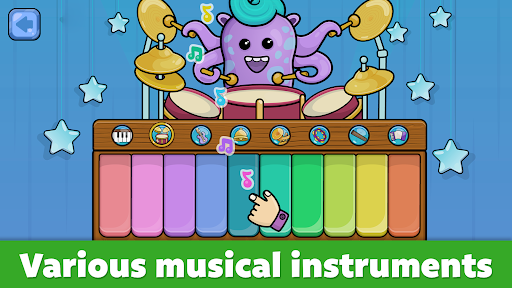
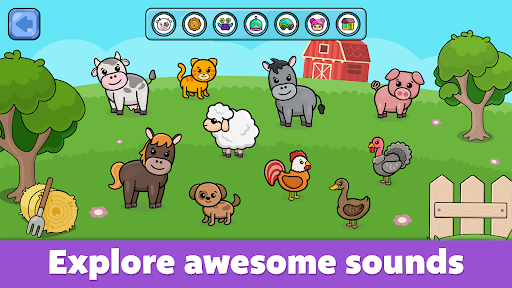
Baby Piano: Kids Music Games screenshot 1Baby Piano: Kids Music Games screenshot 2Baby Piano: Kids Music Games screenshot 3Baby Piano: Kids Music Games screenshot 4Baby Piano: Kids Music Games screenshot 5Baby Piano: Kids Music Games screenshot 6Baby Piano: Kids Music Games screenshot 7Baby Piano: Kids Music Games screenshot 8Baby Piano: Kids Music Games screenshot 9Baby Piano: Kids Music Games screenshot 10Baby Piano: Kids Music Games screenshot 11Baby Piano: Kids Music Games screenshot 12Baby Piano: Kids Music Games screenshot 13Baby Piano: Kids Music Games screenshot 14Baby Piano: Kids Music Games screenshot 15Baby Piano: Kids Music Games screenshot 16Baby Piano: Kids Music Games screenshot 17Baby Piano: Kids Music Games screenshot 18Baby Piano: Kids Music Games screenshot 19Baby Piano: Kids Music Games screenshot 20

About Baby Piano: Kids Music Games

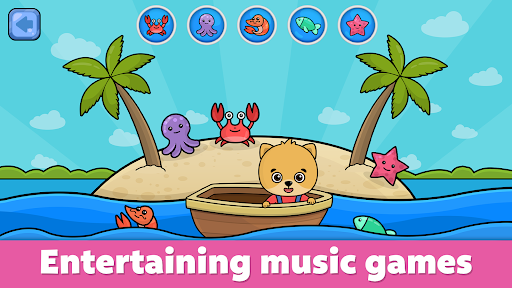
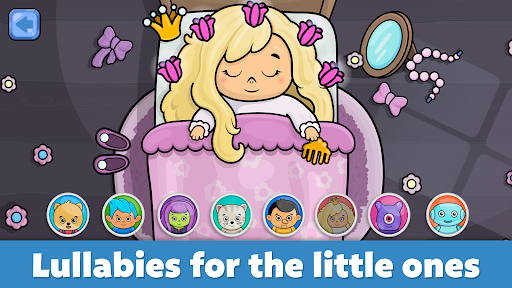
Baby Piano: Kids Music Games is really a super intimate mobile app. It brings children into the wonderful world of music through a variety of interesting and interactive piano games. This Android app is designed to be particularly safe and fun, allowing children to explore sounds while playing, cultivate their sense of music, and have fun. This interface is super simple and funny in functions. It has become a treasure in the eyes of many parents. If you want to find something that is both educational and entertaining, it is really the best choice.

Overview

core feature

  • This app has an interface that is super suitable for children. It is colorful and catches children's attention. It is also very convenient to operate, taking into account the needs of small users.
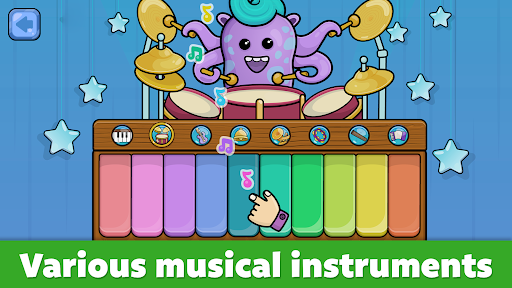
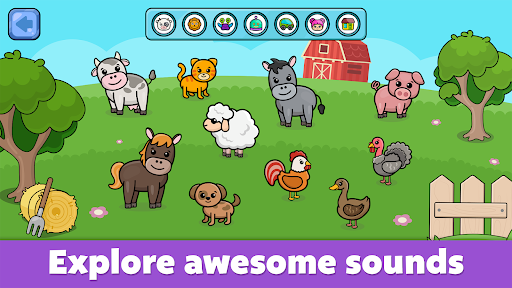
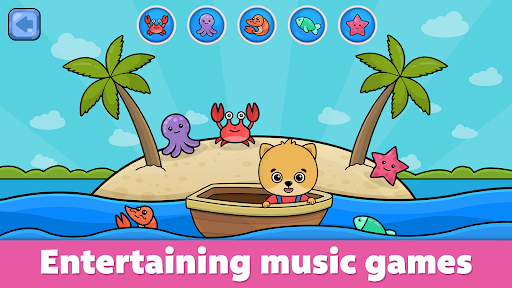
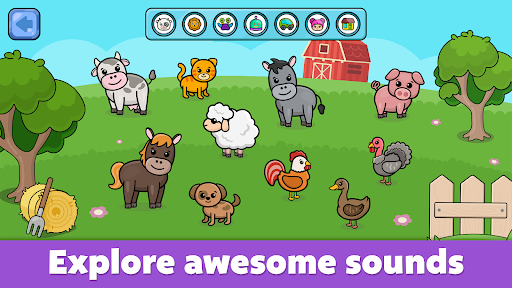
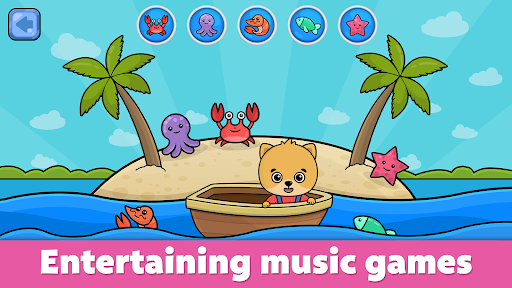
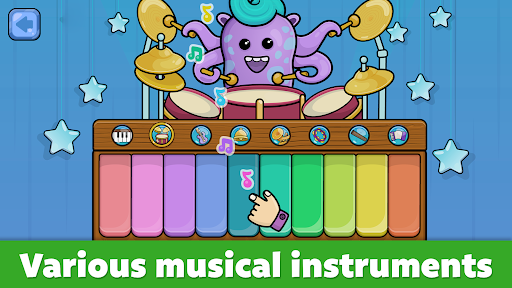
  • There are a variety of rich collections of musical instruments and sounds, which are dazzling and interesting to play and allow young musicians to experience the diverse music world.
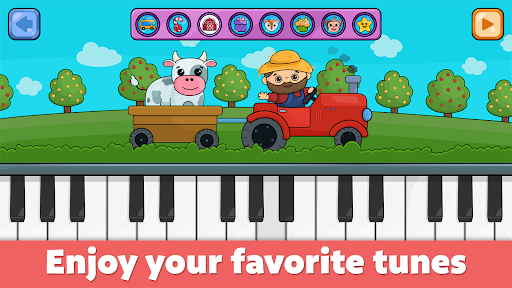
  • Those interactive elements are also quite interesting, such as pressing a piano key to make a sound, encouraging children to use their hands and minds and learn more proactively.
  • Support offline mode, so children can play music games without having to connect to the Internet. They can play if they want to. They don't have to worry about not having the Internet at all. The experience is great!
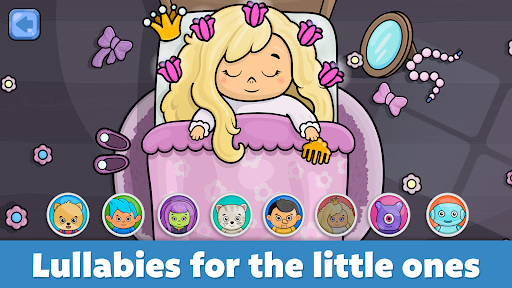
  • Sound settings and learning modes can be customized, and parents can tailor them according to their children's age and level, making them extremely personalized.
  • The synchronization between devices is particularly smooth, and it can be consistent everywhere. It is good to use it at home, and you can feel safe to take it when you go out. The experience is as complete and reliable.

Who is suitable for?

This mobile app is specially prepared for parents who want to find safe and interesting music software for their children. The age group is around 2 to 6 years old. This is suitable for caregivers who want to introduce music in a playful way.

Especially in daily life, while driving, or when playing quietly, it's a great choice to help your little babies both entertain and learn, develop music interests and fine motor skills!

why this

This Android app brings a fun and intuitive experience that combines educational content and entertainment. It is simple to operate, has rich voice, and is particularly attractive. It is definitely a reliable choice for children.

Designed by early education experts, it is specially designed to solve the problem of finding reliable music games on mobile phones without advertising interference. Its design is well-intentioned and has become the preferred choice among home launchers and learning tools. I sincerely recommend it!

Top Recommended Alternative
Pros & Cons

Pros

  • Enjoy interactive games
  • Colorful and colorful pictures
  • Simple and intuitive operating interface
  • Content with educational elements
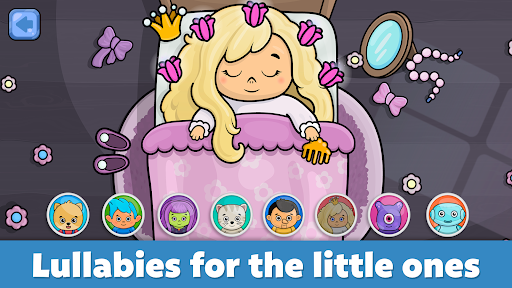
  • Diversified song choices

Cons

  • Too few personalization settings
  • Sometimes sound effects are unstable on certain devices
  • Some lyrics or melodies are too simple or repetitive
  • Limited voice options
  • There may be advertisements in the free version, affecting the playing experience

Download Baby Piano: Kids Music Games

You are going to be redirected to the official website to finish the download when you click these buttons above.

FAQ

Is Baby Piano: Kids Music Games suitable for children?+
Of course, the Baby Piano is specially designed for children. Considering safety issues, it is quite considerate. This software has no advertisements or external links, creating a safe learning and playing environment for children that parents can rest assured of letting them play. You will feel at ease because its content is age-appropriate, it values privacy, and it is simply a small helper for early education music and is absolutely trustworthy.
How can I install Baby Piano: Kids Music Games on my Android device?+
Downloading this software is actually easy. Just go to the Google Play store and search for Baby Piano: Kids Music Games, then click Install, and make sure you are using a genuine Android app. After installing it, open it directly from the desktop to explore those interesting little features to help children learn music in a playful way. It's quite easy to get started.
What are the main features of Baby Piano: Kids Music Games?+
This app contains many interactive music games, such as baby piano, small activities for music learning, and various sound effects. The interface is designed very conveniently, children have fun using it, and they can also learn basic music skills while playing. Overall, it is both interesting and useful. Parents want to use their mobile phones to let their children access music. It is really a good choice and makes people feel safe and reliable.
Can I use Baby Piano: Kids Music Games as a starter for my kids 'devices?+
This is mainly a music game, but it can also be used to quickly start children's music activities. It's very useful. However, it cannot completely replace device management or parental control applications. In order to make it safer for children to use it, it is recommended that you combine some parental control functions to use this software to allow children to explore independently while also ensuring that they play in a safe environment.
Can Baby Piano: Kids Music Games be used offline?+
Yes, once installed on an Android device, children can play offline, which is especially suitable for people without Internet access. The offline function makes their playing experience unaffected at all, smooth and practical. If you want to find an application that can entertain and learn something anytime, anywhere, this is good. You don't have to rely on the Internet all the time. It is convenient and practical.
Is Baby Piano: Kids Music Games suitable for all ages?+
It is mainly used for younger children, about 1 to 6 years old. The interface is simple and the content is interesting, which is especially suitable for early learners who have just learned the basics, but older children can also play with basic music concepts, which is quite suitable. Overall, it is a healthy, interesting, and good thing that promotes early development and helps children cultivate some interests in a safe environment.
How does Baby Piano help my child's music skills improve?+
It provides many interactive tricks, such as playing different musical notes, learning sound effects, and exploring various musical instruments. These can all exercise children's hearing, finger flexibility, and some basic music knowledge. Through a fun and attractive design, it is quite valuable to encourage children to get into touch with music early. It is also very suitable for parents to guide their children to learn through play and entertain education.
Does Baby Piano: Kids Music Games have security privacy issues?+
The software is specially designed for children, complies with relevant privacy regulations, and is safe to use. There is no collection of personal information and no advertising, so parents can rest assured that their children can use it. Of course, it is best to download it directly from official channels or turn on the parental control function, which will be more secure and allow children to play safely and happily.

You Might Also Like

More games you may want to try next.