Voice GPS Navigation: GPS Map
Advertisement
Screenshots
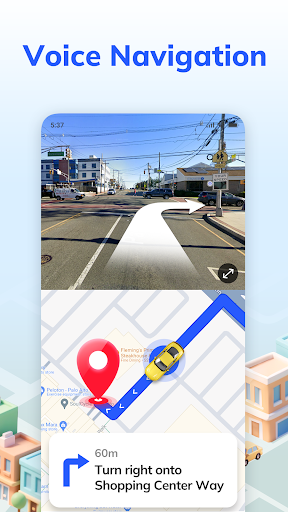
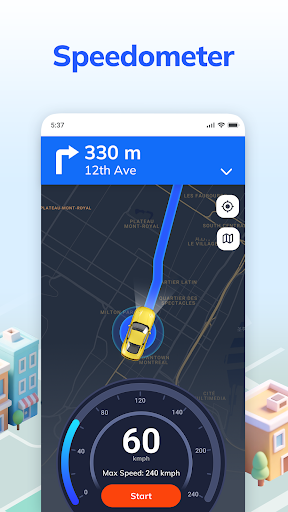
Advertisement
About Voice GPS Navigation: GPS Map
Voice GPS Navigation: GPS maps is a very reliable application, providing accurate real-time navigation for drivers and travelers. It has very detailed maps, voice guidance on walking and bridges, and the offline map function that can be used without networking is really considerate. Whether you are just exploring an unknown route or returning to a familiar place, it will give you a smooth experience. As a must-have navigation artifact on Android, it combines functionality and simplicity of operation to make your travel more convenient and smoother.
Overview
core feature
- It is particularly intuitive to use, and the route guidance is clear, so that you will not get lost and have a sense of understanding.
- Supports offline mode, so you can continue to navigate even if there is no Internet. It is especially suitable for remote places. It is a life-saving straw.
- Real-time traffic information updates quickly, allowing you to avoid traffic jams and find the fastest route, which makes you feel particularly at ease.
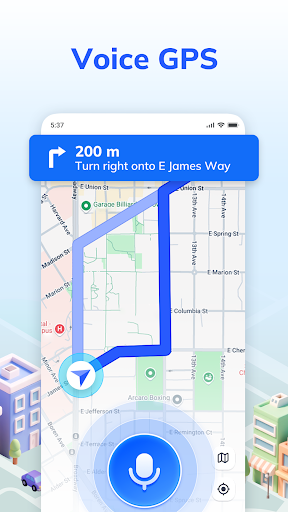
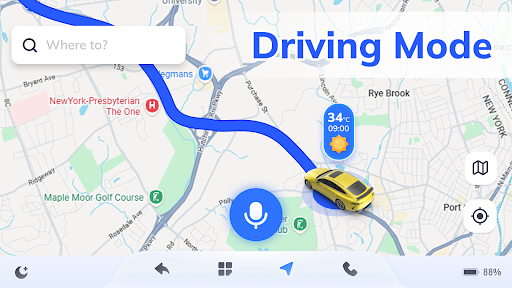
- Voice guidance frees hands and makes driving safe and convenient. I only hear the instructions to "turn right" and "move forward" in my mouth, giving me a sense of future.
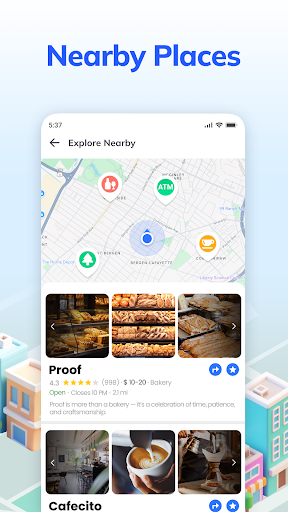
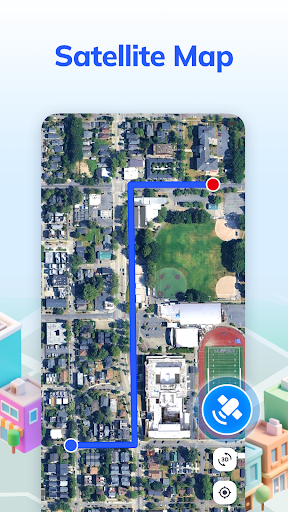
- The map is detailed, and the locations and attractions are clearly marked. It is convenient to find anything and you don't have to worry about getting lost.
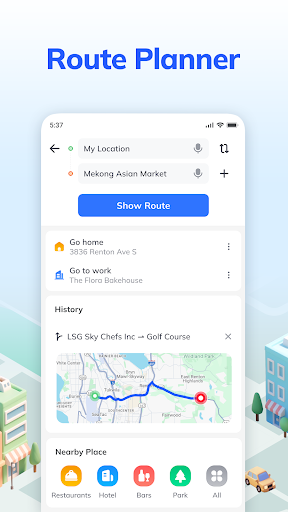
- You can also customize routes and set speed reminders. The personalized experience is full and feels particularly considerate.
- The design is lightweight and runs smoothly on almost most Android phones and desktop applications without getting stuck.
Who is suitable for?
This mobile navigation is very suitable for drivers and travel enthusiasts of all ages, and people who want reliable navigation will definitely like it. Especially for those who like simplicity and ease of use and don't have to worry about Internet problems every day. It's really suitable.
Whether you're commuting every day, going out to a new place, or using it to quickly find directions, it can make your journey smoother and easier. Use it smoothly and the journey will be happier.
Why choose this App
What makes this Android app special is that it is comprehensive and gives you that smooth and smooth navigation experience. Offline navigation and real-time update functions perfectly solve everyone's pain points.
Choosing it means choosing a trustworthy navigation partner that combines professionalism and user trust. No matter how complex the road is, it can take you confidently and worry-free, worry-free and reliable.
Top Recommended Alternative

Pros & Cons
Pros
- Super user friendly interface
- Real-time GPS tracking is particularly accurate
- Offline maps can be downloaded
- The voice prompts are super clear
- Maps are updated frequently
Cons
- Few POI databases
- Occasionally, route recalculation will be delayed
- Voice options are limited in some areas
- The free version has many advertisements and is easy to disturb
- Old mobile phones will load slowly
Advertisement
Download Voice GPS Navigation: GPS Map

FAQ
Voice GPS Navigation: Are GPS maps safe to use on my device?+
How do I install Voice GPS Navigation: GPS Maps on my Android device?+
Voice GPS Navigation: Can GPS maps be used offline? Especially in places with poor signal, this is important.+
Is this software friendly to novices? Is it easy to operate?+
Voice GPS Navigation: Can GPS maps be used as a launcher app for my device?+
Can I trust its navigation accuracy?+
How often will this APP be updated? To improve functionality and data?+
Voice GPS Navigation: Can GPS maps be used with other devices or initiators?+
Customer Reviews
Users widely praise Voice GPS Navigation: GPS Map for its high accuracy, intuitive operation, and excellent performance. Many highlight its ease of use, minimal ad interference, and helpful features like traffic police alerts. However, some users report critical issues: a few describe the app as a disaster, and others find the initial setup daunting or impossible to progress. While most appreciate its fast and reliable navigation, a minority express dissatisfaction with usability or functionality. Overall, the app is highly recommended by the majority for its effectiveness and simplicity.
Write a Review
Share your experience with Voice GPS Navigation: GPS Map. Submissions are reviewed before publishing.
You Might Also Like
More apps you may want to try next.