
Advertisement
Screenshots








Advertisement
About @Voice: Text to Speech Reader
@Voice Aloud Reader (TTS) This Android app is actually quite versatile. It can turn text into speech and make it super convenient to listen to articles, books or web pages. It can be regarded as a very reliable mobile phone application. The interface is simple and easy to operate, and there are many functions. It is specially designed for those who like to listen to things on their mobile phones. The experience is quite comfortable. It is really a good helper tailored to people who like to use voice to obtain content!
Overview
core functions
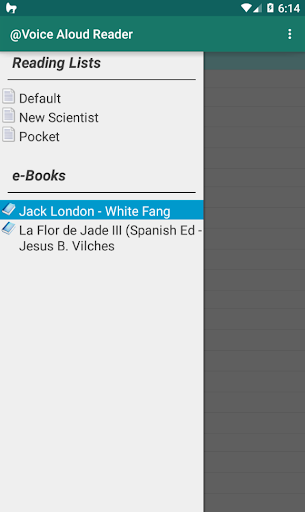
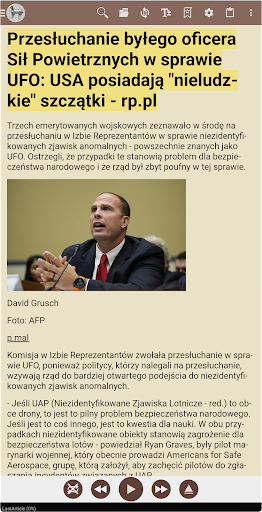
- Support reading in various document formats, such as PDF, EPUB, and pure text, making reading more convenient and barrier-free.
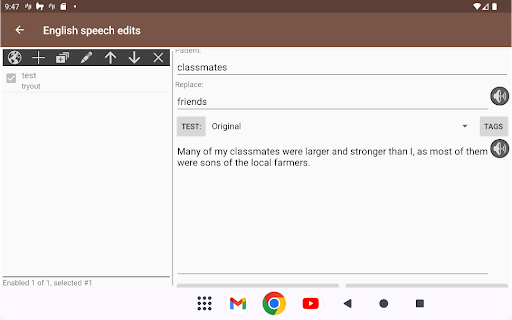
- It provides high-quality TTS (text-to-speech) and can also customize sounds, so that everyone can find the voice experience they like.
- There is offline mode, and you can listen even without the Internet. It is especially suitable for listening to things anytime and anywhere when you are away or on the road.
- It can be linked with the popular launcher APP to easily open and control reading directly on the home page. It is super convenient!
- It also supports adjusting playback speed and bookmark functions, allowing users to more comfortably control their listening experience.
- There is also a sleep timer that will automatically stop playing as long as it is set well, which really helps you fall asleep easily and become a good companion at night.
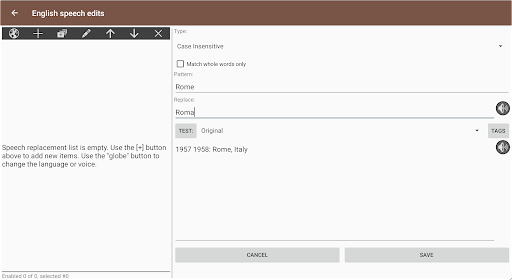
- You can also highlight marks and take notes while reading to help you concentrate and make your memory more stable. It is especially suitable for friends who pursue comprehensive functions.
Who is suitable for?
This mobile app is especially suitable for students, professionals, or those who like to listen to books and absorb knowledge with their ears. Especially for users who use Android phones, it is more suitable for them to have a convenient and grounded experience!
Whether you are commuting, exercising or relaxing at home, this method of using the APP can help you operate hands-free and freely enjoy books and materials. It is especially suitable for busy people who love multitask.
Why choose this app
This Android app stands out with its advanced text-to-speech technology and seamless connection with the device, ensuring that you can have fun and smooth play every time you use it. Its rich functional settings satisfy those who want a stable and personalized reading experience.
Taking into account the convenience of users, this launcher can also enhance the accessibility and control experience and solve some of the maddening problems of common reading software. For those who pursue a high-quality, multi-purpose experience, this app is definitely worth a try!
Top Recommended Alternative

Pros & Cons
Pros
-
Intuitive text-to-speech experience
-
Support multiple languages and sound options
-
Offline audition function
-
Personalized playback settings
-
Integration with multiple applications and files
Cons
-
The free version has limited high-end features
-
When encountering rare words, occasionally pronunciation is inaccurate
-
Interface design can be more humane
-
Some minority languages are not supported
-
Listening for a long time will consume electricity quickly
Advertisement
Download @Voice: Text to Speech Reader
FAQ
Is it safe to use @Voice Aloud Reader on my Android device? +
Of course,@Voice Aloud Reader is definitely a safe and reliable Android application. Many users have praised it and said it is very reliable. It can also be found in the official app store. It is very safe, so use it with confidence!
Asa well-known mobile application, it follows standard security rules. Don't forget that downloading from regular channels can ensure the security and reliability of your device to the greatest extent possible.
How can I install @Voice Aloud Reader on my mobile phone? +
Well, installation is quite simple. You can find it on Android by going to the Google Store or using Apple's App Store (if you use iOS). After finding it, follow the prompts to walk through it again, and the installation will be completed!
Afterinstallation, its interface is very intuitive and it is quick to get started. Whether it is used to read text or as a launcher, the experience is smooth and easy to use!
Does @Voice Aloud Reader support multiple languages and different voices? +
Of course, this app supports multiple languages and is very suitable for users around the world. It can be used almost everywhere you go. It also has a variety of voice options that you can adjust at will to make your listening experience better!
Thisfeature makes it more powerful, can better realize the task of reading content, and increase the convenience of use for many people.
Can I customize my voice settings in @Voice Aloud Reader? +
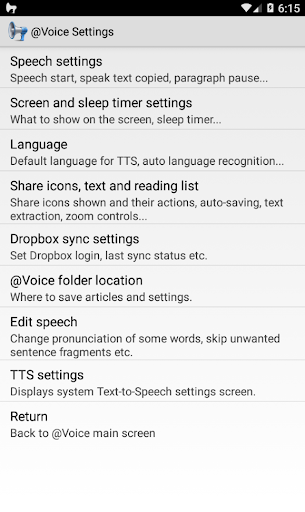
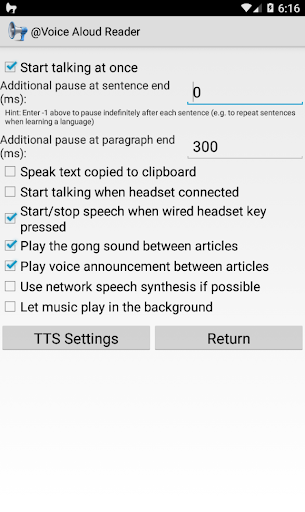
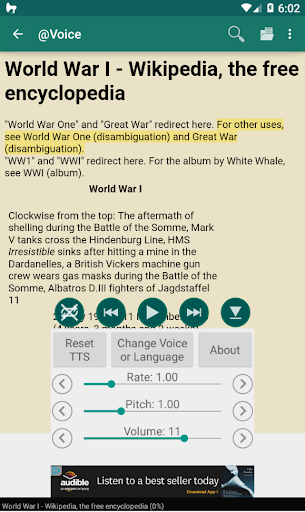
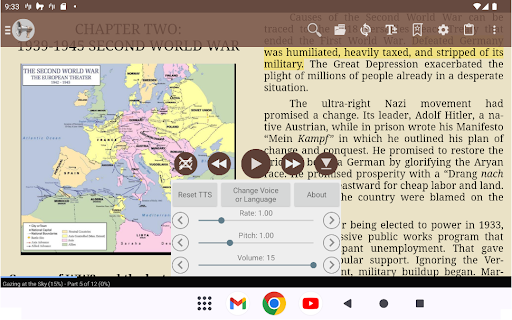
That's right! This software can adjust the voice parameters by itself, such as tone, speed, volume, etc. You can adjust it to the most comfortable state according to your preferences and needs.
Withthis flexibility, it is especially suitable for those who usually rely on text-to-voice to read or navigate. How convenient it is!
Can @Voice Aloud Reader be used with other initiators, or can it only be used alone? +
It can be used alone, but at the same time it is perfectly compatible with your mobile phone's system and other launchers. It can be used as a stand-alone tool or with other applications to improve efficiency!
Thismulti-functional design makes it a practical tool for managing and reading various content, and a good helper for Android users!
Can I access text and documents offline? +
Yes! One of the best things is that it supports offline book listening. As long as you load the document or text content in advance, you can listen to it even if you don't have the Internet. It's very convenient and you can also use it when you are away from home or when the Internet is bad!
Theexperience is very smooth and is not restricted by the Internet, which helps you worry and convenience.
How often will @Voice Aloud Reader be updated? Are safety and performance guaranteed? +
Developers often introduce updates to improve security, add new features, and optimize performance. Keeping this app on your phone up to date will be safer and more reliable!
Andevery update ensures that it can adapt to the latest Android system, so that it will be smoother and more assured to use, and you can just leave it with peace of mind!
Can I use @Voice Aloud Reader to read EPUB or PDF files? +
Of course! It supports multiple document formats, including EPUB and PDF, making it easy to be a generalist to meet your various reading needs!
Supportingmultiple types of files demonstrates its strength as an all-round text-to-speech tool. It is definitely a good helper worth relying on!
Customer Reviews
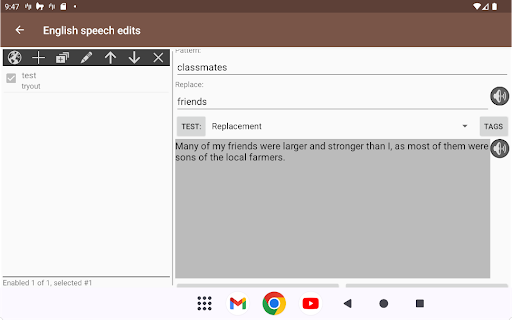
Users widely praise @Voice: Text to Speech Reader as the best free TTS app on Android, highlighting its extensive format support (EPUB, PDF, webpages), offline/background playback, and high customization (voices, pronunciation correction). Many appreciate its practical use for long texts, driving, or reducing eye strain. However, opinions diverge on key aspects: "voice quality" – most enjoy the variety, but some report mispronunciations (numbers, English words in German context) and lag behind modern AI voices. "Ads" – the free version has ads that some find intrusive (must open advertised app to close), while others accept them or buy the one-time premium. "Stability" – works smoothly for many, yet some face crashes after updates, background hold music, or incompatibility on Huawei/rooted devices. "Usability" – interface is generally easy, though a few find it confusing or miss features like per-word language selection. Overall, the app addresses real needs effectively, but occasional technical issues and outdated TTS hold it back for some.
Write a Review
Share your experience with @Voice: Text to Speech Reader. Submissions are reviewed before publishing.
You Might Also Like
More apps you may want to try next.