

Video to MP3 Convert
Advertisement
Screenshots
Advertisement
About Video to MP3 Convert
Overview
core functions
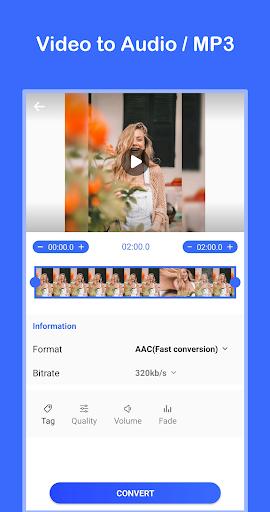
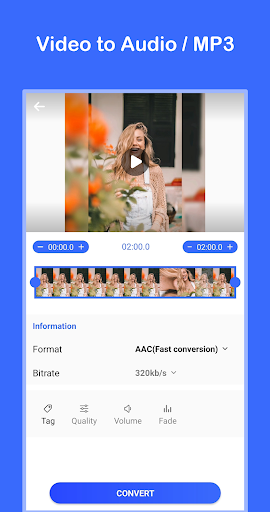
- It can quickly convert videos into high-quality MP3 files, which is extremely convenient and saves a lot of time in extracting content!
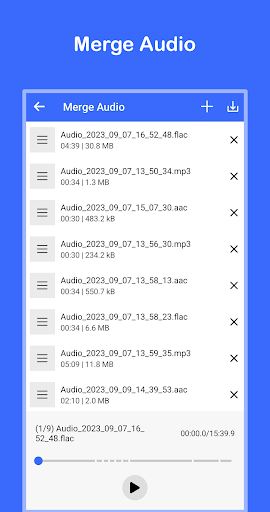
- Support batch processing, you can get several videos at a time, without having to take it slowly one by one. It's really convenient and efficient!
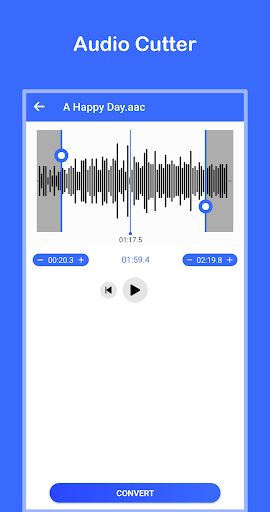
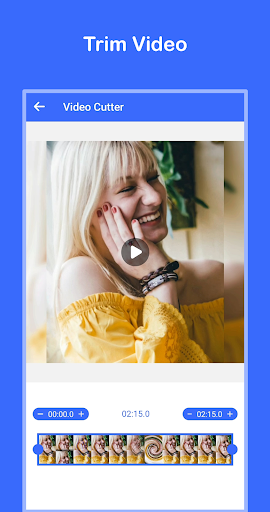
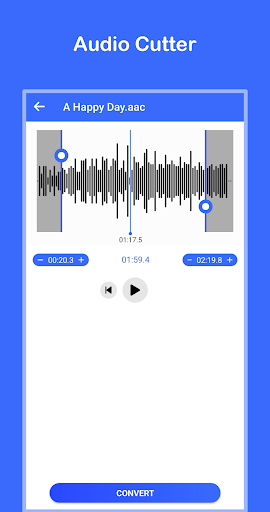
- It comes with a clipping tool that can accurately edit the audio clips in the video, and the details are well grasped.
- The interface is super intuitive and simple to operate. Anyone can get started with it. No matter whether you are a novice or an old driver, there is no pressure!
- It can be used offline, so you don't have to worry about network problems at all, and the core functions are still done. How considerate!
- Support custom output settings, such as code rate, sound quality, etc., and adjust them at will to meet different needs!
- It also has a built-in player, which can be quickly previewed after you have finished playing, and then saved after confirming that there is nothing wrong. It is convenient and fast!
Who is suitable for?
This mobile app is suitable for music-loving friends, content creators, or anyone who needs to quickly extract sounds from videos. Especially Android users, they want to find a simple and easy-to-use artifact that can directly convert videos to MP3 and easily do it!
Whether it's students recording lectures, creators extracting soundtracks, or scenes where you want to turn videos into audio in daily life, this software can help you handle everything easily and without worry. It's like a little assistant!
Why choose this model?
This Android app is quite reliable in terms of performance, fast processing speed, and high output quality. Just keep your eyes open and know that it is trustworthy. The operating interface is simple and clear, not complicated, giving you an excellent experience and particularly powerful functions.
It helps you solve many common problems, such as slow conversion speeds and cumbersome interface designs. Using it, you are truly efficient and easy to use. Among video players and editing software, it is considered the best!
Top Recommended Alternative

Pros & Cons
Pros
-
The conversion speed is surprisingly fast
-
Super friendly interface
-
Supports various video formats
-
Use directly without registering
-
The output MP3 is of high quality
Cons
-
There is a limited number of free times
-
Advertisements will appear during use
-
Lack of advanced editing capabilities
-
Sometimes I can't turn
-
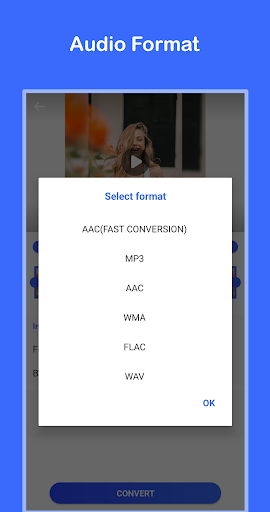
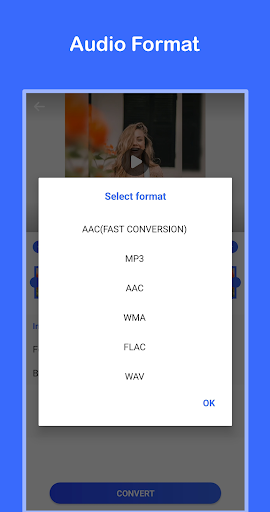
Fewer output format options
Advertisement
Download Video to MP3 Convert
FAQ
What is Video to MP3 Convert and how does it work? +
Is Video to MP3 Convert safe to install and use? +
Can I use Video to MP3 Convert without Internet? +
What are the main functions of Video to MP3 Convert? +
What specific video formats do Video to MP3 Convert support? +
Customer Reviews
Video to MP3 Convert is generally praised for its simple, intuitive interface and fast, reliable conversion from video to audio. Many users appreciate its smooth performance, ease of use, and additional features like Persian language support and in-app video cropping. However, opinions diverge on ads: while some acknowledge that ads are expected in free apps, others find them excessive and intrusive—some ads cannot be dismissed, and there are complaints about the app being paid yet still ad-heavy. Functionality is mostly positive, with most users reporting successful conversions, but a minority report the app failing to work or not finding MPEG files. A few users also note the limited free trial (3 days) and persistent prompts for a 5-star review as drawbacks. Overall, the app delivers on its core promise for the majority of users, though ad frequency and occasional reliability issues may disappoint some.
Write a Review
Share your experience with Video to MP3 Convert. Submissions are reviewed before publishing.
You Might Also Like
More apps you may want to try next.




