

Video Compressor & Converter
Advertisement
Screenshots
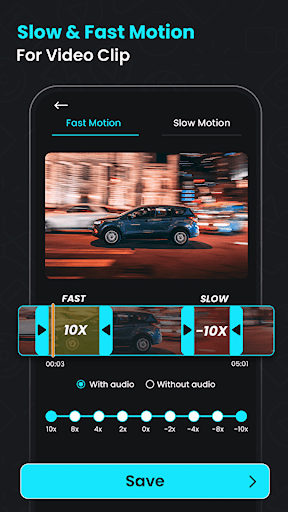
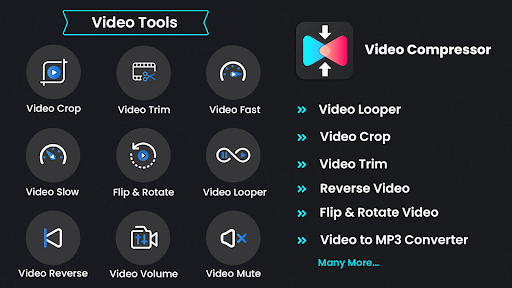
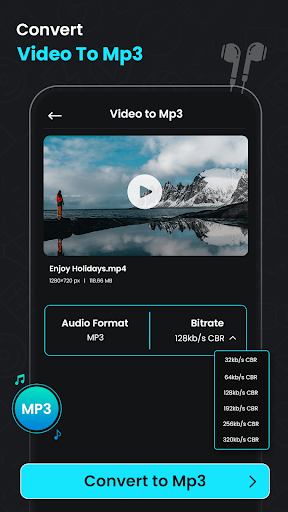
Advertisement
About Video Compressor & Converter
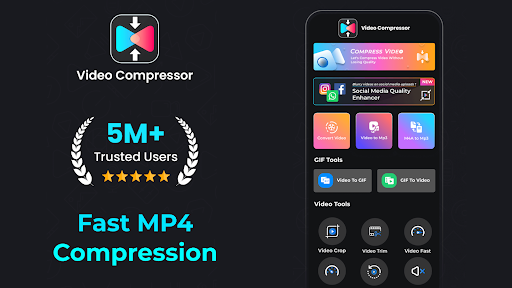
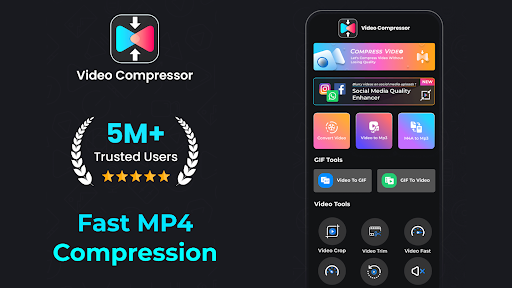
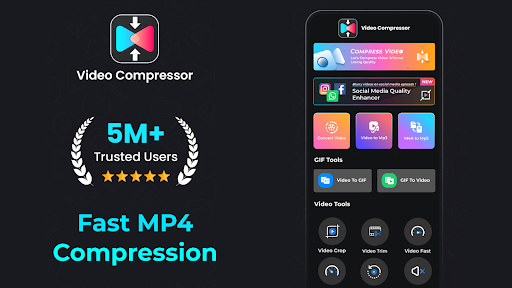
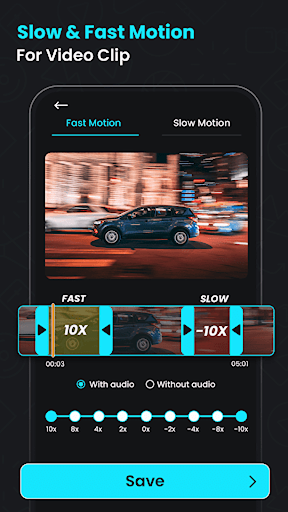
Video Compressor Converter is a very thoughtful Android app that helps you easily compress video files and convert formats on your mobile phone. The interface is super simple and easy to use. It feels quite reliable. Video management can be quickly completed without any complicated operations, saving time and effort, and it is in the palm of your hand.
Overview
core features
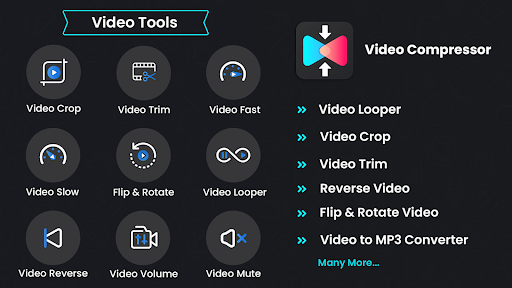
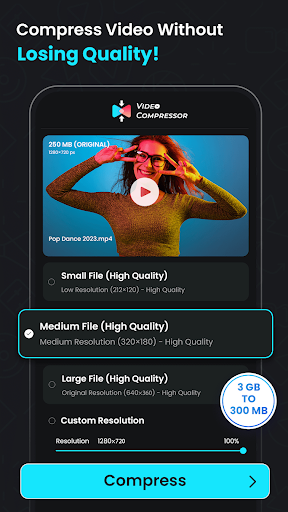
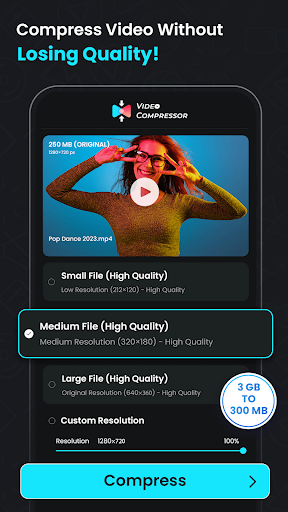
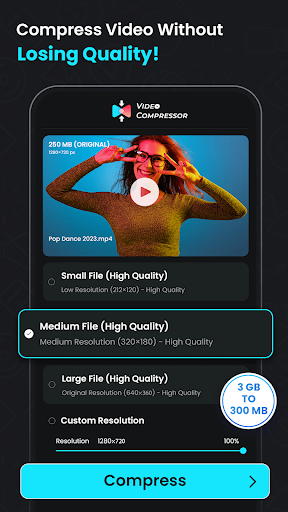
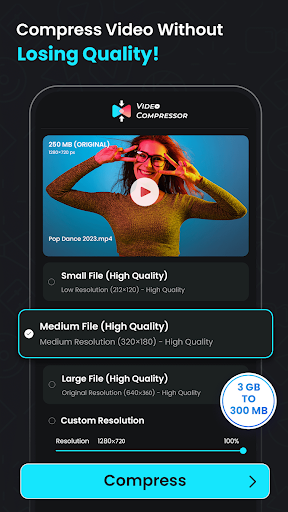
- Use advanced compression algorithms to compress the video quickly and well without compromising the quality at all
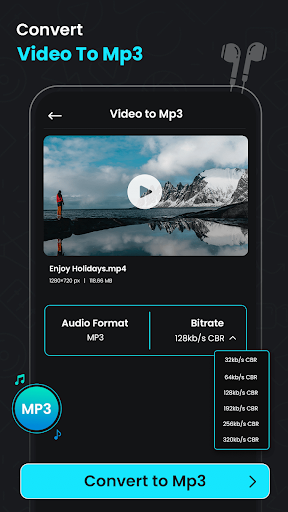
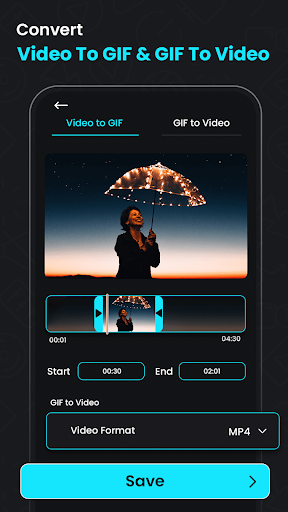
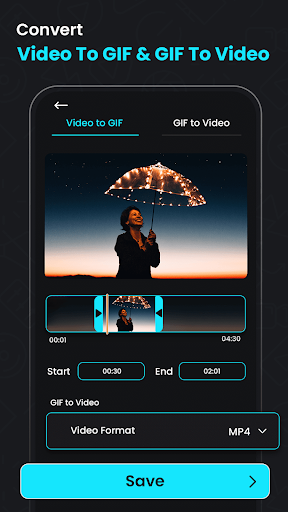
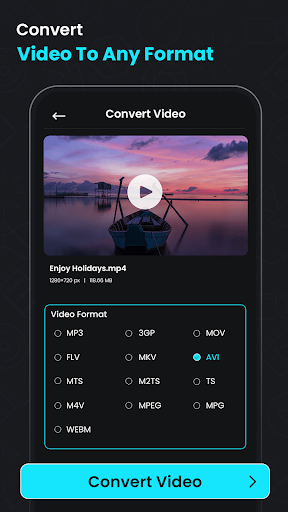
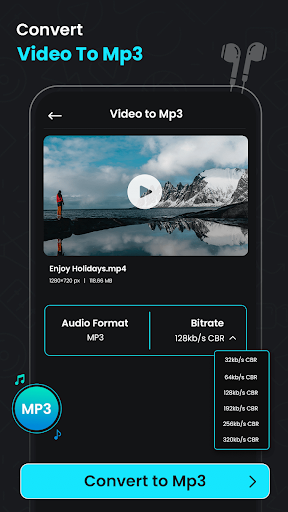
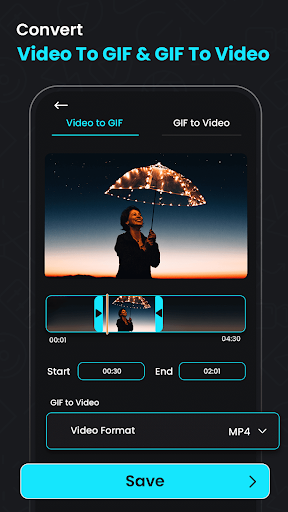
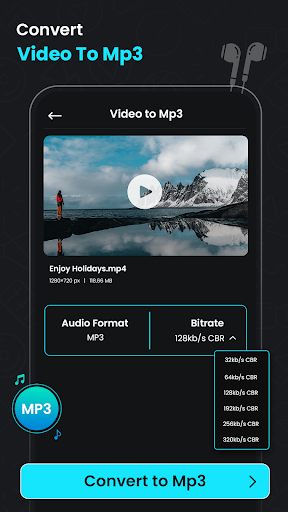
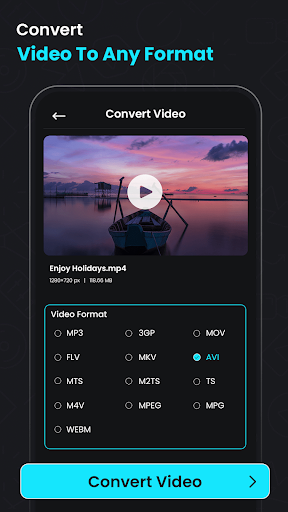
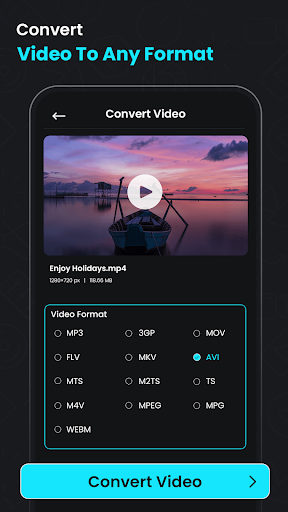
- Convert videos to various formats so that they work smoothly on different devices
- Support batch operations and complete several videos at a time, saving time and worry
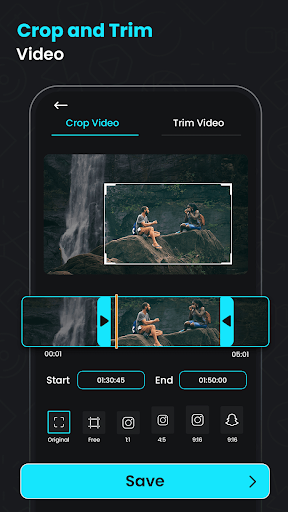
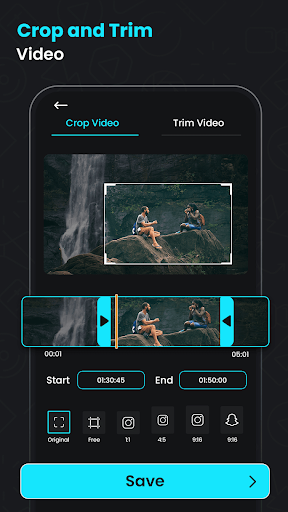
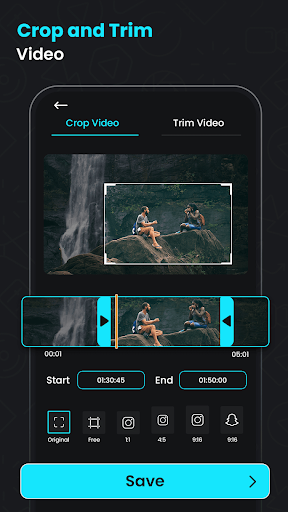
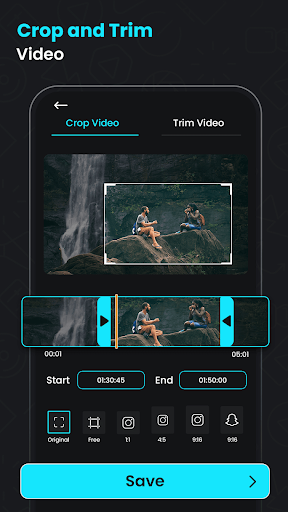
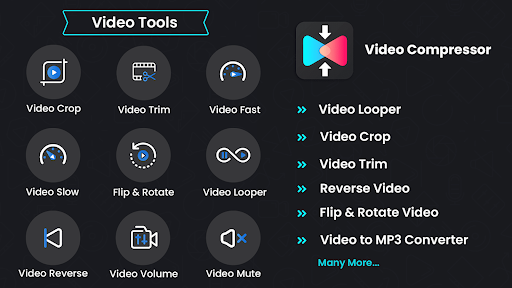
- Built-in editing tools allow you to easily edit and crop, and add filters to do whatever you want
- You can preview the video before compressing to ensure that the quality meets your expectations and does not suffer losses
- Don't bother with advertisements, the process is smooth and makes people feel good
- Offline mode support, you can process videos even without the Internet. How considerate
- The interface design is simple and clear, and even novices can easily get started. It is really an entry artifact.
Who will use this software?
This software is especially suitable for friends who often engage in videos, such as content creators, students and even small bosses. If you need a reliable mobile app that can quickly compress or convert videos, this solution is perfect!
Whether it's preparing to post Short Video on social media or editing presentation materials, this Android app can help you with a clear and efficient process. It is especially suitable for users who like simple and intuitive operations, which can make your work easy and enjoyable, fast and accurate.
Why choose this app?
This software is particularly functional and stands out among many video tools. It can compress video quickly and with high quality, and also supports multiple conversion formats to help you solve the problem of files being too large and incompatible formats.
As an app-centered solution, it combines simplicity and efficiency. It is definitely the first choice for Android users who pursue reliability. It helps you easily achieve the desired results without worrying about cumbersome steps. Focus on ease of use and performance so that everyone can enjoy a smooth experience.
Top Recommended Alternative

Pros & Cons
Pros
-
Excellent compression efficiency
-
Super friendly interface
-
The conversion speed is fast
-
Supports various formats
-
Support batch processing
Cons
-
Free features are limited
-
Occasionally it crashes when encountering large files
-
The free version will have a watermark
-
The editing function is quite basic
-
Image quality settings are limited
Advertisement
Download Video Compressor & Converter
FAQ
Is Video Compressor & Converter safe on my Android device? +
Don't worry, this video compression and transcoding app is quite reliable, paying special attention to user security issues. It can be found on some formal platforms and is only put on the shelves after review and no problems, so there is basically no worry about using it.
You can completely relax with this video editing software on Android. When developing, you aim to protect privacy and ensure security. It is a reliable type and there is no major problem.
How can I install Video Compressor & Converter on my mobile phone? +
In fact, the operation is quite simple. You just need to go to the Google Play Store, search for this program, and install it with a few clicks. The process is smooth, just follow the prompts, there are no complicated steps.
After it is installed, you can use it immediately. You can see various functions, whether it is compressing video or transcoding. It is not troublesome at all, it is quite convenient!
Can Video Compressor & Converter be used offline? +
Of course, this APP can compress and transcode video without having to connect to the Internet, and is especially suitable for use when there is no network or when the network is not good. It can be operated anytime and anywhere, which is super convenient.
Many people like that it can complete tasks offline, without having to connect to the Internet every time, and processing large files smoothly. It can make you use it smoothly no matter where you are. The experience is really good.
Is this video compression and transcoding software suitable for beginners? +
Definitely suitable! The interface is super friendly and intuitive, so whether you are a novice or not, you can easily get started. There is no complicated operating process, and novices can quickly understand how to use it.
The simple and clear features and tutorials make it the first choice app for many people to get started. If you want to easily handle video compression and transcoding, you can definitely try this!
Will there be paid content or ads in Video Compressor & Converter? +
The app experience is relatively clean and doesn't have too many annoying ads. Some advanced functions may need to be unlocked for a fee, but core functions can be used easily for free.
Most users feel that they don't have to be disturbed by advertisements all the time, and the operation is smooth. Overall, it is a reliable software that can help you efficiently manage videos.
Customer Reviews
Users widely praise Video Compressor & Converter for its fast compression speed, high-quality output, and ease of use. Many highlight its effectiveness in reducing file size without noticeable quality loss, and its utility for converting MKV to MP4 or creating ringtones. The clean interface and smooth performance are also appreciated. However, some users report intrusive ads and an expensive subscription model ($19+/week), which they consider unacceptable. A minority also raise serious privacy concerns, alleging a backdoor that steals data and bombards with ads. Overall, the app is well-regarded for core functionality, but cost and privacy issues are significant drawbacks for some.
Write a Review
Share your experience with Video Compressor & Converter. Submissions are reviewed before publishing.
You Might Also Like
More apps you may want to try next.




