

Vector Ink: SVG, Illustrator
Advertisement
Screenshots
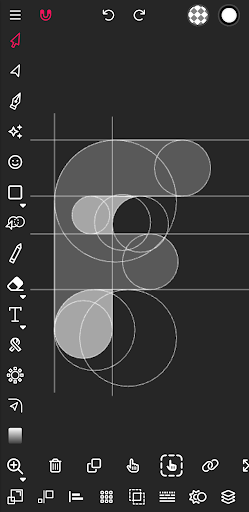
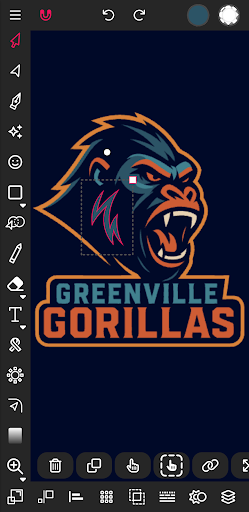
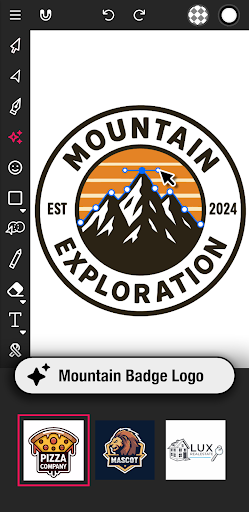
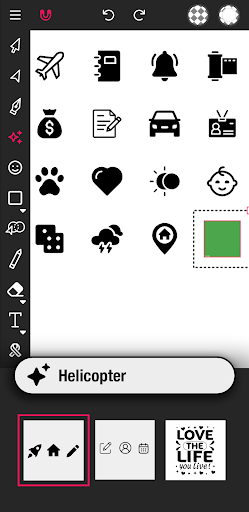
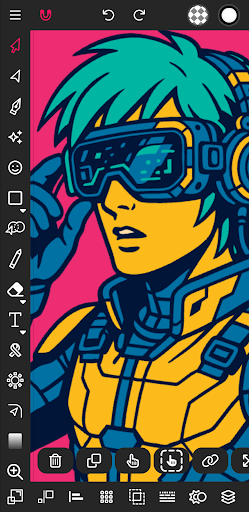
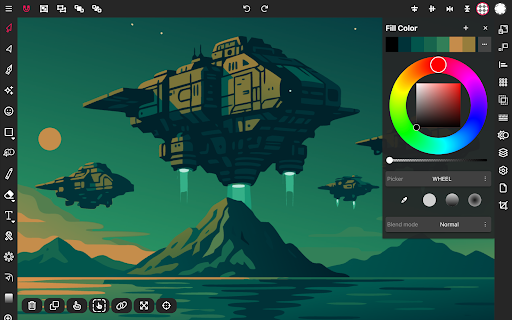
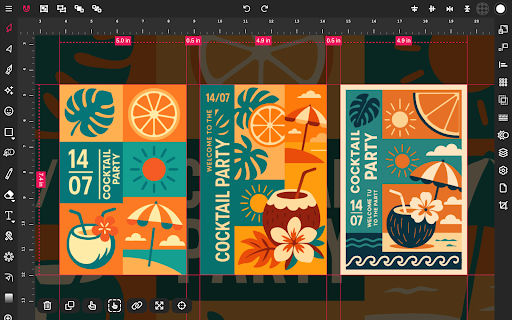
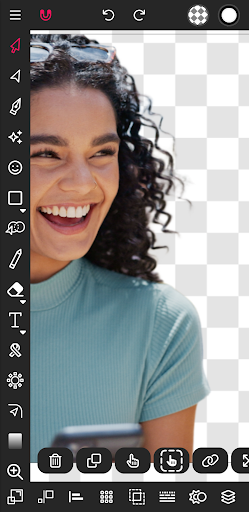
Advertisement
About Vector Ink: SVG, Illustrator
Overview
core feature
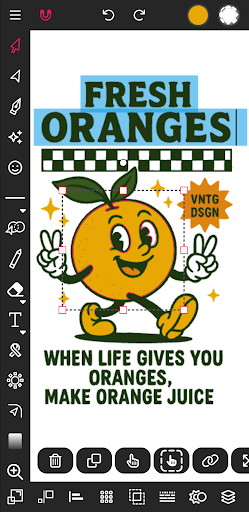
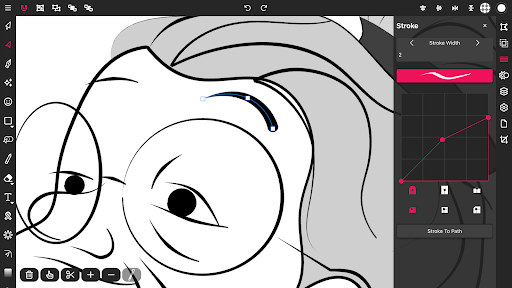
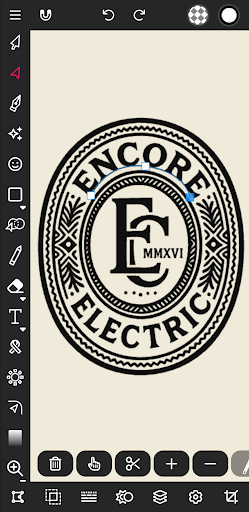
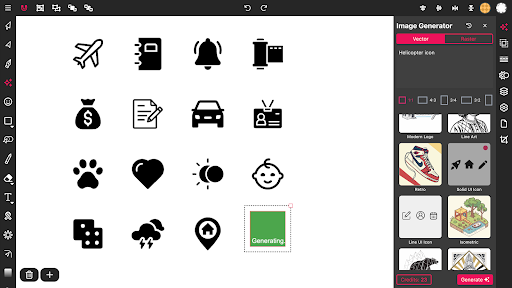
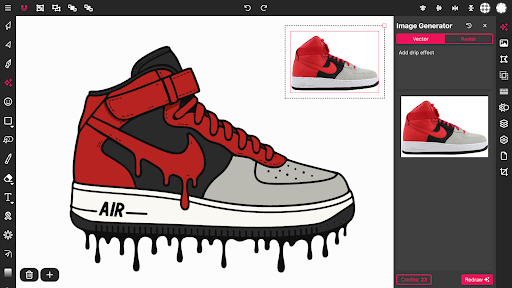
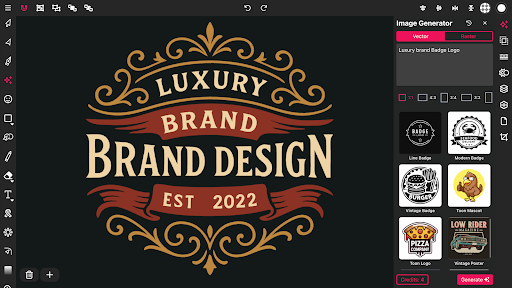
- The intuitive SVG editing tool allows you to accurately create and modify vector graphics, making it feel particularly smooth.
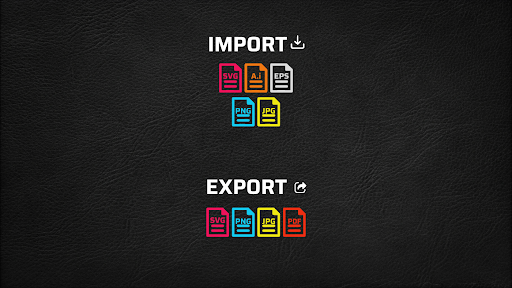
- Supports export in multiple formats, which perfectly matches the workflow of professional illustrations, making it convenient and practical.
- The real-time synchronization function ensures seamless switching of edits on different devices, giving designers a smoother experience.
- The layer management and grouping functions are super convenient, making it easier to create complex works without being caught.
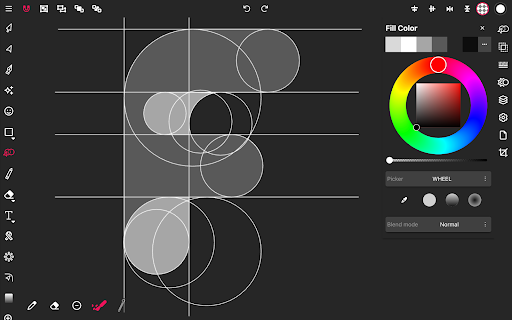
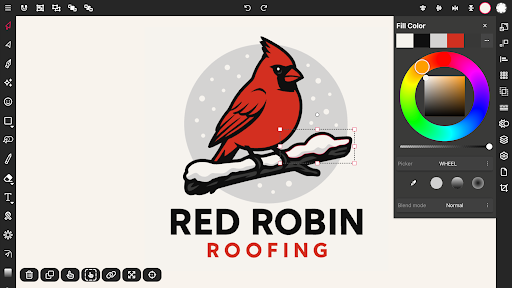
- Rich application functions, including palette customization and Bezier curve editing, the details are well controlled and there is a sense of accomplishment.
- Supports offline mode and can work without the Internet. It is too reliable for creators and can be used anytime, anywhere.
- The interface is super intimate and specially designed for artists and illustrators to help you efficiently meet your mobile work needs.
Who is this app suitable for?
This mobile app is especially suitable for artists, illustrators and designers who like to create on Android devices. Whether you are an amateur or a professional, you can find the right tools to help you get through design tasks easily.
Whether you're making quick sketches or doing detailed illustrations, it provides the flexibility and rich functionality you need. For those who want a reliable Android software that can stimulate creativity at any time, this is a treasure choice.
Why choose this app
This software provides a powerful and easy-to-use vector image editing platform, and has a good reputation among friends who do design and painting art on Android. Its rich functions bring a smooth experience and can definitely achieve professional results.
Tailor-made for designers, it combines basic tools with portability to help you easily deal with common editing challenges. This Android app is especially suitable for creative workers who pursue quality, need versatility and reliability. The experience is great and it is a trustworthy helper!
Top Recommended Alternative

Pros & Cons
Pros
-
Intuitive SVG editing tool
-
High-quality export options
-
Super friendly interface
-
Cloud storage integration
-
Support for Adobe Illustrator files
Cons
-
The function is a bit limited and not that complicated
-
Dealing with large documents is a bit troublesome
-
It's a little difficult for beginners to get started
-
Occasionally errors occurred during export
-
Offline operation is not convenient
Advertisement
Download Vector Ink: SVG, Illustrator
FAQ
Is Vector Ink: SVG, Illustrator safe to use on Android devices? +
How do I install Vector Ink: SVG, Illustrator on my Android device? +
What are the main app features of Vector Ink: SVG, Illustrator? +
Can I use Vector Ink: SVG, Illustrator without an internet connection? +
Does Vector Ink: SVG, Illustrator work on various Android versions? +
Customer Reviews
Users generally praise Vector Ink as a powerful vector editing app for Android, often calling it a solid alternative to Adobe Illustrator, especially suitable for hobbyists and students. The free version is well-equipped, and the toolset is comprehensive for essential vector work. However, several issues divide opinions. While some find the app easy to use after practice, others criticize the overloaded interface with unlabeled icons and poor navigation, making it frustrating on mobile. Stability is a mixed bag: many enjoy reliable performance, but some report sudden crashes that erase hours of work, or project files that become frozen and uneditable. Recent updates have introduced bugs like a broken eraser and inability to delete layers. The shift toward an AI image generation platform, with homepage buttons pushing paid AI features and the vector editor pushed to the background, has disappointed many. Additionally, the requirement to pay extra to export creations without a watermark—without clear upfront disclosure—has drawn strong criticism. Overall, Vector Ink offers rich functionality but suffers from usability, stability, and monetization concerns.
Write a Review
Share your experience with Vector Ink: SVG, Illustrator. Submissions are reviewed before publishing.
You Might Also Like
More apps you may want to try next.




