
USB Screen Share - Phone to TV
Advertisement
Screenshots
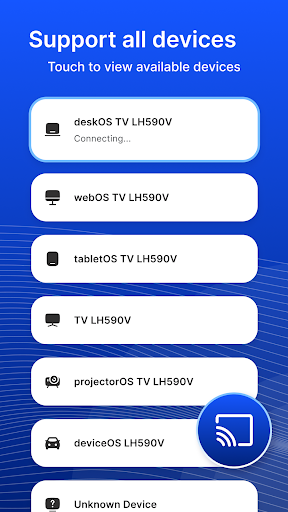
Advertisement
About USB Screen Share - Phone to TV
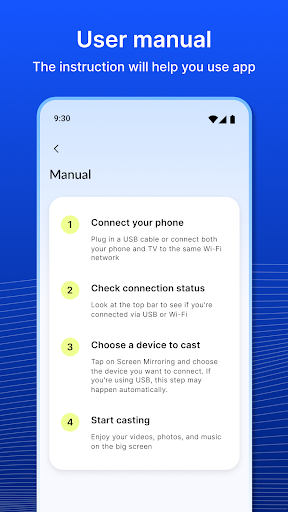
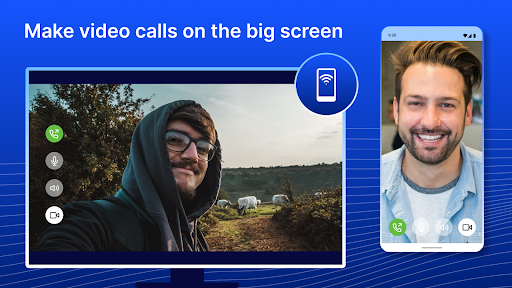
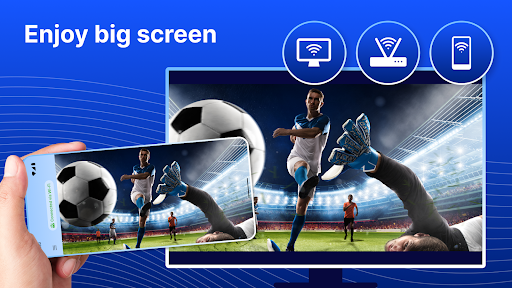
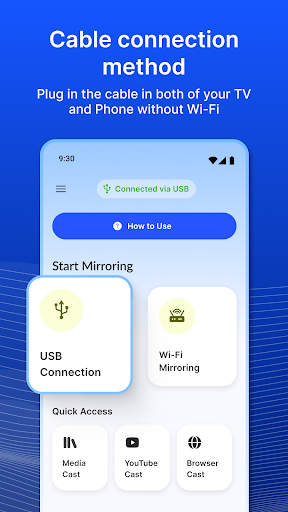
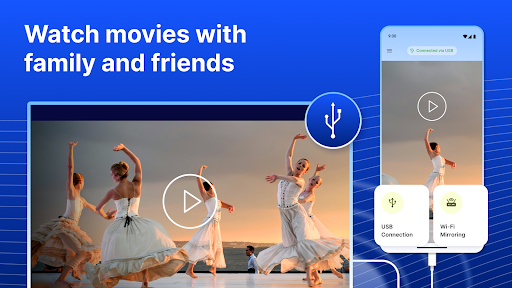
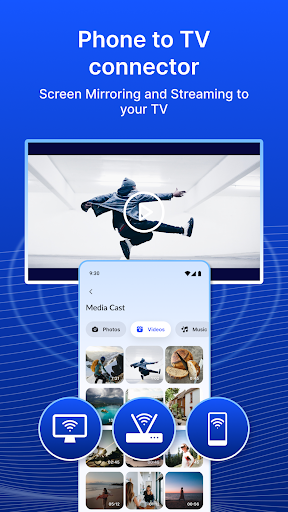
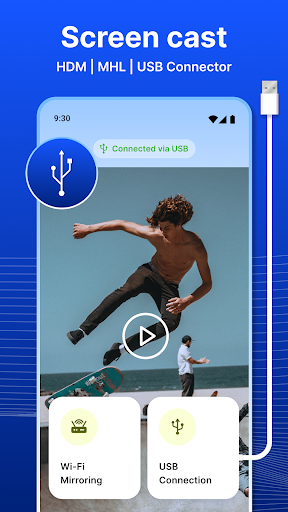
USB Screen Share - Phone to TV is a very intimate Android app that helps you easily copy your mobile phone screen to a larger screen, such as a TV. It is very easy to operate. It provides a simple and efficient way to make your experience smoother when using the app, sync screen content in real time, and is really suitable for watching a show, doing a presentation, or sharing photos with family and friends. It feels like the whole world is in front of you.)
Overview
core functions
- This app can instantly put mobile content on the TV, ensuring that your presentation or entertainment is connected seamlessly and super-smoothly.
- Supports real-time video and audio transmission, allowing you to enjoy a smooth and synchronized viewing experience, feeling like you are in the live.
- The interface is super simple and stress-free. Connecting Android devices and TVs requires no technical knowledge, so it is easy to do.
- Built-in device discovery function quickly helps you set up multiple devices at home or office without being cumbersome.
- Supports multiple screen resolutions and ratios. No matter what brand of TV, it can bring clear picture quality and burst visual effects.
- Users can also mirror content directly on their mobile phones, which is really practical. They can easily share media content without having to climb over the wall to find hardware.
- The connection is very reliable, with almost no delay, and there is no kacha for demonstrations or leisure watching, making it more comfortable for you to use it.
Who is this app suitable for?
This mobile phone app is especially suitable for people who have a little understanding of technology and often need to display content on a large screen. Including students, teachers, and professionals, aged between 15 and 50, who want to find an easier way to put Android devices on TV, this app has really helped a lot.
Whether it's a PPT at work, chasing a drama at home, or sharing photos with friends, as long as you can easily use this app, you don't have to mess with any hardware, and screen placement becomes super simple.
Why choose this app
What makes this launcher app special is that it provides a stable and easy-to-use collection of features to ensure smooth operation every time. The process of connecting Android and TV has become very simple, which is a choice that lazy people and efficiency parties like.
Focusing on stability and ease of operation, it helps you solve common stuck and cumbersome setup problems, so that you don't have to worry about device connection problems, and you can have a better viewing and presentation experience.
Top Recommended Alternative
Pros & Cons
Pros
-
Super convenient connection to mobile phones and TV
-
No choice for HD video transmission
-
Multiple screen sharing modes are supported
-
The interface is intuitive and easy to understand
-
Support various device connections
Cons
-
Occasionally disconnected and troublesome
-
Not enough DRM content support
-
Playing real-time games can be a little delayed
-
Advertisements will interrupt me.
-
Compatibility problem
Advertisement
Download USB Screen Share - Phone to TV
FAQ
How do I log into the USB Screen Share - Phone to TV app? +
Is USB Screen Share - Phone to TV safe to install and use? +
What are the main features of USB Screen Share - Phone to TV? +
Can I use USB Screen Share - Phone to TV with my Android TV or smart TV? +
How is the app experience with USB Screen Share - Phone to TV? +
Customer Reviews
This app has received mixed feedback. A few users praise it as efficient, practical, and delivering on promises, highlighting its utility for screen sharing. However, the majority report severe issues: the app often fails to function, displays only a 'Congratulations' message without actual functionality, or shows nothing but ads. Many criticize its payment model as a scam, claiming it charges upfront with no free trial and provides no real features. Compatibility problems with HDMI, projectors, and USB ports are also frequently mentioned. While some find it useful, most advise caution due to widespread malfunctions and deceptive pricing.
Write a Review
Share your experience with USB Screen Share - Phone to TV. Submissions are reviewed before publishing.
You Might Also Like
More apps you may want to try next.




