FamiliarApps logo
USB Connector Cast Phone to TV

USB Connector Cast Phone to TV

Advertisement

Screenshots
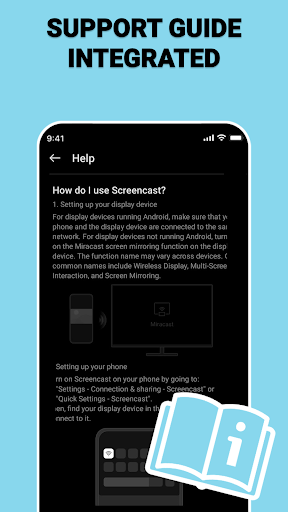
32 images
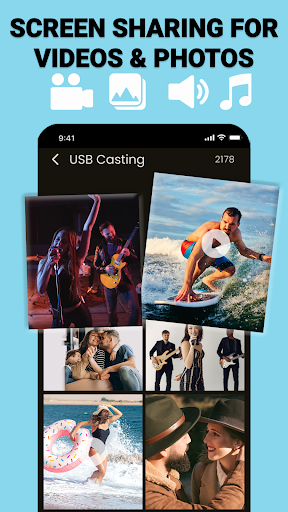
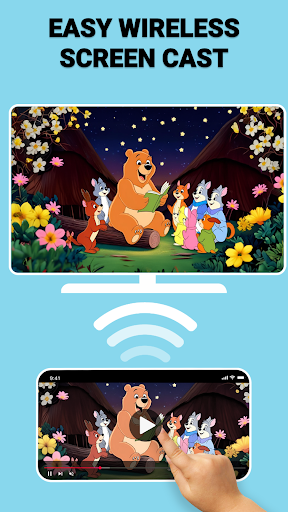
USB Connector Cast Phone to TV screenshot 1 USB Connector Cast Phone to TV screenshot 2 USB Connector Cast Phone to TV screenshot 3 USB Connector Cast Phone to TV screenshot 4 USB Connector Cast Phone to TV screenshot 5 USB Connector Cast Phone to TV screenshot 6 USB Connector Cast Phone to TV screenshot 7 USB Connector Cast Phone to TV screenshot 8 USB Connector Cast Phone to TV screenshot 9 USB Connector Cast Phone to TV screenshot 10 USB Connector Cast Phone to TV screenshot 11 USB Connector Cast Phone to TV screenshot 12 USB Connector Cast Phone to TV screenshot 13 USB Connector Cast Phone to TV screenshot 14 USB Connector Cast Phone to TV screenshot 15 USB Connector Cast Phone to TV screenshot 16 USB Connector Cast Phone to TV screenshot 17 USB Connector Cast Phone to TV screenshot 18 USB Connector Cast Phone to TV screenshot 19 USB Connector Cast Phone to TV screenshot 20 USB Connector Cast Phone to TV screenshot 21 USB Connector Cast Phone to TV screenshot 22 USB Connector Cast Phone to TV screenshot 23 USB Connector Cast Phone to TV screenshot 24 USB Connector Cast Phone to TV screenshot 25 USB Connector Cast Phone to TV screenshot 26 USB Connector Cast Phone to TV screenshot 27 USB Connector Cast Phone to TV screenshot 28 USB Connector Cast Phone to TV screenshot 29 USB Connector Cast Phone to TV screenshot 30 USB Connector Cast Phone to TV screenshot 31 USB Connector Cast Phone to TV screenshot 32

Advertisement

About USB Connector Cast Phone to TV

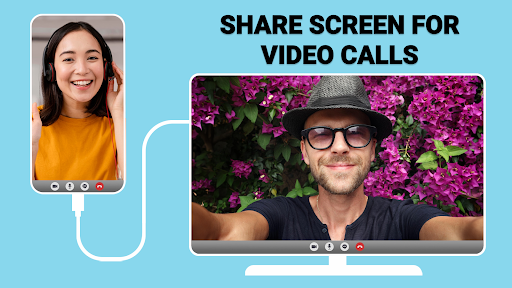
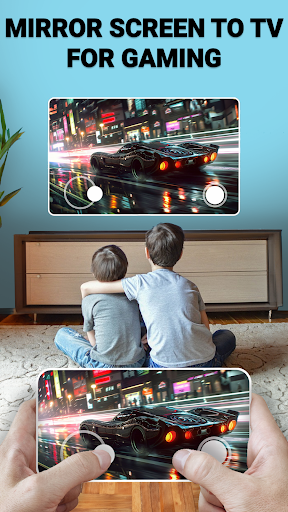
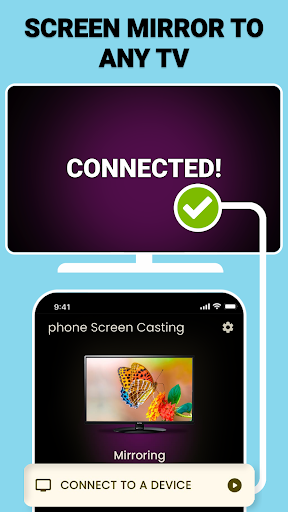
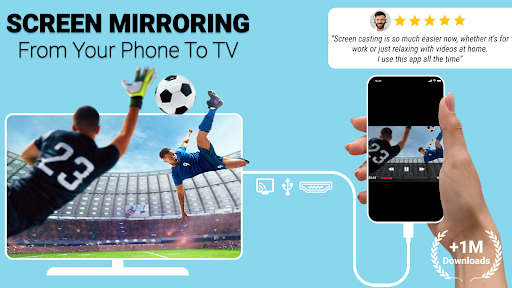
The USB connector projects the phone screen to the TV. This Android app is so sweet that it makes sharing phone screens and media content super easy. It is intuitive and reliable to operate, with almost no difficulty. It is really a great choice for connecting to a TV or projector with an APP. This app makes your watching and demos smoother. The functions are designed very sensitively. It feels like it is tailor-made for Android devices, and the experience is overwhelming.

Overview

core functions

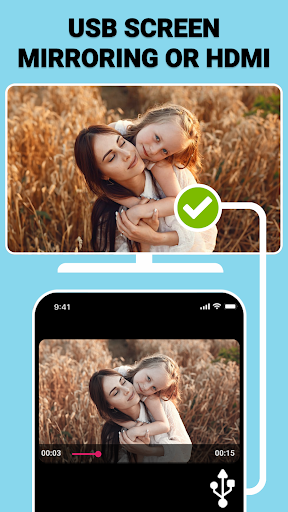
  • This software has a reliable USB connection, which can basically easily project the phone screen onto the TV without being stuck.
  • The interface design is very intuitive and easy to use, and switching screen modes is very convenient and not difficult.
  • Supports high-quality video and audio transmission, and the experience when playing multimedia content is particularly smooth and has no stuck feeling.
  • The connection is quite stable, synchronized in real time, with almost no delay, and it is particularly reliable when projecting the screen.
  • Compatible with various Android devices and TVs, it is a universal app solution.
  • As long as the content of the mobile phone is reflected to the end, eliminating cumbersome hardware and complex settings, you can directly project the screen, which is super convenient.
  • There are also settings that can adjust performance, such as resolution and connection preferences, to optimize the experience.
  • Security is also done in place, data transmission is safe, user privacy is effectively protected, and people can use it with confidence.

Who is this app suitable for?

I like technology, students, and professionals, and this app for mobile phone projection is quite suitable. People who want to share mobile phone screens quickly and easily will definitely like it. Multimedia content enthusiasts will also value its high-definition casting capabilities.

Whether it's meeting demonstrations, leisure and entertainment, or remote work, this app-based solution is particularly practical. The reliable mobile phone connects to a TV level, allowing your experience to be upgraded to a higher level.

Why choose this?

The main reason why this Android app is outstanding is that it is simple to operate, powerful in functions, and smooth in screen projection experience. The solution is very reliable, has no complex settings, and is very easy for users to use.

The stable connection and excellent compatibility allow users to not worry about stuck or incompatible issues. They can focus on work and entertainment. The overall experience has been greatly improved, and daily use is particularly smooth.

Top Recommended Alternative
Pros & Cons

Pros

  • Display the screen with one click anytime and anywhere, making it super convenient from mobile phone to TV
  • Don't worry about Wi-Fi entanglement
  • The connection is super stable and does not get stuck
  • Compatible with multiple devices
  • Easy to operate and easy to use

Cons

  • Limited equipment support
  • USB debugging must be enabled
  • The picture quality may drop
  • Missing some advanced features
  • Sometimes the connection goes offline

Advertisement

Download USB Connector Cast Phone to TV

You are going to be redirected to the official website to finish the download when you click these buttons above.

FAQ

The USB connector Cast Phone to TV is an APP that projects a mobile phone to a TV. Is it easy to set up on my device? +
Well, this APP is designed to be quite user-friendly and the operation is not complicated. Installing the USB connector Cast Phone to TV is actually only a few steps. Even if you are using this kind of mobile phone screen-casting application for the first time, you don't have to worry too much. It's quite easy to get done. After installation, the interface is quite intuitive and has steps to guide you to connect your mobile phone and TV. The whole process is quite smooth and won't take too long.
Can this APP run stably on different Android devices? +
Of course, this USB connector Cast Phone to TV Android version has a wide range of adaptability. No matter what model of Android phone or tablet you use, it can ensure basic stability. Its functions are optimized so you don't have to worry about getting stuck or dropping calls. This screen projection software is quite reliable and can give you more confidence in the stability of the connection. Whether it is screen projection or mirror image, you can use it with confidence and is a more reliable choice.
Is this APP safe to use? Will privacy be revealed? +
Rest assured, this APP attaches great importance to user safety and privacy. It is made by some reputable developers, and the technology and security measures are in place to make you feel at ease. This software will ensure that your personal information is not leaked and the security of your device will be guaranteed. It follows industry-standard security procedures and has no problem protecting your privacy.
Can I put my mobile phone on the TV without using WiFi? +
Generally speaking, this USB connector Cast Phone to TV needs to be under the Wi-Fi network to successfully screen, but there is no way at all. Some Android versions of apps support direct USB connections or other solutions that do not use Wi-Fi. It depends on what functions the APP you use and whether it supports these connection methods. If you learn more about the specific functional details, you may find more flexible screening methods to make the experience smoother.
Is there a version that works for iPhone or iPad? +
Currently, this USB connector Cast Phone to TV is mainly developed for Android devices, and there is no information on the iOS version yet. If you use an Apple device, you may have to look for similar screencasting software that works with iOS, but as far as this APP is concerned, it is quite reliable on Android, and you can use various functions to project the phone screen onto the TV.
Do I need additional hardware to connect my phone to the TV? +
In most cases, the APP itself will work on the hardware you already have, such as a USB port or Wi-Fi, without the need for additional equipment. But if your TV or mobile phone is special, you may have to cooperate with some corresponding adapters or hardware equipment that supports screen projection. It's best to check the compatibility of your device first to ensure that you get the best screening experience without problems.
How can I play more smoothly with this screen projection software? +
If you want to use this USB connector to screen smoother, you must first make sure that your device firmware is up to date, and then follow the instructions without going astray. The network connection must be stable, and the wifi or data cable must be stable to ensure that there is no congestion. This APP has a simple interface, easy to operate, and also supports real-time screen projection. It is suitable for friends who want to simply put their mobile phones on TV. The effect is quite good.
Are there any pitfalls or restrictions on this APP? +
In fact, it is basically quite reliable, but occasionally you will encounter unstable connections, which may be related to device compatibility or the network environment. Pay more attention to updated versions to help you solve some minor bugs. In order to ensure the best experience, it is recommended that your Android device meet the recommended specifications. If you encounter problems, you can check the official help documents or contact customer service, and the problem will be solved.

Customer Reviews

AI
AI Generated Summary
Based on real user feedback
★ 2

Users generally appreciate the app's simplicity and intuitive design, with some praising its smooth performance and outstanding features. However, opinions are sharply divided on functionality and reliability. Many users report that the app fails to work as advertised, consuming mobile data without delivering results, while others find it effective and seamless. A major point of contention is the excessive, non-skippable full-screen ads that interrupt usage and redirect to downloads, with some calling it a scam or security risk. On the positive side, a few users describe it as an excellent tool for casting. Overall, the app is praised for ease of use but criticized for invasive ads and questionable legitimacy.

León leoner Alvarado · 2026-06-12
★ 5
It is an excellent app
AZAMATI MICHAEL TETTEH · 2026-06-12
★ 5
Very nice, I am satisfied with the quality.
Gliceria Isabel Alvarez Mena · 2026-06-11
★ 5
I don't know about this. I'm installing the app. Is it only for Smart TVs?
Exequiel Ortega · 2026-06-10
★ 3
The word 'nice' conveys a sense of pleasure, approval, and satisfaction. It is a versatile adjective used in everyday language to describe positive experiences, people, or things.
nilesh patel · 2026-06-10
★ 1
The outcome was extremely unsatisfactory.

Write a Review

Share your experience with USB Connector Cast Phone to TV. Submissions are reviewed before publishing.

Rating *
0 / 2000

You Might Also Like

More apps you may want to try next.
Advertisement
5
Please wait...