
TV Cast for Chromecast
Advertisement
Screenshots
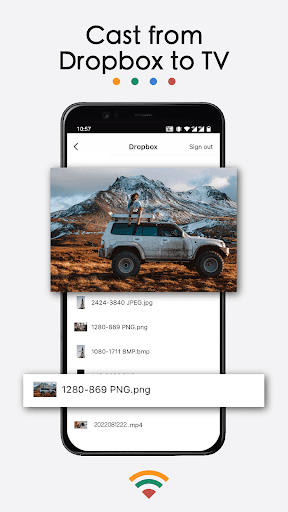
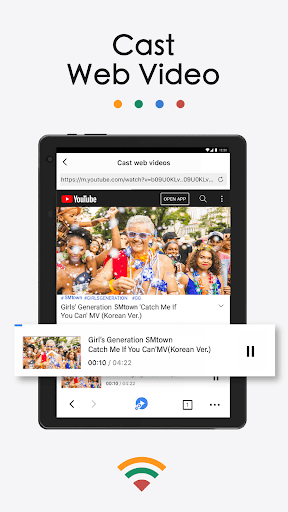
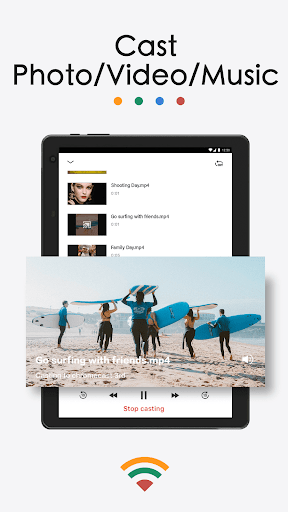
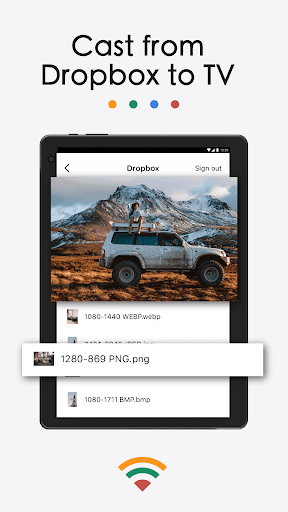
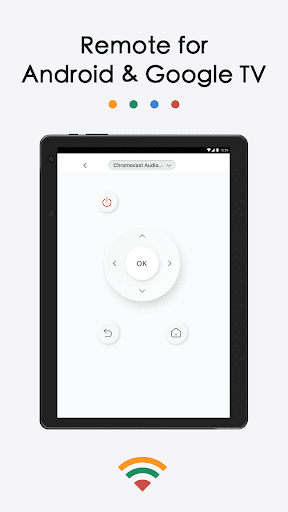
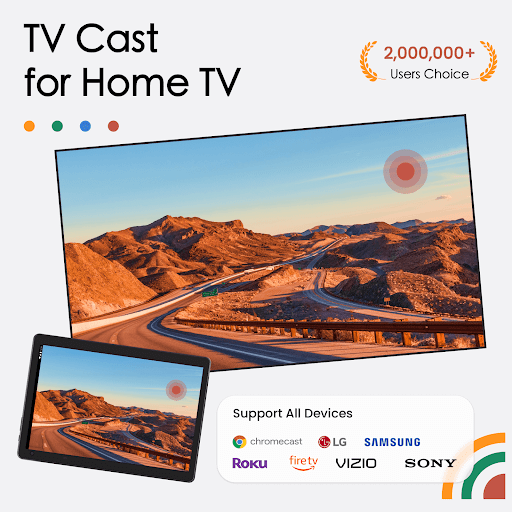
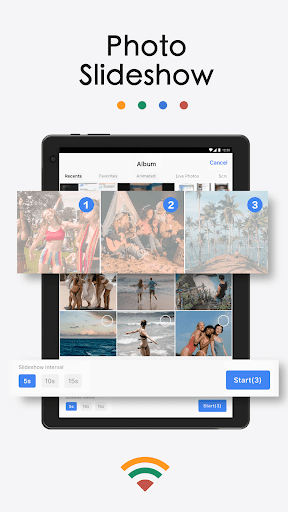
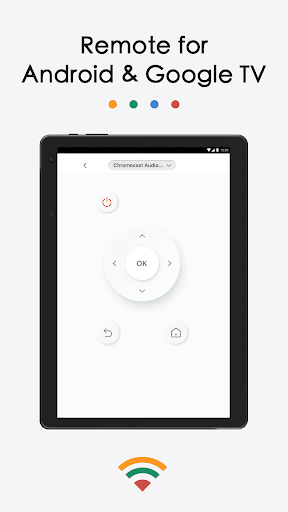
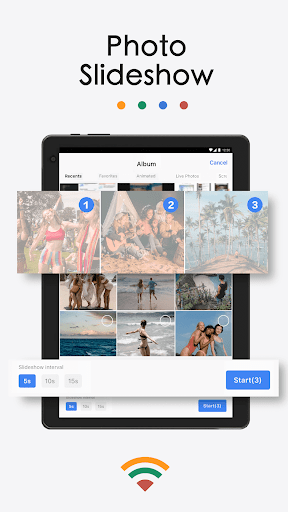
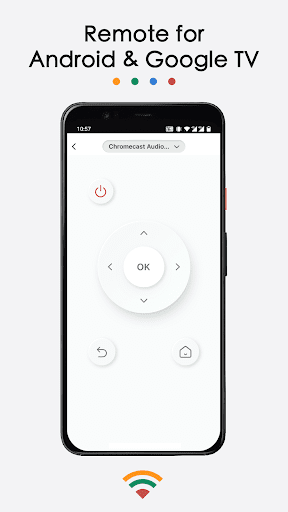
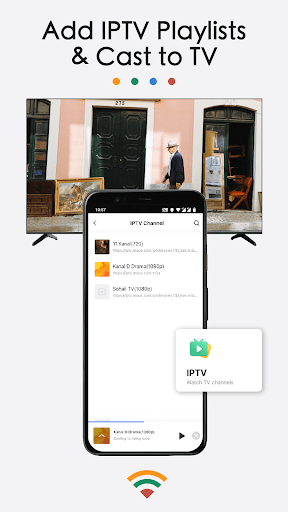
Advertisement
About TV Cast for Chromecast
Overview
core functions
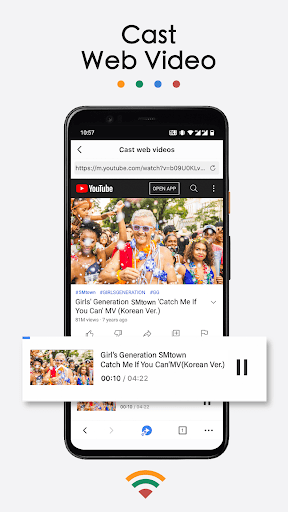
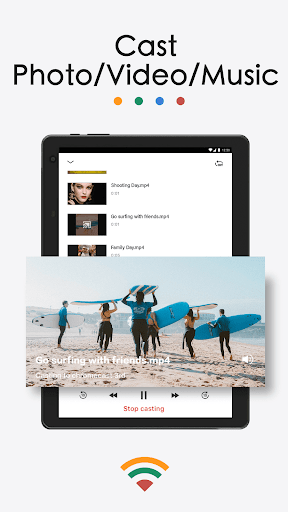
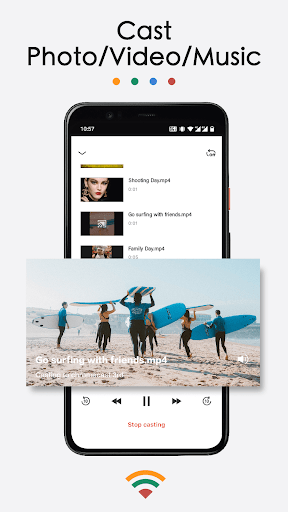
- With just a click, you can easily cast videos, music, and photos from your phone to your Chromecast device without complexity.
- Real-time synchronization ensures that what you put does not get stuck, and the pictures and sounds between devices are naturally consistent.
- There is a super intuitive launcher interface that helps you set up and manage Chromecast, which is much more convenient than before.
- The connection is fast and stable, with almost no buffers, and the streaming experience becomes smooth and smooth.
- There is a user-friendly interface and the ability to configure your own settings to make the screening experience more intimate and cool.
- Discover the device with one click and automatically detect nearby Chromecast, allowing you to quickly complete the delivery process.
- Support offline mode, so you can play with media content even if you don't have the Internet. It is especially suitable for use outside the home or in remote areas.
- It also provides many advanced features, such as subtitles and playback controls, to meet the needs of the most discerning users.
Who is it suitable for?
This mobile app is especially suitable for technology fans, media enthusiasts or people who want to easily screen at home. People who like to share content simply and directly will know that it is convenient and practical as soon as they use it.
Whether it's chasing movies in the living room, sharing large-screen photos, or organizing your media library, this app can help you get it done. The entire screening process becomes super simple, and it can make you have fun and smooth use.
Why choose it?
This Android app is not only stable and feature-rich, but also makes screencasting simple and efficient. Its powerful features ensure that you can use any device smoothly and smoothly.
The most attractive thing is that it focuses on stability, friendly interface, and comprehensive control, which is stronger than similar tools on the market. Indeed, it is an all-round screen projection artifact that meets all your screen projection needs!
Top Recommended Alternative
Pros & Cons
Pros
-
Super user friendly interface
-
Super many compatible devices
-
The quality of streaming media is particularly stable
-
Setting up is super simple
-
You can also customize your personality settings
Cons
-
Advanced controls are not comprehensive
-
Occasionally disconnected
-
Limited media format support
-
Insufficient multi-language support
-
Remote control response is slightly lagging behind
Advertisement
Download TV Cast for Chromecast
FAQ
Is TV Cast for Chromecast safe to use on my device? +
Of course, TV Cast for Chromecast is actually quite reliable and a mobile application that is recognized by everyone. It complies with strict privacy and security standards, so it is safe to use, and the data is also protected. Just use it happily and don't worry.
Thisapplication is quite experienced in developing, updating it often, fixing bugs, and adding security measures. It is recommended that you still go through Google Play or the App Store. Official channels are reliable and secure.
How can I install TV Cast for Chromecast on my mobile phone? +
It's very simple. Android friends can go directly to Google Play to search and download. It's very convenient to operate and connect, making your Chromecast easy to go online. You may feel that the interface is friendly when you use it for the first time. It is especially suitable for novices. It can be done in a few steps.
ForApple users, you can also find it in the App Store. The steps are similar, the operation is super simple, and you can quickly start projecting your favorite content. The experience is not bad.
Is TV Cast for Chromecast compatible with all types of TVs? +
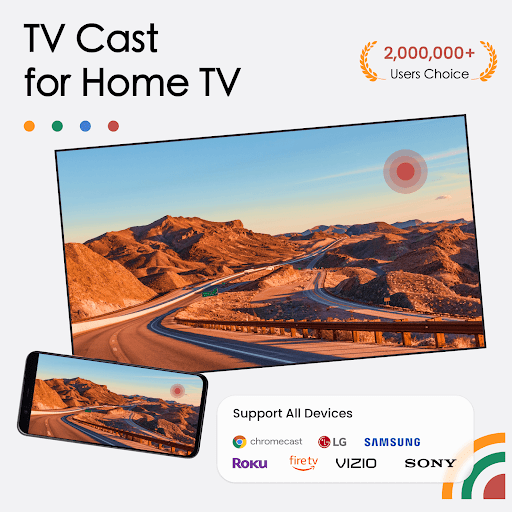
Basically, smart TVs that support Chromecast or with HDMI interface can be used. The main functions of this app are screen mirroring and multimedia transmission. It has a wide range of adaptations and can be used smoothly on many models.
However, for a better experience, it is recommended that you update the TV firmware. As long as it is compatible, it is quite reliable to directly project videos, photos and music from your mobile phone, so don't worry.
Can I still use TV Cast for Chromecast without Internet access? +
Some functions do require networking, but if your device and TV are connected to the same local area network, you can still play content locally. This app can directly project local multimedia files from your mobile phone, which is quite convenient.
However, if you want to view cloud content online or use cloud services, you still need to have a stable network. The original intention of this application is to allow you to use it flexibly based on network conditions.
Do you encounter any common problems with using this APP? How to fix it? +
People often encounter problems such as being unable to connect or stuck. First, make sure that your device and Chromecast are on the same Wi-Fi. Rebooting the APP or device can usually solve the problem.
Ifthe problem has not been resolved, try updating the APP to the latest version or reinstalling it. The application is designed to match the latest firmware and software. Only by keeping the software up to date can the experience be smooth.
Customer Reviews
Some users report that the app works well and provides a good experience, with a few praising its basic casting functionality. However, the overwhelming majority of reviews highlight severe issues. Key concerns include: excessive advertisements that appear constantly, deceptive subscription practices (e.g., hidden monthly fees of €33 and misleading 'free trial' that requires upfront payment), frequent crashes, an unintuitive interface, and failure to actually transmit audio/video even after connection. While a minority find it useful, most consider it a scam or worthless, advising against installation.
Write a Review
Share your experience with TV Cast for Chromecast. Submissions are reviewed before publishing.
You Might Also Like
More apps you may want to try next.




