
Todolize: To Do List & Planner
Advertisement
Screenshots
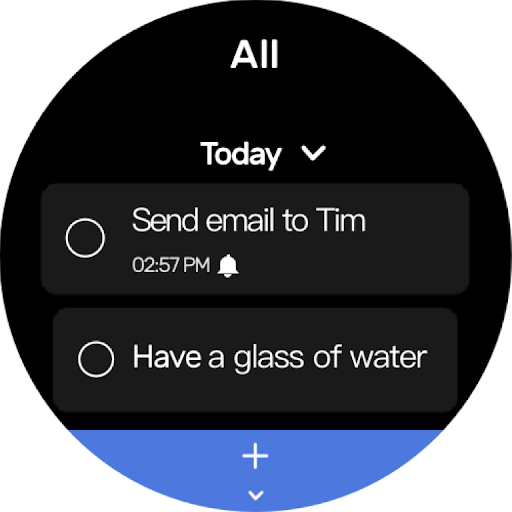
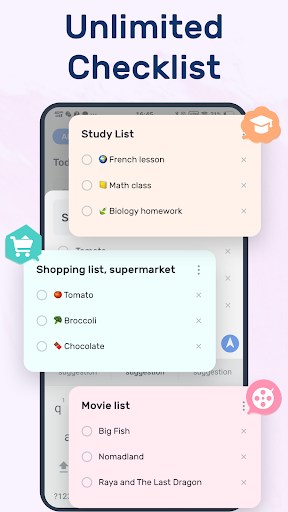
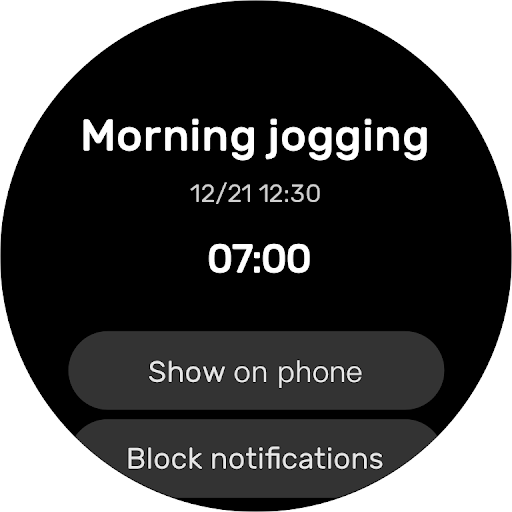
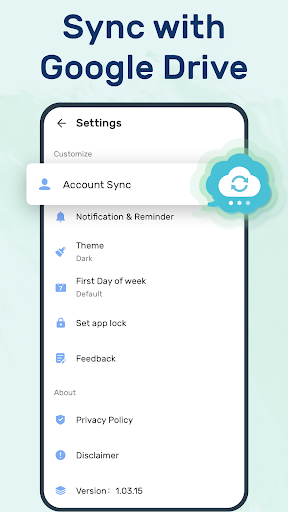
Advertisement
About Todolize: To Do List & Planner
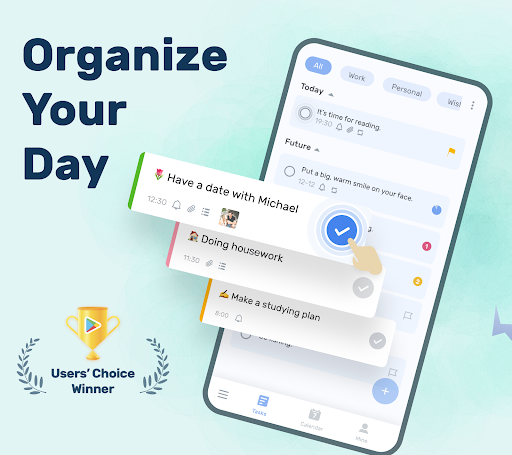
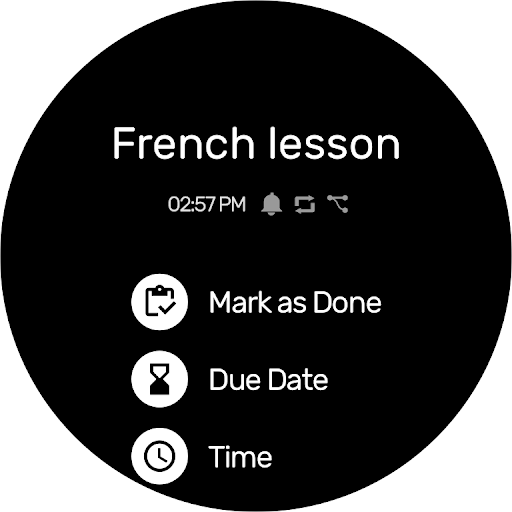
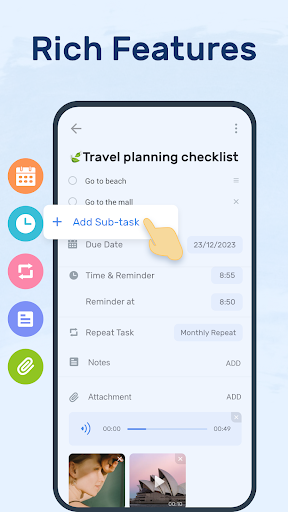
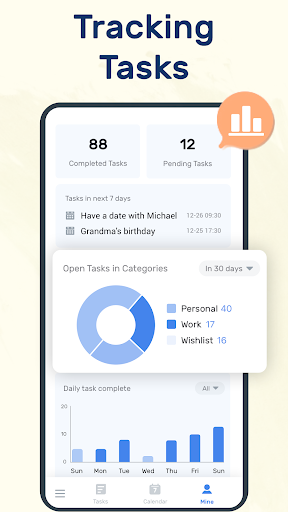
To-Do List-Timing Assistant is a super easy-to-use mobile app that helps you organize your daily tasks and makes your time management more efficient. As a multi-functional Android app, it has some intimate features that can greatly improve your efficiency and make your day more orderly. Whether you just need some simple reminders or want more detailed planning tools, this app will give you a smooth experience, especially for those who like to use the app to do things.
Overview
core features
- The interface is simple and intuitive, which helps you easily manage tasks, take notes and make lists quickly. It's so convenient!
- Built-in reminders and reminder ringtones always remind you not to forget what you have to do every day. It's a bit thoughtful!
- Multiple devices are synchronized in real time. No matter which device you use, the information can be maintained consistent. The experience is really good!
- Offline mode allows you to view tasks and schedules at any time without having to connect to the Internet, and you are not afraid to go out!
- You can customize classification and priority labels to help you organize your tasks in an orderly manner. How thoughtful!
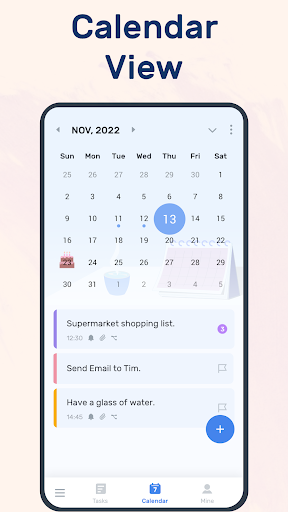
- Integrated with mobile calendar and notification systems, planning and reminders are extremely smooth!
- There is also a fast-launch app that is small and fast, and you can use it directly from the desktop of your mobile phone. It is super convenient!
Who is this App suitable for?
This mobile app is really tailor-made for students, busy professionals, or anyone who needs simple and efficient tools. The interface is friendly, everyone can easily get started, and task management is no longer difficult.
Whether you're scheduling daily chores, responding to work deadlines, or coordinating family schedules, this APP-based solution can help you become more orderly and easier to use, with a perfect score for the overall experience!
Why choose this App?
With its user-friendly design and powerful features, this Android app really makes task management simple and efficient. There is no advertising, it is clean and tidy, and it is especially suitable for those who are busy and efficient.
The key point is that it attaches importance to real-time synchronization and offline operations, completely solves common efficiency problems, and is truly smarter than other products. Simple yet powerful, this design allows everyone to easily handle trivial matters, making it more efficient!
Pros & Cons
Pros
-
intuitive user interface
-
Full scheduling function
-
multi-device synchronization
-
alerts and notifications
-
Integration with Calendar APP
Cons
-
Not many customization options
-
Occasionally synchronization will be delayed
-
Free versions have limitations
-
Learning advanced functions takes time
-
Offline functions are not complete enough
Advertisement
Download Todolize: To Do List & Planner
FAQ
Is To-Do List - Schedule Planner safe to use on my device? +
Of course, this APP for to-do and scheduling is quite reliable and has a good security. It follows strict security protocols and privacy policies, so you can use it with a little more peace of mind and won't worry about your data getting out. The risk of theft is very low.
Afterall, it is an Android application that is constantly updated every time, patching vulnerabilities and improving security measures. Remember to download it from the official store and keep the device's system up to date, so that security will be more guaranteed!
How do I install To-Do List - Schedule Planner on my Android device? +
It's quite simple to install. Go directly to the Google Play Store and search for the "To-Do-Schedule" APP, click the install button, and you can put it on your phone. The version in the official store is the safest and most reliable.
Afterinstalling it, open the app, log in to your account, and you can start scheduling your schedule immediately. Don't worry, it's very compatible with Android's launcher, easy to use, and timely reminders!
What are the main app features of To-Do List - Schedule Planner? +
This APP is quite functional and can help you get a lot of things done. For example, reminders, daily planning, classified management tasks, and the ability to synchronize multiple devices, which is particularly convenient. Not only is it efficient to use it, it also makes you feel a lot more relaxed, tasks are clear at a glance, and the arrangements are well organized.
Italso has the functions of repetitive tasks and visual adjustment, which is suitable for students, office workers, or anyone who wants to improve productivity and likes to use simple tools. You can easily get it done with a starter and help you handle your daily life in all aspects.
Can I use To-Do List - Schedule Planner offline? +
That's right! Many functions can be used offline. Once tasks are set up, you can add, edit, and view to-do items even without the Internet. It's so convenient. This is especially suitable for use when the network is often outside or when the network is unstable.
Whenyou connect again, the app will automatically sync your tasks to ensure that what you see on all devices is the latest content. This is designed quite thoughtfully to make your experience smooth and reliable.
Is To-Do List - Schedule Planner suitable for all ages? +
Of course, this APP has a wide range of users, and everyone from students to the elderly can use it easily. The interface is simple, the operation is simple, and there is no difficulty. Whether you are a young person or an elderly person, you can easily get started with task management.
Manypeople rely on it to keep organized every day, and work, study, and life are inseparable from it. It is a very practical tool that can meet the needs of different age groups and is very safe to use.
Does To-Do List - Schedule Planner support multiple languages? +
Supported! This APP supports several languages and is convenient for users around the world. For people who don't know much English, this function is particularly considerate and more comfortable to use.
Althoughthere may be some changes after the update, developers have been working hard to add more languages to ensure that users in different countries and regions can use this good helper. It's no problem to use it internationally. It's very considerate!
Can I customize notifications and reminders in the app? +
Of course you can! You can set the reminder time, ringtone, etc. based on your habits. It's entirely up to you to decide when to remind and what sounds to use, which will help you better remember important things.
Thispersonalized customization improves the efficiency of using apps, makes your task management faster and accurate, and makes life and work much more convenient.
Is there a way to sync my data across devices? +
Yes! This APP supports multi-device synchronization. As long as the synchronization function is turned on, your tasks and schedules can be automatically updated between mobile phones, tablets and even other Android devices. No matter which device you use, you can see the same content, which is very convenient.
Thisfunction allows you to master your own arrangements anytime and anywhere. It is especially suitable for busy people. It ensures that you don't lose anything and the application becomes more practical!
Customer Reviews
Most users find Todolize a user-friendly, practical, and efficient task management app that effectively supports daily routines and reminders. Its minimalistic design and intuitive interface are widely praised. Key dimensions highlighted include ease of use, feature set, performance stability, and pricing. While many appreciate the app's simplicity and reliability, some users desire recurring daily tasks, a dedicated notes section, and a widget showing the next task. Performance is generally smooth, but a few report persistent unresponsiveness across devices. As for pricing, some find the subscription worthwhile, while others criticize the monthly fee and short trial, calling it unnecessary compared to pen and paper. Overall, a solid productivity tool with room for refinement.
Write a Review
Share your experience with Todolize: To Do List & Planner. Submissions are reviewed before publishing.
You Might Also Like
More apps you may want to try next.




