Sygic GPS Navigation & Maps
Advertisement
Screenshots
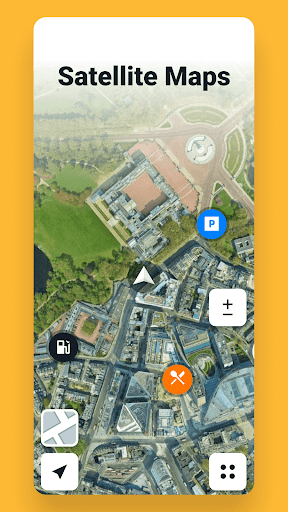
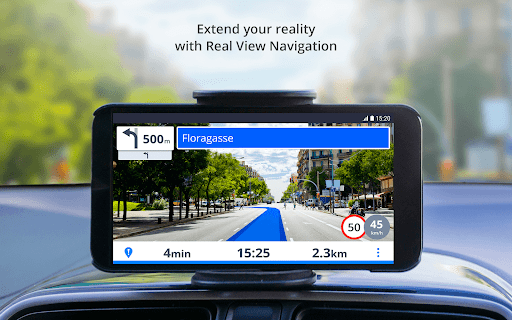
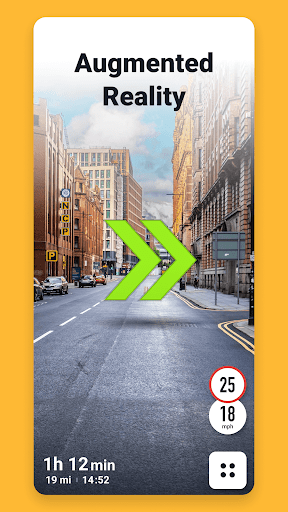
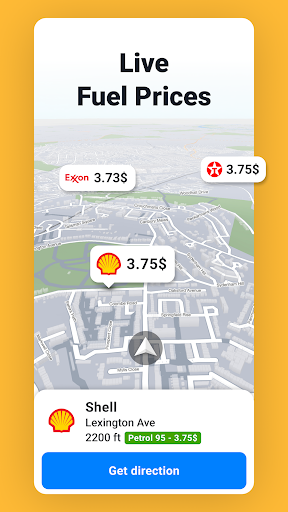

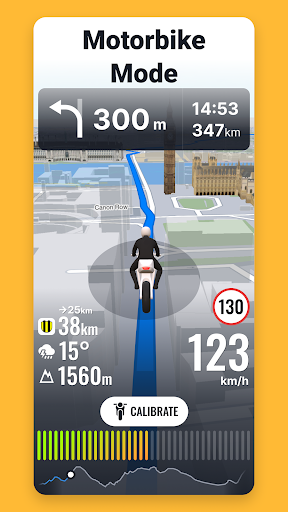
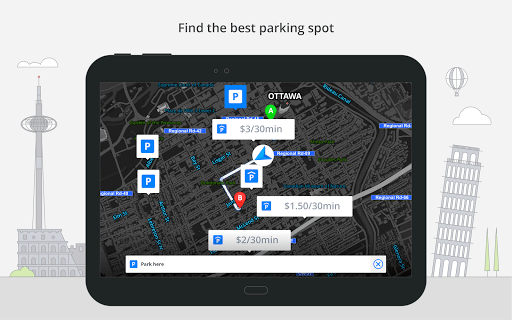
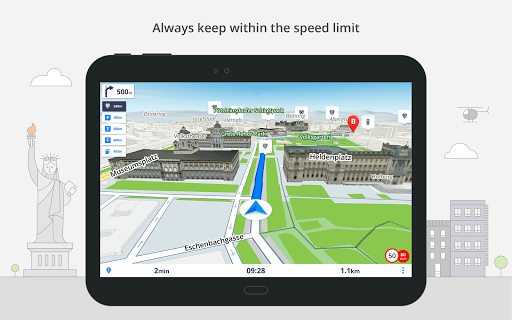
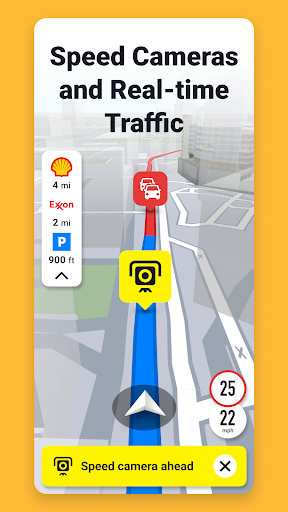
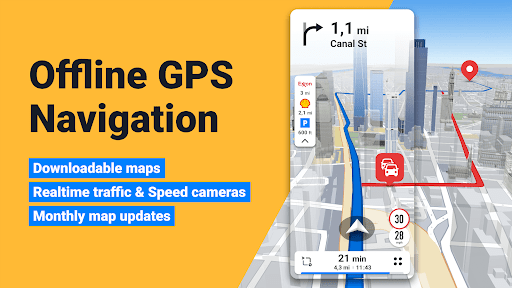

Advertisement
About Sygic GPS Navigation & Maps
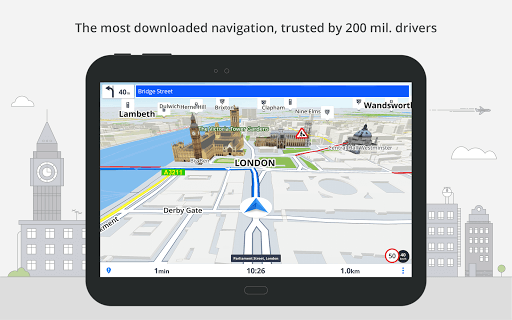
Sygic GPS navigation and maps is quite powerful. It is basically an all-round navigation tool. It can be used on both Android and Apple devices. There are very detailed offline maps inside, and traffic conditions can also be updated in real time to tell you how to go next. Even if there is no Internet, there is no problem. It is simply a treasure for traveling. With it, navigation becomes very simple, the interface is particularly intuitive, and the functions are quite rich. It is extremely smooth to use. Whether it is going to a strange place or a familiar route, I feel very relieved.
Overview
core functions
- This application interface is particularly intuitive. It has a real-time GPS positioning map. It is very accurate to navigate and you can know wherever you go.
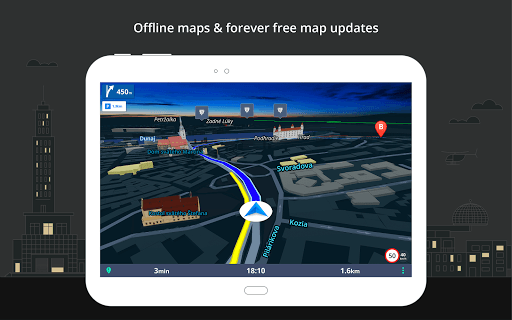
- It also supports offline maps, which can be used without the Internet. It is especially suitable for remote places, so you don't have to worry about losing signal when you go out.
- Voice guidance is very considerate. Listening to instructions while driving will help you concentrate and not stray.
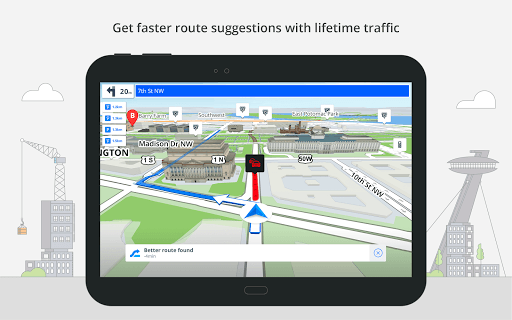
- You can also plan your own routes and provide alternative routes and traffic alerts to let you go faster and smoother.
- Real-time traffic updates can help you avoid traffic jams and choose the most time-saving route. It is really convenient.
- Speed limit reminders and safety warnings remind you to drive more safely and have fewer accidents.
- It can also be integrated with the mobile phone's launcher to open quickly, make it easy to use, and make the experience smoother.
Who is suitable for?
This mobile app is mainly for drivers, travelers and outdoor enthusiasts who want to find a reliable navigation tool to do everything on Android devices. Its maps and route design are quite comprehensive, suitable for all age groups, and can be used by anyone who wants to travel efficiently.
Whether it's commuting every day, planning a self-driving tour, or exploring new places, this app provides practical features that can greatly enhance the user experience. This is a great choice for people who need a reliable navigation tool.
why this
What makes this Android app stand out is that it is rich in features and details. Not only can it be used offline, but it can also update information in real time, ensuring that you can walk with confidence even when the signal is poor. The design is particularly user-friendly and very easy to use, and there is almost no need to worry about complex operations.
The focus is on the accuracy and security of navigation. It can make reliable daily travel and long-distance travel partners. It has become the first choice for navigation users seeking confidence and rich information on Android devices!
Top Recommended Alternative
Pros & Cons
Pros
- Real-time navigation and traffic information are very accurate, and you can clearly get real-time road conditions changes even when you are on the road.
- Offline maps can be used when there is no Internet, and you don't have to worry about getting lost.
- The interface is super intuitive and easy to use.
- Advanced lane guidance and distinctive visual prompts make lane changes safer and driving with more confidence.
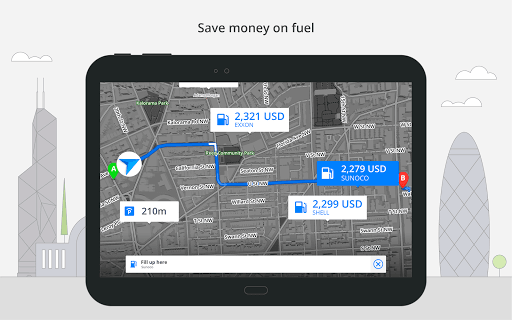
- There is rich information on attractions, and you can also customize points of interest to help you find various nearby services.
Cons
- Real-time traffic updates consume a lot of traffic and sometimes cost a lot of data.
- Sometimes users report that apps will collapse or respond slowly, which also causes headaches.
- Advanced features require a paid subscription, which is a bit expensive and some users may not be able to accept them.
- Without a paid account, updates to offline maps are a bit limited, which means that you have to spend extra time manually updating them.
- Some advanced functions may take some time to get used to and may be a little confusing at first.
Advertisement
Download Sygic GPS Navigation & Maps


FAQ
How do I log into Sygic GPS Navigation & Maps?+
Navigation and maps using Sygic GPS was actually quite simple at first. Just open the app and register an account with your email address, or log in directly using your social media account with one click. With this done, preference settings and routes can be safely saved, which is quite convenient!
After logging in, you can enjoy personalized functions and quickly update maps. In the end, navigation becomes much smoother. Experience this software on an Android phone. The design is quite intuitive. Whether you are an old navigation driver or a novice, you will find it quite friendly.
Is Sygic GPS Navigation & Maps safe to use on my mobile device?+
Don't worry, Sygic GPS navigation and maps are absolutely safe, and everyone who has used them find them reliable. There are many security measures in the software to ensure that your data and privacy will not be leaked. It is quite guaranteed to use.
It also pushes updates regularly to ensure it keeps up with the latest Android security standards. As a reliable navigation software, the security is very good, allowing you to use it with peace of mind and travel without worry.
Can I use Sygic GPS Navigation & Maps offline?+
Of course you can! Sygic GPS navigation and maps support offline use, so you can navigate without having to be connected all the time. It is very suitable for traveling to places with poor Internet access.
You can download the map you need directly to your mobile phone and use it anytime and anywhere. The experience is extremely smooth. This offline feature is especially popular among those who like to travel frequently and want reliable navigation. It is really a right-hand assistant.
What are some key features of Sygic GPS Navigation & Maps?+
This software is quite feature-rich and can make your navigation smarter. For example, real-time traffic situation reminders, lane assistance, speed limit warnings, and offline maps are all available, and voice navigation can also take you to find interesting things such as restaurants and gas stations.
The interface is designed very friendly and easy to use. This is actually very important for driving safety. Whether you use Android or iPhone, you can operate smoothly and it is definitely a worthwhile navigation artifact.
Does Sygic GPS Navigation & Maps support multiple languages?+
Of course I support it! Sygic GPS navigation maps support many languages, and you can switch between them at any time. The interface can be customized, and the experience is very intimate.
This function is especially considerate for people traveling abroad and makes it more convenient to use. No matter where the official website is, how rich the users are and the software is more adaptable, making it easy to use it across borders.
Customer Reviews
Sygic is praised for user-friendly interface, accurate directions, real-time traffic, offline maps, and reliable performance. However, issues exist: 1) Ads: paid users still see full-screen ads for unnecessary add-ons, frustrating. 2) Navigation: accurate for many but lane guidance late, maps outdated, speed limits wrong, routing suboptimal for some. 3) Stability: works well for many but others face crashes, freezing, battery drain, and tunnel location freezes. 4) Battery estimate for EVs often wrong. 5) Map detail poor in some regions. While a capable app with strong core features, ads and instability divide opinions.
Write a Review
Share your experience with Sygic GPS Navigation & Maps. Submissions are reviewed before publishing.
You Might Also Like
More apps you may want to try next.