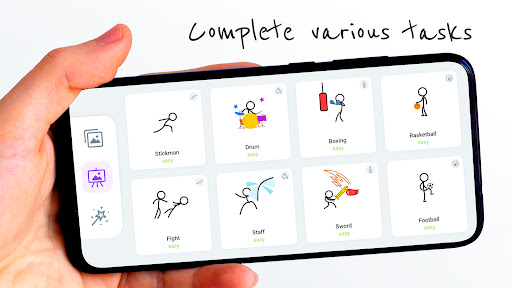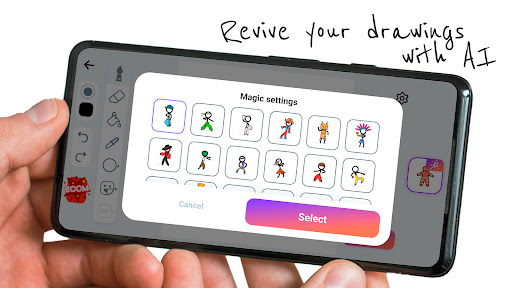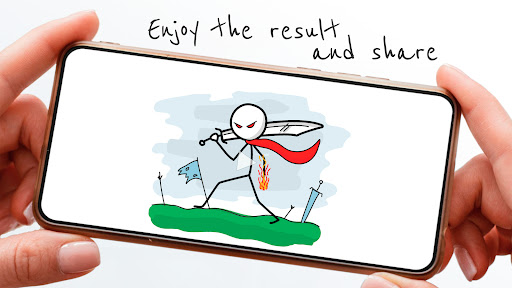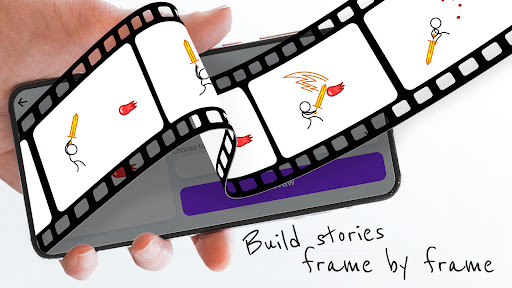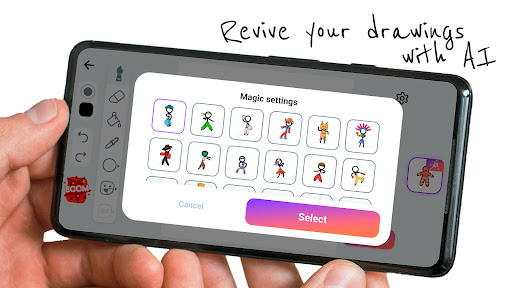
Stickman: draw animation maker

Stickman: draw animation maker

Stickman: draw animation maker, an easy story creator app for fun animations. Free now and unleash your creativity with simple drawing tools!

Screenshots

15 images
Stickman: draw animation maker screenshot 1Stickman: draw animation maker screenshot 2Stickman: draw animation maker screenshot 3Stickman: draw animation maker screenshot 4Stickman: draw animation maker screenshot 5Stickman: draw animation maker screenshot 6Stickman: draw animation maker screenshot 7Stickman: draw animation maker screenshot 8Stickman: draw animation maker screenshot 9Stickman: draw animation maker screenshot 10Stickman: draw animation maker screenshot 11Stickman: draw animation maker screenshot 12Stickman: draw animation maker screenshot 13Stickman: draw animation maker screenshot 14Stickman: draw animation maker screenshot 15

About Stickman: draw animation maker

Stickman: draw animation maker is actually a particularly easy-to-use mobile app specifically used to create interesting and attractive stickman animations. Whether you are a master painter or a novice Xiaobai, you can find something that suits you. The operating interface of this software is particularly intuitive, and the process of drawing and animation has become particularly simple, making people very happy to use. As a piece of software on mobile phones, it can also directly allow you to use your mobile phone or tablet to turn the ideas in your mind into reality. It's a really convenient tool.

Overview

core functions

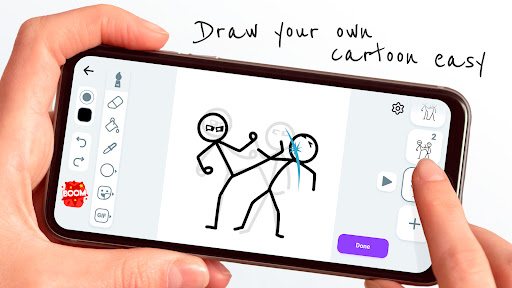
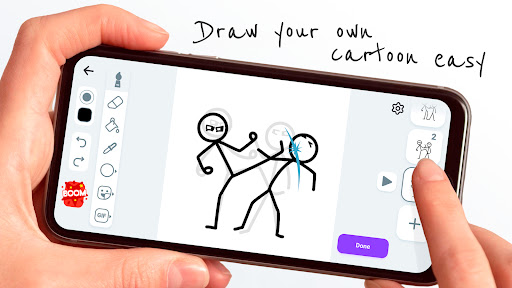
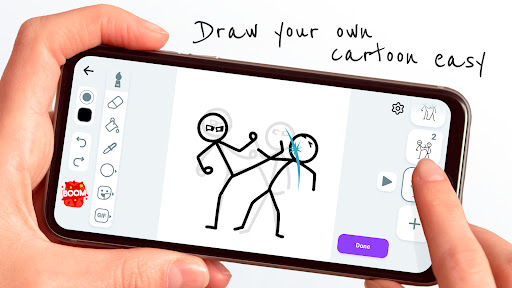
  • This app has a particularly intuitive drawing interface that makes it easy for you to draw delicate animations with little effort.
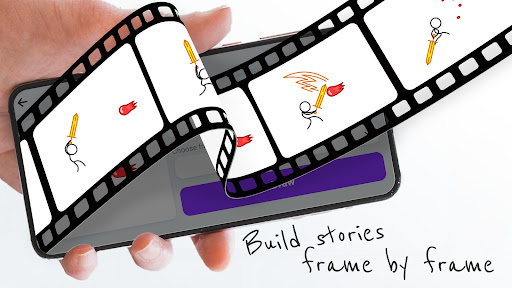
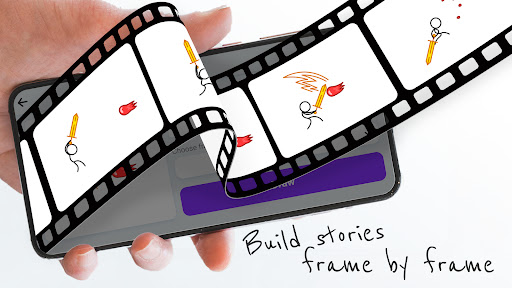
  • Provide many animation tools, such as frame-by-frame editing and Timeline management, to make your animation smooth and natural.
  • You can also preview it in real time and see the effects of your animation at any time. You don't have to export it and watch it again. Everything is right in front of you.
  • Support exporting in multiple formats, making it convenient to share or continue editing.
  • Built-in drawing tools and adjustable brushes greatly stimulate your creativity, and the overall experience is especially suitable for art lovers.
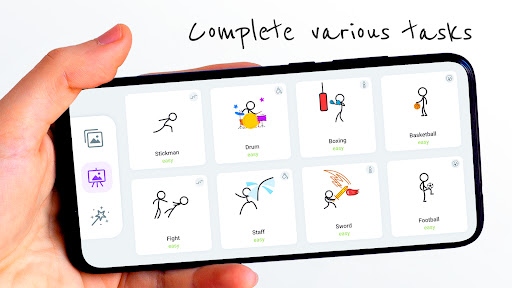
  • This mobile version contains a variety of templates and guides, so that beginners can easily start without fear of not understanding it.
  • There is also an offline mode, which can be operated without the need for a network. It is particularly practical and reliable to use.
  • The design takes the user experience into account, and it is simple to operate and quick to get started. Whether you are a novice or a master, you can use it smoothly.

Who is suitable for?

This mobile app is especially suitable for friends, enthusiasts and young people with animation dreams who love to draw and want to do their own animation on Android phones. It is simple and powerful, and it is a good helper for creative works.

Whether you are a student, teacher or freelance artist, you can use it to create educational content, interesting animations, and even professional videos. Moreover, the operation is particularly people-friendly, and the design is very considerate, fully taking into account the needs of various users.

Why choose this app?

This Android software is particularly attractive, not only because it is comprehensive and user-centered, giving you a smooth animation experience. It is convenient and reliable to use, and it is definitely the first choice tool for people who like to create.

It solves the problems of some other software that have complex interfaces and insufficient editing tools. It provides a trustworthy solution that allows you to easily complete animation production and make professional-level works. It's great!

Top Recommended Alternative

Pros & Cons

Pros

  • Simple drawing interface
  • Rich matchman templates
  • Smooth animation preview
  • Support audio synchronization
  • Various export methods

Cons

  • Character customization is not free enough
  • Animation effects are relatively basic
  • Unstable performance on older equipment
  • Export resolution limits
  • Advanced function learning curve is steep

Download Stickman: draw animation maker

You are going to be redirected to the official website to finish the download when you click these buttons above.

FAQ

Install Stickman on your mobile phone: Is it easy to draw animators?+
Gee, I have to get this Stickman on my mobile phone: It's actually quite convenient to draw an animation maker. Whether it's Android or Apple, it's quite smooth. It can be found on both the Google Play Store and the Apple App Store, and the guidance is clear, so it is not difficult to follow the steps. This application is designed to make users feel that it saves trouble and the installation process is smooth. Once installed, you can immediately start exploring various functions and create animations easily. It's a little exciting!
Do I need to register an account to use this app?+
No, you don't have to create an account to use Stickman software. It can start creating animations directly after installation, which is very convenient, convenient and fast. Of course, there's no harm in signing it or something. You can save your projects in the cloud and sync them with a different device, making you feel more at ease. Overall, the experience is quite safe and reliable.
Is this app safe for children and novices?+
Of course, Stickman: The animation maker is very friendly to children and newcomers. It comes from a reliable developer and has gone through a lot of security testing, making it more secure for everyone to use. The interface is simple and the tools are intuitive, which is especially suitable for newcomers to animation or design. Use it confidently and boldly to use your imagination without pressure, allowing you to freely explore and discover creativity in a safe environment!
What are the main functions of this app? How do they improve the experience?+
The highlights of this application are various drawing tools that can customize characters, and timeline controls that make animation production more worry-free. The interface is quite friendly, no matter how poor your foundation is, you can get started quickly. These features make it a reliable tool to help you achieve it, whether it's making a short film or a complex scene. The design is very considerate, you can be creative as you want, and the experience is great!
Can I use this app offline, or do I have to be connected?+
The advantage of this is that once you install it on the device, almost all functions can be used without networking, such as drawing, animation, etc., which is quite smooth. However, when downloading updates or sharing works, it is much easier to connect online. Overall, this app is quite flexible, so you don't have to worry when you are away. You can do your creations without the Internet.
How does this app compare to other launchers or animation tools?+
Unlike some small starters that purely adjust the interface, Stickman focuses on animation and artistic creation, and has more professional capabilities. It provides a dedicated painting and animation environment that is easy to use. Compared with other animation tools, it is more intuitive and easier to use. It is especially suitable for novices and art lovers. It can be easily operated by anyone who wants to create. It feels more intimate and easy to use!
Will this app be updated regularly? How stable is it?+
Of course, the development team behind it often pushes updates to improve performance, adds new features, and ensures that security measures are in place. You don't have to worry about it becoming unstable or outdated, but you'll get easier and easier to use. This Android app is very reliable. The production team has experience, which can ensure that you can use it with peace of mind and enjoy a high-quality creative experience. It is trustworthy!
Where else can I find more information or get help with this app?+
To learn more or need technical support, you can go to the official pages of the Google Play Store or Apple App Store, where there are frequently asked questions, user reviews, and even contact developers. Communicating through official channels will make the information more reliable, which will make you use it more smoothly, and can solve problems faster when encountering problems, supporting your creative path!

You Might Also Like

More apps you may want to try next.