
StayFree - Screen Time
Advertisement
Screenshots
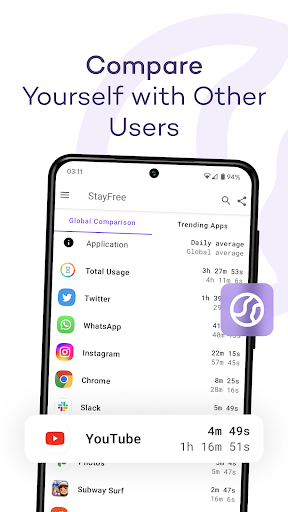
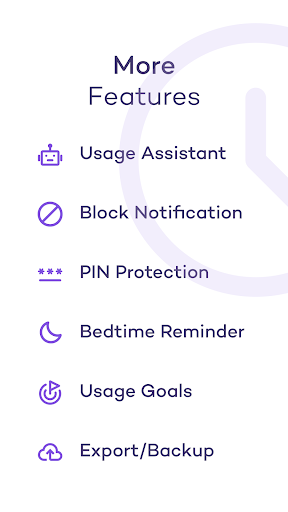
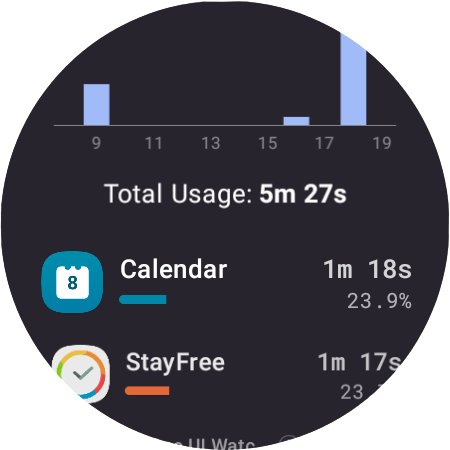
Advertisement
About StayFree - Screen Time
StayFree - Screen Time is really a popular mobile phone application. It specially helps us control our phone time and wants everyone to develop healthier habits. This Android software has a friendly interface and practical functions. You can track the time you use your mobile phone every day, set a usage limit, and see some analysis of your daily habits. It's quite interesting. As a reliable application solution, it gives us more initiative to manage our mobile phone play, and can also improve the overall experience through intuitive tools and detailed reports. It is quite considerate.
Overview
core functions
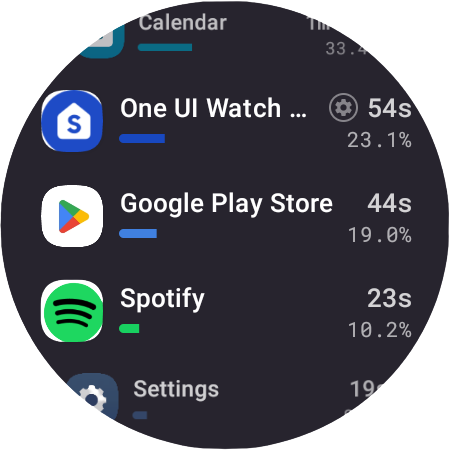
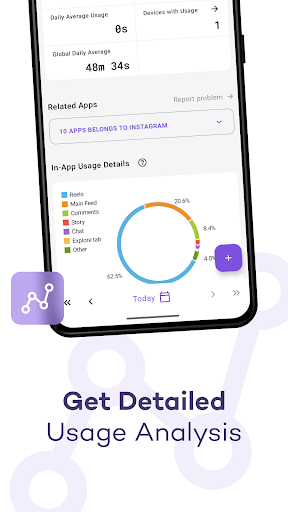
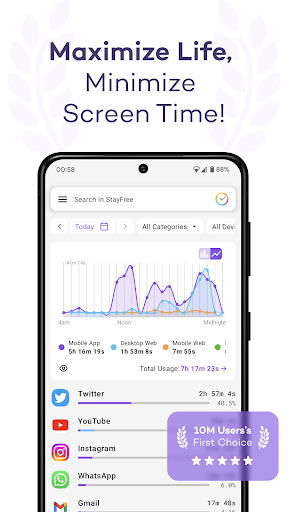
- An app that accurately tracks your screen time and also gives you detailed usage reports daily and weekly to help you see how long you have been using it.
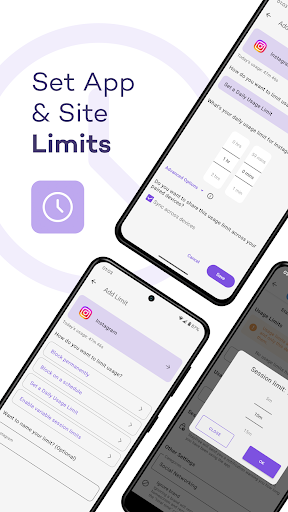
- You can customize reminders to help you stick to set numerical boundaries and reduce distracting distractions so you can focus.
- There are features like focus mode and goal setting to help you develop healthier device usage habits.
- It will also give you some insight into using apps to manage mobile phone dependence, allowing you to better understand your problems and find solutions.
- Support offline use. You can view statistics on your mobile phone without using the Internet. It's very convenient.
- The interface design is quite intuitive and easy to use. The key functions are known at a glance, and the operation is smooth.
- You can arrange exclusive focus periods according to your situation and track them in real time without missing any details.
- There are also some practical widgets that allow you to monitor screen time directly on the launcher and keep track of the situation at any time.
Who is this app suitable for?
This mobile app is particularly suitable for people of all ages who want to have greater control over the use of their devices, especially those who are worried about excessive screen time and desire a healthier digital life.
Whether you are a student, an office worker, or someone who just wants to find an Android app to help you balance screen time and life, you can try it, and the results are quite good.
Why choose it?
The highlight of this Android app is its comprehensive features, with special emphasis on user experience and security. Not only does it simply record how long you use your mobile phone, it also helps you achieve improvements that are closer to real life.
Combining easy-to-use tools and reliable features, it provides you with a trustworthy solution to help you reduce mobile phone addiction and develop healthier habits. Faced with the pressure of the current digital age, this app is still quite reliable. Choice!
Pros & Cons
Pros
-
Comprehensive screen time tracking
-
Customizable application restrictions
-
user-friendly interface
-
Usage reports and trends
-
Focus model and notification management
Cons
-
Limited platform compatibility
-
Occasional synchronization delay
-
Basic customization options
-
Free features are limited
-
Notification management has limitations
Advertisement
Download StayFree - Screen Time
FAQ
Is it easy to sign in and set up with StayFree -Screen Time? +
At first, using StayFree -screen time is quite simple. The mobile app will guide you to register an account or log in. The whole setting is not difficult, fast and convenient. Once you're done, you can start monitoring your app usage immediately!
Thedesign of this app pays special attention to simplicity, and first-time users will not find it difficult to operate. The menus are quite intuitive. The interface it provides allows you to set limits and monitor time at will without worrying about not understanding the technical details. It is quite considerate.
StayFree -Is the screen time function reliable and comprehensive? +
Well, it's quite trustworthy. The functions of this application are indeed reliable. It can analyze your screen time in detail, generate usage reports, and help you set goals. It is a very useful helper and can help you use your mobile phone healthier.
Thesefunctions are all designed to let you understand your mobile phone habits. As a tool to improve efficiency, the data information it provides is very practical and helps you better control your time. It is a bit like a considerate assistant.
Use StayFree on Android devices-Is screen time safe and reliable? +
Many people are concerned about this issue and worry about whether there will be any privacy risks when used. In fact, StayFree is developed by a reputable team that attaches great importance to user privacy and data security and will never share information without your consent.
Basically, it is quite safe to use this app on Android phones and follows industry usual security measures. As long as you download it from reliable channels and don't use strange versions, security will be guaranteed.
Can I customize the application experience to my needs? +
Of course, StayFree -Screen Time supports multiple personalized settings. You can set daily usage limits, schedule breaks, and monitor specific apps. This flexibility makes it a great tool for digital health.
Adjustingsettings according to your habits can help you develop better mobile phone habits, whether you want to reduce your total phone use time or limit certain applications, it is more than enough. The customization of this app is really thoughtful and can help you achieve your goals easier.
StayFree -How does screen time perform as a productivity starter? +
Although it is not a launcher in the traditional sense, it is actually a good matching tool that can help you track application usage and manage time. Combined with a normal starter, it will allow you to focus for longer.
Ifyou're looking for an app that improves efficiency, StayFree is a good choice. Its main function is to help you reduce interference, optimize screen time, and allow you to focus on doing things more.
Customer Reviews
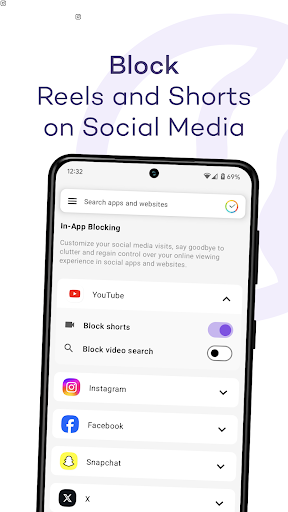
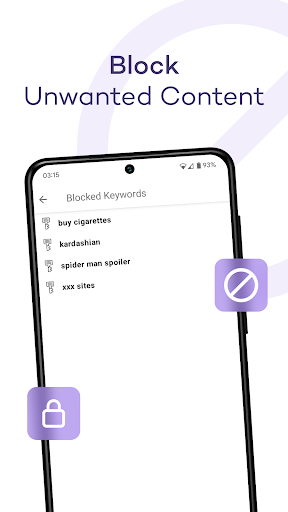
StayFree - Screen Time is widely praised for effectively managing screen time, building habits, and boosting productivity. Users love its intuitive interface, free cost, and features like blocking specific content (e.g., Instagram Reels, YouTube Shorts). However, opinions are mixed on key dimensions. Accuracy: while many find tracking reliable, some report missed apps and significant timing discrepancies compared to built-in trackers. Stability: the app works smoothly for most, but some experienced bugs after battery optimization or updates, causing glitches or sudden unresponsiveness. Privacy: a minority warns of data harvesting, though most users trust the app. Customization: users appreciate the flexibility but desire more options—some want permanent or custom-duration blocks, while others find blocked features too restrictive (e.g., unable to view sent Reels). Overall, it's a solid tool with room for improvement.
Write a Review
Share your experience with StayFree - Screen Time. Submissions are reviewed before publishing.
You Might Also Like
More apps you may want to try next.




