

Advertisement
Screenshots



Advertisement
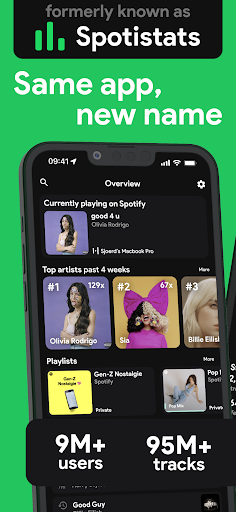
About stats.fm for Spotify
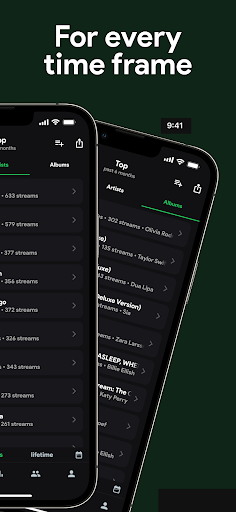
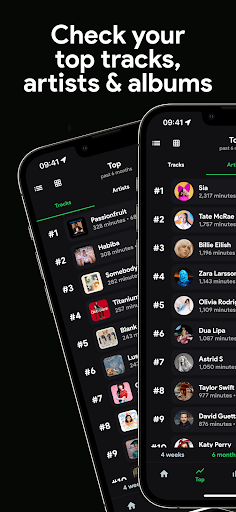
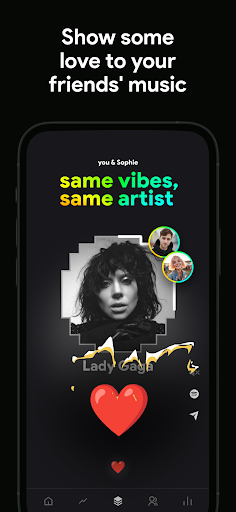
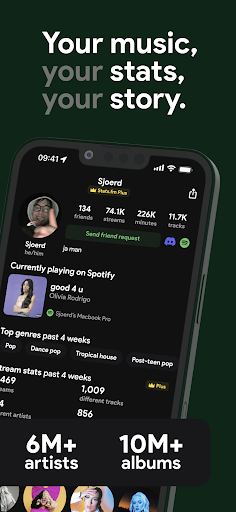
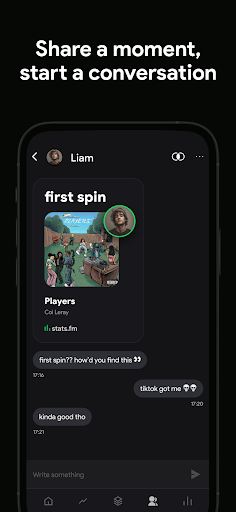
Stats.fm for Spotify is a very intimate mobile app that specifically helps everyone improve their music experience. It contains many detailed listening statistics and various insights, which is quite practical. For those who love listening to music, it can't be missed. It can help you figure out what you listen to and discover some new music trends. It is really a reliable tool. Whether you use Android or iOS, you can use it. It feels very considerate and especially suitable for friends who like to explore music.
Overview
core highlight
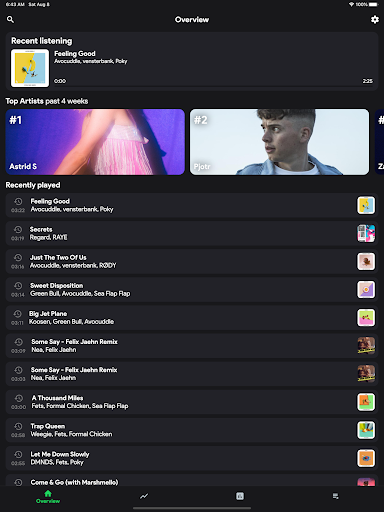
- It can help you make detailed statistics of listening music data, whether it is a daily, weekly or monthly broadcast summary, it is clear.
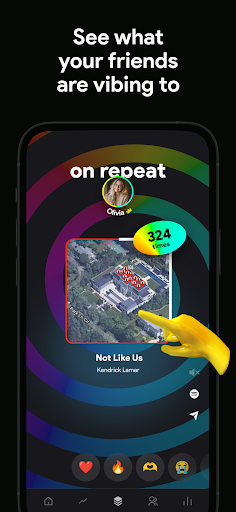
- You can also synchronize your listening records in real time. No matter which device you use, the data is consistent. It is especially convenient for friends who like to use multiple devices.
- Support offline mode, you can read statistics and recently heard songs even without online, and you can never lose the game even when you are away.
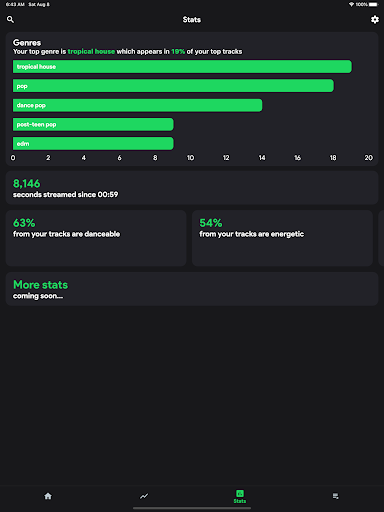
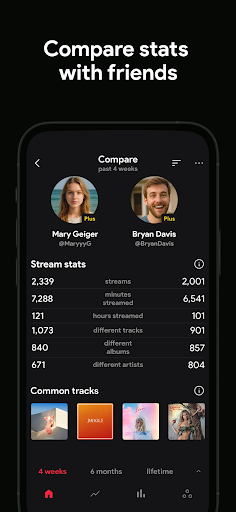
- It will help you display personalized charts and trends, make your music preferences clear at a glance, and it's not difficult to understand yourself at all.
- Perfectly integrated with Spotify, as a reliable application solution for Spotify fans, it is really considerate.
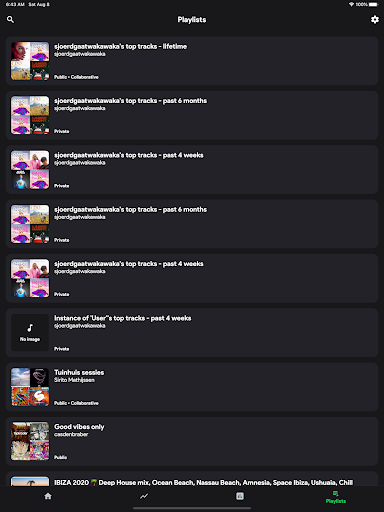
- You can also customize the dashboard and adjust the functions based on your listening habits to make the experience more appropriate to you.
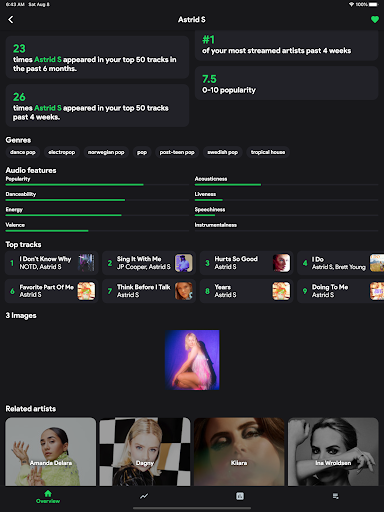
- Provide detailed analysis reports, such as favorite singers, singles and genres, to give you a comprehensive understanding of your musical tastes.
Who is this app suitable for?
If you are a music fan who likes to delve into your Spotify listening habits, this software is definitely right for you. Regardless of your age, you can use it to track your data and discover some interesting trends.
Whether you just listen to music occasionally or love to study song lists, this app uses an intuitive interface and detailed data to help you make listening to songs more interesting and is an ideal helper for managing your music life.
Why choose this APP
This Android app is particularly powerful and is specially designed for Spotify users with great care. It provides accurate data and operates very smoothly, helping you better understand and manage your music preferences.
Choosing it is to believe that a reliable and practical application can track your music statistics without having to bother and effort. It is much simpler and more practical than other similar software on the market, and it is very cost-effective.
Top Recommended Alternative

Pros & Cons
Pros
-
Detailed statistics about Spotify
-
The interface is super easy to use
-
Play data in real time
-
Reports can be customized
-
Perfect combination with Spotify account
Cons
-
Free features are limited
-
Data synchronization is delayed
-
No offline viewing function
-
Occasionally it crashes on certain devices
-
Personalization of reports is quite limited
Advertisement
Download stats.fm for Spotify
FAQ
Is Stats.fm for Spotify safe to use? +
Hey, this Stats.fm for Spotify is quite reliable. It's a very safe mobile phone app that helps you track your listening habits. The design is quite security-oriented. Whether it is the Android version or the iOS version, they strictly abide by security standards. You can rest assured that the data is well protected.
Afterall, it is quite popular in the music and audio categories, and many users use it. Remember to download it from the official app store and don't step on thunder, so that the device will be safe and you can enjoy its various functions with peace of mind without worries.
How do I log in or connect my Spotify account to Stats.fm? +
Connecting your Spotify account to Stats.fm is pretty simple. The App lets you log in with your Spotify account with one click, which works smoothly and gives you direct access to your music data. This experience works great on both Android and iOS devices.
Afterlogging in, you can see your listening data in real time, which will enrich your music experience. The process of connecting accounts is quite safe, personal information is protected, and it can also help you know the details of your favorite songs.
Can I use Stats.fm on my Android phone or only on iOS? +
This Stats.fm for Spotify supports both Android and Apple, and has a wide coverage. Whether you use an Android phone or an iPhone, you can use its various functions without any problems. The design is so that both platforms can be used smoothly.
Thissolution works well with Spotify and can display detailed listening statistics. If you're looking for a launcher app that will enhance your music tracking experience, this will work well on modern Android and iPhone.
Does Stats.fm for Spotify offer offline features or data export? +
Although this Stats.fm mainly tracks real-time listening data, you can export some statistics and save them for play. However, offline use is limited because it has to sync data with Spotify.
ThisApp is designed to continue to provide you with real-time insight into listening to songs. If connected online, it can help you get the latest and most accurate data. If you want to get a complete functional experience, you still have to stay online so that you can master the most realistic listening habits.
What should I do if I experience problems with the app? +
If you encounter any problems using it, first check whether your App has been updated to the latest version. Try restarting the application and checking the network connection. Many problems will be solved.
Ifit still doesn't work, you can check its help and support page or contact customer service. This music and audio tracking App is basically reliable and secure, but when encountering problems, use your brain to find the crux to make the experience smoother.
Customer Reviews
Users praise stats.fm for offering year-round Spotify Wrapped-style insights and one-time payment options, with some finding the features enriching. However, performance and ad issues dominate feedback. While the app delivers detailed listening analytics, many complain about excessive ads (including unmutable audio ads), severe lag, crashes, and loading failures that make the app nearly unusable. The free version is widely criticized as heavily limited, pushing subscription pop-ups constantly. Paid users also report problems: data loss, payment not recognized, broken export-to-playlist (only ~60% songs added), and persistent stat inaccuracies, though recent updates have resolved some errors. Some praise the concise interface and evolution, but others note leaderboards are broken for over a year, pages hang indefinitely, and the app froze on loading for months without support fixing it. Overall, it divides users—those tolerating ads and lag find it useful, while many consider it malware-like due to intrusive monetization and poor reliability.
Write a Review
Share your experience with stats.fm for Spotify. Submissions are reviewed before publishing.
You Might Also Like
More apps you may want to try next.




