FamiliarApps logo
Smartsheet: Projects & Teams

Smartsheet: Projects & Teams

Advertisement

Screenshots
24 images
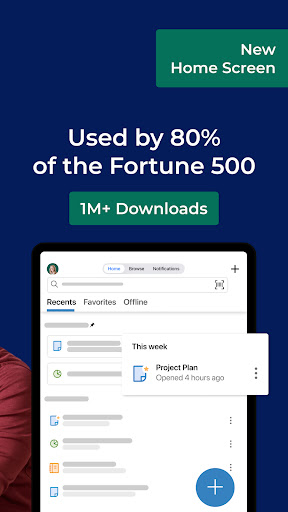
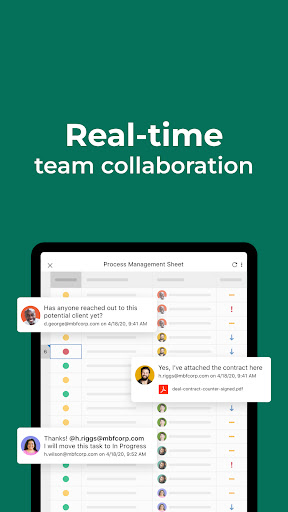
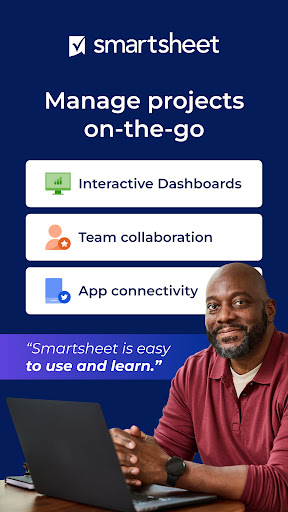
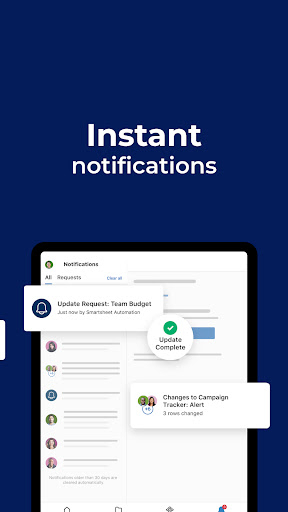
Smartsheet: Projects & Teams screenshot 1 Smartsheet: Projects & Teams screenshot 2 Smartsheet: Projects & Teams screenshot 3 Smartsheet: Projects & Teams screenshot 4 Smartsheet: Projects & Teams screenshot 5 Smartsheet: Projects & Teams screenshot 6 Smartsheet: Projects & Teams screenshot 7 Smartsheet: Projects & Teams screenshot 8 Smartsheet: Projects & Teams screenshot 9 Smartsheet: Projects & Teams screenshot 10 Smartsheet: Projects & Teams screenshot 11 Smartsheet: Projects & Teams screenshot 12 Smartsheet: Projects & Teams screenshot 13 Smartsheet: Projects & Teams screenshot 14 Smartsheet: Projects & Teams screenshot 15 Smartsheet: Projects & Teams screenshot 16 Smartsheet: Projects & Teams screenshot 17 Smartsheet: Projects & Teams screenshot 18 Smartsheet: Projects & Teams screenshot 19 Smartsheet: Projects & Teams screenshot 20 Smartsheet: Projects & Teams screenshot 21 Smartsheet: Projects & Teams screenshot 22 Smartsheet: Projects & Teams screenshot 23 Smartsheet: Projects & Teams screenshot 24

Advertisement

About Smartsheet: Projects & Teams

Smartsheet: Projects & Teams is a very practical mobile application. It helps companies build projects, work with team members, and make the workflow smoother. As long as you use an Android phone, you can easily use it. Its interface is quite friendly and its functions are very powerful. The overall experience is not bad. Whether it's updating tasks or sharing files, this software can help you do it. It's easy and convenient. It can handle team coordination and project tracking in one stop. It's a very considerate platform.

Overview

core features

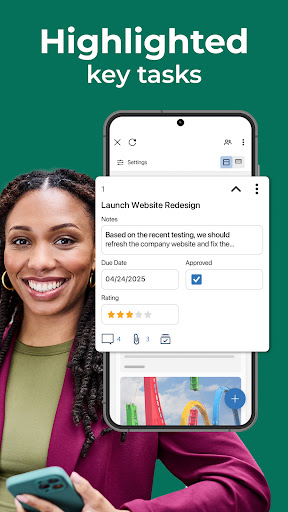
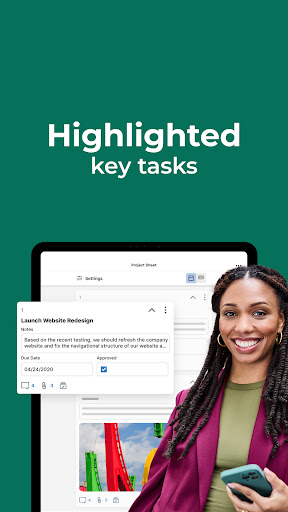
  • This app has a comprehensive project management tool, such as task assignments, milestones, deadlines, etc., to help you keep your team in order.
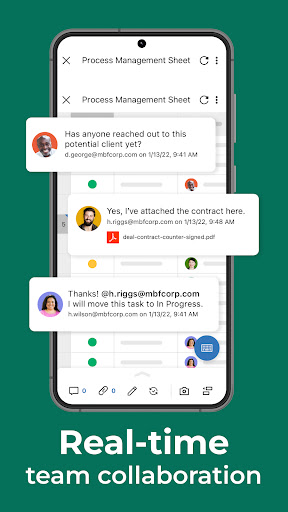
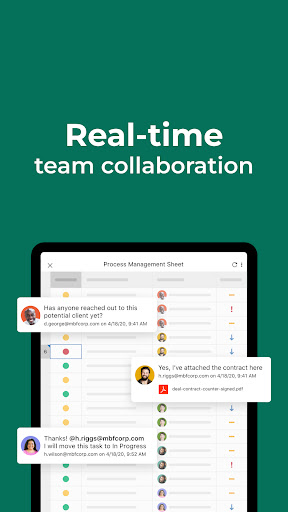
  • Real-time synchronization ensures that everyone can see the latest developments, and can cooperate smoothly across devices and locations, making it feel good.
  • Offline mode is also quite considerate. You can view and edit projects without having the Internet. After you are connected again, changes will be automatically synchronized, and you almost don't have to worry about being disconnected from the Internet.
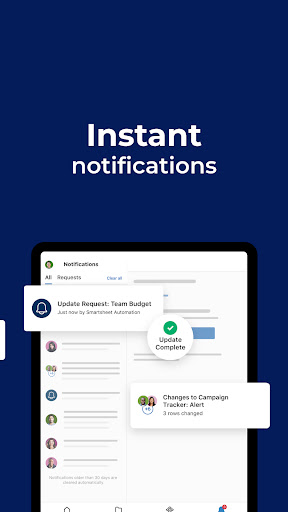
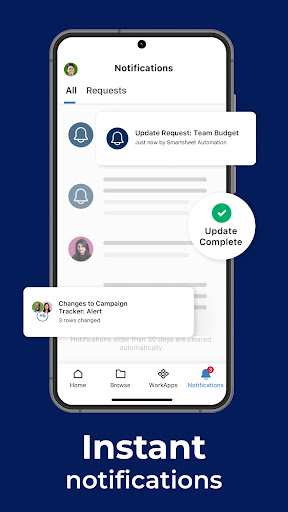
  • Automatically push notifications and reminders to help you easily keep track of important deadlines and updates without worrying about forgetting them.
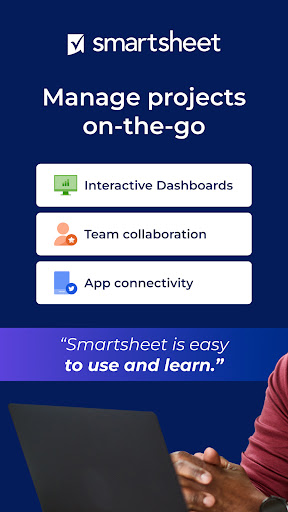
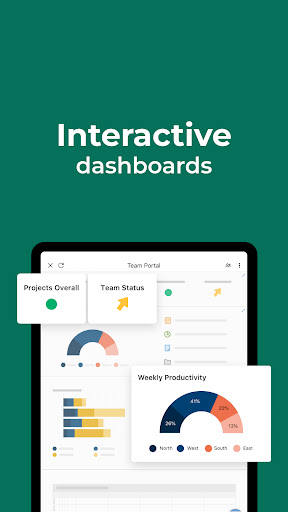
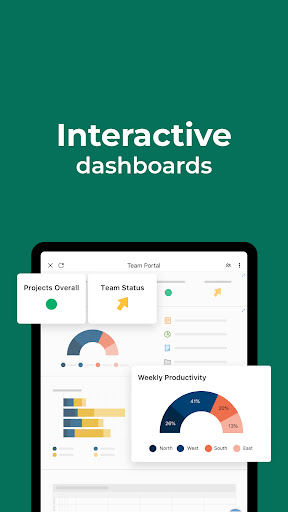
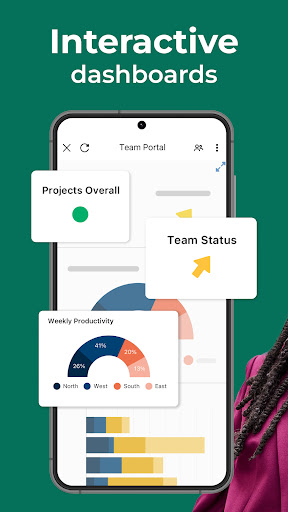
  • You can also customize dashboards and intuitive reports, making it easier to track project progress and clearer decisions.
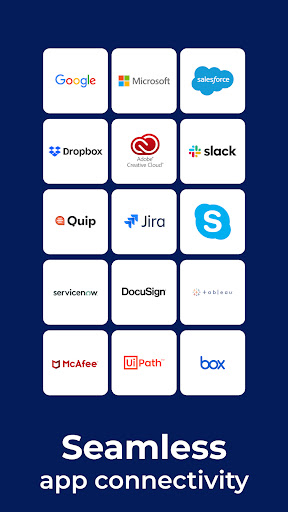
  • Seamless integration with commonly used cloud storage services makes file sharing and collaboration super simple.
  • Bring your own security measures to ensure that your sensitive data is safe, private and reliable.

Who is suitable for?

This mobile app is suitable for professionals, small business owners, and teams who need to manage projects while walking. It is designed for people who like to use intuitive and easy-to-use APP solutions, and those who want efficient collaboration and task management can try it.

Whether you're busy with tasks every day, coordinating remotely, or tracking project progress, this Android version of the app can help you upgrade your experience. The interface is simple and friendly, and powerful, which is especially suitable for you when you are busy.

why this

The reason why this app stands out is that it has comprehensive functions and an ultra-easy interface, optimized specifically for Android devices. The team wants a reliable project management tool, and this is quite appropriate.

The smooth operating experience and the ability to collaborate in real time can help you solve efficiency problems that you easily encounter in ordinary times. It is definitely much more reliable than those messy launchers or project tools. Users can rely on its rich features to improve team efficiency and organizational capabilities.

Top Recommended Alternative

Pros & Cons

Pros

  • intuitive user interface
  • Powerful collaboration capabilities
  • Comprehensive project tracking
  • customizable templates
  • Integration with mainstream applications

Cons

  • price transparency
  • Limited offline access
  • Difficulty of learning advanced functions
  • Limited mobile applications
  • Insufficient customization flexibility

Advertisement

Download Smartsheet: Projects & Teams

You are going to be redirected to the official website to finish the download when you click these buttons above.

FAQ

Is the Smartsheet: Projects & Teams app safe to use on my device? +
Of course, Smartsheet is a very reliable application that can be found on Google Play, and it has undergone security review to ensure that your data will not be easily leaked. The Android version is also designed with security considerations, and it is not difficult to protect your information. Remember to download it from official channels, such as Google Play, and don't try to save trouble when encountering fakes or viruses. Developers will also release updates regularly, which not only makes security more secure, but also brings some new features to improve your experience.
How do I log in or create an account on Smartsheet: Projects & Teams? +
It's actually quite easy to start using this mobile application. You can directly enter your email address in the registration interface, then set a password, and you can create an account. If you already have an account, just enter the account information to log in. The login process for this app is quite straightforward, making it easy for teams to manage projects on Android devices. Regaining an account also allows your data to be synchronized between different devices, making the experience much smoother.
Can I use Smartsheet on my Android device without an internet connection? +
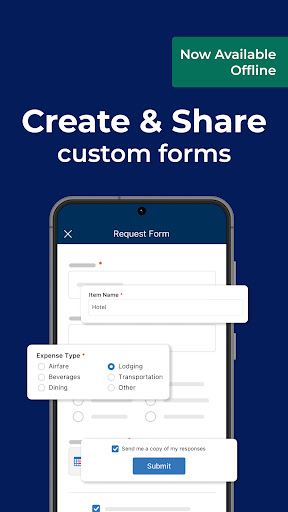
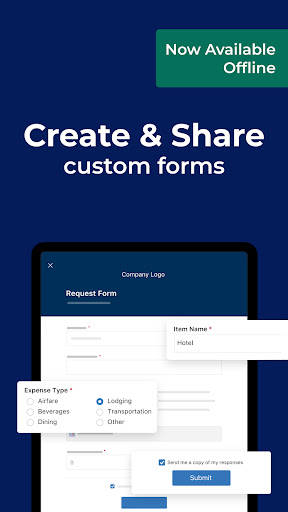
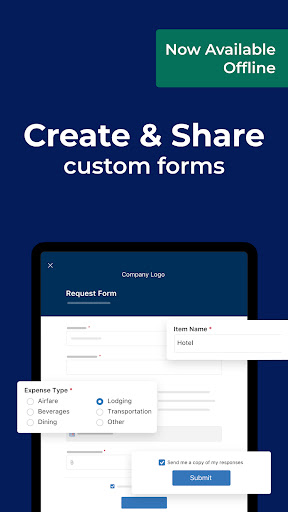
Yes, this app supports offline use! You can operate your forms without the Internet. Once you are connected, all changes will be automatically synchronized to ensure the latest status of the information. This offline feature is quite useful, especially when you are away from home or where the network is unstable. It allows you to work efficiently anytime and anywhere, which is quite suitable for busy teams.
What are some of the main app features of Smartsheet? +
Smartsheet has many features that make project management a lot easier. Things like task tracking, collaboration tools, calendar views, and automation. The interface is designed to be intuitive and can help you complete the process directly on Android. It can also be integrated with other tools to update information in real time. Overall, it is a fully functional application used to keep teams orderly and efficient, and is especially suitable for teams that have to be busy.
Is Smartsheet: Projects & Teams suitable for business use? +
That's right, this app is specially designed for enterprise-level users and can help teamwork and project control work smoother. Whether it's a small team or a large company, you can find the right management tools. It is designed to meet professional needs and allows you to effectively plan, track and complete projects on Android devices. It is really reliable.
Which versions of Android does Smartsheet support? +
Smartsheet supports most of the latest Android versions, which means that your devices will be basically compatible and the experience will be smooth. Remember to keep your operating system up to date so you can use all features and improvements. Using the latest Android version can also enhance security, better performance, and richer features, providing better protection for your project management.
How can I ensure my data remains safe when using the app? +
Smartsheet attaches great importance to data security and uses measures such as encryption and secure login to protect your information. Regular updates and compliance with privacy standards are also key to ensuring data security. To protect your data, remember to use a strong password, turn on two-step verification (if available), and keep your phone system updated. In this way, your data will be more secure and you can use it more safely.
What should I do if I encounter problems or bugs with the app? +
If you encounter problems, you must first check whether there are updates to the new version. Developers often introduce fixes and optimizations to make applications smoother. You can also find help and support in the app or on the official website to obtain some solutions. If you really can't solve the problem, it's good to contact customer service, which can help you quickly solve technical problems, ensure that your work is not affected, and continue to use this application to efficiently carry out projects.

Customer Reviews

AI
AI Generated Summary
Based on real user feedback
★ 3.5

Users consistently praise Smartsheet's versatility for workflow automation and project management, highlighting its intuitive design, seamless user experience, and powerful customization. The app is seen as a practical tool that streamlines daily tasks and exports data easily. However, significant concerns arise around performance and reliability: while some find it fast and efficient, many report frequent crashes, perpetual loading screens, and the need to repeatedly uninstall and reinstall to open sheets. After recent updates, stability has worsened for several users. The mobile app's speed is often criticized, with some preferring the web version. Feature limitations are also noted—some miss Kanban and GANTT views, and the barcode scanner may add extra digits. A major grievance involves billing: users complain that canceling payments is nearly impossible, with fraudulent charges continuing for months. Overall, Smartsheet is a powerful tool for dedicated users, but it suffers from persistent performance issues and questionable billing practices that overshadow its strengths.

Jonas Rabson Manje · 2026-06-16
★ 5
This app is incredibly awesome and provides a seamless user experience with its intuitive design and powerful features.
Jesus Salazar · 2026-06-16
★ 5
This is a truly wonderful software solution that delivers exceptional performance, seamless user experience, and robust features. It stands out for its reliability and ease of use, making it a top recommendation for both professionals and casual users alike.
Tecnico Granjas · 2026-06-15
★ 5
Excellent
Jacques de Villiers · 2026-06-15
★ 1
I have had to repeatedly uninstall and reinstall the app because sheets randomly stop loading. The app displays a message saying 'this is taking longer than expected'. Uninstalling and reinstalling resolves the issue temporarily.
Michiplot sac · 2026-06-15
★ 5
Excellent

Write a Review

Share your experience with Smartsheet: Projects & Teams. Submissions are reviewed before publishing.

Rating *
0 / 2000

You Might Also Like

More apps you may want to try next.

Advertisement
5
Please wait...